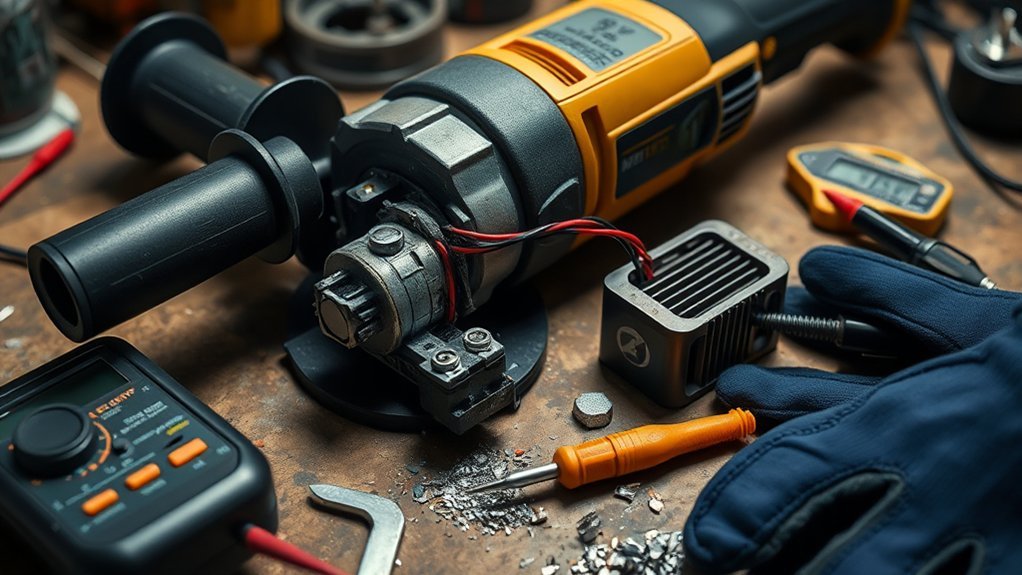
An angle grinder that will not start can bring a job to a halt, but rushing the diagnosis can create a second problem. The cause may be as simple as a tripped outlet, discharged battery, engaged lock-off, or overheated motor. It may also involve a damaged cord, bound wheel, worn brushes, failed switch, electronic controller, or internal motor fault. Use the checks below in order, keep the tool disconnected whenever you inspect it, and follow the manual for your exact model.
Quick Answer
If an angle grinder will not start, disconnect it and identify whether it is corded or cordless. Check the outlet or battery, switch lock-off, restart protection, cord or terminals, overheating, vents, spindle lock, and wheel fit. Stop if it trips protection again, smells burnt, smokes, or has damaged wiring.
Key Takeaways
- Unplug a corded grinder or remove its detachable battery before inspecting the wheel, guard, spindle, switch, cord, terminals, or vents.
- Diagnose corded and cordless grinders differently: outlets and cords matter for one, while battery charge, seating, temperature, and terminals matter for the other.
- Cycle the switch fully to OFF before restarting because electronic overload or no-volt protection may be preventing an intentional restart.
- A wheel or spindle problem usually causes binding, humming, stalling, or shutdown rather than a completely silent tool.
- Stop troubleshooting when you find smoke, melting, exposed wiring, repeated circuit trips, a damaged battery, or harsh internal grinding noises.
At a Glance
| Time Required | About 10–30 minutes for external checks; internal diagnosis takes longer. |
| Difficulty | Beginner for external inspection; advanced or professional for internal electrical or motor repairs. |
| Tools Needed | Model manual, flashlight, known-good outlet or compatible charged battery, soft brush or suitable vacuum, wheel wrench, and required PPE. |
| Cost | Usually $0 for external checks; replacement wheels, brushes, switches, batteries, and professional service vary by model. |
Diagnose the Symptom Before Taking Anything Apart
The symptom tells you where to begin. Do not open the motor housing until you have ruled out the power source, controls, accessory, overheating, and electronic protection.
| Symptom | Likely areas to check | First safe action |
|---|---|---|
| Completely silent, corded | Outlet, GFCI, breaker, extension cord, plug, power cord, lock-off, switch, or restart protection | Unplug it and verify the power source with a known-good device. |
| Completely silent, cordless | Battery charge, seating, temperature, terminals, lock-off, overload protection, or controller | Remove the battery, inspect it, charge it, and reinstall it firmly. |
| Hums but does not spin | Bound wheel, stuck spindle lock, damaged flange, packed debris, bearings, or gearbox | Disconnect power immediately and check whether the spindle turns by hand. |
| Starts, then stops | Overload, thermal protection, weak battery, voltage drop, blocked vents, binding, or worn brushes | Release the switch, disconnect power, remove the load, and let the tool cool. |
| Trips a GFCI or breaker | Ground fault, damaged insulation, short circuit, overloaded circuit, locked motor, or internal failure | Unplug the grinder and do not keep resetting the protective device. |
| Runs intermittently | Damaged cord, loose connection, worn brushes, failing switch, battery contact, or controller | Stop using it; do not flex an energized cord to make the tool run. |
Safety Checks Before Troubleshooting
Keep the switch in the OFF position. Unplug a corded grinder or remove its detachable battery before touching the accessory, guard, flange, spindle lock, vents, cord, terminals, or covers. The general power-tool instructions in the DeWalt DWE43265N manual also direct users to disconnect the power source before adjustments or accessory changes.
Warning: Do not operate or energize a grinder with exposed wires, a crushed cord, a cracked housing, smoke, melted plastic, a burning smell, a leaking or swollen battery, or a wheel that cannot turn freely. Never bypass the guard, lock-off, restart protection, or another safety feature.
Visual Inspection Checklist
- Inspect the cord or battery: Look for cuts, crushed insulation, loose plug prongs, cracked battery cases, swelling, leakage, burn marks, or damaged terminals.
- Check the switch: Confirm that it moves normally, is not physically broken, and returns to OFF when the design requires it.
- Check the spindle lock: Make sure the button is not cracked, packed with debris, or stuck in the pressed position.
- Inspect the wheel: Look for cracks, chips, warping, missing abrasive, damaged segments, or an incorrect arbor.
- Check the flanges: Confirm that the inner and outer flanges are clean, undamaged, correctly oriented, and suitable for the accessory.
- Secure the guard: Use the correct guard for the wheel and operation. OSHA requires guards on portable abrasive wheels in covered applications and requires proper alignment with the wheel.
- Install the side handle: Tighten it in a position that gives you firm two-handed control.
- Remove the wrench: Never leave an adjusting wrench or flange tool attached when power is restored.
OSHA’s abrasive-wheel requirements address guard alignment, flange use, wheel inspection, spindle fit, and eye protection. Your grinder and accessory manuals remain the controlling instructions for the exact model and wheel.
Personal Protective Equipment
Wear safety glasses with side protection or sealed goggles during testing and operation. Add a face shield when sparks, wire fragments, abrasive pieces, or workpiece debris could strike your face. Use snug-fitting, task-appropriate gloves, hearing protection, protective clothing, and suitable respiratory protection for the material and exposure.
A face shield does not eliminate the need for primary eye protection. Keep loose clothing, jewelry, long hair, and glove material away from the rotating accessory.
Check a Corded Angle Grinder’s Power Supply
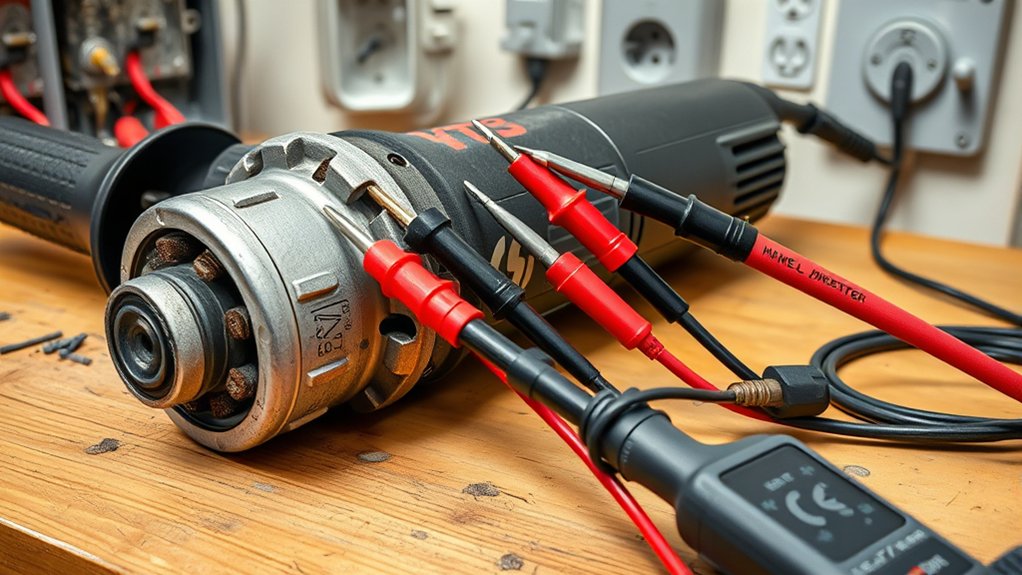
Start with the electrical path before assuming that the motor has failed.
- Test the outlet: Unplug the grinder and use a known-good device or appropriate receptacle tester to confirm that power is available.
- Check the GFCI: A GFCI detects an imbalance between outgoing and returning current. If it trips, unplug the grinder before resetting it. If it trips again when the grinder is connected, stop and investigate the grinder, cord, outlet, and work environment rather than repeatedly resetting it. See OSHA’s GFCI guidance.
- Check the circuit breaker: Turn off or unplug other loads on the same circuit. Reset the breaker once only after inspecting the grinder and extension cord. A second trip can indicate overload, a short circuit, a locked motor, or an internal tool fault.
- Remove the extension cord from the test: When practical, plug the grinder directly into a suitable known-good outlet. A long, undersized, damaged, or coiled extension cord can cause voltage drop and overheating.
- Match the supply to the nameplate: Confirm that the voltage and frequency match the grinder’s rating. Follow the manual’s extension-cord gauge and length requirements.
- Inspect the plug and cord: Check the full length from the plug to the housing. Do not tape over exposed conductors or continue using a cord that becomes hot, arcs, or works only when bent.
- Check the lock-off and switch sequence: Some triggers or paddles require a separate lock-off lever. Do not force the trigger without operating the lock-off correctly.
- Cycle restart protection: Move the switch fully to OFF, wait briefly, and then try the normal start sequence. Some grinders intentionally refuse to restart after power loss until the switch is reset.
Note: An outlet may power a lamp or charger yet still have a loose connection, voltage problem, or circuit limitation under a heavy tool load. Stop using an outlet that sparks, feels hot, will not hold the plug firmly, or repeatedly trips protection.
Products Worth Considering

Brushless motor of the angle grinder requires no brush changes.

Ryobi R18AG-0 ONE+ Cordless Angle Grinder

Run Time - Up to 56 cuts of 1/2" rebar**
Check a Cordless Angle Grinder’s Battery and Controls
A cordless grinder needs a charged, compatible battery pack, clean contacts, a working switch, and electronics that are not in thermal or overload shutdown.
- Remove the battery first: Keep the switch OFF and release the pack using the manufacturer’s procedure.
- Inspect the battery: Do not use a pack with cracks, swelling, leakage, melted plastic, damaged terminals, a strong chemical odor, or unusual heat.
- Charge the battery: Use the specified charger and read its indicator lights. A pack may appear charged while the charger is reporting a temperature or battery fault.
- Let the pack reach an acceptable temperature: A battery that is very hot or cold may be temporarily disabled by its protection system.
- Clean the exterior contacts: Keep the terminals dry and free of loose debris. Do not insert metal objects, use conductive tools across the contacts, or soak the pack with cleaner.
- Seat the pack fully: Slide or press it into place until the retention mechanism engages.
- Try a known-good compatible pack: This is one of the fastest ways to separate a tool fault from a battery fault.
- Cycle the switch: Release it fully, wait, and operate the lock-off and trigger again. Electronic switches may require a complete release after a shutdown.
- Allow overload protection to reset: Remove the cause of binding or overload, let the tool and battery cool, and follow the restart sequence in the manual.
Warning: Do not open, puncture, crush, heat, charge, or reuse a visibly damaged lithium-ion battery. Move away from the pack if it begins hissing, smoking, venting, or rapidly heating, and follow the manufacturer’s emergency and disposal guidance.
Products Worth Considering

CORDLESS & LONG-LASTING POWER-- This cordless angle grinder is powered by a 12V lithium-ion battery, eliminating cable tangling for easy portability indoors and outdoors. The 1500mAh battery and fast charger provide extended runtime

【Cordless Use/High Capacity Battery】Cordless angle grinder runs on 16.8V lithium battery, cordless design eliminates the hassle of tangled cables, easy to carry, can be used indoors and outdoors.2000mAh high-capacity rechargeable lithium-ion battery and a fast charger keep the angle grinder working stably for a long time.Warm tips: Angle grinder upgraded new self-locking switch, no need to use a screwdriver to fix the saw blade

【Powerful Brushless Motor】High-efficiency brushless motor delivers up to 8000 RPM, providing strong power for cutting, grinding and polishing. Compared with brushed motors, it offers longer lifespan, less heat and higher efficiency.
Check Electronic Restart and Overload Protection
A tool that appears dead may be responding normally to a safety feature. Current grinders may include no-volt release, unintentional-restart protection, thermal shutdown, overload protection, anti-rotation control, or indicator lights.
For example, the Makita GA7070/GA9070 manual explains that equipped models may refuse to start after an interruption until the switch is returned to OFF. It also uses indicator behavior to distinguish possible cord, controller, switch, brush, or motor problems. Other brands use different lights and reset sequences.
- Release the trigger or paddle fully.
- Move any locking switch to OFF.
- Disconnect the plug or battery.
- Remove the cause of a stall, pinch, overload, or blocked wheel.
- Let the grinder cool if it stopped during hard work.
- Reconnect power and follow the exact restart sequence in the manual.
If the indicator continues to show a fault, record its color and blink pattern before contacting the manufacturer or service center.
Check the Spindle Lock, Wheel, and Guard
A mechanical bind can prevent the spindle from turning, make the motor hum, trigger overload protection, or trip a breaker. It usually does not explain a completely silent grinder unless an electronic protection system has also shut the tool down.
Spindle Lock Issues
Unplug the grinder or remove the battery. Check the spindle-lock button for cracks, sticking, packed dust, or a button that does not spring back. The lock is intended to hold the spindle only while installing or removing an accessory.
Turn the spindle or installed wheel slowly by hand. Gear resistance is normal, but the spindle should not be completely locked, scrape the guard, or stop abruptly at one point. Inspect the guard area, flanges, gearbox nose, and accessory for debris or contact.
Never press the spindle lock while the spindle is moving. Manufacturer manuals warn that doing so can damage the tool.
Wheel Installation Problems
Confirm that the accessory matches the grinder’s permitted diameter, thickness, arbor or spindle thread, flange system, and intended operation. The accessory’s rated speed must be at least equal to the maximum speed marked on the grinder.
- Remove the wheel using the manual’s procedure.
- Inspect it for cracks, chips, warping, missing segments, water damage, or an enlarged arbor hole.
- Clean the seating surfaces of the inner and outer flanges.
- Check that each flange faces the correct direction for that wheel type.
- Make sure the wheel fits freely and is not forced onto the spindle.
- Use the correct grinding or cutting guard for the accessory.
- Tighten the retaining nut or flange only as directed by the manufacturer.
- Rotate the wheel by hand to confirm that it clears the guard and does not wobble.
Replace a damaged wheel instead of attempting to straighten it, glue it, run it at a lower speed, or hide a defect under a flange.
Diagnose Disc and Wheel Performance Problems
Some accessory problems do not prevent startup but can make the grinder feel weak, rough, hot, or unsafe after it begins running. Heavy wear on one side may indicate poor alignment, excessive pressure, a damaged backing system, or incorrect working angle.
Look for glazing, missing abrasive, segment cracks, bent backing plates, uneven edges, loose wires, or excessive vibration. Match the accessory to the material and operation. Grinding wheels, flap discs, abrasive cut-off wheels, diamond wheels, wire brushes, and sanding accessories are not interchangeable.
Do not grind with the side of a cut-off wheel unless the wheel manufacturer specifically permits that use. Keep the accessory at the recommended angle, avoid twisting a cut-off wheel in the kerf, and let the wheel cut instead of forcing the grinder through the material.
Check Overheating, Vents, and Dust
A grinder may shut down because the motor, controller, or battery has exceeded a safe temperature. Disconnect it and let it cool until the housing and battery return to a normal temperature. Remove the cause of overload before restarting.
Inspect the intake and exhaust vents. Use a soft brush or suitable vacuum to remove loose exterior debris. Do not direct high-pressure compressed air into the housing unless the manufacturer specifically approves that method. Compressed air can spread hazardous dust and push conductive metal particles deeper into the tool.
When grinding concrete, stone, mortar, brick, or other silica-containing material, control dust at the source. NIOSH recommends engineering controls such as water suppression where the tool and accessory are designed for it, or local exhaust ventilation with suitable filtration. See the NIOSH silica safe-work guidance.
In one NIOSH concrete-grinding study, measured silica exposures were 35 to 55 times the agency’s recommended exposure limit before effective dust controls were applied.
Do not use water or liquid coolant with a grinder that is not specifically designed and rated for wet operation.
Check Carbon Brushes Only When the Manual Allows
First determine whether the grinder has a brushed or brushless motor. Brushless grinders do not have replaceable carbon brushes. On a brushed model, worn brushes can cause intermittent operation, weak power, failure to start, or abnormal internal arcing.
Inspect or replace brushes only when the manual identifies them as an owner-serviceable part. Use the exact brush type, replace both brushes as a matched pair, and make sure they move freely in their holders. Some manufacturers direct all brush inspection and replacement to an authorized service center.
A small, even spark at the brush area may occur in some brushed motors. Heavy arcing, sparks circling the commutator, smoke, a burnt odor, or rapid brush wear points to a deeper armature, commutator, winding, or bearing problem.
Do not open the housing merely to “see whether power is reaching the switch.” Internal continuity, controller, armature, field-winding, and insulation testing should be performed only by a person with the correct service information, tools, and electrical-repair skill.
Step-by-Step Fixes for an Angle Grinder That Won’t Start
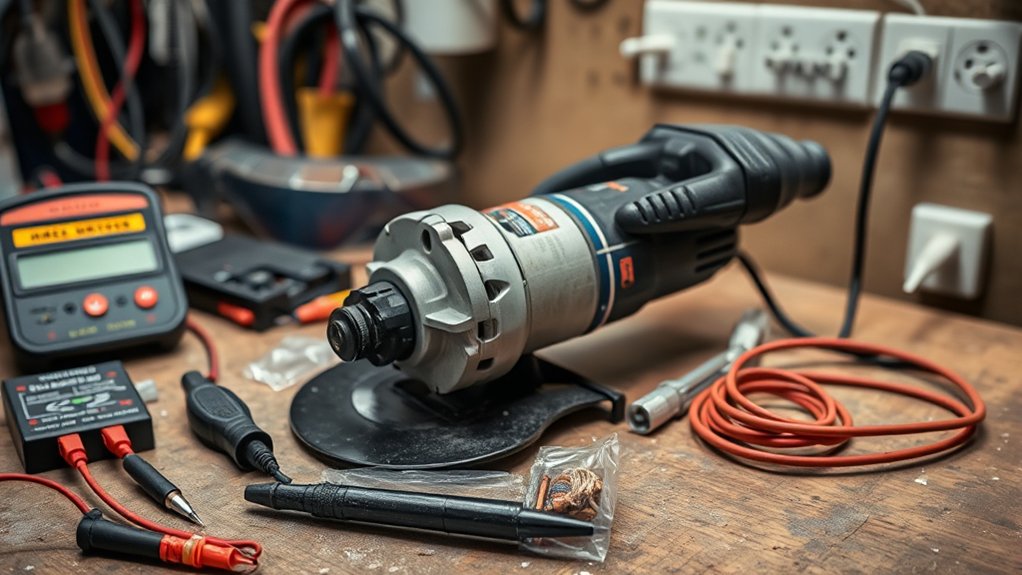
Use this order so that easy external causes are ruled out before parts are removed.
- Disconnect the power: Unplug the cord or remove the detachable battery.
- Read the model manual: Check its switch sequence, indicator lights, accessory limits, restart procedure, and owner-serviceable parts.
- Inspect for obvious damage: Check the housing, cord, plug, battery, terminals, switch, guard, wheel, flanges, and spindle lock.
- Verify the power source: Test the outlet and circuit for a corded grinder, or charge and reseat the battery for a cordless grinder.
- Remove the extension cord: Test a corded grinder directly from a suitable outlet when practical.
- Cycle the controls: Return the switch fully to OFF and operate the lock-off correctly.
- Reset protection safely: Let the tool cool and clear any overload or binding before reconnecting power.
- Check the spindle: With power disconnected, confirm that it turns without a hard lock, scraping, or wheel-to-guard contact.
- Remove and reseat the accessory: Inspect the wheel, arbor, flanges, retaining hardware, and guard.
- Clean external vents: Use a soft brush or suitable vacuum according to the manual.
- Check serviceable brushes: Do this only on a brushed model whose manual permits owner inspection.
- Stop at internal faults: Have a qualified technician test the switch, controller, armature, field winding, bearings, gearbox, and internal wiring.
Pro Tip: Photograph the guard, flange orientation, wire routing, and cover positions before removing an owner-serviceable part. The photo can prevent incorrect reassembly, but it does not replace the model’s parts diagram or service instructions.
Test the Grinder Safely After a Fix
Before restoring power, reinstall every required cover, guard, flange, fastener, and handle. Confirm that the switch is OFF, remove the wrench, and rotate the accessory by hand to check clearance.
Move people away from the work area and stand outside the plane of the wheel. Wear eye and face protection and hold the grinder with both hands. Follow the model manual for the no-load test. Many manufacturer instructions, including the DeWalt manual linked above, direct users to run a newly installed or replacement accessory at maximum no-load speed for one minute while everyone remains away from its plane.
Switch the grinder off immediately if the wheel wobbles, scrapes, vibrates heavily, produces unusual internal arcing, smells burnt, or fails to reach normal speed. Do not begin grinding until the cause has been corrected.
When to Stop and Get Professional Help
Stop troubleshooting and arrange qualified service when you find any of the following:
- Smoke, melted plastic, a burning electrical smell, or exposed conductors
- A GFCI or breaker that trips again after one controlled reset
- A cracked housing, loose internal parts, or damaged insulation
- A swollen, leaking, punctured, smoking, or unusually hot battery
- A switch that will not turn the grinder off reliably
- A spindle that remains locked after the wheel and visible debris are removed
- Harsh grinding, knocking, or scraping from the gearbox or bearings
- Heavy internal arcing or rapidly worn brushes
- A fault indicator that returns after the manual’s reset procedure
- A grinder that remains dead after all external power and mechanical checks
The failed part may be the switch, controller, armature, field coil, internal wiring, bearing, or gearbox. These repairs require model-specific testing and correct replacement parts.
Check the warranty before opening the housing or approving a repair. Brush or switch service may be economical on a professional grinder, while a failed motor, electronic controller, or gearbox can approach the cost of replacement. Compare the written repair estimate with the price, age, condition, and duty rating of a suitable new tool.
Preventive Maintenance Tips
Regular inspection helps the grinder start reliably and reduces sudden failures.
- Inspect before every use: Check the cord or battery, switch, guard, side handle, wheel, flange, and spindle lock.
- Keep vents clear: Remove loose exterior dust using the method approved in the manual.
- Control dust at the source: Use a compatible shroud, extraction system, or wet method where permitted.
- Store wheels correctly: Keep them dry, protected from impact, and supported according to the wheel manufacturer’s instructions.
- Use the correct accessory: Match its diameter, thickness, arbor, speed rating, material, and operation to the grinder.
- Avoid overload: Do not force the wheel, twist a cut-off disc, block the vents, or use a dull or glazed accessory.
- Allow cooling breaks: Give the tool and battery time to cool during sustained heavy work.
- Maintain serviceable brushes: Inspect and replace them only at the interval and wear limit stated in the manual.
- Protect cords and batteries: Keep them away from the wheel, sparks, sharp edges, hot metal, water, and vehicle traffic.
- Address changes early: Stop and inspect the grinder when startup becomes slower, intermittent, noisier, hotter, or more difficult.
Frequently Asked Questions
How do you fix an angle grinder that is not turning on?
Disconnect it first. For a corded grinder, check the outlet, GFCI, breaker, extension cord, plug, cord, lock-off, and restart protection. For a cordless model, check the battery charge, seating, temperature, terminals, and protection indicators. Then inspect the spindle lock, wheel, vents, and serviceable brushes. Send internal switch, controller, motor, or wiring faults to a qualified technician.
Why won’t my grinder turn on even though the outlet works?
The plug or cord may be damaged, the lock-off may not be engaged correctly, restart protection may need to be reset, the switch may have failed, the brushes may be worn, or the motor electronics may have shut down. An outlet that powers a small device can also have a loose connection or voltage problem under a heavier load.
What should you do if the grinder hums but does not spin?
Release the switch and disconnect power immediately. Check for a bound wheel, stuck spindle lock, incorrect flange, wheel-to-guard contact, packed debris, seized bearing, or gearbox damage. Continued humming can overheat the motor. If the spindle turns normally by hand but the tool still hums, arrange professional motor, controller, switch, or wiring diagnosis.
What are common angle grinder problems?
Common problems include damaged cords, weak or faulty batteries, failing switches, worn brushes on brushed models, blocked vents, overheated electronics, loose or incorrect wheels, damaged guards, stuck spindle locks, worn bearings, gearbox faults, and dust-contaminated internal parts.
Can a bad disc stop an angle grinder from starting?
A cracked, warped, oversized, incorrectly mounted, or poorly seated disc can bind against the guard or flanges. That can make the motor hum, stall, trigger overload protection, or trip a breaker. It is less likely to cause a completely silent tool unless electronic protection has also shut the grinder down.
Why does my angle grinder start and then stop?
The grinder may be overloaded, overheated, running through an undersized extension cord, using a weak battery, or detecting a bound accessory. Release the switch, disconnect power, clear the obstruction, let the tool cool, and follow the manual’s restart procedure. Repeated shutdown with no load requires service.
Why will my cordless grinder not start with a charged battery?
The battery may not be seated fully, its contacts may be dirty or damaged, its temperature may be outside the operating range, or the grinder may be in overload or restart protection. Try the normal reset sequence and a known-good compatible battery. If both packs fail, the switch, terminals, controller, or motor may need service.
Should you replace an angle grinder switch or carbon brushes yourself?
Only do so when the exact model manual identifies the part as owner-serviceable and you have the correct replacement and repair skill. Brushless grinders have no carbon brushes, and many manufacturers require switch, controller, motor, or brush work to be performed by an authorized service center.
Conclusion
An angle grinder that will not start usually has a problem with its power source, battery, controls, restart protection, accessory, spindle, cooling system, brushes, or internal motor components. Begin with external checks and separate corded troubleshooting from cordless troubleshooting. Confirm that the wheel and guard are correct before testing, and never keep resetting a protective device or running a grinder that hums, burns, smokes, or binds. When the safe checks do not identify the cause, professional service is the right next step.
Sources
- OSHA 29 CFR 1926.303 — Abrasive Wheels and Tools — guard, wheel, flange, inspection, fit, and eye-protection requirements.
- OSHA Ground-Fault Circuit Interrupter Guidance — how GFCIs detect ground faults and interrupt power.
- DeWalt DWE43265N Instruction Manual — accessory speed, inspection, PPE, ventilation, power-supply, guard, and no-load test guidance.
- Makita GA7070/GA9070 Instruction Manual — spindle lock, switch action, indicator lights, restart protection, and electronic shutdown behavior.
- NIOSH Safe Work Practices for Crystalline Silica — water suppression, local exhaust ventilation, HEPA filtration, and exposure controls.
- NIOSH Control of Crystalline Silica Dust When Grinding Concrete — concrete-grinding exposure findings and local-exhaust recommendations.