Grinding overload can damage equipment fast, and the warning signs often start small. A change in sound, vibration, heat, or feed rate can point to a problem before a part fails. This guide explains how to prevent overload damage when grinding through calibration, inspection, feed control, operator training, and clear reporting.
Quick Answer
To prevent overload damage when grinding, keep the machine within its rated load, use the right abrasive disc, and feed material at a steady rate. Inspect the grinder before use, monitor heat and vibration, and use overload protection devices that stop the machine when load rises too high. Train operators to stop work when they hear odd noises, feel excess vibration, or see heat warnings.
Key Takeaways
- Match the grinder, wheel, speed, and material before you start work.
- Control feed rate and pressure so the grinder does not work beyond its rated load.
- Inspect discs, guards, bearings, wiring, and protection devices before problems grow.
- Stop grinding when you notice unusual noise, vibration, heat, or loss of power.
- Train operators to report overload risks early and follow a clear shutdown process.
What You Need to Know About Overload Damage
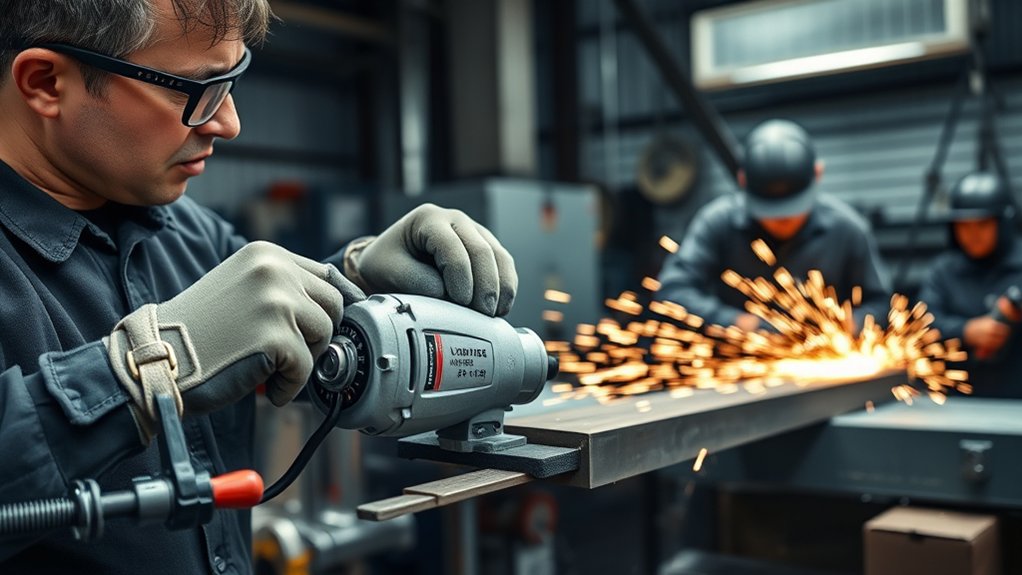
Overload damage happens when grinding equipment handles more force, heat, speed, or material load than it can safely manage. The result can include motor strain, bearing wear, wheel damage, poor finish quality, and sudden shutdowns.
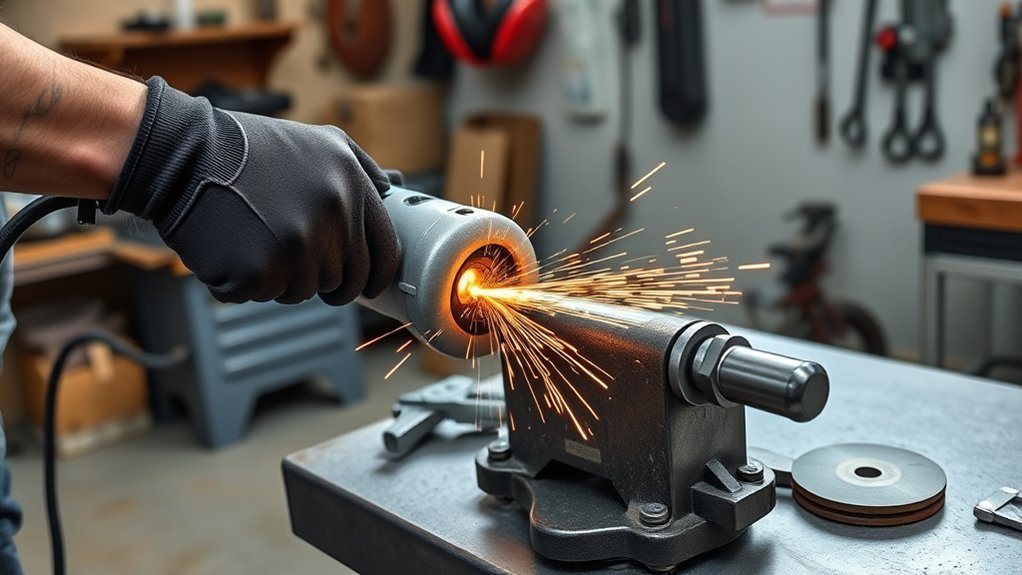
Watch for common warning signs during grinding. Unusual noises, rising vibration, hot surfaces, burning smells, slower wheel speed, and thermal overload warnings all need attention.
Warning: Never exceed the maximum operating speed marked on an abrasive wheel or disc.
Always follow the maximum operating speed (MOS) for abrasive discs. A wheel that runs too fast can break apart and cause serious injury. Regular monitoring and proper setup help you protect workers, reduce downtime, and extend equipment life.
Why Equipment Calibration Prevents Overload Damage
Proper equipment calibration keeps grinding machines within their designed operating range. When speed, alignment, pressure, and feed settings stay correct, the grinder handles work more smoothly and with less strain.
For crushers and related grinding systems, check the closed side setting (CSS) as part of routine calibration. A setting that is too tight can increase pressure on material and wear grinding surfaces faster.
Accurate calibration also helps you set steady material feed rates. Better feed control lowers the risk of jams, overheating, and sudden torque spikes.
Keep clear calibration records so you can spot changes over time. When readings drift, adjust the equipment before overload turns into a costly repair.
Products Worth Considering

Reported values are accurate to +/- 0.01 pH at 25 °C and are traceable to NIST Standard Reference Materials (SRMs).
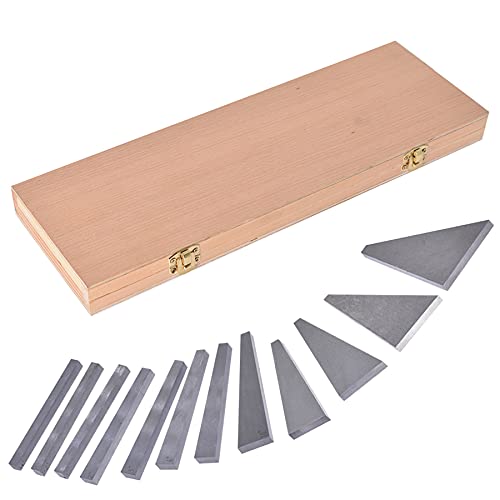
Product - Workshop-grade set features 12 individual steel blocks of various angles.

51mm Espresso Tamper Kit 7-Pcs: Our espresso accessories kit includes espresso tamper, WDT needle stirrer, coffee distributor, wood tamping station, dosing funnel, brush and puck screen. Perfectly compatible with Delonghi, Smeg and other espresso machines equipped with 51mm portafilters. Ideal for your daily home espresso brewing. Note: Measure your portafilter basket diameter before use
Using Overload Protection Devices
Overload protection devices help protect motors, drives, and moving parts when force or current rises too high. These devices do not replace safe operation, but they give your equipment an added layer of protection.
Choose protection devices that match the grinder, motor size, electrical system, and work conditions. Test them on a regular schedule so you know they will respond when overload occurs.
Products Worth Considering

✅Package Content: 1 x Starter Relays 4.7 ohm 3Pin + 1 x Refrigerator Overload Protector 1/2HP.
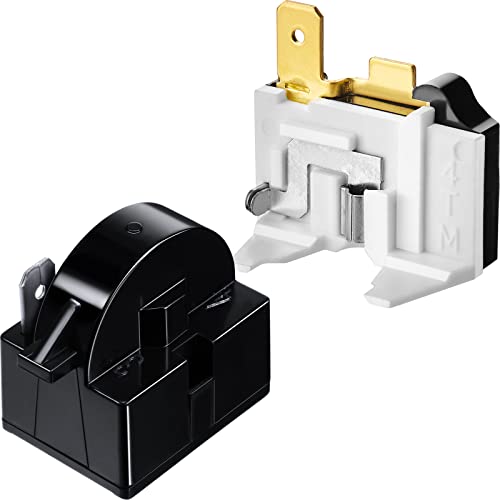
Package Content: you will get 1 piece of 4.7 Ohm 1 pin PTC start relay and 1 piece of 6750C-0005P refrigerator overload protector, totally 2 pieces for you, convenient to replace the old or broken part of your refrigerator; Please note the item is only compatible with QP2-4.7 one terminal relay; Note: high current refrigerator still needs a high current parameter protector, otherwise it will burn, and the maximum current of our overload protector is 15A

1/5 HP Compressor Thermal Overload Protector and 15Ohm Start Relay Fits Portable Freezer Car Refrigerator Beverage Wine Beer Cooler Refrigerator,Beverage Wine Beer Cooler
Key Benefits of Overload Protection
Overload protection improves equipment reliability during grinding work. A properly selected device can shut down the machine when it detects unsafe current, heat, or torque.
This protection reduces wear from overload events and helps prevent motor damage. It also gives operators more time to respond before a minor issue becomes a major failure.
Many systems include monitoring and alerts. These alerts help teams respond faster, reduce downtime, and keep grinding work within safe limits.
Types of Overload Devices
Several overload devices can support safer grinding operations. The best choice depends on the machine design, power source, and risk level.
- Thermal overload relays: These devices cut power when excess current creates unsafe heat.
- Mechanical overload clutches: These clutches disengage the drive system when torque passes a set limit.
- Electronic overload relays: These relays monitor current levels and trigger alerts or shutdowns when needed.
Include these devices in your inspection plan. Regular testing confirms that each device still reacts as designed.
Installation and Maintenance Tips
Install overload protection devices according to the manufacturer’s instructions. Set the protection range to match the motor, grinder, and expected load.
Inspect wiring, terminals, relays, and sensors during routine maintenance. Loose or damaged connections can prevent protection devices from working correctly.
Use monitoring systems to track motor load, vibration, and temperature where possible. Real-time readings help operators spot overload risks before equipment fails.
Inspect and Maintain Your Equipment Regularly
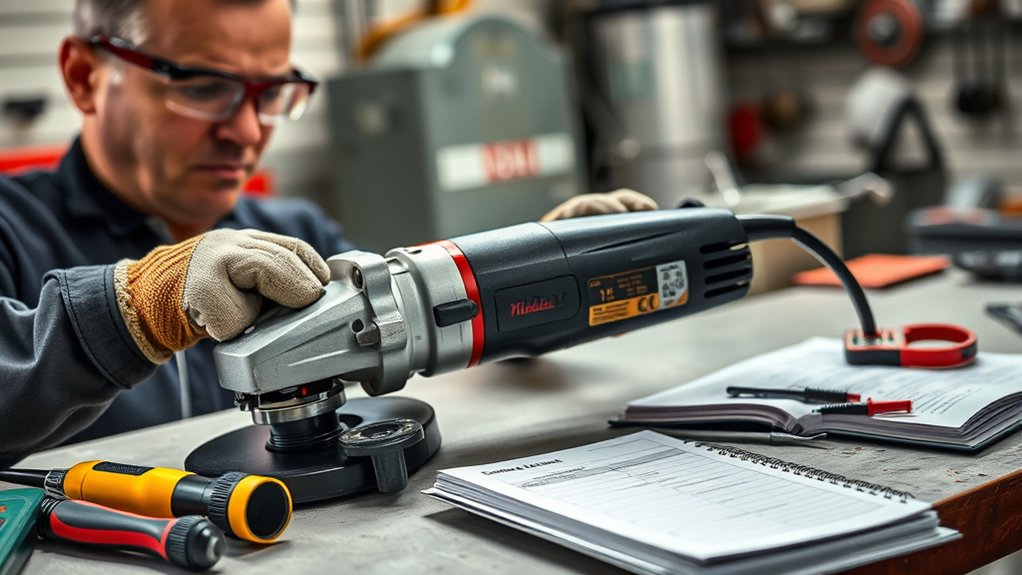
Regular inspection helps you catch wear, damage, and loose parts before grinding load rises too high. Build inspections into every shift, not only after problems appear.
Regular inspection and maintenance help protect grinding equipment, improve safety, and extend machine life.
- Conduct daily visual inspections: Check discs, guards, flanges, cords, switches, and mounting points before use.
- Maintain lubrication systems: Keep bearings and moving parts lubricated so friction and heat stay under control.
- Schedule routine maintenance checks: Test circuit breakers, overload protection devices, electrical connections, and mechanical components.
Replace worn discs, damaged guards, and faulty parts before the next job. Small defects can create extra load and raise the risk of equipment failure.
Monitoring Material Feed Rates to Avoid Overloads
Feed rate control plays a major role in overload prevention. If you push too much material into the grinder or apply too much pressure, the motor must work harder than intended.
Match the feed rate to the grinder’s rated capacity, wheel type, and material hardness. Adjust feed speed when material size, shape, or density changes.
Proper Material Sizing Techniques
Proper sizing reduces sudden load changes during grinding. Large or irregular material can jam equipment and create torque spikes.
- Screen material first: Remove oversized particles before they reach the grinder.
- Inspect equipment often: Check for worn parts that can increase friction or reduce cutting efficiency.
- Use automated controls: Let feed systems adjust material input when load readings change.
Good sizing also improves finish quality and production flow. The grinder works best when material enters at a steady, controlled rate.
Consistent Feed Rate Monitoring
Consistent feed rate monitoring helps you prevent overload during long or heavy grinding runs. Use flow meters, scales, load cells, or production data where the system allows it.
Automatic feed controls can slow or stop material input when load rises above the safe range. This response helps protect the motor, wheel, and drive system.
| Action | Benefit | Frequency |
|---|---|---|
| Monitor Feed Rates | Prevent Overload | Continuous |
| Use Flow Meters | Verify Accuracy | Each Shift |
| Analyze Data | Identify Trends | Weekly Review |
| Train Operators | Improve Efficiency | Quarterly Sessions |
Review production data each week to spot patterns. If overload events repeat, adjust feed rate, material sizing, wheel choice, or maintenance intervals.
Equipment Load Capacity Awareness
Every grinder has a rated load capacity. Operators need to know that limit before they start work.
- Use flow meters or load cells to measure material input accurately.
- Set monitoring alerts when feed rates pass the manufacturer’s limits.
- Train operators to recognize unusual vibration, noise, heat, and slowing speed.
Load awareness protects both the machine and the person using it. When operators know the safe range, they can stop work before overload causes damage.
How to Train Operators to Identify Overload Risks
Train operators to identify overload risks before they run grinding equipment alone. Focus on warning signs they can hear, feel, see, and measure.
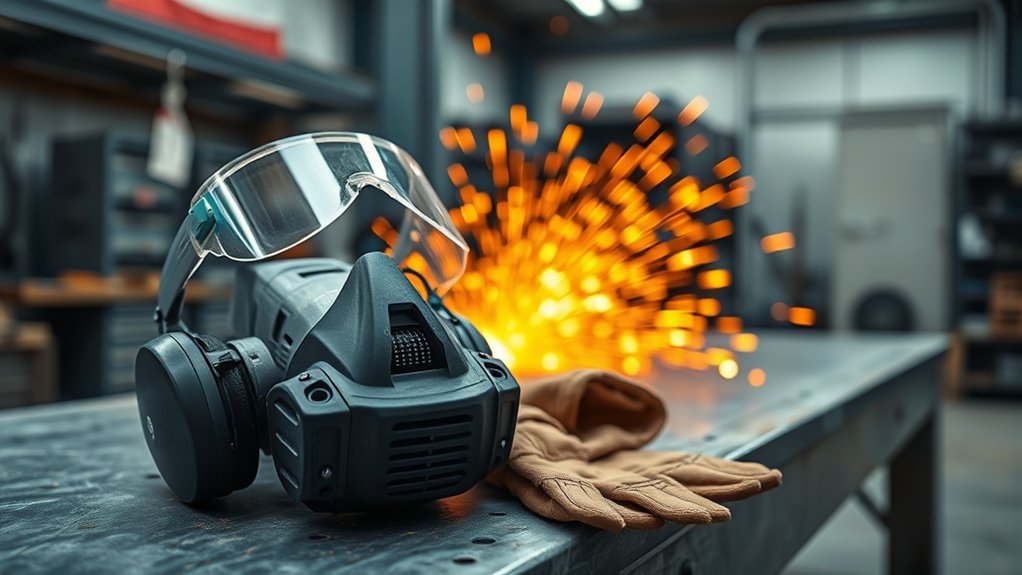
Your training should cover load limits, maximum operating speed, wheel selection, feed rate, guards, shutdown steps, and personal protective equipment (PPE). Include hands-on practice so operators can respond under real work conditions.
| Indicator | Description | Action Required |
|---|---|---|
| Unusual Sounds | Grinding equipment making odd noises | Inspect immediately |
| Increased Vibrations | Noticeable shaking or movement | Check for misalignment |
| Abnormal Temperatures | High readings on equipment | Shut down to cool off |
| Routine Inspections | Regular checks of grinding equipment | Follow checklist for safety practices |
Encourage operators to report unusual performance right away. Fast reporting helps supervisors correct overload risks before work continues.
Establishing Effective Communication for Reporting Issues
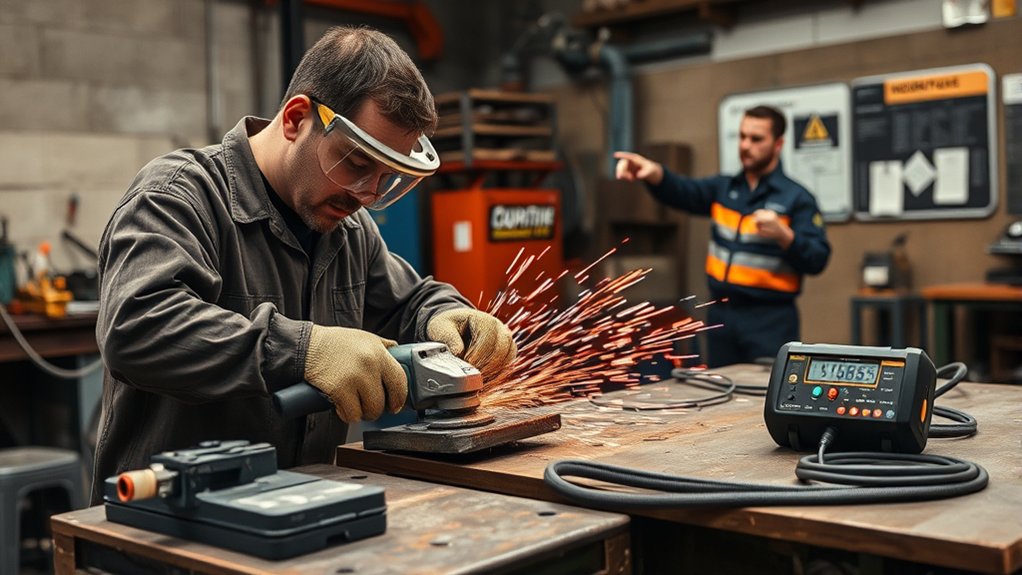
Clear reporting helps teams respond quickly when equipment starts to overload. Every operator should know what to report, who to tell, and when to stop the machine.
- Require immediate reporting: Ask all workers to report noise, vibration, heat, power loss, or disc damage as soon as they notice it.
- Hold regular safety meetings: Review past issues, reporting steps, shutdown rules, and inspection duties.
- Use visual aids: Post signs and charts near grinding areas so workers can follow the process quickly.
Build a culture where workers can raise concerns without blame. Open communication reduces risk and helps protect equipment, schedules, and people.
Best Practices for Grinding Safety and Equipment Longevity
Choose grinding discs that match the grinder, material, speed rating, and task. A mismatched disc can increase load, reduce control, and raise the risk of breakage.
Maintain steady pressure during grinding. Let the abrasive do the work instead of forcing the tool into the material.
Control dust buildup because dust can block vents, trap heat, and strain equipment. Clean the work area and use proper dust collection when the job requires it.
Track temperature, vibration, sound, and motor load during operation. These readings give you early clues that the grinder needs adjustment, maintenance, or shutdown.
Common Mistakes That Cause Grinding Overload
Many overload problems start with simple setup or use errors. Operators can prevent most of them with a short pre-use check and steady technique.
- Using a disc that does not match the grinder speed or material.
- Pushing the grinder harder when the wheel starts to slow.
- Ignoring vibration, heat, burning smells, or unusual noise.
- Grinding with clogged vents, worn bearings, or poor lubrication.
- Feeding oversized material into equipment without screening it first.
Correct these issues before restarting work. If the same problem returns, stop the machine and have a qualified person inspect it.
Frequently Asked Questions
What Are 10 Safety Precautions Before Using a Grinding Machine?
Before using a grinding machine, inspect the grinder, check the disc, secure the guard, and confirm the wheel speed rating. Wear proper PPE, secure the workpiece, clear the workspace, control dust, check ventilation, and make sure the power switch works correctly.
What Safety Procedure Should You Follow When Using a Grinder?
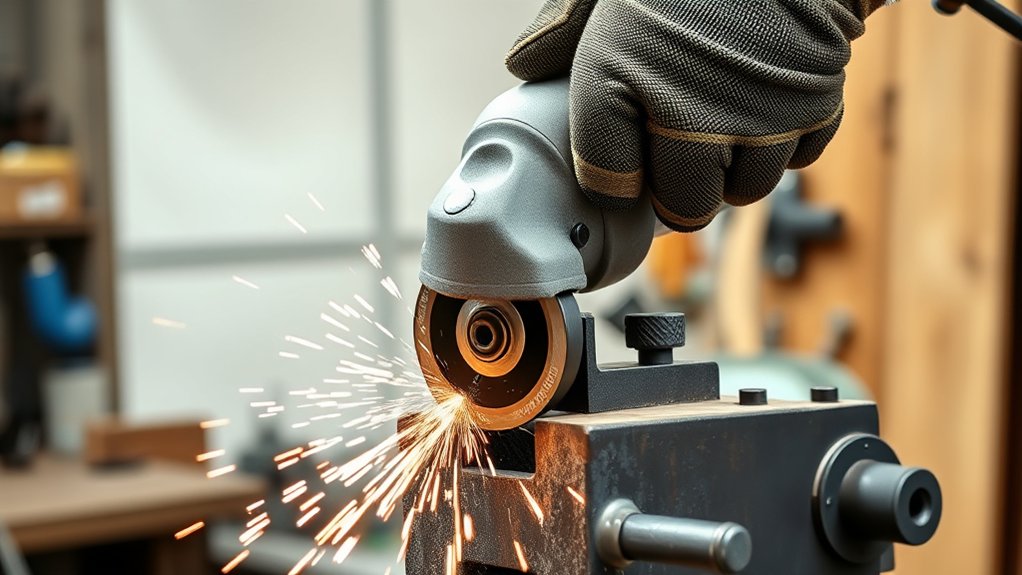
Inspect the grinder before use, then confirm that the guard, disc, flanges, and power cord are in safe condition. Hold the grinder with both hands, use steady pressure, and stop work if the tool vibrates, overheats, or makes unusual noise.
Which Safety Precautions Should Be Taken While Grinding a Drill?
Wear eye protection and secure the drill before grinding. Use the correct wheel, keep a steady angle, avoid excess pressure, and cool the drill as needed so heat does not damage the bit.
What Precautions Should You Take When Grinding With High Precision?
Use the right wheel, keep the workpiece secure, and apply light, even pressure. Check alignment often and inspect the tool surface so you can maintain accuracy without overloading the grinder.
How Do You Know If a Grinder Is Overloaded?
A grinder may be overloaded if it slows down, vibrates more than usual, runs hot, trips protection devices, or makes a strained sound. Stop the tool and inspect the disc, motor, feed rate, and material before you continue.
Safety Disclaimer: This article is for informational purposes only and does not replace manufacturer instructions, workplace safety rules, or professional training. Always follow your equipment manual, site procedures, and applicable safety standards before grinding.
Conclusion
The best way to prevent overload damage when grinding is to control load before the machine shows signs of strain. Start with the right disc, correct calibration, steady feed rate, and a complete inspection.
Train operators to stop work when they notice unusual sound, vibration, heat, or power loss. A safer grinding process protects your equipment, reduces downtime, and helps every job run with more control.