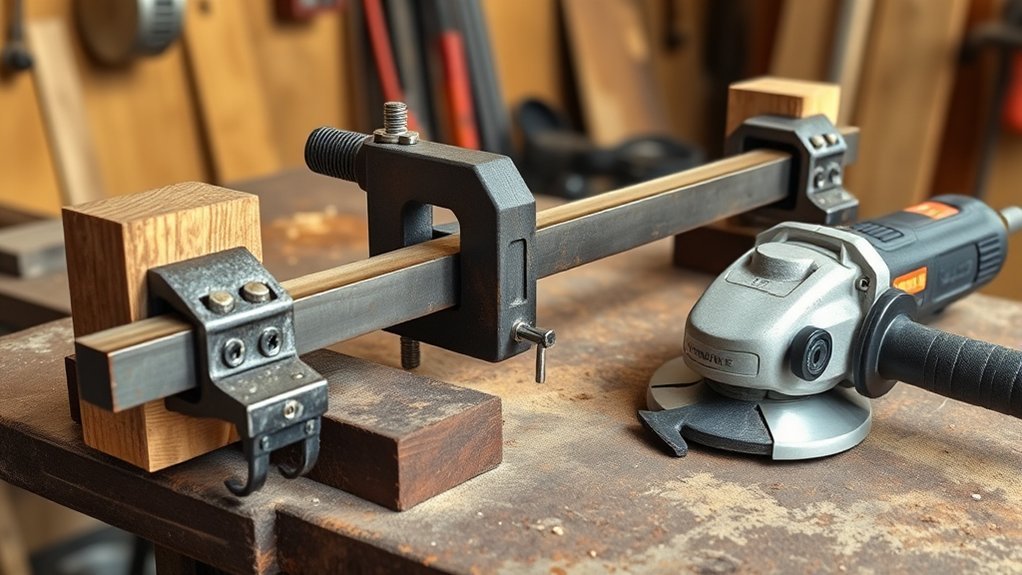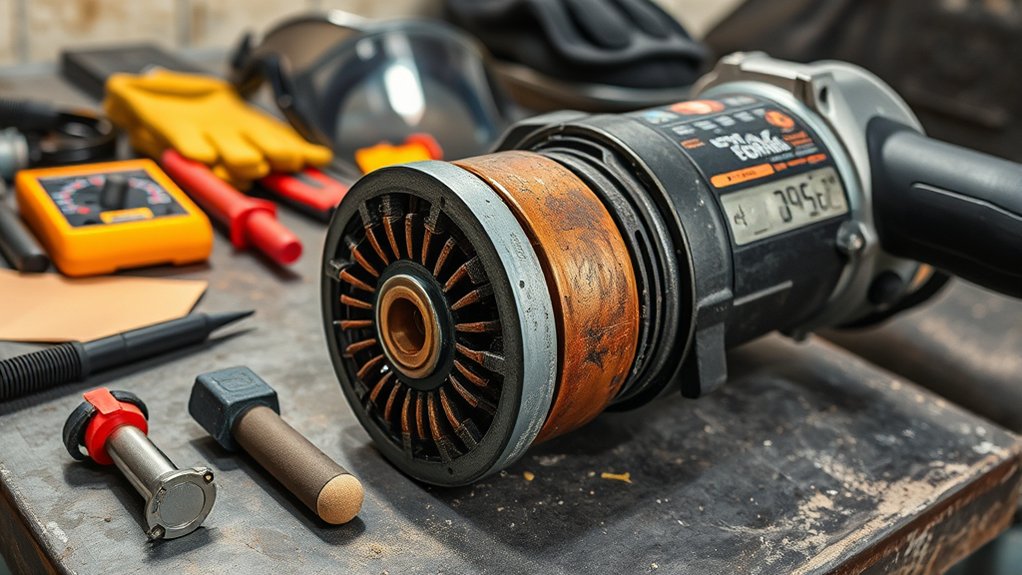
Angle grinder commutator wear can show up as dark streaks, deep grooves, weak power, burning smells, or excessive sparking. You should stop using the grinder if you see smoke, heavy arcing, or clear heat damage near the brush area. Most early wear comes from worn carbon brushes, dust, poor brush contact, or heavy use beyond the tool’s rating. This guide shows you how to inspect, clean, and decide when the commutator needs repair or replacement.
Quick Answer
You can identify angle grinder commutator wear by checking for dark brush-path streaks, rough grooves, burnt areas, uneven color, weak power, and heavy sparking. Light, even carbon marks can be normal, but deep scoring, smoke, or strong arcing means you should stop and inspect the brushes and armature before using the grinder again.
Key Takeaways
- Check the commutator when your grinder sparks more than usual, loses power, or smells burnt.
- Inspect the carbon brushes first, since worn brushes often damage the commutator surface.
- Clean light carbon buildup carefully, but do not sand deep grooves or burnt copper without proper repair skills.
- Disconnect power before any inspection, cleaning, brush change, or motor work.
- Replace or service the armature if you see heavy scoring, smoke, loose segments, or repeated brush failure.
How to Identify Angle Grinder Commutator Wear Symptoms?

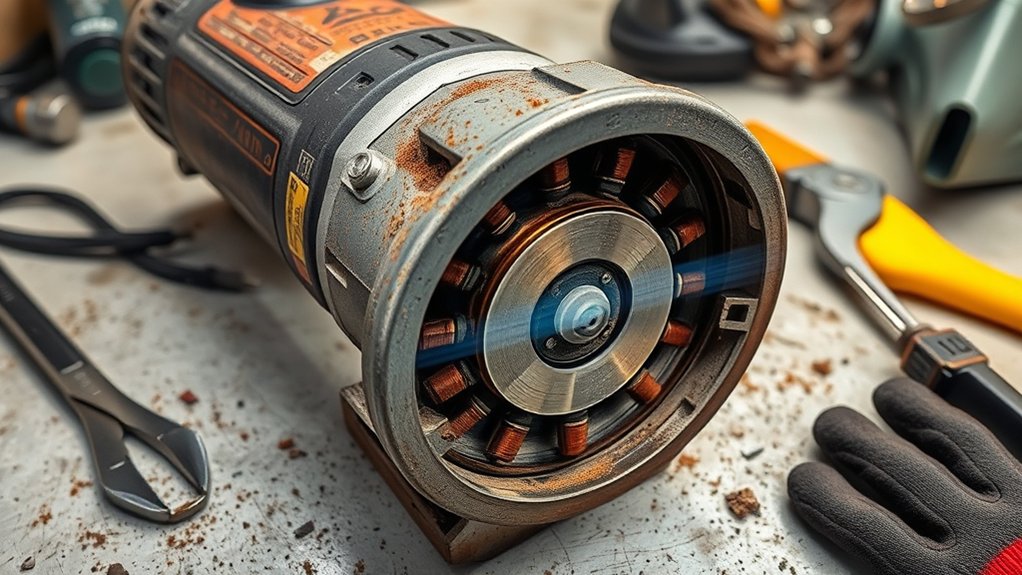
You can spot commutator wear by looking through the brush area or opening the grinder housing after you disconnect power. Check the copper surface where the carbon brushes ride. A smooth, even surface with light gray or charcoal film often points to normal use.
Dark streaks, alternating light and dark bars, grooving, or burnt spots point to a problem. These marks can come from poor brush tension, worn carbon brushes, abrasive dust, overload, or dirty brush holders. Heavy sparking during use adds another warning sign.
Watch how the grinder runs, too. If it starts slowly, stalls under light load, loses power, or smells hot, the commutator and brushes need attention. Stop using the grinder until you inspect it, because continued use can damage the armature.
Key Signs of Commutator Problems
You can catch many commutator problems before they ruin the tool. Look for these signs during routine checks and after any change in grinder performance:
- Light, even charcoal streaks can mean normal brush contact.
- Dark streaks along the brush path can point to poor contact, contamination, or heat.
- Deep grooves or scoring can increase resistance and heat.
- A threaded or rough surface can make carbon brushes wear fast.
- Heavy sparking, smoke, or a burning smell can point to brush or commutator damage.
- Uneven copper color can signal poor brush seating or overload.
Inspect the commutator near the motor housing and check the brush area at the same time. The brushes and commutator work together, so one worn part can damage the other.
Warning: Stop using the grinder if you see smoke, strong arcing, melted brush holders, or a burnt electrical smell.
Before You Begin Inspecting the Commutator
Set up a clean work area before you open the grinder. Small washers, springs, and brush caps can move out of place during disassembly. Take photos as you go so you can put each part back in the same position.
Estimated total time: 20 to 45 minutes for inspection and light cleaning, depending on the grinder design.
What you’ll need:
- Safety glasses
- Work gloves
- Dust mask
- Screwdriver set
- Clean cloth
- Soft brush
- Fine emery cloth, such as 150 grit, for light surface cleaning only
- Electrical contact cleaner or a cleaner approved by the tool maker
- Multimeter, if you know how to test motor parts safely
Do not force the housing apart. If the grinder uses hidden clips or special fasteners, check the manual or get help from a repair shop.
How to Inspect Your Angle Grinder’s Commutator
Start with the safest checks first. A simple visual inspection can tell you a lot before you test any electrical parts.
- Unplug the grinder or remove the battery. Make sure the switch cannot start the tool by accident.
- Remove the brush caps or motor cover. Keep screws and small parts in order.
- Check the carbon brushes. Look for short length, chips, cracks, stuck springs, or uneven faces.
- Inspect the commutator surface. Look for grooves, dark bars, burnt copper, raised segments, or heavy carbon buildup.
- Check brush movement. Make sure each brush slides freely in its holder and meets the commutator squarely.
- Use a multimeter only if you understand the test. Check for obvious open circuits or shorts, but do not guess if you lack repair experience.
Pay attention to uneven wear patterns or darkened areas. These signs can point to poor brush contact, dust contamination, or electrical overload.
Before you reassemble the grinder, confirm the brush alignment and shim washer placement match the original setup. Proper alignment helps the brushes make even contact with the commutator.
Products Worth Considering

New Brush Seater and Commutator Cleaning Stone

Material is Carbon and Metal, size is 13x9x6mm/0.51"x0.35"x0.23“

Electric Motor Brushes Replacement Part For Makita Numbers: CB-411 191940-4 CB408 CB410 CB411 CB422 195008-8 191938-1 3704 3901 6830 6832 6833 6836 6842 6849 6950 6951 6952 6953 9031 9032 9524 9525NB 9527 9528NB.
How to Clean Your Angle Grinder Commutator: Step-by-Step
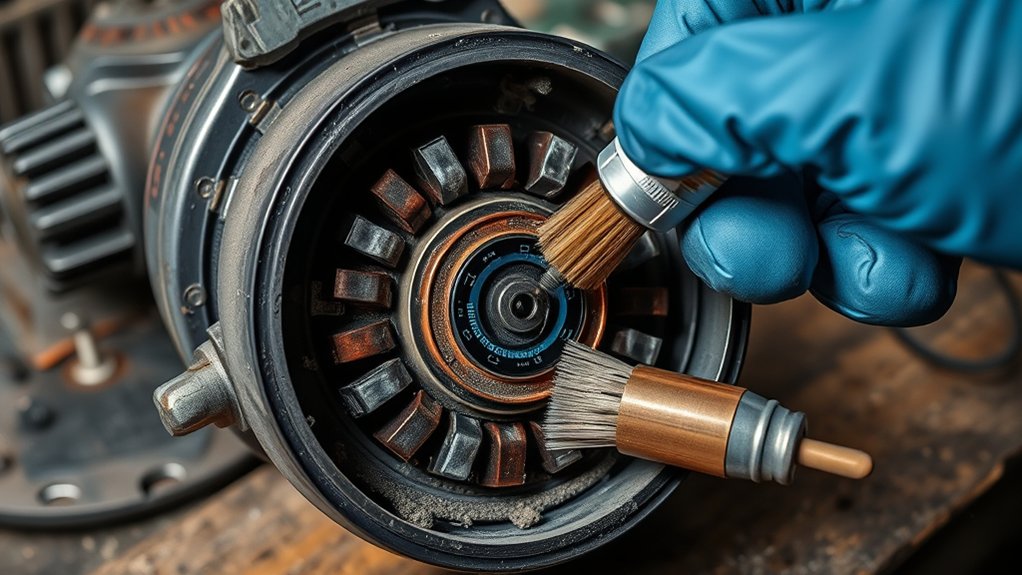
Light cleaning can improve brush contact when the commutator has only surface film or mild carbon buildup. Do not try to grind out deep grooves or burnt copper at home. A damaged armature needs proper repair or replacement.
Clean the commutator only after you disconnect power and remove dust from the brush area.
- Disconnect the grinder from power. Unplug the cord or remove the battery before you touch the motor area.
- Remove the brushes and armature carefully. Note shim washer placement and brush alignment before removal.
- Brush away loose dust. Use a soft brush and a clean cloth around the brush holders and motor housing.
- Clean the copper surface lightly. Use fine emery cloth with gentle pressure to remove surface film.
- Wipe away residue. Use electrical contact cleaner or a cleaner approved by the manufacturer.
- Inspect the surface again. Look for deep grooves, loose segments, burnt copper, or remaining rough spots.
- Reinstall the parts in the same order. Make sure the brushes slide freely and sit flat against the commutator.
- Test the grinder briefly with no load. Listen for smooth speed and watch for unusual sparks or smell.
Replace worn carbon brushes before you test the grinder under load. New brushes may spark lightly while they seat, but heavy arcing means you still have a problem.
Pro tip: Replace both brushes at the same time so they press evenly on the commutator.
Products Worth Considering
Made of High - carbide steel for high thread accuracy

Metal gear case for durability and longer life
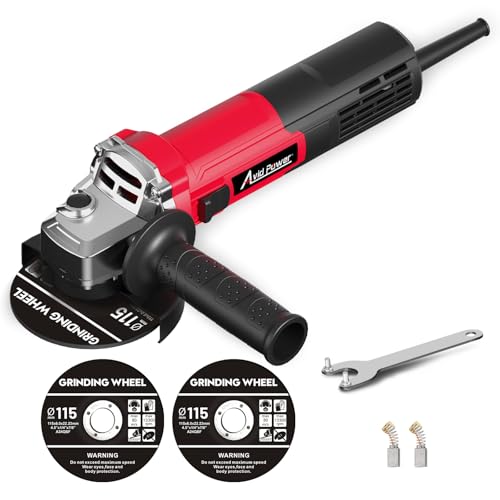
Powerful Grinder Tool, No Excessive Vibration: Equipped with 6.5 Amps motor with 750W max output power, this metal grinder can produce no-load speed of 11500 RPM, well-balanced, for most light duty HOME projects
Stay Safe: Tips for Working on Your Angle Grinder
Safety comes first when you work on an angle grinder. Always disconnect the grinder from the power source before maintenance or repair. This step prevents accidental starts and protects your hands.
Wear personal protective equipment (PPE), such as safety glasses, gloves, and a dust mask. Grinder dust, carbon dust, and small metal particles can irritate your eyes and lungs. Work in a clean, well-ventilated area away from flammable materials.
Inspect the power cord, switch, carbon brushes, and commutator before you close the housing. Follow the manufacturer’s guidelines for maintenance, brush size, and replacement parts. The wrong brush type can create poor contact and shorten motor life.
Signs You Need to Replace Your Angle Grinder’s Commutator
Some wear goes beyond cleaning. If the commutator has serious damage, the grinder may need a new armature or professional repair.
- Visible grooves or scoring: Deep marks can raise heat and reduce brush contact.
- Consistent sparking or smoke: These signs can point to serious brush or commutator damage.
- Dark streaks along the brush path: This can show heat, metal transfer, or poor brush tension.
- Uneven or burnt copper: This can mean the commutator overheated or lost proper contact.
- Loose or raised commutator bars: This needs repair, not cleaning.
- Repeated brush failure: New brushes should not wear out fast under normal use.
If you notice reduced power or stalling under light load, the commutator or armature may be failing. Do not keep forcing the grinder through heavy cuts. That extra load can turn a repairable problem into a failed motor.
Common Mistakes That Damage the Commutator
You can prevent many commutator problems by changing how you use and maintain the grinder. Avoid these common mistakes:
- Running the grinder with brushes that have worn too short
- Using the wrong carbon brush size or grade
- Forcing the wheel through cuts beyond the grinder’s power rating
- Letting metal dust build up inside the motor vents
- Using the grinder in damp or dirty storage conditions
- Ignoring heavy sparks after a brush replacement
Small habits matter. Clean vents, avoid overload, and check brush wear before long cutting or grinding jobs.
Tips for Maintaining Your Angle Grinder for Longevity
Keep your angle grinder in good shape with regular maintenance. Inspect the commutator and clean light carbon buildup when the surface looks dirty. Avoid heavy sanding, because too much material removal can damage the copper surface.
Check the carbon brushes often. Replace them when they look short, cracked, chipped, uneven, or weak under spring pressure. Many tool manuals give a minimum brush length, so follow that number when you can find it.
Store your angle grinder in a clean, dry environment. Dust and moisture can damage the motor and speed up wear. Lubricate only the parts the manufacturer tells you to lubricate, and keep oil away from the commutator and brushes.
Use the grinder within its rated capacity. Let the wheel do the work, keep the vents clear, and stop if the tool feels hotter than normal. These habits help protect the motor and keep the grinder reliable.
Frequently Asked Questions
What Happens if Carbon Brushes Are Worn?
Worn carbon brushes can cause power loss, heavy sparks, weak starts, and a burning smell. If you keep using the grinder, the worn brushes can score the commutator and damage the armature.
What Are the Defects of a Commutator?
A commutator can develop grooves, scoring, heavy carbon film, burnt bars, loose segments, and uneven wear. Early checks help you catch these problems before the motor fails.
Should a Commutator Be Smooth and Concentric?
Yes, the commutator should look smooth, round, and even. A rough or out-of-round commutator can make brushes bounce, spark, and wear faster.
What Is a Commutator and How Does It Work?
A commutator routes current through the armature windings as the motor spins. It works with the carbon brushes to keep the motor turning in the right direction.
Can You Use an Angle Grinder With a Sparking Commutator?
Small, even sparks can happen during normal brush contact. Heavy sparks, loud crackling, smoke, or a burning smell means you should stop and inspect the grinder before using it again.
Safety Disclaimer: This article is for informational purposes only and does not replace advice from a qualified repair technician. If you feel unsure about electrical testing, motor repair, or grinder disassembly, take the tool to a professional service shop.
Conclusion
Angle grinder commutator wear often starts with small signs, such as dark streaks, weak power, or extra sparking. Check the carbon brushes first, clean light buildup with care, and stop using the tool when you see smoke or deep scoring. Your next step should be a safe inspection before the next job. A clean, well-maintained grinder runs smoother, lasts longer, and gives you more confidence while you work.