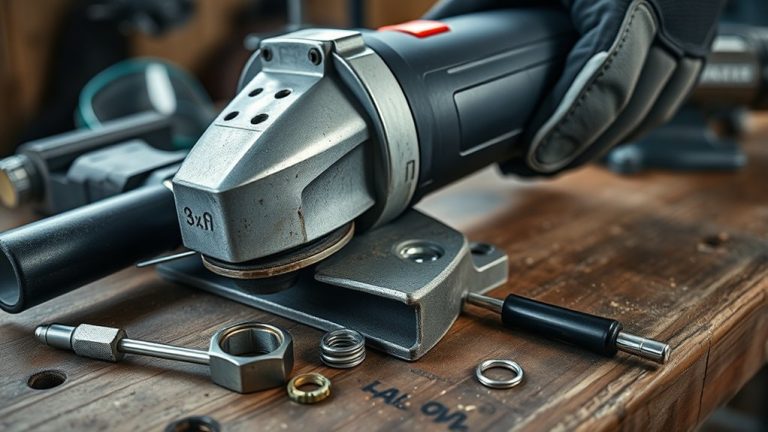
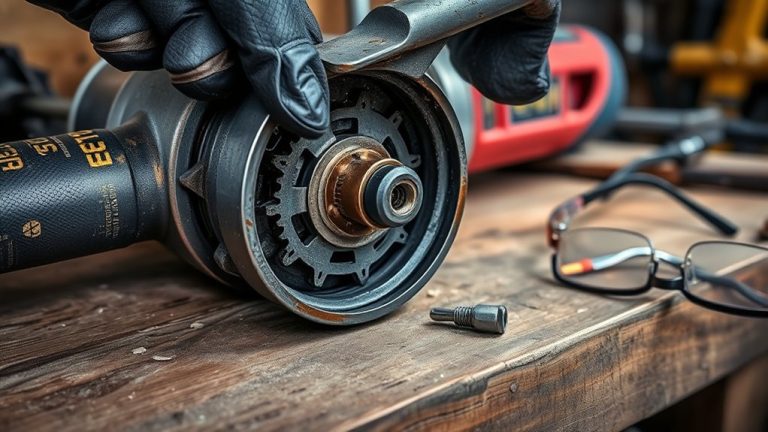
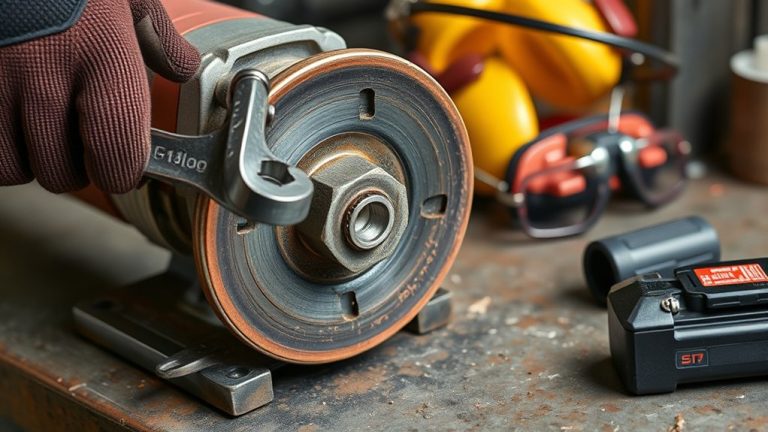
If your angle grinder’s making a grinding noise, start by checking for worn bearings, misaligned blades, or accumulated debris. Look closely at wheel installation and inspect for damage. Verify the spindle lock mechanism functions properly. To fix the issue, clean the grinder, tighten loose components, and balance the wheel. Always prioritize safety by unplugging the tool and wearing PPE before inspection. For a deeper understanding of repairs and maintenance, explore more troubleshooting tips.
Why Is My Angle Grinder Making Noise?
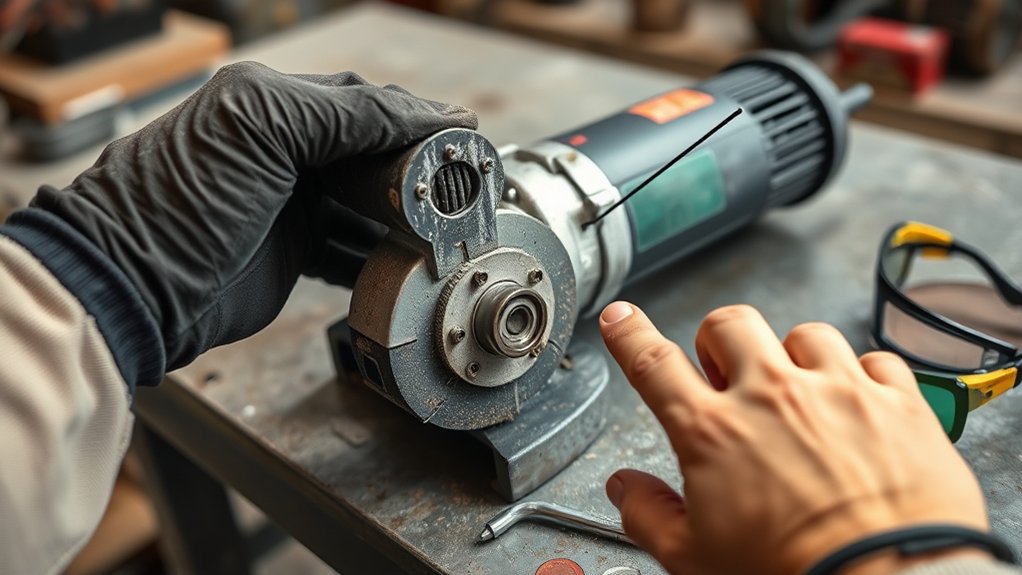
Have you ever wondered why your angle grinder is making unusual noises? These sounds often indicate underlying issues affecting your grinding operations. One common culprit is worn-out bearings, which can disrupt smooth performance and may need replacement. Misalignment of the blade is another frequent issue; improper installation can lead to grinding sounds that necessitate adjustment.
Additionally, accumulated debris or dust in the motor or ventilation areas can produce similar noises. Regular cleaning is essential to mitigate this problem. If the noise persists despite these measures, it might signal a malfunction in the gear or motor, requiring professional inspection for safety.
Listening for changes in noise patterns can help you spot early signs of wear and prevent potential damage. By addressing these common issues promptly, you can guarantee your angle grinder operates efficiently and safely.
Identifying Issues With Your Grinder
Identifying issues with your angle grinder requires careful observation of its performance and sounds. A grinding noise may indicate problems with the spindle lock, so inspect it for visible damage or obstruction. If you hear unusual motor noises, such as grinding or squeaking, address these promptly to prevent further damage to the motor. Wobbling blades often stem from misalignment with the spindle or worn bearings, necessitating realignment or replacement to improve cutting precision. Additionally, inspect the wheel for cracks or deformities, as these can contribute to grinding noises and impact overall grinding efficiency. Regular maintenance is vital; clean debris from vents and check for loose components to minimize tool issues and extend the grinder’s lifespan. By staying vigilant and proactive, you can maintain peak performance and guarantee your angle grinder remains a reliable tool in your arsenal.
Step-by-Step Troubleshooting for Grinding Noises
Grinding noises from your angle grinder can signal various issues that need immediate attention. You’ll want to inspect common culprits like worn bearings or misaligned components and follow a systematic diagnosis process. By addressing these factors, you can effectively reduce noise and enhance the grinder’s performance.
Common Grinding Noise Causes
When you hear unusual noises from your angle grinder, it’s vital to address the issue promptly to avoid further damage. Common causes of grinding noises include worn bearings, misalignment of internal components, or a damaged wheel. Start by inspecting the wheel for cracks or deformations, as these can lead to vibrations and abnormal sounds. Next, check the motor and internal components for debris or obstructions that may hinder smooth operation. Verify the spindle and bearings are well-lubricated and show no signs of wear; replacing worn bearings can greatly reduce grinding sounds and enhance performance. Regular maintenance and timely inspections are essential for identifying potential issues before they escalate into serious mechanical failures.
Inspection and Diagnosis Steps
Unusual sounds from your angle grinder can signal underlying issues that require immediate attention. Start by visually inspecting the tool for any visible damage, such as frayed power cords or cracked housing. Next, check the wheel installation to verify it’s securely mounted and free from cracks or deformities; improper mounting can cause vibrations and unusual sounds. Inspect the bearings for wear or damage—worn bearings often lead to grinding noises, indicating they may need replacement. Examine the spindle lock mechanism to confirm it’s functioning correctly; any malfunction here can result in misalignment and additional noise. Finally, listen for changes in motor noise during operation, as persistent grinding may signal internal motor issues requiring professional inspection.
Effective Noise Reduction Techniques
To effectively reduce noise from your angle grinder, start by inspecting and balancing the grinding wheel. This eliminates vibrations that lead to excessive grinding noises and guarantees peak performance. Next, check for loose or damaged components, like bearings and screws. Regularly clean the grinder, especially around the motor and vents, to prevent dust buildup that can amplify noise levels. Always use the correct speed for your disc type, as mismatched speeds can cause your angle grinder to fail and generate unwanted sounds. Finally, wear safety goggles and consider earmuffs to protect your hearing from prolonged exposure.
| Step | Action | Result |
|---|---|---|
| Inspect Grinding Wheel | Balance it | Reduces vibrations |
| Check Components | Tighten/Damage repair | Prevents grinding noises |
| Clean Grinder | Remove dust | Lowers noise levels |
| Match Speed | Correct disc speed | Enhances effectiveness |
| Use PPE | Wear safety goggles/earmuffs | Protects hearing |
Safety Checks Before Inspecting Your Grinder
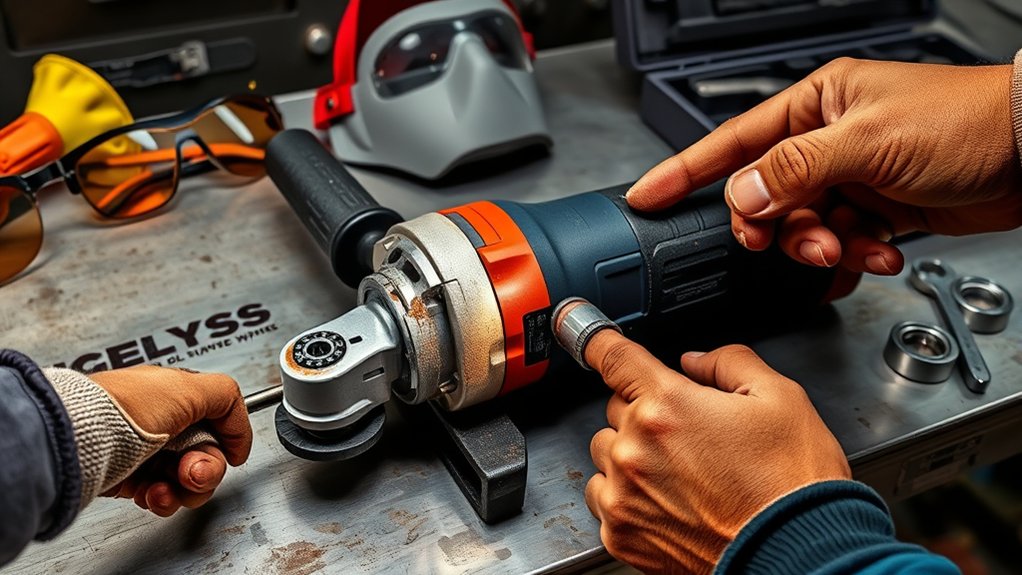
Before inspecting your angle grinder, it’s crucial to follow several safety checks to guarantee your well-being. First, unplug the grinder to prevent accidental startups, which can lead to personal injury. Next, equip yourself with the appropriate personal protective equipment (PPE), including safety goggles, gloves, and a dust mask, to shield against debris and dust during the inspection.
Conduct a thorough visual inspection of the grinder, looking for any signs of wear, damage, or loose components. These checks are important before troubleshooting any issues. Additionally, make sure your workspace is clear of flammable materials and other hazards to maintain a safe environment while you work.
Lastly, familiarize yourself with the manufacturer’s safety guidelines and operational instructions in the user manual. Adhering to these best practices will not only enhance your safety but also promote effective maintenance of your angle grinder.
How to Repair Bearings, Discs, and Other Common Issues
When you notice unusual noises or decreased performance from your angle grinder, it’s essential to address common issues like bearing wear and disc integrity promptly. Start by inspecting the bearings for wear or damage; faulty bearings can lead to excessive noise and vibrations. Next, verify the grinding disc is properly mounted, checking for cracks or deformities. Regular cleaning and lubrication of bearings can maintain smooth operation and prevent overheating.
Here’s a quick reference table to help you identify issues:
| Component | Action |
|---|---|
| Bearings | Inspect for wear; replace if damaged. |
| Grinding Disc | Check for cracks; verify proper installation. |
| Lubrication | Clean and lubricate regularly. |
| Noises | Monitor for unusual sounds; investigate immediately. |
| Manufacturer | Follow guidelines for replacements. |
Essential Preventative Maintenance Tips
To keep your angle grinder performing at its best, establish a regular inspection schedule for critical components like the cooling system and power cord. Proper blade storage is essential to prevent damage and guarantee longevity. By integrating these practices, you’ll enhance both safety and efficiency in your operations.
Regular Inspection Schedule
Establishing a regular inspection schedule is vital for maintaining your angle grinder’s performance and safety. Check your grinder at least once a month for wear and damage to key components like the power cord, guards, and discs. Before each use, inspect the wheel and spindle for cracks or misalignment to guarantee peak performance. After every use, clean dust and debris from vents and cooling systems to prevent overheating. Regularly monitor the condition of bearings and brushes, replacing them as necessary to avoid noise and mechanical failure. Keep a log of inspections and maintenance activities to track performance trends and identify potential issues early, ensuring your angle grinder remains reliable and safe for all your projects.
Proper Blade Storage
Proper blade storage is essential for maximizing the lifespan and performance of your angle grinder’s cutting tools. Following these guidelines guarantees peak functionality and significant safety.
| Storage Tip | Purpose |
|---|---|
| Store in a dry, cool environment | Prevents rust and degradation |
| Avoid stacking blades | Prevents edge damage and warping |
| Regularly inspect blades | Guarantees safe and effective use |
| Use blade cases or covers | Shields edges from impact and dust |
| Maintain organized storage | Enhances efficiency and access |
Cooling System Maintenance
Maintaining the cooling system of your angle grinder remains effective is essential for preventing overheating and prolonging the tool’s lifespan. Start by regularly inspecting air vents for blockages; efficient airflow is important. Use compressed air to clean dust and debris from cooling vents and fans, enhancing performance. While operating, monitor the tool’s temperature; prolonged use without cooling breaks can lead to overheating. If your grinder uses coolant, verify levels are maintained to optimize the cooling system’s effectiveness. Finally, be vigilant for signs of cooling system failure, such as unusual noises or excessive heat; addressing these issues immediately is critical for maintaining operational safety. Regular maintenance will empower you to keep your angle grinder performing at its best.
When to Get Professional Help
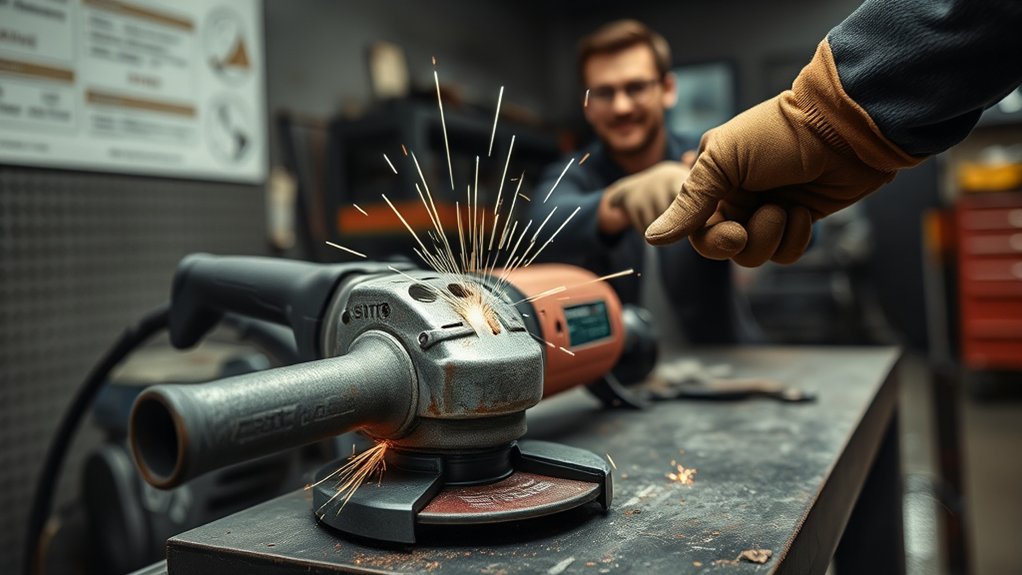
While you can often resolve minor issues with your angle grinder through basic troubleshooting, certain signs indicate it’s time to seek professional help. If you notice persistent grinding noises despite confirming the correct disc installation, it may suggest serious internal problems. Unusual sounds often point to worn bearings or damaged gears, both requiring a professional assessment.
Here’s a quick reference table:
| Issue | Action |
|---|---|
| Grinding noise persists | Seek professional assessment |
| Smoke or burning odors | Discontinue use; consult expert |
| Decline in performance | Contact a technician for repair |
| Electrical component failure | Avoid DIY; professional help needed |
| Loose components after checks | Further evaluation necessary |
If your angle grinder’s performance declines, particularly with grinding noises, contacting a professional can guarantee safety and extend the tool’s lifespan.
Staying Safe After Fixing Your Grinder
After fixing your angle grinder, it’s important to conduct a thorough visual inspection to confirm that all components are securely reassembled and undamaged. Pay special attention to the installation of safety guards and protective features; these are critical to minimize risks during operation.
Next, test the grinder briefly in a controlled environment. Verify it operates smoothly, free of unusual noises or vibrations. This step is essential for identifying any lingering issues that could compromise safety.
Test the grinder briefly in a controlled environment to ensure smooth operation and identify any potential safety issues.
Before you proceed with regular use, review the user manual for any specific post-repair guidelines or safety checks recommended by the manufacturer.
Finally, always wear appropriate personal protective equipment (PPE), such as safety goggles and gloves, when testing or using the grinder. This precaution safeguards you against potential hazards, guaranteeing your experience remains both productive and safe.
Frequently Asked Questions
Why Is My Grinder Making Noise?
Your grinder’s making noise due to potential bearing wear, improper wheel installation, or debris buildup. To reduce noise, maintain tools regularly, inspect components, and guarantee proper wheel fitting for maximum performance and safety.
What Are Signs My Grinder Needs Repair?
If your grinder makes unusual noises, excessive vibration, or shows performance drops, it’s time for repair. Regular grinder maintenance tips and noise reduction techniques can minimize issues, while a repair cost analysis helps manage expenses effectively.
How to Tell if an Angle Grinder Disc Is Bad?
About 30% of angle grinder accidents stem from faulty discs. Check for disc wear indicators, perform vibration analysis, and guarantee no disc compatibility issues exist. If you notice cracks or unusual vibrations, replace the disc immediately.
What Are the Two Common Faults That Occur With Grinding Wheels?
Two common faults with grinding wheels are grinding wheel damage, often from improper installation, and wheel imbalance, which can cause vibrations. Regular inspections and correct mounting are essential for maintaining performance and safety during operation.
Conclusion
In the end, addressing that grinding noise in your angle grinder isn’t just about fixing a tool—it’s about ensuring your safety and efficiency. As you implement the troubleshooting steps and maintenance tips, remember: a quiet grinder often signals a well-functioning machine. But what if that noise returns? Stay vigilant and proactive. If the issue persists, don’t hesitate to seek professional help; after all, the next cut could hinge on the reliability of your tools.