If your angle grinder loses power under load, start troubleshooting by checking the power supply, carbon brushes, and wheel condition. Inspect the power cord for damage and guarantee proper voltage at the outlet. Listen for unusual noises and monitor for overheating. Clean air vents to enhance cooling and check blade alignment. If these steps don’t resolve the issue, you might need to explore motor problems further, as solutions await that can boost your grinder’s performance even more.
How to Troubleshoot Power Loss in Angle Grinders
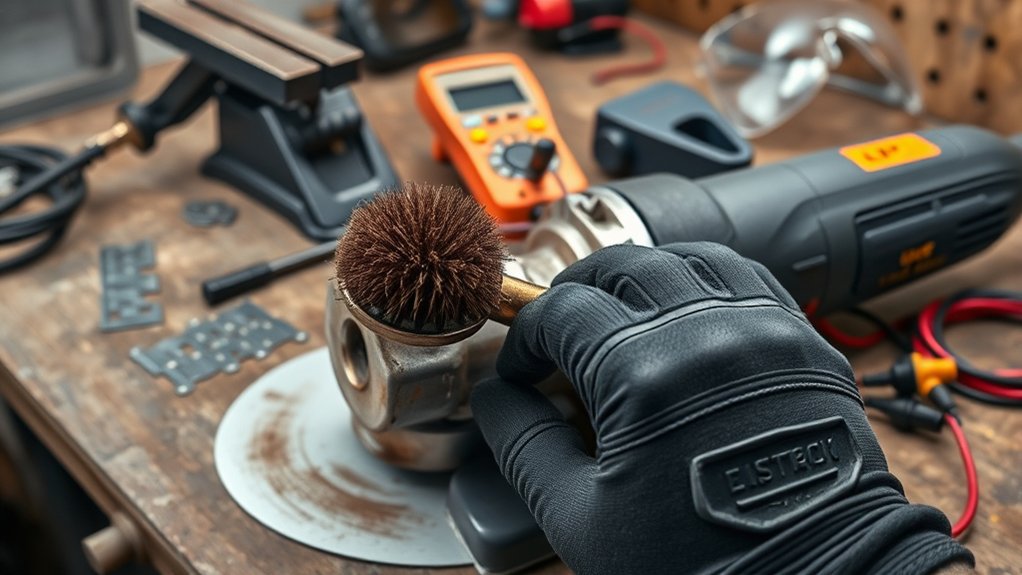
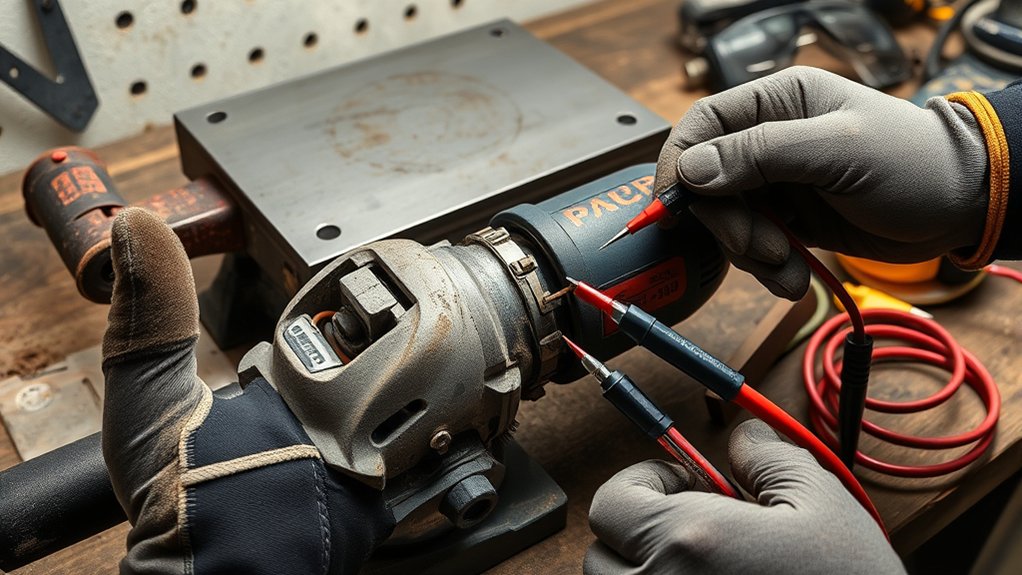
To effectively troubleshoot power loss in your angle grinder, start by inspecting the power supply. Verify the outlet delivers the correct voltage and wattage; insufficient power can severely affect performance under load. Next, check the carbon brushes for wear or damage. Worn brushes lead to poor electrical contact, causing power loss during operation. Examine the disc as well; a dull or damaged disc can increase resistance, drawing more power than the grinder can handle, leading to a slowdown. Also, confirm that the grinder’s air vents are clean and free from debris, as blockages can cause overheating and reduced performance. Finally, use a multimeter to test the switch and internal components. Faults in these areas can result in intermittent power loss, compromising your work efficiency. By systematically addressing these factors, you can restore your grinder’s performance and achieve the liberation of flawless operation.
Identifying Electrical Malfunctions in Your Grinder
To identify electrical malfunctions in your grinder, start by inspecting the power source and checking for continuity in outlets and extension cords. Verify all wiring and connections are secure, as loose or damaged wires can interrupt power delivery. This foundational step helps you pinpoint issues before moving on to more complex components.
Power Source Inspection
When troubleshooting an angle grinder, inspecting the power source is essential, as electrical malfunctions can severely hinder performance. First, confirm your grinder’s plugged into a functioning outlet; a faulty power source can cause significant issues under load. Next, check the power cord for visible damage or fraying, as this can interrupt power delivery. Use a multimeter to test the switch for continuity; a malfunctioning switch might prevent the grinder from receiving adequate power. Additionally, verify that any generator or extension cord meets your grinder’s voltage and wattage requirements to avoid compatibility problems. Finally, regularly inspect the air vents for obstructions, confirming proper ventilation to prevent overheating and subsequent power loss.
Wiring and Connections Check
While inspecting your angle grinder, a thorough check of wiring and connections is essential for identifying potential electrical malfunctions. Start by examining the power cord for visible damage, fraying, or exposed wires, as these issues can cause intermittent loss of power under load. Confirm all connections, including the plug and any extension cords, are secure to prevent voltage drops during operation. Use a multimeter to test for continuity in the switch and power cord; failures here can lead to power loss. Also, look for signs of overheating in electrical components, since excessive heat can damage wiring. Regularly clean and inspect internal connections to eliminate dust and debris that might hinder power delivery.
Fixing Wheel Rotation Problems in Your Angle Grinder
Fixing wheel rotation problems in your angle grinder requires a systematic approach to identify and resolve potential issues. Start by confirming the wheel is installed correctly and securely; improper installation can lead to significant rotation problems and reduced efficiency. Inspect the wheel for cracks or deformities; any visible damage can hinder smooth rotation and compromise safety. Before use, manually test the wheel by spinning it to detect any resistance or wobbling, which may indicate underlying mechanical issues. Verify that the spindle aligns correctly with the wheel, as misalignment can cause wobbling and affect cutting precision. Regular maintenance is essential; clean debris from the wheel and make sure all components are tight to prevent future rotation problems. By addressing these factors, you can enhance the performance and safety of your angle grinder, guaranteeing it operates efficiently for all your projects.
Diagnosing Motor Issues: Noises, Overheating, and Performance Drops
Diagnosing motor issues in your angle grinder requires keen observation and systematic analysis, as unusual noises, overheating, and performance drops can signal underlying problems. If you hear grinding, squeaking, or rattling, these noises often indicate internal issues that may need professional inspection to prevent further damage. Overheating typically results from dust accumulation obstructing ventilation; regular cleaning and allowing the grinder to cool between uses can help mitigate this. A gradual performance drop under load may suggest worn brushes or a failing motor, indicating a need for inspection and potential replacement. Always monitor operating conditions, as continuous use beyond temperature thresholds can lead to thermal overload. Documenting changes in motor behavior, such as inconsistent speed or power loss, is essential for diagnosing motor issues early and ensuring your grinder remains functional and safe.
Enhancing Blade and Disk Performance
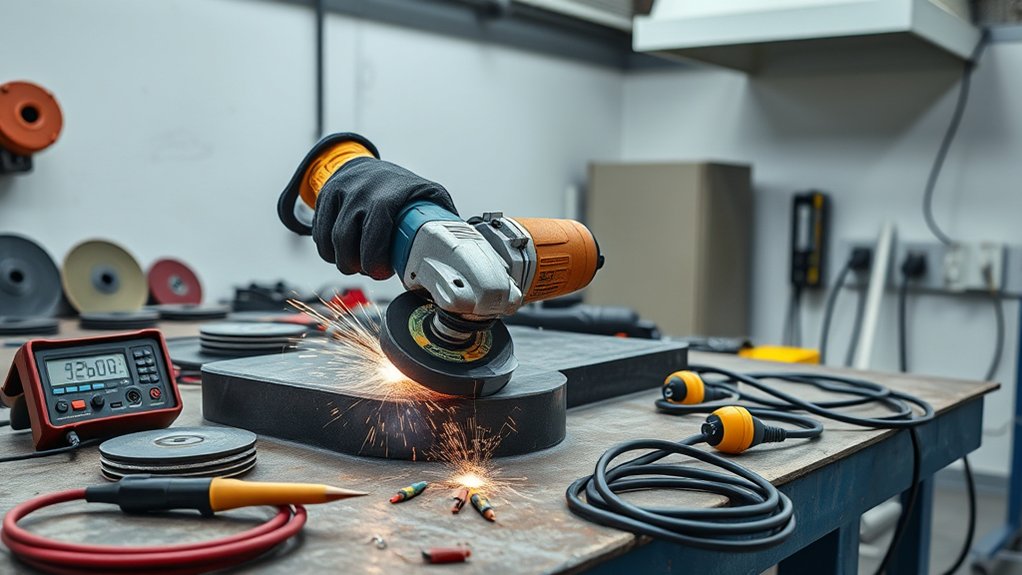
To enhance blade and disk performance, it’s essential to select the right blade for the material you’re working on, as using an unsuitable blade can lead to rapid wear and diminished efficiency. Blades typically last between 100 to 200 hours under ideal conditions, so regular inspection for cracks and deformities is vital. Even minor issues can greatly drop performance and pose safety risks.
Ensure the blade is properly aligned and securely mounted to prevent wobbling, which improves cutting precision for clean, efficient cuts. Adequate cooling during operation is important; overheating can warp or degrade the blade, negatively impacting both performance and safety. Finally, always use a balanced and sharp disc. An unbalanced or dull disc increases vibration and strain on the grinder, leading to power loss. By focusing on these factors, you’ll be well on your way to enhancing blade and disk performance.
The Importance of Regular Maintenance for Your Angle Grinder
While it may be tempting to overlook maintenance, regular upkeep of your angle grinder is vital for peak performance and longevity. Cleaning dust and debris from vents greatly enhances cooling efficiency, which prolongs the grinder’s lifespan. Periodic inspection and replacement of worn brushes prevent power loss, ensuring maximum performance under load.
Maintaining proper blade alignment and checking for damage are essential for avoiding uneven wear and improving cutting efficiency. Store your grinder in a dry, cool environment to preserve components and prevent rust or deterioration. Conducting routine visual inspections for signs of wear or damage allows you to identify potential issues early, reducing the risk of failure during operation.
Investing time in regular maintenance not only safeguards your equipment but also empowers you to work more effectively and safely. Prioritizing these practices will enhance your angle grinder’s performance, giving you the confidence to tackle any project.
Safety Tips to Follow Before Using Your Angle Grinder
Regular maintenance sets the foundation for safe operation, but it’s critical to take additional precautions before using your angle grinder. Start with a thorough visual inspection; check for any wear or damage to the power cord, disc, and protective guard. This guarantees your tool is safe to operate. Always wear appropriate personal protective equipment (PPE) like safety goggles, gloves, and earmuffs to minimize injury risk.
Confirm you’re using the correct disc size and type for your task; using the wrong disc can lead to accidents and equipment failure. Maintain a stable and secure posture while operating the grinder, using both hands for maximum control to prevent slips. Finally, familiarize yourself with the user manual, adhering to all safety guidelines and operational best practices. By following these safety tips, you’ll create a safer working environment and enhance your overall efficiency.
Step-by-Step Guide to Improving Your Grinder’s Performance
To enhance your angle grinder’s performance, start by checking for any power supply issues that could affect operation. Next, inspect the disc and accessories to confirm they’re suited for your specific task. Finally, maintain the cooling system effectively to prevent overheating and guarantee consistent power delivery.
Check Power Supply Issues
Ensuring your angle grinder has a reliable power supply is essential for ideal performance. Start by confirming it’s connected to a functioning outlet. Inspect the power cord for any visible damage or fraying; damage can impede functionality. Use a multimeter to test voltage levels, ensuring they meet your grinder’s requirements—typically between 110V and 220V. If you’re using an extension cord, check for continuity; inadequate gauge or length can cause voltage drops under load. Don’t overlook the grinder’s switch; a malfunctioning switch can block power delivery to the motor. Regular maintenance, like cleaning dust from vents and securing all connections, also helps prevent power supply issues, ensuring your grinder operates at its best.
Inspect Disc and Accessories
Inspecting the disc and accessories is essential for optimizing your angle grinder’s performance. Start by ensuring the disc is securely mounted and free of debris; a loose or obstructed disc can cause the angle grinder to fail under load. Regularly check for wear; a worn or damaged disc decreases efficiency and strains the motor. Always use the appropriate disc type for the material being worked on, as mismatched discs lead to excessive load and power loss. Verify the disc size and compatibility with your grinder; using an incorrect size impedes performance and safety. Finally, clean the grinder’s vents to maintain proper airflow—dust accumulation can hinder cooling, resulting in further motor strain during operation.
Maintain Cooling System Effectively
After confirming the disc and accessories are in excellent condition, maintaining the cooling system of your angle grinder is crucial for performance longevity. Start by regularly checking and cleaning the air vents to prevent dust buildup, which can impede airflow and cause overheating. Use compressed air to blow out debris from the cooling system, guaranteeing the fan operates efficiently for peak temperature control. If your grinder has coolant, inspect its levels and verify all cooling mechanisms function correctly. During prolonged use, allow the grinder to cool down periodically to prevent overheating and power reduction. Finally, keep your workspace clean to minimize dust accumulation, as a clean tool is less likely to experience cooling system failures.
When to Seek Professional Help for Persistent Problems?
If your angle grinder consistently loses power under load, it’s vital to recognize when to seek professional help. If basic troubleshooting, such as checking worn brushes or a clogged air vent, hasn’t resolved the issue, deeper problems may exist. Persistent overheating, smoke, or unusual noises often signal electrical or mechanical failures that require expert diagnosis.
You’ve replaced key components like the power cord or switch, but the problem remains? Consulting a professional can prevent further damage and save you time. Significant vibrations or speed inconsistencies can indicate internal damage not visible to you—an inspection is important in such cases.
For older grinders showing wear, a professional evaluation can clarify whether repairs are feasible or if a replacement is more cost-effective. Don’t hesitate to seek professional help; it can guarantee your tool’s longevity and your safety.
Frequently Asked Questions
Why Does My Angle Grinder Keep Stopping?
Your angle grinder keeps stopping due to power fluctuations caused by worn brushes, overheating, or excessive load. Inspect these components regularly to guarantee consistent performance and prevent interruptions during your work.
How to Tell if an Angle Grinder Disc Is Bad?
To tell if your angle grinder disc is bad, conduct a disc inspection. Look for cracks, chips, uneven wear, or excessive vibrations. If you notice these issues, it’s time to replace the disc for safety and efficiency.
Why Would an Angle Grinder Motor Burn Out?
Your angle grinder motor burns out mainly due to overheating, often from prolonged use, inadequate airflow, or using the wrong disc. Regular maintenance and proper usage keep it cool and prevent costly damage.
What Are Signs My Grinder Needs Repair?
If your grinder exhibits excessive vibration issues, unusual noises, or intermittent sputtering, it’s time to inspect it. Gradual performance slowdown or a burning odor during use also signals critical repair needs to guarantee peak functionality.
Conclusion
To sum up, addressing power loss in your angle grinder is essential for peak performance and safety. Like a finely tuned engine, your tool requires regular checks and maintenance to run smoothly. By diagnosing electrical issues, motor problems, and enhancing blade performance, you can restore its efficiency. Remember, neglecting these aspects can lead to further complications, akin to ignoring warning lights on your dashboard. If problems persist, don’t hesitate to seek professional help to keep your grinder in top shape.