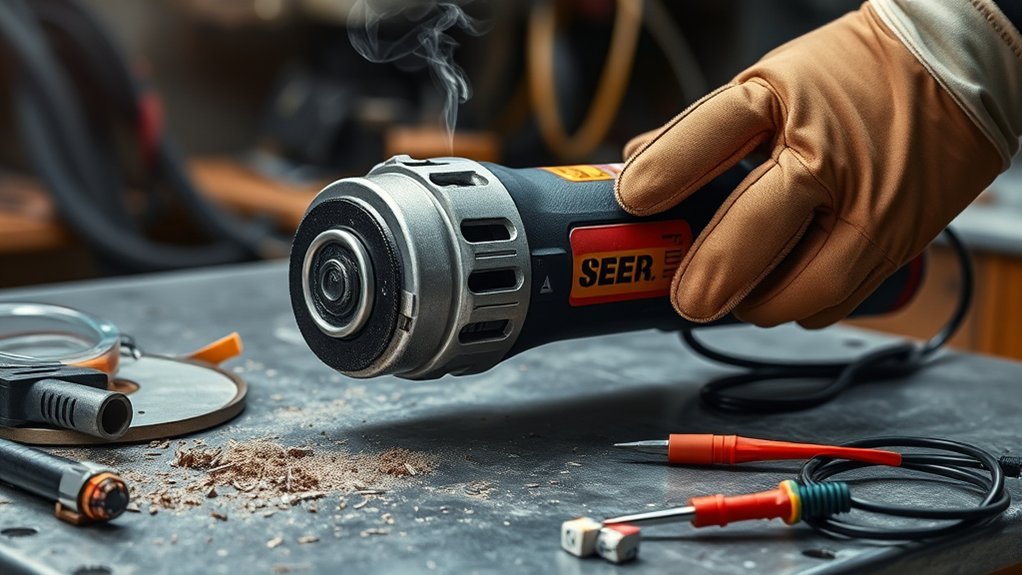
An angle grinder overheats when its motor, battery, bearings, or gears create heat faster than the cooling system can remove it. The most common external causes are blocked vents, excessive pressure, an unsuitable or poorly mounted wheel, heavy low-speed use on applicable variable-speed models, and voltage drop from an undersized extension cord. Stop immediately if you notice smoke, a burning smell, rapid power loss, severe vibration, or repeated shutdowns. Disconnect the power, let the tool cool naturally, then inspect the vents, accessory, guard, flanges, cord or battery, and user-serviceable brushes before deciding whether it is safe to test again.
By: Garage Welding Editorial Team | Last updated: July 23, 2026
[VERIFY: Add the real author or reviewer’s relevant power-tool safety or repair credentials in the CMS author profile before publication.]
Quick Answer
An angle grinder usually overheats because airflow is blocked or the motor is overloaded by excess pressure, the wrong accessory, heavy low-speed use, or voltage drop from an undersized extension cord. Stop, disconnect power, and let it cool naturally. Then inspect the vents, wheel, guard, flanges, cord or battery, and brushes if the model uses them. If it heats rapidly at no load or under a light load, stop using it and arrange qualified service.
Key Takeaways
- Stop immediately if the grinder smokes, smells like burning insulation, loses speed under a light load, or repeatedly shuts down.
- Keep external vents clear and avoid holding the tool in a way that blocks its air intake or exhaust.
- Match the wheel or disc to the material, grinder size, maximum speed, mounting system, flange, and required guard.
- Use firm, controlled pressure, but never jam or force the accessory into the work.
- Carbon-brush inspection applies only to brushed grinders; brushless models do not have replaceable motor brushes.
- Internal electrical, bearing, fan, armature, or switch faults should be handled by a qualified repair technician.
At a Glance
| Time Required | Cooling time varies by model, ambient temperature, and fault; do not restart until the tool is fully cool and inspected |
| Difficulty | Beginner for external inspection; professional service for internal faults |
| Tools Needed | Owner’s manual, eye protection, clean cloth, soft brush or suitable vacuum, and the correct wheel wrench |
| Cost | No cost for visual inspection and external cleaning; accessories, parts, batteries, and service vary |
What Does the Overheating Pattern Tell You?
The timing and location of the heat can narrow the cause before you perform any test. Use the table only for external triage. Smoke, a burning odor, damaged insulation, severe vibration, or rapid heating at no load means the grinder should remain disconnected until it is repaired.
| Overheating pattern | Most likely area to check first | Safe next step |
|---|---|---|
| Hot only during heavy cuts | Pressure, cut depth, wheel type, or grinder capacity | Use lighter passes and verify that the tool and accessory match the job. |
| Hot with one particular wheel | Damage, loading, glazing, poor mounting, or wrong accessory type | Remove the wheel after disconnecting power and replace it with a correct, undamaged accessory. |
| Hot at no load or under a light load | Blocked airflow, bearing drag, fan damage, or an electrical fault | Stop using the grinder and arrange qualified service if external vent cleaning does not resolve it. |
| Cordless tool shuts down, then works after cooling | Tool or battery overload and thermal protection | Reduce the load, check battery compatibility, and follow the model manual instead of repeatedly restarting it. |
| Gear head is unusually hot and sounds rough | Bearing or gear drag | Disconnect power and have the mechanical system inspected. |
| Plug, receptacle, or extension cord becomes hot | Loose connection, damaged cord, or insufficient wire gauge | Stop immediately and use a sound power source and a cord sized for the tool’s nameplate current and length. |
Why Is My Angle Grinder Overheating? Common Causes and Solutions
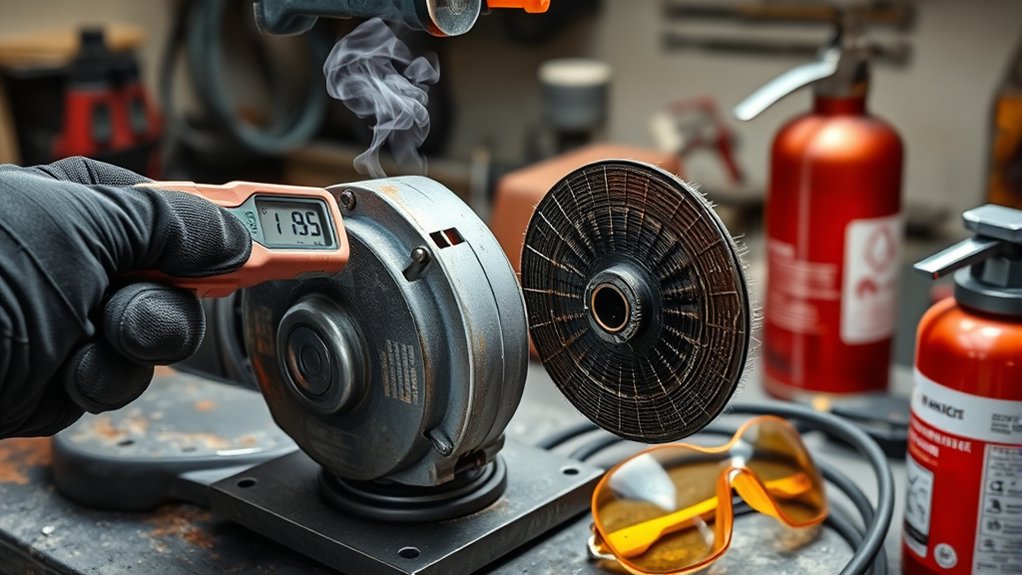
An angle grinder overheats when the motor, battery, bearings, or gear system produces heat faster than the tool can release it. Long use can contribute, but a grinder that becomes unusually hot within a few minutes may be overloaded or damaged.
Products Worth Considering

Precision Fit: Designed specifically as a direct replacement for DeWalt part #N436965

Angle grinder dust extraction suitable for the front cover of most 48-51mm angle grinders. Can be installed on most 5"/4.5" angle grinders.The thickness of Diamond Grinding Disc should not more than 25mm or less than 15mm.
Normal Warmth Versus Dangerous Overheating
Some warmth around the motor housing and gear head is normal after demanding work. There is no single outside-housing temperature that applies to every grinder, so do not rely only on whether the tool feels warm to your hand.
Stop and investigate when you notice one or more of these signs:
- The housing becomes hot much faster than it normally does.
- The wheel loses speed during a light or ordinary cut.
- The tool repeatedly shuts down or requires cooling before it will restart.
- You smell burning insulation, hot plastic, or an unusual electrical odor.
- Smoke, heavy arcing, rough bearing noise, or strong vibration appears.
- The grinder overheats while running without a work load.
Repeated slowing, cutouts, burning odors, or abnormal vibration are stop signs. Do not push the grinder harder.
Blocked Vents and Dust Buildup
Dust, metal particles, and masonry debris can collect around the intake and exhaust vents. Restricted airflow reduces the motor’s ability to release heat. Makita’s maintenance instructions for an applicable grinder state that the tool and its air vents must be kept clean and that obstructed vents should be cleaned. The same manual also warns that excessive cutting pressure can overload and overheat the motor. See the Makita BGA452 instruction manual.
Keep your hands clear of the ventilation openings while working. After dusty use, disconnect the power and clean the outside of the vents with a soft brush or a suitable vacuum. Use clean, dry compressed air only when your model’s manual permits it, and wear suitable eye and respiratory protection while dust is being disturbed.
Too Much Pressure or an Oversized Job
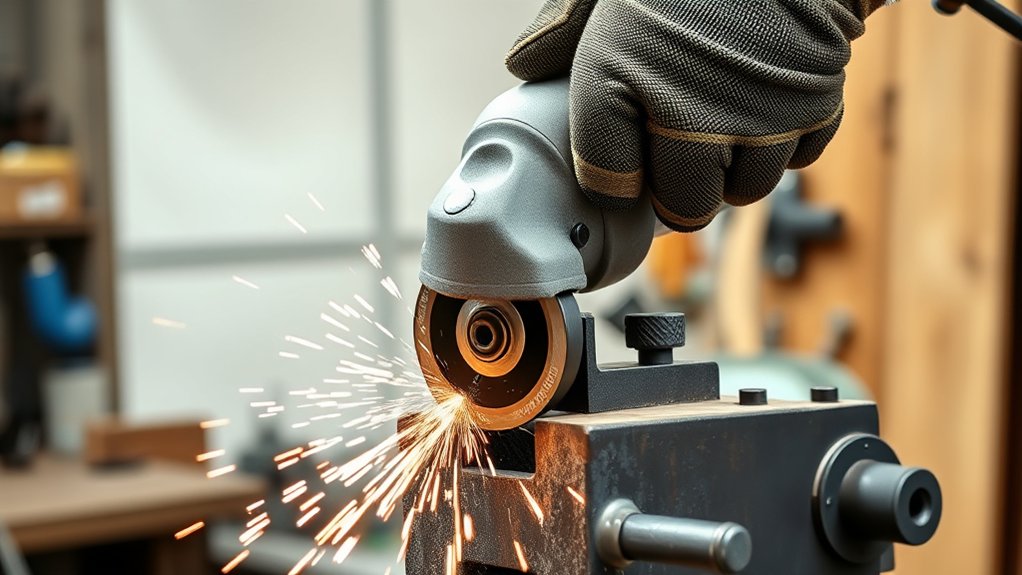
A small grinder can overheat when it is forced through thick steel, concrete, mortar, or another demanding material faster than its motor and accessory can handle. Excess pressure slows the wheel, raises motor load, and can make the accessory bind.
Use firm control, but let the wheel remove material at its intended rate. Do not force a deep cut in one pass. If the grinder repeatedly slows, use shallower passes, a more suitable accessory, or a grinder rated for the task.
Wrong, Damaged, or Poorly Mounted Disc
The wheel or disc must match all of the following:
- The material and operation, such as grinding, cutting, sanding, or wire brushing
- The grinder’s approved diameter and accessory thickness
- The grinder’s arbor, threaded spindle, or mounting hardware
- The correct inner flange, outer flange, and lock nut orientation
- A maximum operating speed at least as high as the grinder’s maximum speed
- The guard type required for that accessory and operation
For covered workplaces, OSHA’s portable abrasive-wheel requirements address guard placement, wheel inspection, mounting, and speed compatibility. A wheel that is cracked, warped, loose, incorrectly mounted, or unsuitable for the tool can wobble, vibrate, overheat the grinder, or break.
Never use the side of a cut-off wheel for grinding unless the accessory manufacturer specifically approves that use. Thin cut-off wheels are normally designed for cutting at the edge, and side pressure can damage them. For setup details, see the guides to angle grinder cut-off wheels, grinding-wheel types, and angle grinder arbor sizes.
Voltage Drop or Poor Power Supply
On a corded grinder, an extension cord that is too long or too small for the grinder’s nameplate amperage can cause voltage drop, loss of power, and overheating. The cord must also be in good condition and rated for the work location. Makita’s 9564CV and 9565CV instruction manual includes an extension-cord sizing table based on amperage and cord length. Use the table in the manual for your exact model rather than copying a generic wire-gauge recommendation.
Stop using any cord, plug, or receptacle that is burned, loose, crushed, cut, melted, or missing a grounding pin where one is required. Do not tape over a damaged tool cord and continue working.
Worn Carbon Brushes or Internal Drag
Brushed grinders use carbon brushes to transfer electrical current to the motor. Worn, chipped, sticking, or uneven brushes can cause poor performance and abnormal electrical behavior. Inspect or replace them only when the owner’s manual identifies them as user-serviceable. When replacement is required, many manufacturers specify replacing both brushes together with identical parts.
Brushless grinders do not have carbon brushes. If a brushless grinder overheats after the vents, accessory, battery, and technique have been checked, the problem may involve the electronic control, motor, bearings, cooling fan, or gear system and should be evaluated by qualified service.
Cordless Battery or Electronic Protection
A cordless grinder may slow or shut down because the battery or electronic protection system detects overload or excessive temperature. Remove the battery after the wheel stops, let the tool and pack cool in a dry area, and inspect the pack for cracks, swelling, leakage, melted contacts, or other damage.
Do not repeatedly pull the trigger to defeat a protection shutdown. Confirm that the battery is approved for the grinder and has enough capacity for the task. A battery that becomes unusually hot during light work or shows physical damage should be removed from service according to the manufacturer’s instructions.
Tips to Avoid Overloading Your Grinder
Overheating often begins when the grinder, accessory, speed setting, or work method does not match the job. Use these practices to reduce motor strain:
- Choose the right grinder: Use a tool with enough power, wheel capacity, and duty rating for the material and job size.
- Work in controlled passes: Avoid forcing a deep cut or removing too much material at once.
- Select the correct wheel: Match its type, size, mounting system, speed rating, and guard to the tool and material.
- Let the tool maintain speed: Reduce pressure if the motor note drops or the wheel begins to stall.
- Use the side handle: Hold the grinder with both hands and position the guard between your body and the wheel where the design permits.
- Follow the model’s speed instructions: Some variable-speed grinders can overheat when operated continuously at a low speed under heavy load. Makita describes this limitation in its 9566CV instruction manual.
There is no universal work-to-rest schedule for every grinder. Ambient temperature, tool design, wheel type, battery size, speed setting, and workload all affect heating. Follow your model manual and stop whenever the tool shows abnormal heat, speed loss, odor, or vibration.
Warning: Switch the grinder off and wait for the wheel to stop completely. Unplug a corded grinder or remove the battery from a cordless grinder before touching the wheel, guard, flange, spindle, vents, brushes, or housing.
Cooling Tips for Your Grinder
Place the disconnected grinder on a stable, dry, noncombustible surface where air can move around it. Keep it away from sawdust, paper, fuel, solvents, plastic, and other material that could burn, soften, or melt.
Let the tool cool naturally. Do not pour water on the grinder, immerse it, place it in a freezer, or spray a hot battery pack. Do not run an overheating grinder only to cool it unless the exact model manual specifically instructs that procedure. Rapid cooling, moisture, or unnecessary operation can create an electrical, mechanical, or battery hazard.
While the tool cools:
- Inspect the outside of the air vents for packed dust or debris.
- Check that your normal grip does not cover the intake or exhaust openings.
- Look for a damaged cord, plug, battery, guard, flange, or accessory.
- Review the manual for overload-reset, thermal-protection, and cooling instructions.
- Allow a hot battery to cool before charging or reinstalling it, following the battery manufacturer’s directions.
Do not remove the housing merely to speed cooling or reach the fan. Internal cleaning and inspection can expose live components, damage insulation, or disturb parts that require correct reassembly.
How to Identify Electrical and Mechanical Failures in Your Grinder
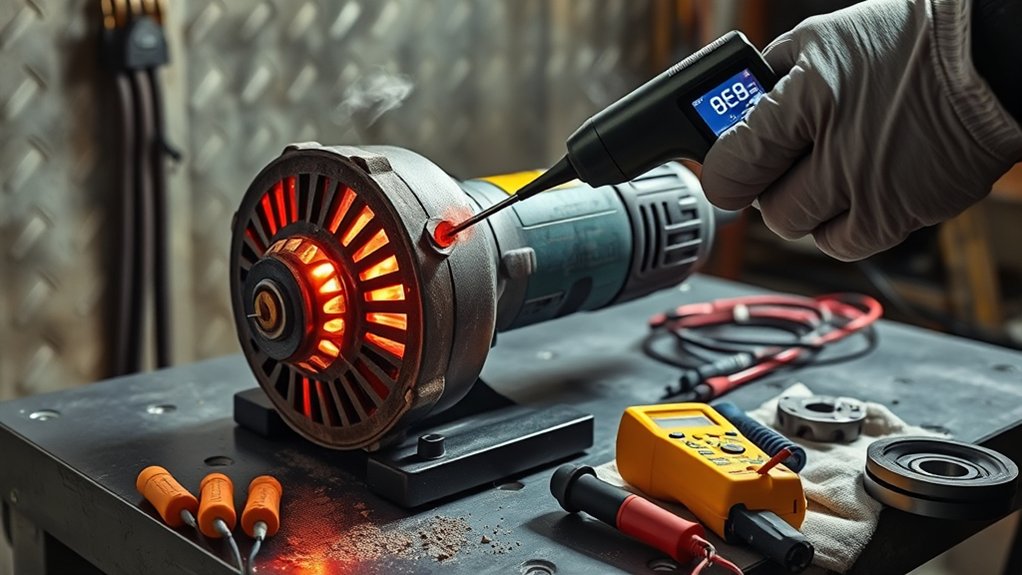
Electrical and mechanical faults can make a grinder overheat even when the accessory and technique are correct. Start with visible external checks. Do not continue testing a grinder that smokes, gives off a burning odor, has damaged insulation, or produces heavy vibration.
Common Electrical Issues
- Inspect the outlet and plug: Stop if the plug is loose, burned, melted, or unusually hot.
- Check the power cord: Look for cuts, exposed wire, crushed areas, damaged strain relief, or repairs made with tape.
- Check the extension cord: Confirm that its gauge, length, condition, and rating match the grinder’s nameplate current and work location.
- Watch for repeated breaker trips: One trip may result from a shared or overloaded circuit, but repeated trips can also indicate a tool or wiring fault. Do not keep resetting the breaker and retesting.
- Inspect a cordless battery: Remove a pack that is cracked, swollen, leaking, unusually hot under light use, or damaged around its contacts.
- Watch the motor’s behavior: Stop if the grinder loses speed under a light load, cuts out repeatedly, produces smoke, or shows strong arcing with an electrical odor. Normal work sparks and abnormal motor-area sparks are explained in the guide to why angle grinder sparks happen.
Mechanical Malfunction Signs
Mechanical drag creates extra load and heat. With the grinder disconnected from power, inspect for:
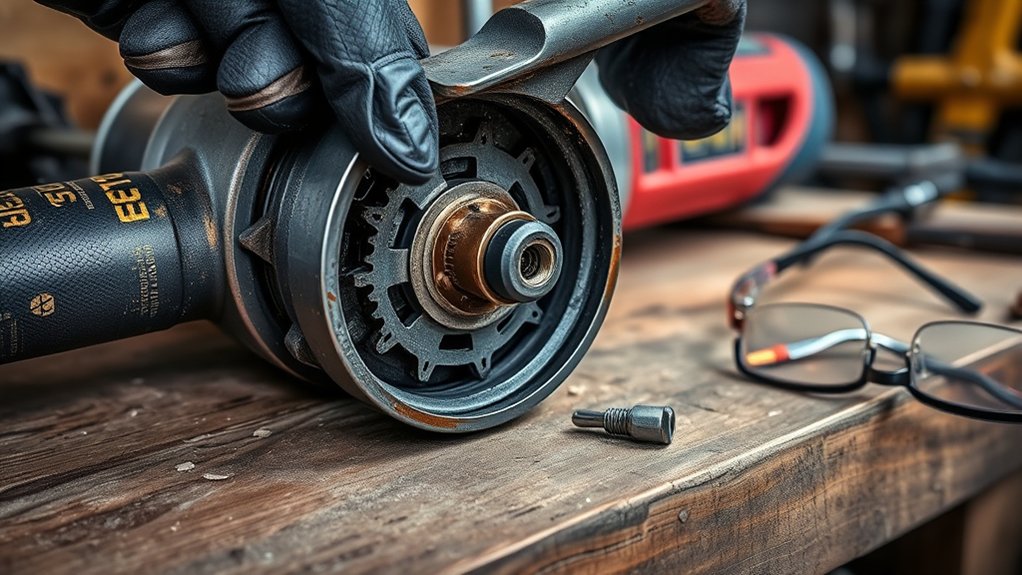
- A cracked, warped, chipped, loose, or incorrectly mounted wheel
- Dirty, damaged, reversed, or mismatched flanges
- Scraping, binding, or roughness when the accessory is turned carefully by hand
- A spindle lock that sticks or does not release correctly
- Side-to-side wheel wobble
- Grinding, rumbling, squeaking, or knocking from the bearings or gear head
- A loose guard, side handle, or accessory
A bent spindle, damaged bearing, broken cooling fan, armature fault, field-coil fault, switch problem, or damaged gear set requires proper tools and electrical testing. Stop using the grinder and have it inspected by an authorized or qualified repair technician. For symptom separation, see the related guide to diagnosing angle grinder gearbox problems.
Steps to Troubleshoot and Resolve Overheating Issues
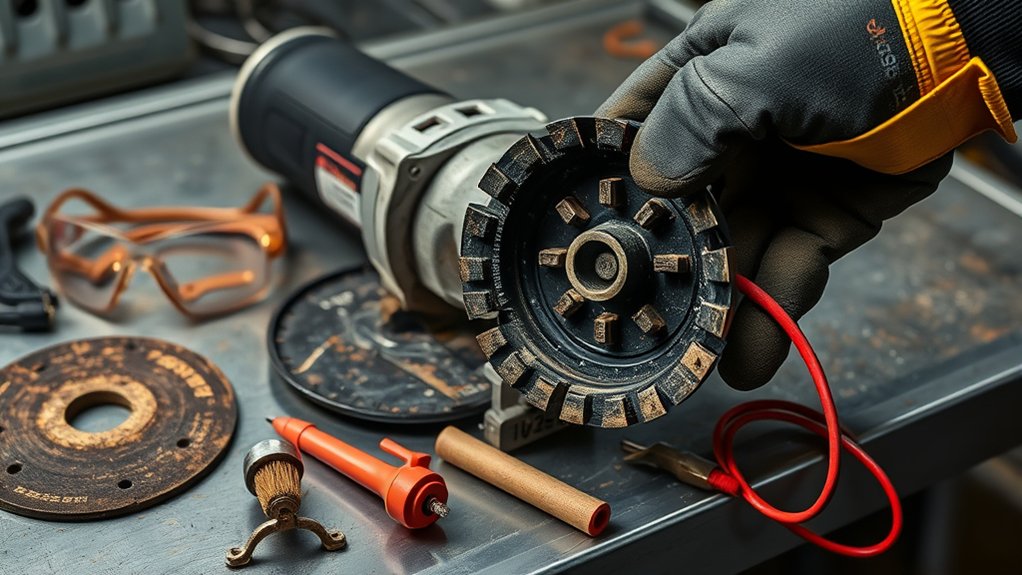
Work from the easiest and safest causes to the more serious ones:
- Stop and isolate the power: Release the trigger, wait for the accessory to stop, unplug the cord, or remove the battery.
- Let the grinder cool: Set it on a dry, noncombustible surface and allow it to return to a normal temperature naturally.
- Inspect the accessory: Check for cracks, chips, warping, heavy wear, glazing, clogging, or an incorrect wheel type.
- Verify the complete setup: Confirm the wheel diameter, thickness, speed rating, arbor or thread fit, flange orientation, lock nut, and guard.
- Check for mechanical drag: With power disconnected, turn the accessory carefully by hand and listen or feel for scraping, rubbing, or rough bearings.
- Clean the external vents: Use a soft brush or suitable vacuum. Follow the manual before using compressed air or opening any cover.
- Check the power source: Inspect the plug, cord, outlet, extension cord, or battery. Use a properly sized extension cord for a corded grinder.
- Check brushes only when applicable: On a brushed grinder, inspect user-serviceable brushes according to the owner’s manual. Do not search for brushes on a brushless model.
- Perform a cautious no-load check only when the manual permits it: Proceed only after the grinder is cool, a safe external cause has been corrected, and there is no smoke, electrical damage, severe vibration, rough bearing noise, or damaged wheel. Stand out of the wheel’s plane and follow the exact no-load test in your model manual. A current DeWalt angle-grinder manual, for example, specifies running an inspected accessory at maximum no-load speed for one minute.
- Test under a light load: If the grinder runs smoothly at no load, make a brief, light test cut or grind. Stop if speed drops sharply or heat returns quickly.
If the grinder still overheats during no-load or light-load operation, stop using it. Worn bearings, a damaged cooling fan, electrical shorts, armature or field damage, electronic-control faults, and gear problems require professional diagnosis.
Pro Tip: If the grinder runs normally with other approved accessories but overheats with one particular disc, inspect that disc for damage, loading, glazing, incorrect type, or poor mounting. Replace it with a correct, undamaged accessory before testing again.
Products Worth Considering


[7PCS 5/8"-11 Angle Grinder Nut Wrench Replacement Kit] 1 piece angle grinder wrench and 6 angle grinder nuts (3 inner flange nuts, 3 outer flange nuts) for lock nut removal, wheel/disc replacement.Compatible with most arbor grinders and lock nuts, Perfect for home DIY, workshop projects, and professional grinder parts replacement

【Value Sets】The grinder nut set includes 1 angle grinder wrench and 6 angle grinder nuts (3 inner flange nuts, 3 outer flange nuts). Please check size and compatibility before ordering. Please contact us with any questions or concerns. We prioritize your satisfaction .
How to Maintain Your Grinder to Prevent Overheating
Regular cleaning, inspection, and correct setup help the grinder run cooler and reduce unexpected failures. Base the schedule on the owner’s manual and the amount of dust, metal debris, and workload the tool sees.
Regular Cleaning Schedule
- After each dusty job: Disconnect power and remove dust from the outside of the vents and housing.
- After grinding metal: Clear loose particles from the guard, flange area, and external vent openings.
- Before storage: Wipe the housing and inspect the cord, plug, battery contacts, guard, and side handle.
- Before each wheel change: Check the wheel, flanges, lock nut, spindle, and guard for damage or debris.
- At the manual’s service interval: Inspect user-serviceable carbon brushes on brushed tools and replace them with the specified parts when required.
- After a drop or impact: Inspect the grinder and accessory before returning the tool to service.
Do not add grease or oil to a sealed gear housing unless the manufacturer’s maintenance procedure specifically calls for it. Too much lubricant, the wrong lubricant, or incorrect reassembly can create additional heat and damage.
Proper Ventilation Practices
Keep the intake and exhaust openings clear during use. Avoid wrapping a hand, cloth, or temporary dust cover around the motor housing. Do not place a running or cooling grinder in a confined container.
For metal work, use local ventilation or extraction when practical and keep sparks away from combustible dust, paper, fuel, solvents, gas cylinders, and flammable liquids.
Concrete, brick, stone, and mortar work can release respirable crystalline silica. General room ventilation alone may not be enough. OSHA’s respirable crystalline silica standard describes task-specific controls such as compatible grinder shrouds, dust collection, water-delivery systems where approved, and respiratory protection when required. For covered construction tasks using certain handheld grinders, OSHA Table 1 specifies a dust collector with at least 25 cubic feet per minute of airflow per inch of wheel diameter and a filter with 99% or greater efficiency. Use only dust-control equipment designed for the grinder, wheel, and operation.
Safety Measures to Implement Before Using Your Grinder
Complete a quick safety check before each serious cutting or grinding job:
- Inspect the power cord, plug, battery, and switch for visible damage.
- Confirm that the accessory type, diameter, thickness, mounting dimensions, and maximum speed match the grinder.
- Check that the wheel is undamaged and that the flanges and lock nut are clean, correctly oriented, and secure.
- Install the correct guard and position it to deflect fragments and sparks away from your body.
- Install the side handle and maintain a firm two-handed grip.
- Secure the workpiece so it cannot shift, pinch the wheel, or pull the tool off line.
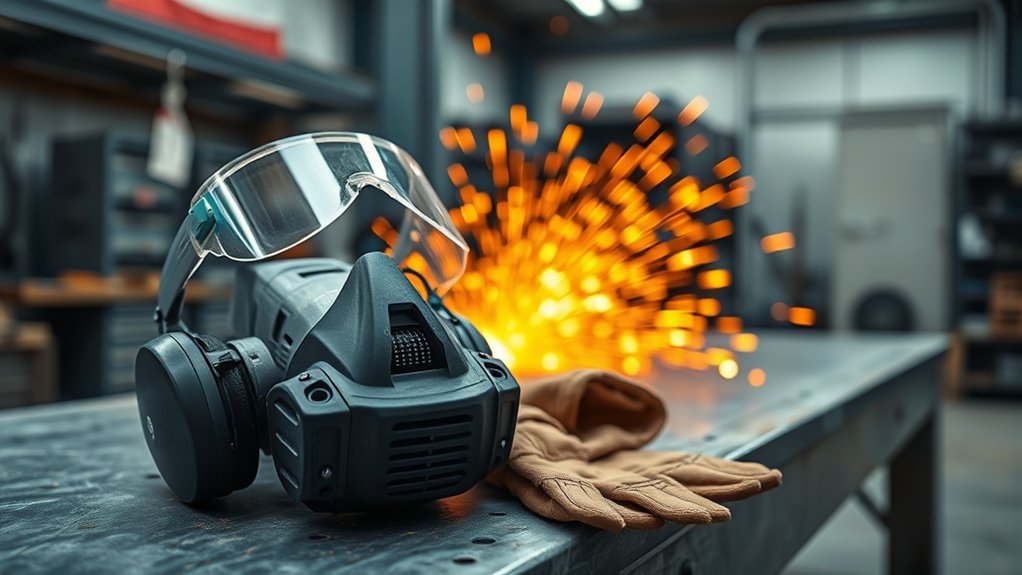
- Wear impact-rated safety glasses with side protection. Add a face shield for extra protection from fragments and sparks, but do not use a face shield as the only eye protection. Follow OSHA’s eye and face protection requirements where they apply.
- Wear hearing protection, close-fitting clothing, suitable footwear, and task-appropriate gloves. Keep loose clothing, jewelry, hair, and cords away from the rotating accessory.
- Use a suitable respirator and dust-control system when the material or workplace assessment requires them.
- Keep sparks away from fuel, solvents, sawdust, paper, combustible dust, and other flammable material. Review the angle grinder spark and fire-safety guide when planning hot work.
- After changing an accessory, stand out of its plane and perform the no-load check specified by the manufacturer before contacting the workpiece.
Note: The wheel, flange, gear head, battery, and motor housing may remain hot after the grinder stops. Let the parts cool before removing the accessory, packing the tool away, or touching hot metal with bare skin.
When to Stop Using an Overheating Angle Grinder
Stop using the grinder and disconnect its power if you notice:
- Smoke or a burning electrical or plastic odor
- Repeated breaker trips or protection shutdowns
- Rapid heating during no-load or light-load operation
- Heavy arcing from the motor area
- A swollen, cracked, leaking, or melted battery pack
- Severe wheel wobble or vibration
- Grinding, rumbling, scraping, or knocking from the bearings or gear head
- A damaged cord, plug, switch, guard, spindle, or flange
- A motor that will not maintain speed during ordinary work
Do not keep testing the tool to see whether the symptom disappears. If external cleaning, correct setup, reduced pressure, a suitable power source, and an approved accessory do not solve the problem, arrange inspection by the manufacturer, an authorized service center, or another qualified power-tool technician.
Frequently Asked Questions
What causes a grinder to overheat?
A grinder overheats when its motor, battery, bearings, or gears produce more heat than the cooling system can release. Common causes include blocked vents, excess pressure, deep cuts, the wrong accessory, low-speed overload on applicable models, an undersized extension cord, worn parts, or an internal electrical fault.
How do I cool down an angle grinder safely?
Switch it off, wait for the wheel to stop, unplug it or remove the battery, and place it on a dry, noncombustible surface. Let it cool naturally with the vents uncovered. Do not pour water on the tool, immerse it, or spray a hot battery.
Why does my angle grinder keep cutting out?
The grinder may be overloaded, overheating, losing voltage through an unsuitable cord, or activating electronic or battery protection. Check the vents, accessory, pressure, power source, and manual. Repeated cutouts during light work can indicate an internal fault that needs service.
What are the signs that my grinder needs repair?
Repair signs include smoke, burning odor, repeated overheating, rough bearing noise, rapid heat at no load, severe vibration, wheel wobble, damaged insulation, heavy arcing, repeated breaker trips, or a motor that loses speed under a light load.
Can the wrong disc make an angle grinder overheat?
Yes. An incorrect, damaged, clogged, glazed, oversized, or poorly mounted disc can increase drag, vibration, and motor load. Match the accessory to the material, operation, grinder size, mounting system, maximum speed, flanges, and required guard.
What temperature is too hot for an angle grinder?
There is no universal outside-housing temperature for every grinder. Follow the limits and warnings in your model manual. Stop when heat rises unusually fast or appears with power loss, odor, smoke, repeated shutdowns, severe vibration, or rough mechanical noise.
Do brushless angle grinders have carbon brushes?
No. A brushless motor does not use replaceable carbon brushes. If a brushless grinder keeps overheating after you correct airflow, accessory, battery, and workload problems, have its motor, electronics, fan, bearings, and gear system checked by qualified service.
Can I use the grinder again after it cools down?
Use it again only after you find and correct a safe external cause, such as blocked vents, excessive pressure, an unsuitable accessory, or an undersized extension cord. Do not restart a grinder that smoked, smelled burned, overheated at no load, vibrated severely, or showed electrical damage.
Is it normal for an angle grinder gear head to get hot?
Some gear-head warmth is normal during demanding work. Stop using the grinder if the gear head becomes much hotter than usual or the heat appears with grinding, rumbling, scraping, knocking, grease leakage, rough spindle movement, or severe vibration. Those signs can indicate bearing or gear-system drag.
Can a bad extension cord make an angle grinder overheat?
Yes. A damaged, excessively long, or undersized extension cord can cause voltage drop, loss of power, and overheating. Match the cord gauge and length to the grinder’s nameplate amperage and exact manual, and stop using any cord or connection that becomes hot, loose, burned, cut, or melted.
Safety Disclaimer: This article provides general safety and troubleshooting information. Always follow the instructions for your exact grinder, accessory, battery, and work material. Electrical repair, internal motor work, bearing replacement, switch diagnosis, and damaged battery handling should be performed by the manufacturer, an authorized service center, or another qualified technician.
Conclusion
Fast overheating means your angle grinder needs less load, better airflow, a correct accessory, a suitable power source, or professional repair. Disconnect power first, let the tool cool naturally, and work through the external checks in order. Restart only when you have corrected a safe cause and the model manual allows the test. If abnormal heat returns at no load or under a light load, keep the grinder out of service until a qualified technician identifies the fault.
Sources
- OSHA 29 CFR 1910.243 – Guarding of Portable Powered Tools – supports wheel guarding, mounting, inspection, and speed-compatibility guidance.
- OSHA 29 CFR 1910.133 – Eye and Face Protection – supports protection from flying particles and impact hazards.
- OSHA 29 CFR 1926.1153 – Respirable Crystalline Silica – supports dust-control requirements for concrete, mortar, brick, and masonry grinding.
- Makita BGA452 Instruction Manual – supports warnings about excessive pressure, motor overheating, vent cleaning, and carbon-brush maintenance on applicable models.
- Makita 9566CV Instruction Manual – supports model-specific warnings about continuous low-speed operation and motor overload.
- Makita 9564CV and 9565CV Instruction Manual – supports extension-cord gauge, voltage-drop, power-loss, and overheating guidance.
- DeWalt DCG407 and DCG408 Instruction Manual – supports accessory inspection, one-minute no-load testing, guard selection, minimum-pressure operation, vent cleaning, and overload-protection guidance.