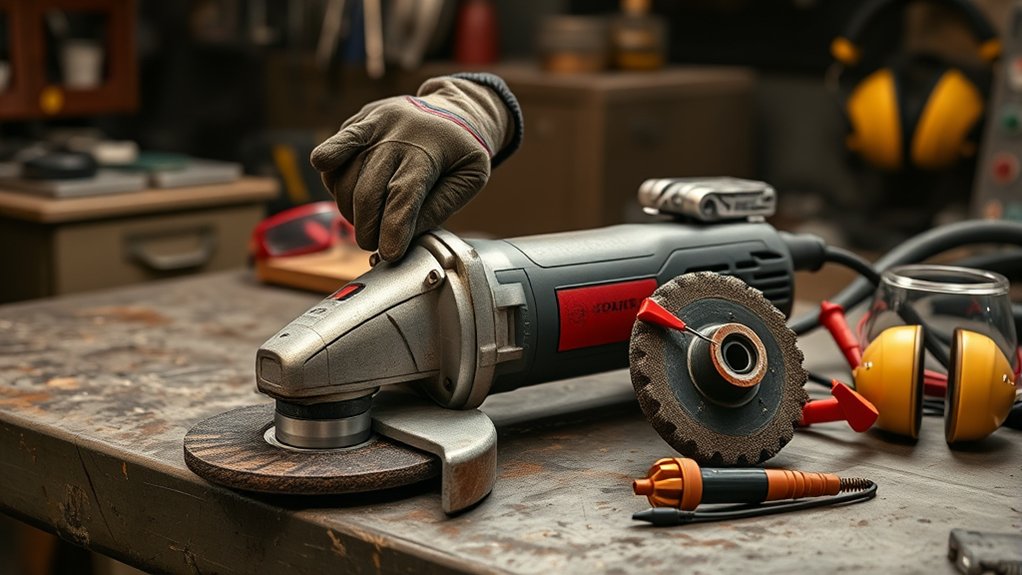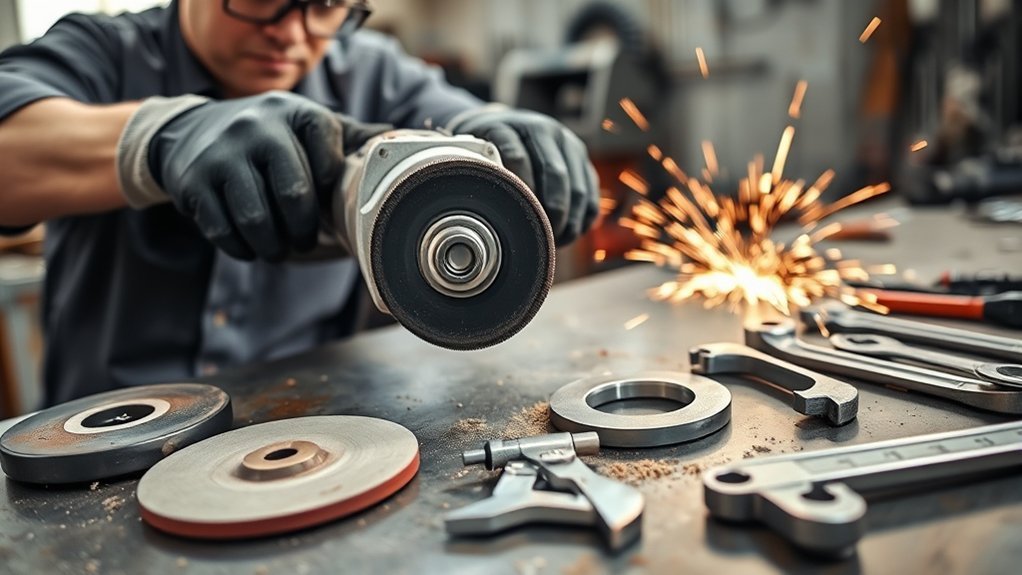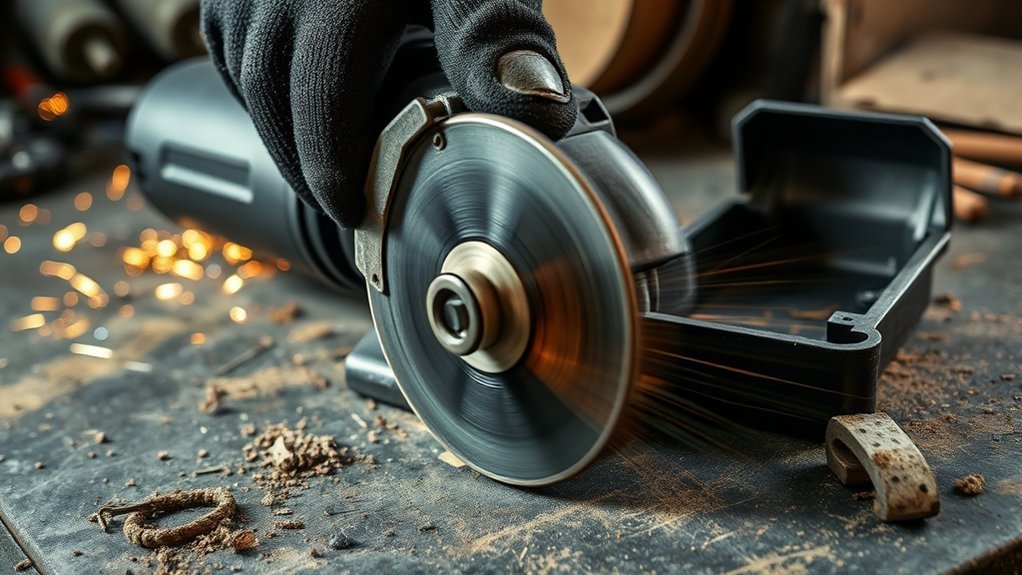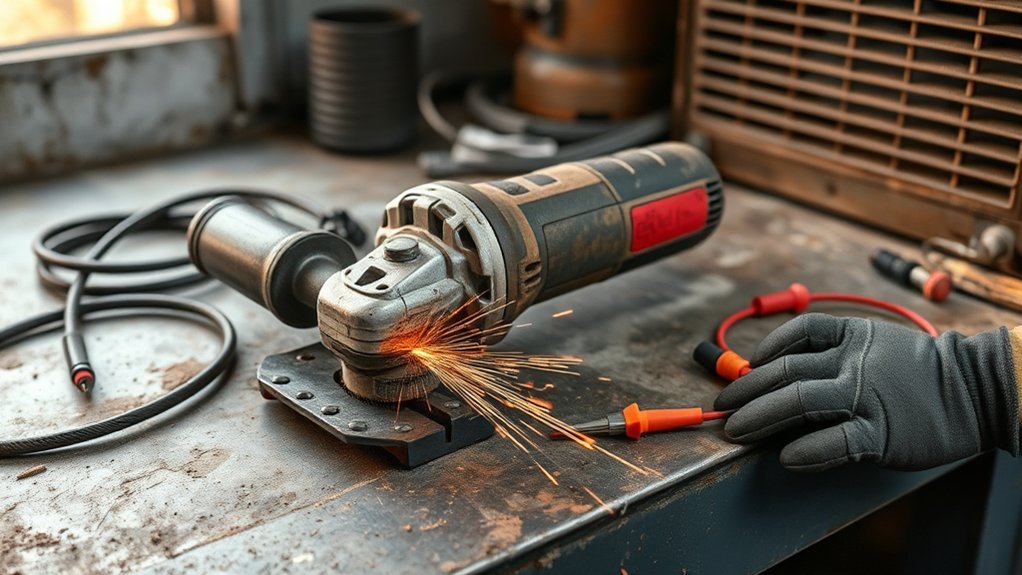
If your angle grinder loses power under load, the tool is usually fighting one of four problems: weak power delivery, a worn or wrong disc, restricted cooling, or worn internal parts. Start with the safe external checks first. Unplug a corded grinder or remove the battery before touching the disc, guard, vents, brushes, or wiring.
Quick Answer
An angle grinder usually loses power under load because the outlet, extension cord, battery, carbon brushes, disc, or cooling vents cannot keep up with the job. Check the power source first, then inspect the disc, vents, brushes, and switch. Stop using the grinder if it smokes, smells burnt, vibrates badly, or has a cracked disc.
Key Takeaways
- Start with simple checks: outlet, cord, battery, disc type, disc condition, and blocked air vents.
- A dull, cracked, oversized, or wrong disc can overload the motor and make the grinder bog down.
- Worn carbon brushes can cause weak power on brushed grinders, but brushless grinders need different diagnosis.
- Smoke, a burning smell, severe vibration, or a damaged guard means you should stop and repair or replace the tool.
At a Glance
| Time Required | 10 to 30 minutes for external checks; longer if brushes, switch, bearings, or motor parts need service |
| Difficulty | Basic for power, disc, and vent checks; intermediate for brush inspection; professional for internal electrical faults |
| Tools Needed | Safety glasses or face shield, hearing protection, gloves, grinder wrench, flashlight, compressed air, replacement disc, and a multimeter if you are trained to use one |
| Cost | Usually low for cleaning, a cord change, or a new disc; more if brushes, bearings, a switch, or motor service is needed |
Why Your Angle Grinder Loses Power Under Load: Troubleshooting Order
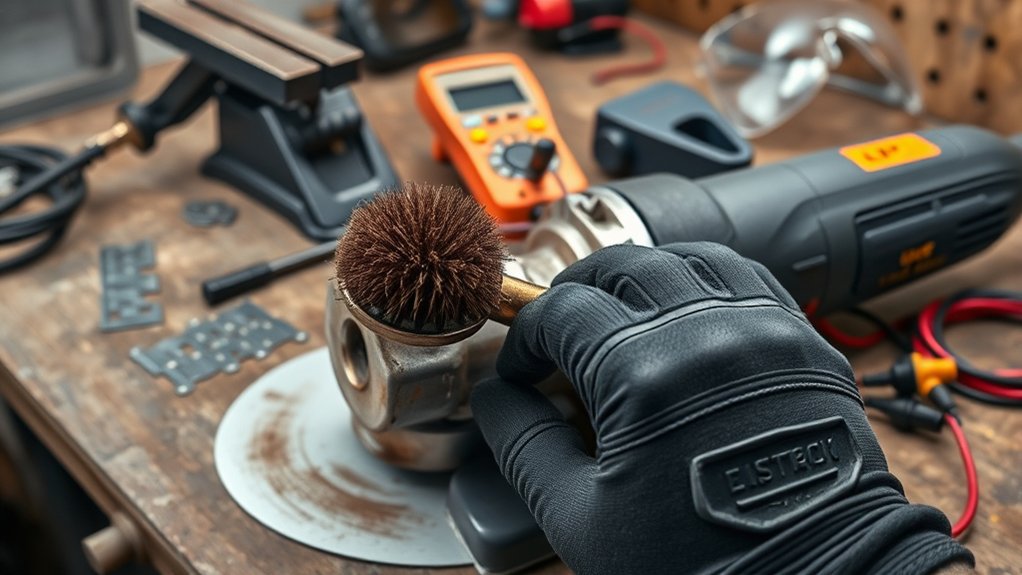
Use a safe order when troubleshooting power loss. Do not open the grinder first. Most power-loss problems come from the power supply, the accessory, the way the disc is loaded, or blocked cooling.
- Remove power first. Unplug the grinder or remove the battery before inspecting the disc, guard, vents, or brush caps.
- Check the outlet or battery. Try a known-good outlet for a corded grinder. For a cordless grinder, test with a fully charged battery that is not overheated.
- Inspect the cord and plug. Look for cuts, crushed insulation, loose prongs, heat marks, or intermittent power when the cord moves.
- Check the extension cord. A long, thin, or coiled extension cord can cause voltage drop. Use the shortest heavy-duty cord that matches the grinder manual.
- Inspect the disc. Replace a cracked, glazed, warped, wrong-size, or wrong-type disc. Make sure the disc rating is at least as high as the grinder speed.
- Clean the vents. Blow dust away from the air inlets and outlets. Do not run the tool with packed vents, because heat can reduce power and damage the motor.
- Listen and feel. Grinding, squealing, rattling, surging, heavy sparking, or strong vibration points to brushes, bearings, switch, spindle, or motor trouble.
Warning: Stop using the grinder immediately if you see smoke, smell burning insulation, find a cracked disc, notice severe vibration, or cannot keep the guard secure. A damaged abrasive disc can shatter at high speed, and a grinder with an electrical fault can become unsafe.
For safety, follow the grinder manual and the rules for abrasive wheels. OSHA 1926.303 requires grinding machines to have enough power to maintain safe spindle speed during normal operation and to use proper guarding. OSHA 1910.243 also says abrasive wheels should be inspected before mounting and checked so the machine speed does not exceed the wheel’s marked maximum speed.
Identifying Electrical Malfunctions in Your Grinder
Electrical problems often show up as sputtering, sudden stops, weak startup, heat at the plug, or power loss only when the grinder touches the work. Check the outside of the tool before testing internal parts.
Power Source Inspection
Plug the grinder directly into a known-good outlet. Avoid power strips and shared circuits when testing. If the grinder runs normally on another outlet, the problem may be the original outlet, breaker, generator, or extension cord rather than the tool.
For cordless grinders, test with a fully charged battery. If the grinder runs well with one battery but bogs down with another, the weak battery may be overheating, nearly discharged, or unable to supply enough current under load.
Extension Cord and Voltage Drop
A corded grinder can lose power when the extension cord is too long, too light, damaged, or left coiled during use. Voltage drop makes the motor work harder, run hotter, and slow down more easily.
- Use the shortest extension cord that reaches the work safely.
- Choose a heavy-duty cord rated for the grinder’s amperage.
- Uncoil the cord before heavy grinding or cutting.
- Stop using a cord that feels hot, has cuts, or has loose plug ends.
Wiring and Connections Check
Inspect the power cord, plug, strain relief, and switch area for obvious damage. Loose or damaged wiring can interrupt power delivery and cause intermittent slowdown. If moving the cord changes the grinder speed, stop using the tool until the cord or connection is repaired.
A multimeter can help test cord and switch continuity, but only do this if you know how to test electrical tools safely. The grinder must be unplugged, and capacitors or electronic controls should be handled according to the service manual. If you are unsure, take the tool to a qualified repair technician.
Carbon Brush and Switch Check
On brushed angle grinders, worn carbon brushes can cause weak power, sputtering, heavy sparking, or failure under load. Remove and inspect brush caps only after the tool is unplugged. If the brushes are short, chipped, uneven, or oil-soaked, replace them with the correct parts for your model.
Brushless grinders do not use carbon brushes. If a brushless grinder loses power under load, look more closely at the battery, overload protection, electronics, clogged vents, or internal motor faults.
Note: Do not bypass a switch, remove safety controls, or keep using a grinder that cuts in and out. A failing switch or loose wire can overheat and create shock or fire risk.
Fixing Wheel Rotation Problems in Your Angle Grinder
Wheel rotation problems can make a good grinder feel weak. If the disc wobbles, rubs, grabs, or binds, the motor has to fight the accessory instead of cutting smoothly.
- Check the disc size. Use only the diameter and arbor size listed for the grinder.
- Check the disc type. Use grinding discs for grinding, cutting discs for cutting, flap discs for finishing, and diamond wheels only for materials they are rated to cut.
- Check the speed rating. The disc’s maximum RPM must meet or exceed the grinder’s rated speed.
- Inspect for damage. Replace any disc with cracks, chips, warping, missing abrasive, heavy glazing, or uneven wear.
- Check the flange and locking nut. Use the correct flange orientation and tighten with the supplied wrench, not pliers or improvised tools.
- Spin the disc by hand. With the tool unplugged, rotate the disc and check for rubbing, wobble, or scraping.
If the wheel wobbles with more than one properly mounted disc, inspect the spindle, flange, and bearings. A bent spindle or worn bearing can overload the grinder and create unsafe vibration.
Products Worth Considering

[7PCS 5/8"-11 Angle Grinder Nut Wrench Replacement Kit] 1 piece angle grinder wrench and 6 angle grinder nuts (3 inner flange nuts, 3 outer flange nuts) for lock nut removal, wheel/disc replacement.Compatible with most arbor grinders and lock nuts, Perfect for home DIY, workshop projects, and professional grinder parts replacement

Set Including : 1 piece adjustable angle grinder spanner wrench, 3 pcs 5/8’’ inner nuts and 3 pcs 5/8’’-11 threaded outer nut
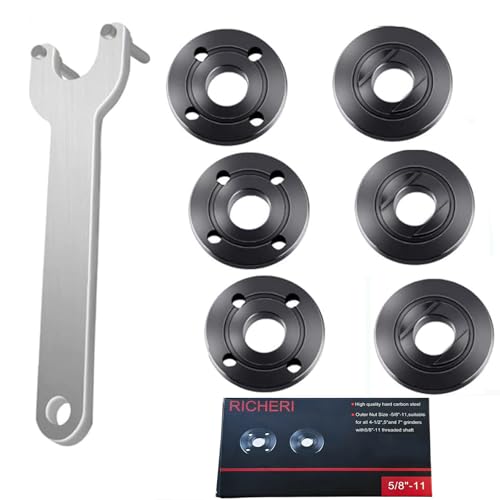
Replacement part numbers: 224399-1, 193465-4, 224568-4 parts Fit for Makita 9005BZ 9015B 9505BH 9527PB 9527NB 9015DB 9561CV 9016B 9049 9067L 9077SL 9564,GA7021, GA9040S 9" 15A, GA5010Z 10.5A 5", 9557NB, 9558PB, GA6020, 9005B, 9503BH, 9524NB, 9528PB, 9528NB 9" 15A Angle Grinder, etc
Diagnosing Motor Issues: Noises, Overheating, and Performance Drops
Motor problems often show up after the easy checks have been ruled out. Watch for changes in sound, smell, speed, and heat. A grinder that slowly loses power during a long cut may be overheating, while a grinder that sputters from the start may have brush, switch, cord, or control-board trouble.
| Symptom | Likely Cause | What to Do |
| Runs fine until the disc touches metal | Dull disc, weak power supply, too much pressure, or binding cut | Try a fresh disc, lighten pressure, support the work, and test a known-good outlet or battery |
| Heavy sparking inside the vents | Worn brushes, dirty commutator, or armature trouble on brushed models | Inspect brushes if the model allows it; seek service if sparking continues |
| Burning smell or smoke | Overheating, overloaded motor, damaged windings, or electrical fault | Stop immediately, disconnect power, and have the grinder repaired or replaced |
| Rattling, grinding, or rough spin | Bearing, spindle, gearbox, or wheel-mounting issue | Remove the disc and inspect mounting parts; seek service if noise remains |
Overheating is common when vents are clogged, the disc is wrong for the job, or the grinder is pushed too hard. Let the tool cool between heavy cuts. If the grinder repeatedly overheats during normal use with the correct disc, the motor or control electronics may be failing.
Enhancing Disc and Wheel Performance
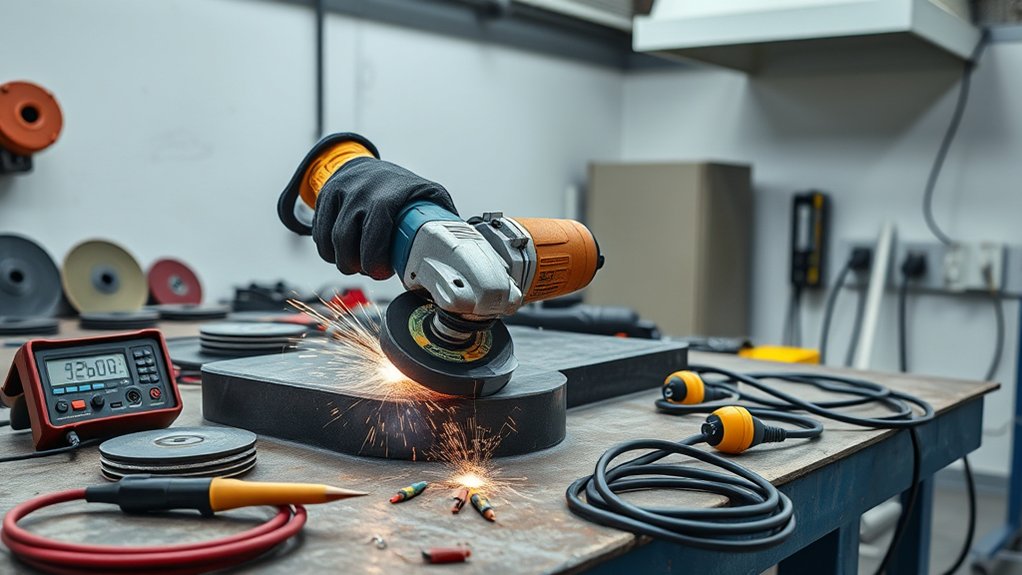
A grinder often bogs down because the disc is doing the wrong job. A worn cutting disc, glazed grinding wheel, or clogged flap disc increases friction and heat. The motor slows because the disc is dragging instead of cutting.
Choose the disc by material and task:
- Metal cutting: use a cutting wheel rated for metal and for the grinder’s RPM.
- Grinding welds: use a grinding wheel, not a thin cut-off wheel.
- Paint or rust removal: use a flap disc, surface-prep disc, or wire accessory rated for the grinder.
- Masonry or concrete: use the correct masonry or diamond wheel and control dust with the right guard and extraction setup when required.
A fresh, correctly rated disc is one of the fastest ways to tell whether the grinder is weak or the accessory is overloaded.
Do not force the disc. Let the wheel reach full speed before it touches the work, then use steady pressure. If the disc grabs, binds, or slows hard, back off and correct the work support or cut angle.
Products Worth Considering

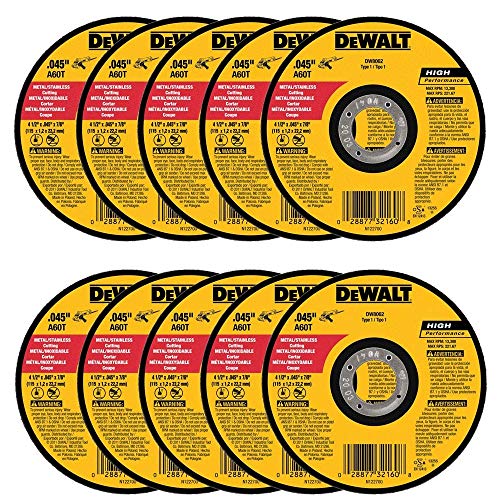
Thin . 045-Inch wheel design for fast burr free cutting this are easy to use

Premium Aluminum Oxide Blend - High-quality formulation ensures fast material removal and extended cutting life. The formulation ensures fast material removal and extended cutting life, making it ideal for demanding applications.
The Importance of Regular Maintenance for Your Angle Grinder
Regular maintenance keeps the grinder cooler, smoother, and safer. It also helps you spot problems before they damage the motor.
- Clean vents after dusty work. Use compressed air carefully and blow dust away from the motor vents.
- Inspect the guard and handle. Do not use the grinder if the guard or side handle is loose, missing, or damaged.
- Check brushes on brushed models. Replace worn brushes in pairs using parts made for your grinder.
- Inspect discs before each use. Replace dropped, cracked, warped, or heavily worn discs.
- Check the cord and plug. Look for cuts, heat damage, loose prongs, or cracked strain relief.
- Store it dry. Moisture can rust metal parts and worsen electrical problems.
Pro Tip: If the grinder feels weak, test it with a new, correct disc before assuming the motor is bad. A worn or glazed disc can mimic motor power loss.
Safety Tips to Follow Before Using Your Angle Grinder
Angle grinders are high-speed tools, so troubleshooting should never skip safety. SafeWork SA warns that kickback can cause severe cuts and that discs can shatter or disintegrate, sending fragments toward the operator. Before each use, check the guard, handle, disc, flange, locking nut, cord, and switch.
- Wear safety glasses or a face shield, hearing protection, gloves with good grip, fitted clothing, and sturdy footwear.
- Keep the guard in place and positioned between you and the wheel.
- Use two hands whenever the grinder is designed for a side handle.
- Clamp or secure the work so the disc does not bind.
- Let the grinder reach full speed before touching the work.
- Never use a cutting disc for grinding or a grinding disc for cutting.
- Disconnect power before changing discs or inspecting the tool.
- Do not set the grinder down until the disc has stopped rotating.
Angle grinders can also be loud. CDC/NIOSH considers noise hazardous at 85 dBA or higher and recommends controlling occupational noise exposure at that level averaged over an eight-hour workday. Because many grinding jobs are loud, hearing protection is a smart habit even for short tasks.
Step-by-Step Guide to Improving Your Grinder’s Performance
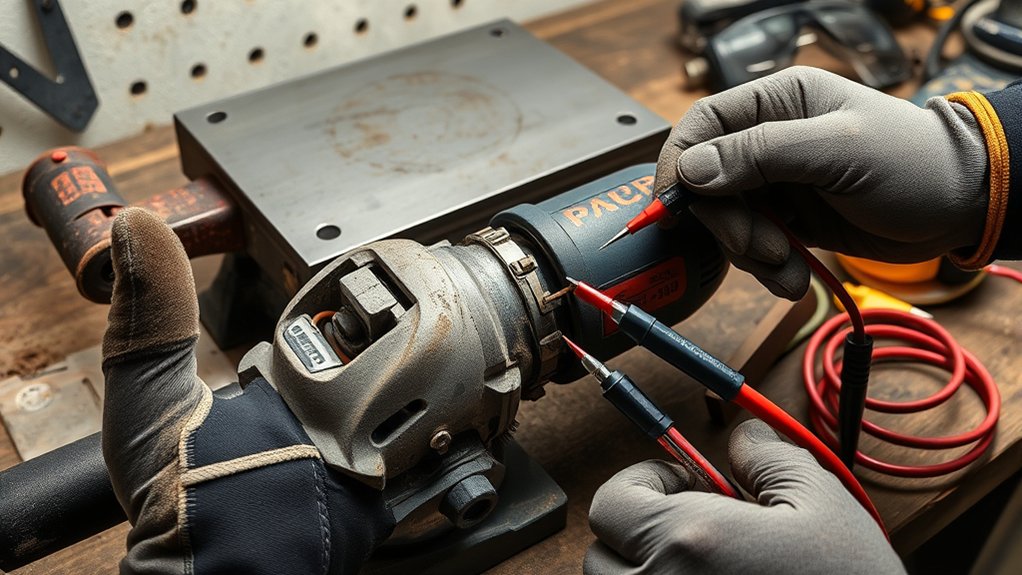
Use this simple sequence to narrow down the cause of power loss without wasting time or creating extra risk.
Check Power Supply Issues
- Plug a corded grinder directly into a known-good outlet.
- Remove long, light-duty, damaged, or coiled extension cords from the test.
- For cordless grinders, test with a fully charged battery that is cool to the touch.
- Check whether the grinder loses power only under load or also slows with no disc installed.
If the grinder runs well with a better outlet, cord, or battery, the tool may be fine. If it still loses power with a known-good power source, move to the disc and cooling checks.
Inspect Disc and Accessories
- Unplug the grinder or remove the battery.
- Check that the disc matches the tool size, arbor, material, and task.
- Confirm the disc RPM rating is equal to or higher than the grinder speed.
- Inspect for cracks, chips, glazing, uneven wear, or wobble.
- Make sure the flange and locking nut are correct and seated flat.
Replace questionable discs instead of trying to “use them up.” A damaged disc is not only inefficient, it can fail at high speed.
Maintain Cooling System Effectively
Cooling problems often appear after a few minutes of work. The grinder starts strong, gets hot, then slows or shuts off. Clean the air vents, avoid blocking them with your hand, and give the tool short cooling breaks during heavy grinding.
If dust is packed inside the housing, do not wash the grinder or spray liquid into the vents. Use dry compressed air from a safe distance, or have the tool cleaned by a repair shop if the buildup is severe.
Adjust Your Cutting Technique
Too much pressure can make even a healthy grinder bog down. Let the disc do the work. Keep the cut straight, avoid twisting the wheel, and support the workpiece so the cut does not close on the disc.
When grinding, keep a stable stance and use a controlled angle. SafeWork SA recommends using two hands and allowing the grinder to run up to operating speed before applying it to the job.
When to Seek Professional Help for Persistent Problems
Seek professional help if the grinder still loses power after you have checked the outlet, cord or battery, disc, vents, guard, handle, and brushes. Internal motor, bearing, switch, gearbox, or electronic control faults can be hard to diagnose safely without the right tools.
Stop troubleshooting and get service if you notice:
- smoke or a burning electrical smell
- repeated breaker trips
- severe vibration with multiple good discs
- sparks that continue after brush replacement
- a hot plug, hot switch, or melted cord
- a grinding, rattling, or squealing gearbox
- power cutting in and out when the cord moves
For a low-cost older grinder, replacement may be safer and cheaper than motor or gearbox repair. For a professional-grade grinder, brush, cord, switch, bearing, or gearbox service may be worth it if the housing and motor are still in good condition.
Frequently Asked Questions
Why does my angle grinder slow down when I press into metal?
The grinder may be overloaded by too much pressure, a dull disc, a binding cut, a weak extension cord, worn brushes, or a weak battery. Try a fresh correct disc, reduce pressure, support the workpiece, and test with a known-good power source.
Why does my angle grinder keep stopping?
An angle grinder may keep stopping because of overheating, overload protection, worn brushes, a failing switch, a damaged cord, a weak battery, or a disc that is binding in the cut. Stop using it if it smells burnt, smokes, or vibrates heavily.
How do I tell if an angle grinder disc is bad?
Replace the disc if you see cracks, chips, warping, missing abrasive, uneven wear, glazing, wobble, or damage from being dropped. Also replace it if the disc is the wrong size, wrong type, or has a lower RPM rating than the grinder.
Can a bad extension cord make an angle grinder lose power?
Yes. A long, undersized, damaged, or coiled extension cord can cause voltage drop. That makes the motor run hotter and lose torque under load. Use the shortest heavy-duty cord that matches the grinder’s amperage and the manual’s guidance.
Why would an angle grinder motor burn out?
A motor can burn out from repeated overheating, clogged vents, heavy pressure, wrong discs, low voltage, worn brushes, bearing drag, or prolonged use beyond the tool’s duty cycle. A burning smell or smoke means you should stop using the grinder immediately.
What are signs my grinder needs repair?
Repair signs include power cutting in and out, heavy sparking, burning odor, smoke, repeated overheating, severe vibration, grinding noises, loose spindle movement, a damaged cord, or a switch that feels hot or unreliable.
Conclusion
Power loss under load is usually a sign that your angle grinder is being starved for power, overloaded by the disc, blocked by heat, or held back by worn internal parts. Start with the outlet, cord or battery, disc, vents, and work technique. Then check brushes, switch behavior, bearings, and motor symptoms if the simple fixes do not help. If the grinder smokes, smells burnt, vibrates badly, or has a cracked disc, stop using it and repair or replace it before the next job.
Sources
- OSHA 1926.303: Abrasive Wheels and Tools — supports grinder power and guarding requirements.
- OSHA 1910.243: Guarding of Portable Powered Tools — supports abrasive wheel guarding, wheel inspection, and speed-rating checks.
- SafeWork SA: Angle Grinders — supports kickback, disc-shatter, disc-selection, two-hand use, and PPE guidance.
- CDC/NIOSH: About Occupational Hearing Loss — supports hazardous-noise and hearing-protection guidance.