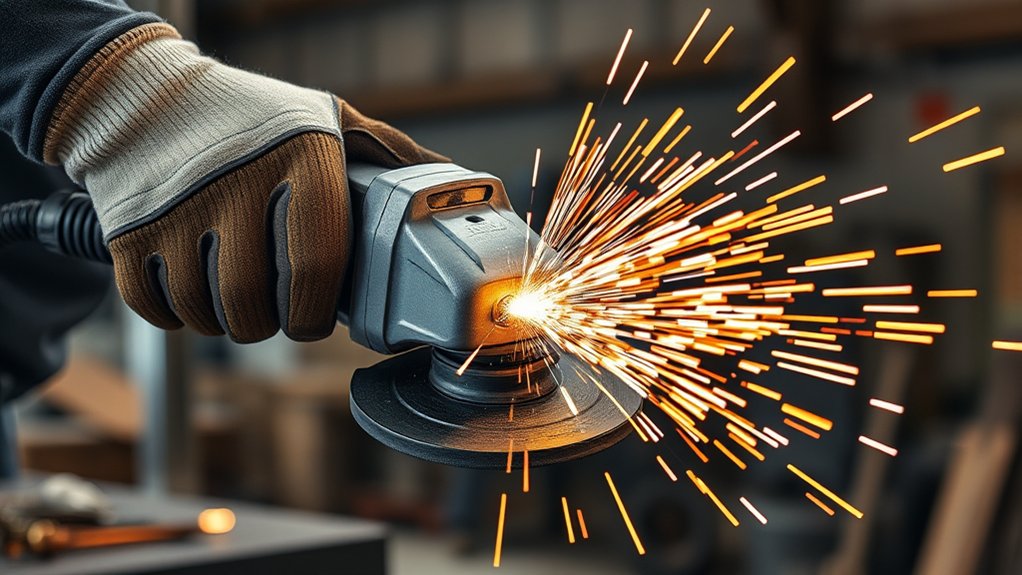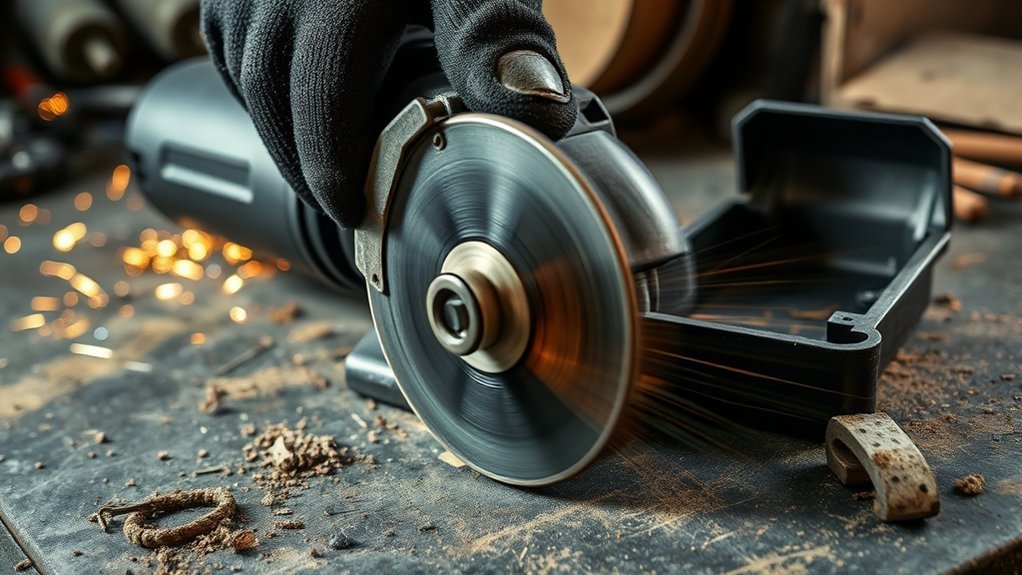
Why Does My Angle Grinder Spin Too Long?
If your angle grinder takes too long to stop spinning, worn carbon brushes, dry gearbox parts, a brake fault, or a bad switch may cause the delay. A loose wheel, damaged cord, weak outlet, or clogged air vents can also make the tool stop slower than normal. Before you use the grinder again, check the brake, switch, wheel setup, power supply, and vents. Slow spin-down can create a safety risk, so treat it as a warning sign, not a small annoyance.
Quick Answer
Your angle grinder may spin too long because the brake does not engage, the switch sticks, the bearings drag, or the wheel is not installed correctly. Stop using the tool if it keeps spinning after release, smells hot, sparks more than usual, or makes new noises. Check simple items first, then get professional repair if the problem remains.
Key Takeaways
- Check the brake first if your grinder takes too long to stop.
- Inspect the switch, cord, wheel, flange, and power supply before using the tool again.
- Clean blocked vents because heat and dust can make grinder problems worse.
- Replace worn brushes, damaged bearings, or unsafe parts as soon as you find them.
- Ask a repair technician for help if the grinder still spins after basic checks.
What Causes an Angle Grinder to Spin Too Long?
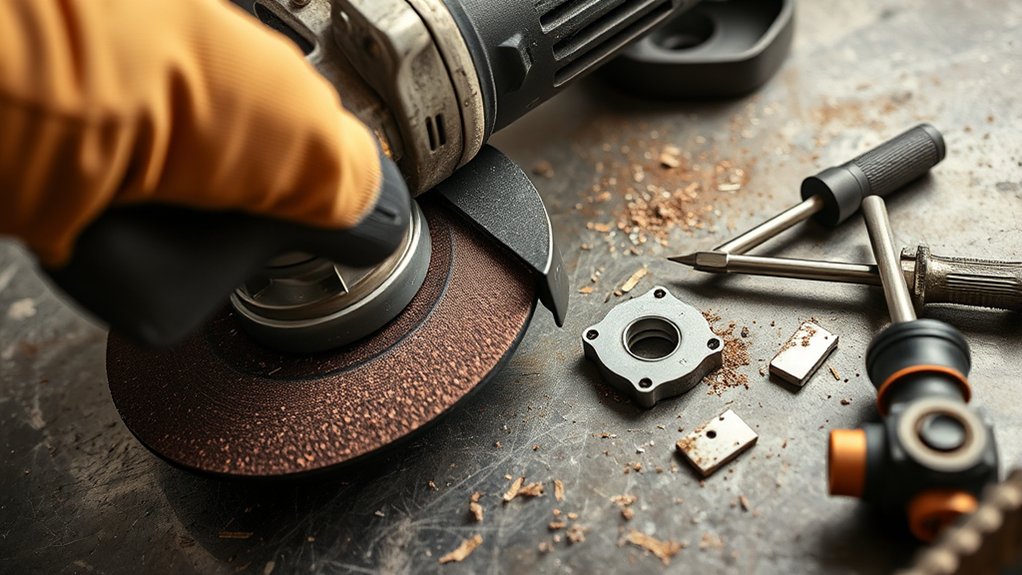
When an angle grinder keeps spinning longer than expected, it often points to a mechanical or electrical issue. Common causes include worn carbon brushes, a dirty or dry gearbox, worn bearings, a loose flange, or a brake that does not engage well.
A damaged power cord, faulty switch, weak outlet, or poor extension cord can also affect how the motor behaves. If the wheel or backing flange sits unevenly, the grinder may vibrate and take longer to settle.
Each issue can reduce control and increase risk. Unplug the grinder before you inspect it, and never try to stop the wheel by hand or press it against a surface.
Warning: Do not use an angle grinder that keeps spinning after release until you find and fix the cause.
Immediate Fixes for Your Grinder’s Performance
Start with the safe checks you can do without opening the tool housing. Unplug the grinder, let the wheel stop fully, and inspect the basic parts first. These steps help you find simple causes before you move to repair work.
Check Brake Functionality
Make sure your angle grinder’s brake works correctly before your next use. If the tool has an electric or mechanical brake, it should slow the wheel fast after you release the trigger.
Test the brake in a clear area after each use. If the grinder keeps spinning too long, inspect the brake switch and brake parts for wear, dust, or damage.
Clean the brake area only as your user manual allows. If the brake fails to engage or the stop time changes a lot, ask a qualified repair technician to inspect it.
Inspect Power Supply
A good brake is only one part of safe grinder performance. The power supply also matters because weak or unstable power can affect motor response.
Check the power cord for cuts, burns, loose plugs, or exposed wire. Make sure the plug sits firmly in the outlet.
Confirm the outlet voltage matches your grinder label. Many corded grinders use about 120 volts in the United States and about 230 volts in many other regions, but your tool label is the final guide.
Inspect the power switch for sticking, looseness, or delayed response. If you use an extension cord, choose one rated for the grinder’s amperage to reduce voltage drop.
Clean Air Vents
Clean the air vents often so the motor can cool as it runs. Dust and grit can block airflow, raise heat, and increase strain on the motor.
Use compressed air or a soft brush to clear the vents. Keep the nozzle at a safe distance so you do not push debris deeper into the tool.
This simple maintenance step helps the grinder run cooler and respond better. It also helps protect the motor during long grinding or cutting jobs.
How to Identify Brake System Issues
To identify brake system issues, learn what type of brake your grinder uses and watch how it stops. A healthy brake should stop the wheel in a steady, predictable way. A slow, noisy, or uneven stop can signal wear or damage.
Products Worth Considering
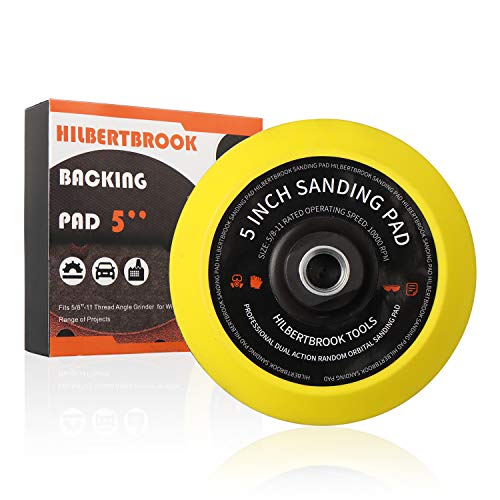
👍 TURN YOUR GRINDER INTO SANDER – 5'' polishing pad fits standard grinders with 5/8-11 threads. Easy to install, holds hook and loop paper perfectly.Better than a random orbit sander, design for your grinder.

High Quality Backing Pad for Resin Fiber Sanding Discs
Brake System Types
Many angle grinders use either mechanical or electronic brake systems. Mechanical brakes use friction to slow the spindle. Electronic brakes use electrical control to slow the motor faster after trigger release.
Mechanical brake problems may come from worn brake pads, dust buildup, or parts that no longer move freely. Electronic brake problems may come from switch faults, wiring faults, or damaged control parts.
Listen for scraping, grinding, buzzing, or new sounds during spin-down. Stop using the grinder if you smell burning, see smoke, or feel unusual heat near the motor or brake area.
Common Brake Failures
Common brake failures can reduce both safety and tool control. Worn brake pads may not create enough stopping force. A bad brake switch may delay engagement or fail to trigger the brake.
Heat can also damage brake parts and make them work poorly. Dust and metal grit can collect inside the brake area and stop parts from moving as they should.
Look for longer stop times, more vibration, burning smells, and inconsistent braking. If any of these signs appear, stop work and inspect the tool before the next cut or grind.
Maintenance Best Practices
Regular brake care helps your grinder stop in a safe and steady way. Inspect the brake pads if your model uses them, and replace them when they show heavy wear.
Keep the brake mechanism clean and free from dust. Use only the cleaning method and service interval listed in your owner’s manual.
Check the wiring and switches tied to the brake system. Faulty wiring can cause delayed braking, weak braking, or no braking at all.
How to Identify Grinder Switch Malfunctions
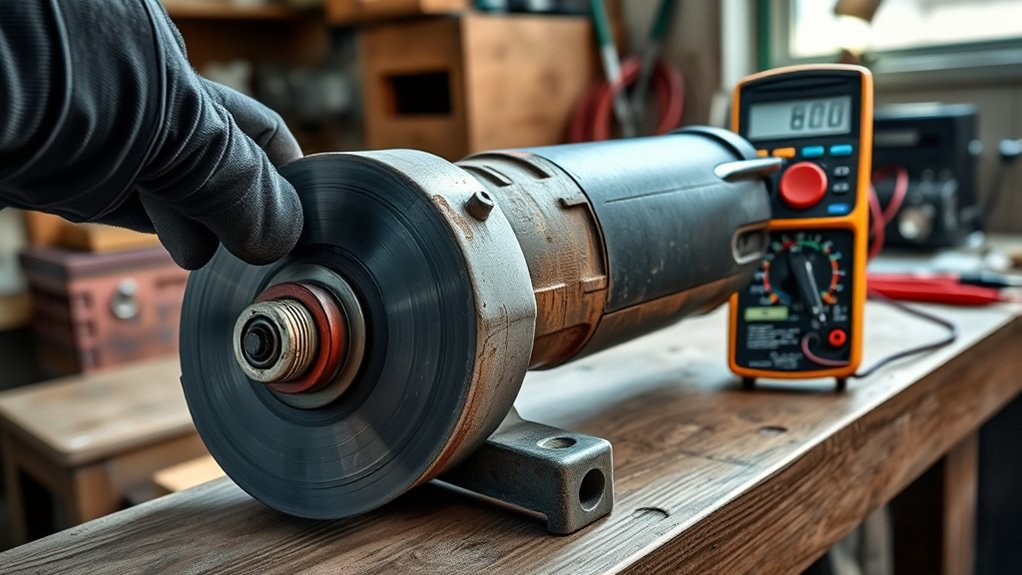
A bad switch can make your grinder feel unsafe and hard to control. It may stick, delay shutoff, or keep power flowing after you release the trigger. Watch for these warning signs:
- The grinder continues spinning after you turn it off.
- The switch feels sticky, loose, or unresponsive.
- You see dust, debris, or corrosion near the switch.
- The grinder loses power under load more than usual.
- A multimeter test shows inconsistent switch readings.
These signs can point to internal wear, debris buildup, or electrical damage. Clean the switch area only from the outside unless your manual allows deeper service.
If you suspect a switch fault, test it with a multimeter or ask a technician to test it. Replace a faulty switch before you use the grinder again.
Products Worth Considering

Angle grinder release switch made of plastic and metal material, which is sturdy, durable and practical for a long time.


Brand New and Unused: This replacement switch is a brand-new, unused part specifically designed for DeWalt angle grinders, ensuring top-notch quality and performance.
How Bearing Friction Affects Grinder Performance
Bearing friction affects how smoothly your angle grinder runs and stops. If the bearings lack lubrication or wear out, the grinder can vibrate, sound rough, and stop slower than normal.
Worn or damaged bearings can also make the wheel feel unstable during use. This can reduce cut quality and increase stress on the motor.
Use the lubricant type your manufacturer recommends. Do not add random grease or oil to sealed parts unless the manual says you can service them.
Proper bearing alignment also matters. Misaligned bearings can wear fast, create heat, and make the grinder harder to control.
Tips for Keeping Your Angle Grinder in Top Shape
Consistent maintenance helps your angle grinder stop faster, run cooler, and last longer. Add these checks to your normal tool care routine:
- Clean air intake and exhaust ports to prevent dust buildup.
- Lubricate gears and serviceable bearings with the grease your manual recommends.
- Check and replace worn carbon brushes before they damage the motor.
- Tighten loose guards, handles, flanges, and other mechanical parts.
- Store the grinder in a dry place to reduce rust and electrical damage.
Do not remove the wheel guard to make a job easier. The guard helps protect you from sparks, broken disc pieces, and accidental contact.
Pro tip: Write the purchase date and brush replacement date on a small label so you can track service history.
Signs It’s Time to Replace Angle Grinder Parts
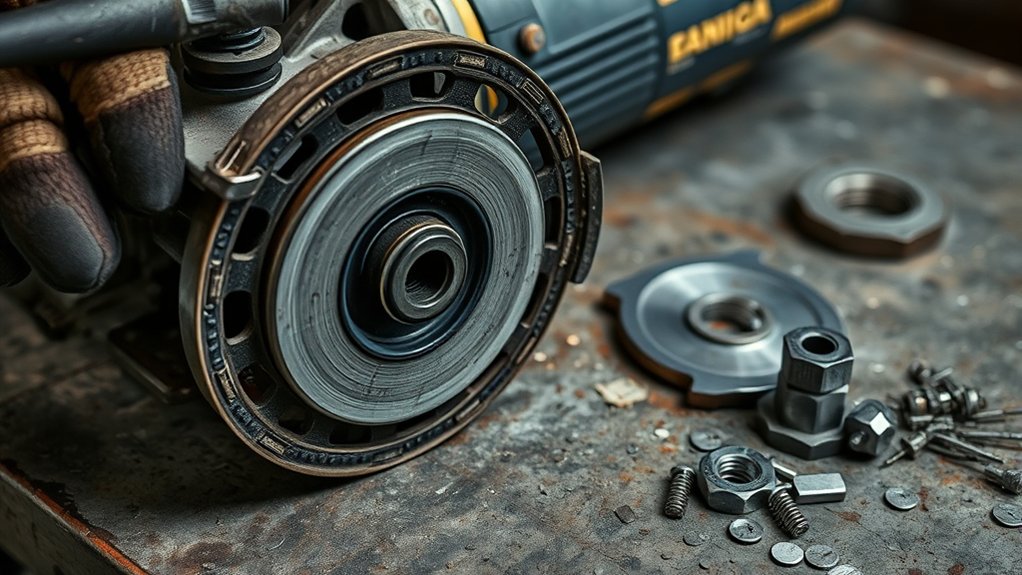
Good maintenance helps, but some parts still wear out. Replace parts when wear affects stopping time, control, power, or safety.
Start with the carbon brushes. If they look short, cracked, burnt, or uneven, they can reduce motor performance and need replacement.
Check the locking flange and spindle next. A loose or damaged flange can let the wheel sit unevenly, while a worn spindle can prevent smooth rotation.
Inspect the gearbox if the grinder sounds dry, hot, or rough. Old or low grease can increase wear and affect how the grinder slows down.
If you replace worn parts and the grinder still stops slowly, the tool may need a full repair check. In some cases, replacing the unit may cost less than repair.
Professional Help: When to Seek Expert Assistance
Get professional help when your grinder continues spinning after you release the trigger. This problem can point to a brake, switch, bearing, motor, or wiring fault.
Contact a repair technician if you notice any of these signs:
- Persistent spinning or slow stopping
- Unusual noises during operation
- Frequent overheating
- Burning smells or smoke
- Inconsistent performance after basic maintenance
- DIY repairs that do not solve the issue
Authorized repair centers can inspect your exact model and choose the right parts. They can also test hidden electrical faults that you may not see from the outside.
Frequently Asked Questions
How to Tell if an Angle Grinder Disc Is Bad?
Inspect the disc before each use. Replace it if you see cracks, chips, uneven wear, heavy vibration, or unusual sparks. A damaged disc can break during use and cause serious injury.
What Are Signs My Grinder Needs Repair?
Your grinder may need repair if it loses speed under load, overheats, vibrates, smells burnt, or makes new noises. Slow stopping after trigger release also points to a brake, switch, or bearing problem.
What Are the Two Common Faults That Occur With Grinding Wheels?
Two common grinding wheel faults are wheel damage and poor installation. Wheel damage can cause vibration, while poor installation can cause wobble, slippage, and unsafe operation.
What Causes an Angle Grinder to Stop Working?
An angle grinder can stop working because of a damaged cord, bad switch, worn carbon brushes, motor damage, or heavy dust buildup. A jammed wheel or worn internal part can also stop the tool from running.
Can You Use an Angle Grinder if the Brake Stops Working?
You should not use a grinder with a brake that no longer works as expected. A failed brake gives you less control and increases the chance of injury after you release the trigger.
Safety Disclaimer: This article is for informational purposes only and does not replace your tool manual or professional repair advice. Always unplug the grinder before inspection, wear proper protective gear, and ask a qualified technician to repair electrical or brake problems.
Conclusion
A slow-spinning angle grinder usually means one or more parts need cleaning, adjustment, repair, or replacement. Start with the brake, switch, wheel setup, vents, cord, and power supply.
If those checks do not solve the issue, inspect the brushes, bearings, spindle, flange, and gearbox. Stop using the grinder if you notice heat, smoke, burning smells, or delayed shutoff.
A grinder that stops correctly gives you better control and safer results. Fix the cause before your next project so you can work with more confidence.