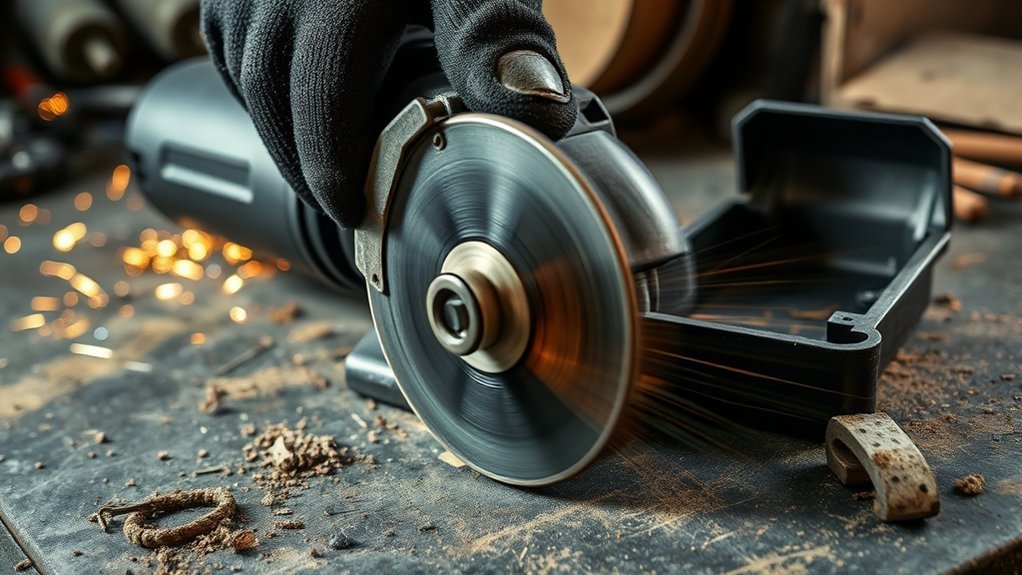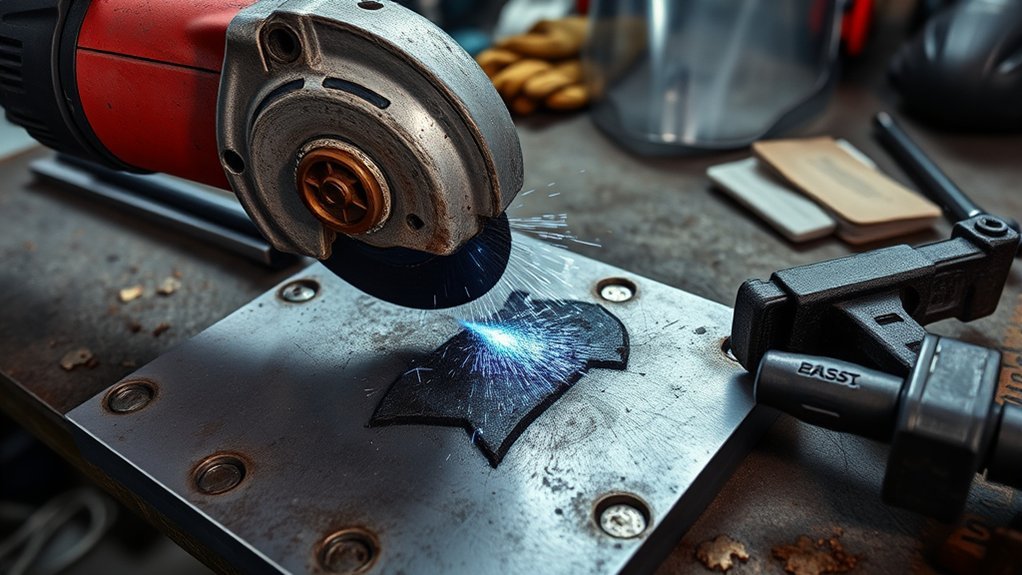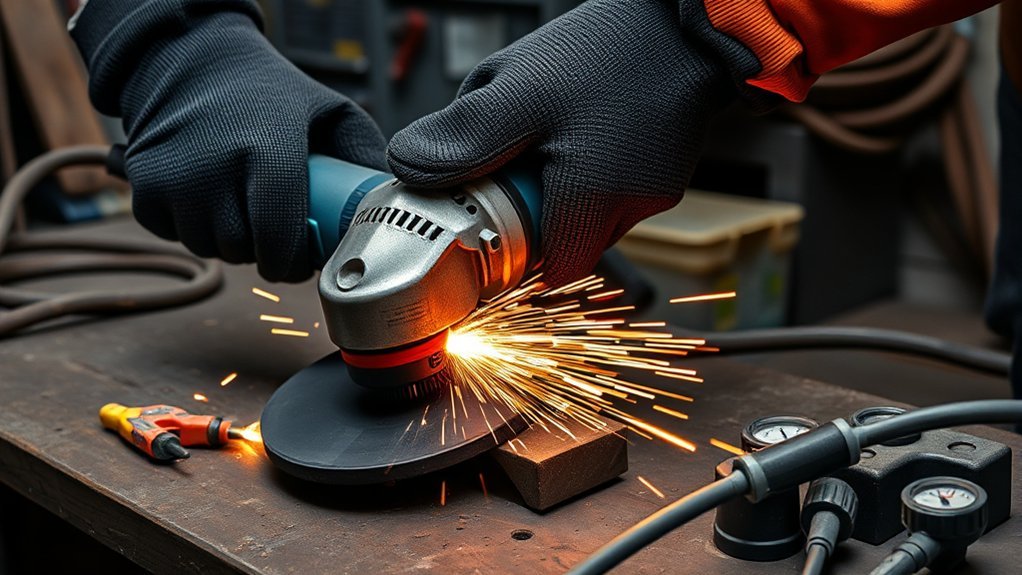
Angle grinder power drops under load usually come from one of four areas: weak power delivery, an overloaded disc, worn electrical parts, or mechanical drag inside the tool. You may notice the RPM falling, the grinder getting hot, the lights flickering, the breaker tripping, or the motor sounding rough. Start with the simple outside checks first, then move to brushes, bearings, and generator setup only after the tool is unplugged and safe to inspect.
Quick Answer
If your angle grinder loses power under load, stop forcing the cut. Unplug it, inspect the disc, cord, plug, vents, and brushes, then test it on a properly rated outlet or generator. Most power drops come from an undersized extension cord, overloaded circuit, wrong disc, worn brushes, blocked airflow, or failing bearings.
Key Takeaways
- Check the power source, outlet, breaker, plug, and extension cord before opening the grinder.
- Use the correct disc type, size, and RPM rating for the tool and material.
- Worn carbon brushes, blocked vents, bad bearings, and gear drag can all make the grinder bog down.
- For generator use, match the grinder’s running watts and startup surge, and run fuel-powered generators outdoors only.
- Stop using the grinder if you see smoke, heavy sparking, a cracked disc, a hot plug, or severe vibration.
At a Glance
| Time Required | 10–30 minutes for basic checks; longer if brushes, bearings, or wiring need service |
| Difficulty | Easy for outside checks; moderate to advanced for internal electrical or bearing repairs |
| Tools Needed | Safety glasses or face shield, gloves, hearing protection, disc wrench, flashlight, brush, multimeter, correct extension cord, replacement brushes if needed |
| Cost | Basic cleaning and cord checks cost little; replacement brushes or discs are usually inexpensive; professional repair costs more |
Warning: Unplug the grinder before changing discs, checking brushes, cleaning vents, or opening the housing. Do not use the tool if the disc is cracked, the cord is damaged, the plug gets hot, the grinder smokes, or the guard and side handle are not secure.
How to Diagnose an Angle Grinder Power Drop
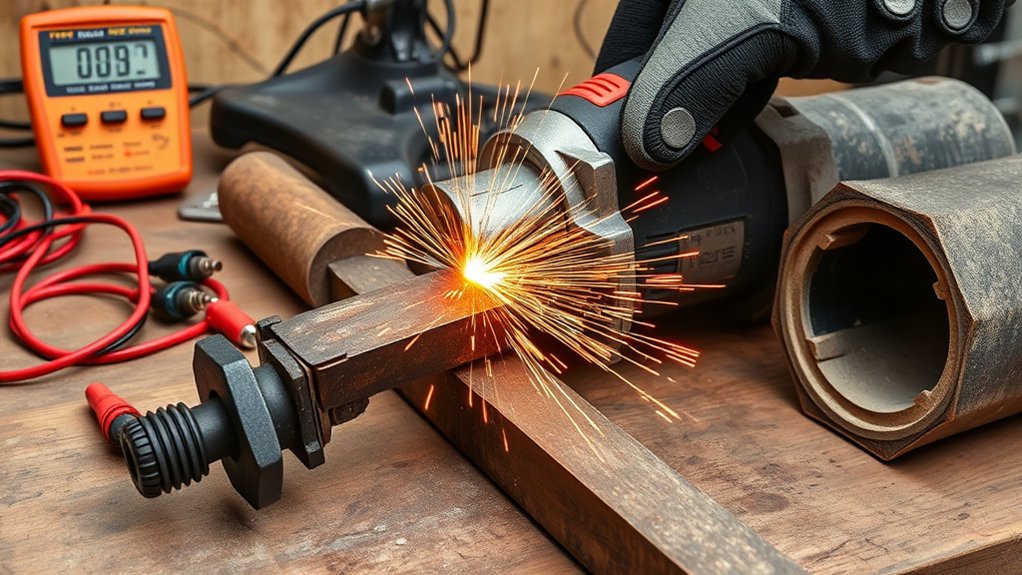
Diagnose an angle grinder power drop in a safe order. Start outside the tool, because many bogging problems come from the outlet, extension cord, disc, or work technique rather than the motor itself.
- Stop pushing the grinder. If RPM drops sharply, ease off the cut. Too much pressure can overload the motor and heat the disc.
- Unplug the tool. Wait for the disc to stop completely before touching the guard, disc, plug, or brush caps.
- Inspect the disc. Look for cracks, missing chunks, glazing, warping, wrong disc type, or a disc rated below the grinder’s no-load RPM.
- Check the power supply. Plug the grinder directly into a properly rated outlet that matches the voltage on the tool nameplate.
- Check the extension cord. Use the shortest practical heavy-duty cord with a current rating equal to or higher than the grinder’s amp draw. Avoid thin, coiled, damaged, or daisy-chained cords.
- Clean the vents. Dust packed into the cooling slots can make the motor overheat and lose power (see why an angle grinder overheats quickly).
- Inspect the carbon brushes. If your grinder uses serviceable brushes, worn or uneven brushes can cause sputtering, sparking, and weak torque.
- Listen for mechanical drag. Rough bearings, dry gears, spindle wobble, or a bent flange can make the motor work harder than normal.
OSHA’s portable powered tool standard requires abrasive wheels to be used with safety guards and also requires wheel inspection before mounting. That makes the guard, disc, flange, and RPM rating part of the troubleshooting process, not just a safety afterthought.
Common Symptoms of Power Drop Under Load
A power drop under load does not always feel the same. The symptom tells you where to look first.
| Symptom | Likely Cause | First Check |
|---|---|---|
| RPM falls only during heavy cutting | Too much pressure, wrong disc, dull disc, or material overload | Use a fresh, correct disc and let the tool reach full speed before contact |
| Lights flicker or breaker trips | Overloaded circuit, weak supply, or high startup draw | Test on a dedicated outlet that matches the tool nameplate |
| Tool sputters or cuts in and out | Damaged cord, loose plug, worn brushes, or failing switch | Inspect cord and plug, then check brushes if the tool is serviceable |
| Tool gets hot quickly | Blocked vents, dull disc, bearing drag, or overloaded motor | Clean vents, reduce pressure, and inspect the disc |
| Grinding, rattling, or wobbling sound | Bearing wear, loose flange, damaged disc, or spindle problem | Stop use and inspect disc, flange, and spindle before running again |
Common Causes Identified
The most common causes are insufficient power delivery, an overloaded disc, worn brushes, blocked airflow, or mechanical wear. A grinder draws more current when the disc bites into metal, masonry, or welds. If the circuit, cord, generator, or internal parts cannot support that demand, the motor slows and heat builds quickly.
Electrical Fault Indicators
Electrical faults often show up as flickering lights, intermittent sputtering, a hot plug, a burning smell, unusual sparking near the vents, or a grinder that runs normally until load is applied. A damaged power cord or loose plug can add resistance, while worn carbon brushes can make contact with the commutator uneven.
Note: Some sparking is normal on brushed motors, but heavy arcing, smoke, a burning smell, or a tool that shocks you is not normal. Stop using the grinder and have it checked by a qualified repair technician.
Maintenance Practices Recommended
Good maintenance prevents many power-drop problems. Before each use, check the cord, plug, guard, side handle, disc, flange, and locking nut. After dusty work, unplug the tool and clear the cooling vents with a brush or low-pressure air. If the grinder has brush caps, inspect the brushes according to the manual and replace them as a matched pair when worn.
What Electrical Problems Could Be Causing Power Loss?
Electrical problems can starve the grinder of current or interrupt power to the motor. Work from the wall toward the tool: outlet, breaker, extension cord, plug, power cord, switch, brushes, and motor.
Common Electrical Faults
- Undersized extension cord: A light-duty cord can create voltage drop and heat under load.
- Overloaded circuit: Sharing a circuit with compressors, welders, heaters, or other high-draw tools can make the grinder slow or trip the breaker.
- Damaged plug or cord: Cuts, crushed insulation, loose prongs, or melted spots can cause intermittent power and shock risk.
- Worn carbon brushes: Short, chipped, or uneven brushes can reduce torque and cause sputtering.
- Failing switch or internal wiring: If the trigger feels loose, sticks, or cuts in and out, stop using the grinder.
Power Supply Issues
Match the tool to the supply listed on its nameplate. A grinder sold for 120V service should run on a proper 120V circuit, while a 230–240V grinder should run only on that rated supply. Do not assume one voltage fits all grinders.
If the grinder runs normally when plugged directly into a wall outlet but loses power on an extension cord, the cord is the likely problem. Use a cord rated for the grinder’s amperage, keep it as short as practical, and unroll it fully so heat can escape. Replace the cord if it is cracked, pinched, taped, hot, or missing the ground pin. Our guide to choosing the right extension cord gauge for an angle grinder covers sizing.
Wiring and Connection Problems
Loose or corroded connections create resistance. Resistance turns into heat, and heat steals power from the motor. If the plug feels hot, the outlet is loose, or the cord flickers the tool when moved, stop using that setup. A damaged outlet or breaker should be checked by a qualified electrician, not bypassed.
Generator Compatibility and Performance
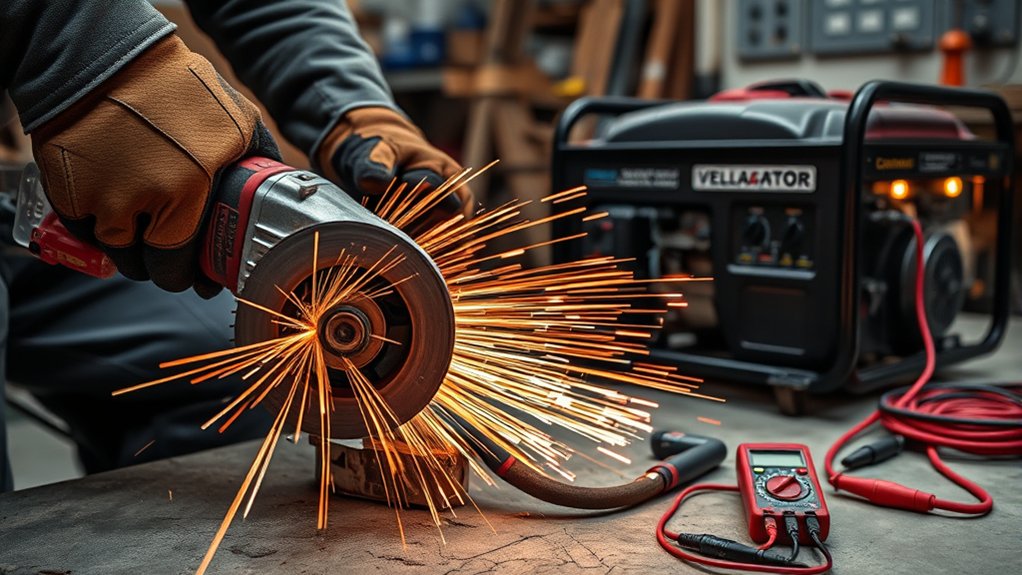
A generator can run an angle grinder, but only if it can supply enough power for both running load and startup surge. Check the grinder’s amps or watts on the nameplate, then choose a generator with enough running watts and extra surge capacity. If other tools, lights, compressors, or chargers are connected, add their loads too.
Power quality matters most for grinders with soft-start, electronic speed control, or variable-speed circuits. A basic brushed grinder may run on many generator types, but a cleaner inverter-style output can reduce noise, heat, and unstable operation for sensitive electronics. If your manual warns against poor-quality inverter power, follow the manual.
Warning: Never run a fuel-powered generator inside a home, garage, trailer, shed, or partly enclosed workspace. The U.S. Consumer Product Safety Commission advises using portable generators outdoors only, at least 20 feet from the home, with exhaust facing away.
Routine Inspections and Maintenance for Angle Grinders
Routine inspection keeps small problems from becoming motor failure. Build this quick check into your normal setup:
- Guard and handle: Make sure the guard and side handle are secure. Do not remove the guard.
- Disc condition: Check for cracks, chips, warping, glazing, or missing label information.
- Disc rating: Confirm the disc’s maximum RPM is equal to or higher than the grinder’s no-load RPM.
- Flange and nut: Use the correct flange, locking nut, and tightening wrench for the disc type.
- Power cord: Look for cuts, crushed spots, exposed conductors, hot areas, and loose strain relief.
- Vents: Clear dust from air slots so the motor can cool.
- Brushes: Replace worn brushes as a pair if your model uses replaceable carbon brushes.
SafeWork SA warns that kickback and shattered discs can cause severe injuries, so disc choice and grinder control matter as much as motor power.
Resolving Power Supply Issues
To fix a power-supply problem, remove weak links one at a time. First, test the grinder directly in a known good outlet. Then test it with the extension cord. If it bogs only with the cord, replace the cord with a shorter, heavier-duty one rated for the tool.
If the breaker trips, do not keep resetting it. Unplug other high-draw devices on the same circuit. If the breaker still trips with only the grinder connected, the grinder may have an internal fault or the circuit may need inspection.
Pro Tip: If you are troubleshooting on a job site, test with a known-good grinder on the same outlet and cord. If both grinders bog down, the power source or cord is the problem. If only one grinder bogs, inspect that tool.
Identifying and Fixing Mechanical Failures
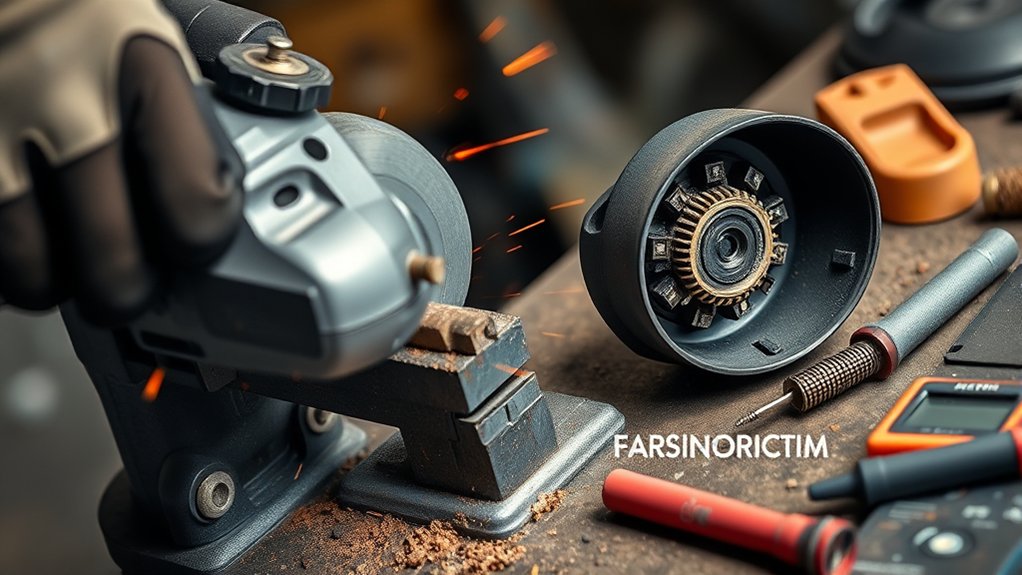
Mechanical drag can feel like an electrical power loss because the motor works harder than normal. The grinder may slow down, vibrate, run hot, or make grinding and rattling sounds even with a good power source.
Bearing and Spindle Problems
Unplug the tool and spin the disc by hand only if the disc is safe and secure. Roughness, wobble, scraping, or side play can point to bearing or spindle wear. Do not keep using the grinder if the disc wobbles, because a damaged disc or spindle can fail at high speed.
Gearbox Drag
Gearbox problems can show up as a growling sound, heat near the gear head, or jerky rotation. Some grinders have serviceable gearbox grease, while others should be handled by a repair shop. Follow the tool manual and avoid packing the gearbox with the wrong grease.
Disc and Flange Misalignment
A bent disc, wrong flange, dirty contact surface, or poorly seated locking nut can create vibration and load. Remove the disc, clean the flange faces, check that the disc fits the spindle correctly, and reinstall it with the supplied wrench. OSHA guidance also says contact surfaces for wheels, blotters, and flanges should be flat and free of foreign matter.
Generator Selection for Consistent Power Supply
When choosing a generator for an angle grinder, do not size it only by the grinder’s running wattage. Electric motors can draw more power at startup and when the disc bites into the work. Choose a generator with enough running watts, enough surge capacity, and a clean output if your grinder has electronics.
Use this quick generator checklist:
- Running watts: Higher than the grinder’s rated wattage plus any other connected loads.
- Surge watts: Enough to handle startup and cutting load.
- Voltage: Matches the grinder nameplate.
- Cord rating: Heavy-duty, outdoor-rated when used outside, and rated for the total load.
- Load control: Start the generator first, let it stabilize, then connect the grinder.
- Ventilation: Fuel-powered generators stay outdoors and away from doors, windows, and vents.
Products Worth Considering
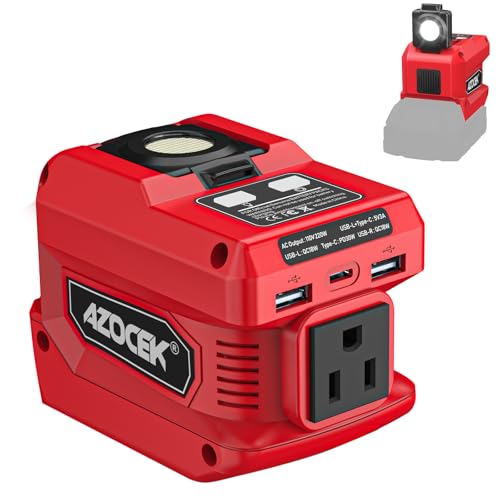
Compatible with 18V Batteries: This Azocek power inverter is specifically designed Compatible with Mil-wau-kee 18V batteries (e.g., 48-11-1815, 48-11-1850, 48-11-1820), powered directly by the battery, provides portable power for outdoor activities or emergencies anytime, anywhere (Battery not included)

400W continuous power with 800W peak power for devices needing additional ramp-up power

3 UNIQUE CHARGING PORTS: (1) Type-A, (1) Type-C,(1) AC
Preventative Measures to Avoid Power Drops
Preventing power drops is easier than repairing a burned motor. Use the grinder within its rating, let the disc do the cutting, and avoid forcing the tool when RPM starts to fall.
- Use the right disc. Match the disc to the material and task. Never grind with a cutting disc or cut with a grinding disc.
- Let the grinder reach full speed. Touching the work too early can make the motor struggle.
- Use light, steady pressure. Heavy pressure increases heat and kickback risk.
- Keep vents clear. Blocked airflow makes the motor overheat and lose power.
- Use the side handle. Two-hand control helps you manage torque, vibration, and kickback.
- Store discs properly. Keep them dry, flat, and protected from impact.
- Replace worn parts early. Brushes, cords, plugs, bearings, and damaged discs should not be pushed past their safe service life.
A slowing grinder is a warning sign. Ease off, check the setup, and fix the cause before heat, vibration, or disc damage turns a small problem into a dangerous failure.
When to Repair or Replace the Grinder
Repair can make sense if the problem is a worn brush set, damaged cord, loose switch, or replaceable bearing on a quality grinder. Replacement may be smarter if the motor smells burned, the armature is badly damaged, the housing is cracked, parts cost more than the tool, or the grinder has repeated failures under normal load.
Stop using the grinder and get professional service if you notice electric shock, smoke, heavy internal sparking, a melted plug, repeated breaker trips, severe vibration, or a spindle that will not hold the disc securely.
Products Worth Considering

【Value Sets】The grinder nut set includes 1 angle grinder wrench and 6 angle grinder nuts (3 inner flange nuts, 3 outer flange nuts). Please check size and compatibility before ordering. Please contact us with any questions or concerns. We prioritize your satisfaction .

🏡1.Package includes: 2 x Inner unthreaded backing angle grinder flange nuts, 2 x Outer thread angle grinder flange nuts

Angle Grinder Wrench & Nut Kit, 7-Piece Set: Includes 1 grinder wrench and 6 flange lock nuts (3 inner, 3 outer) for quick wheel changes and arbor nut replacement on 4-1/2", 5", and 7" grinders.
Frequently Asked Questions
How do I tell if an angle grinder disc is bad?
A bad disc may have cracks, chips, warping, glazing, missing label information, uneven wear, or vibration during use. Replace any dropped, cracked, or damaged disc. Also check that the disc type, diameter, center hole, and RPM rating match your grinder.
Why does my angle grinder keep cutting out?
It may be cutting out because of an overloaded circuit, undersized extension cord, worn brushes, blocked vents, a failing switch, or thermal protection from overheating. Stop using it until you identify the cause, especially if there is smoke, a hot plug, or a burning smell.
Can a generator run an angle grinder?
Yes, if the generator supplies enough running watts plus startup surge for the grinder and anything else connected. Check the grinder nameplate, follow the generator and grinder manuals, and run a fuel-powered generator outdoors only.
Why does my angle grinder lose power only when I cut?
Cutting adds load. Too much pressure, a dull or wrong disc, a thin extension cord, or a weak outlet can all make the motor slow once the disc bites. Test with a fresh correct disc, lighter pressure, and the grinder plugged straight into a good outlet.
Can a bad extension cord make an angle grinder lose power?
Yes. A long, thin, damaged, or coiled extension cord can create voltage drop and heat under load. Use the shortest practical heavy-duty cord rated for the grinder’s amperage, and replace any cord with cuts, crushed insulation, loose ends, or hot spots.
Should I keep using a grinder that slows down under load?
No, not until you know why it is slowing down. Ease off the cut, unplug the tool, and check the disc, cord, power source, vents, brushes, and bearings. Continuing to force a weak grinder can overheat the motor, damage the disc, or increase kickback risk.
Conclusion
Angle grinder power drops under load are usually fixable once you test in the right order. Start with the power source, cord, disc, and work pressure. Then check vents, brushes, wiring, bearings, and generator capacity. Keep the guard and side handle installed, unplug the tool before inspection, and replace damaged discs immediately. If the grinder still slows, sparks heavily, smokes, or vibrates after basic checks, stop using it and have it repaired or replaced. For a shorter symptom-by-symptom walkthrough, see angle grinder loses power under load.
Sources
- OSHA 1910.243 — Guarding of portable powered tools — supports portable abrasive wheel guarding, wheel inspection, flange cleanliness, and speed-rating checks.
- OSHA 1926.303 — Abrasive wheels and tools — supports abrasive wheel guarding and safe-use requirements.
- U.S. Consumer Product Safety Commission — Carbon Monoxide Safety — supports generator carbon monoxide warnings and outdoor placement guidance.
- SafeWork SA — Angle grinders — supports kickback, disc selection, guard, two-hand operation, and PPE guidance.