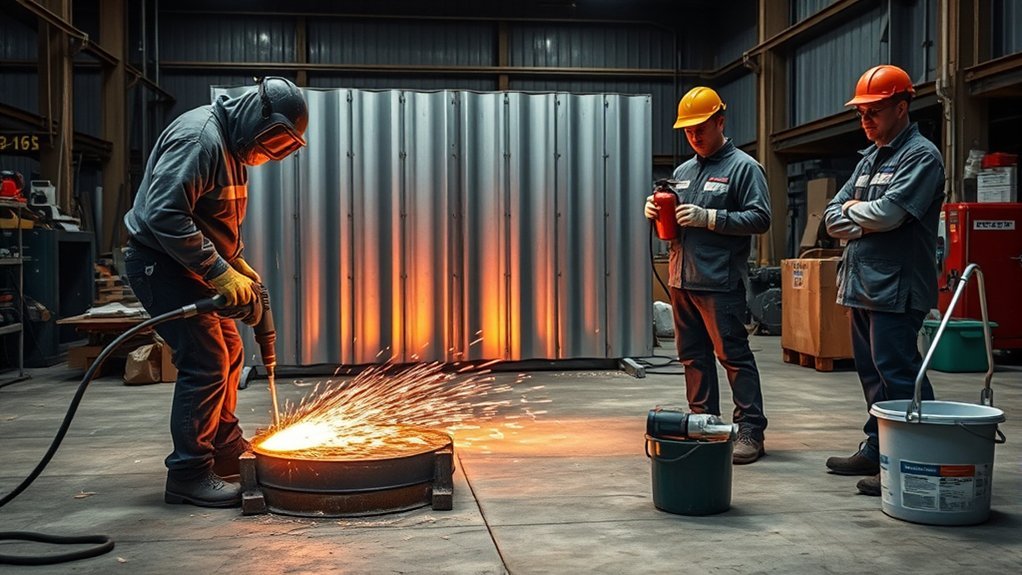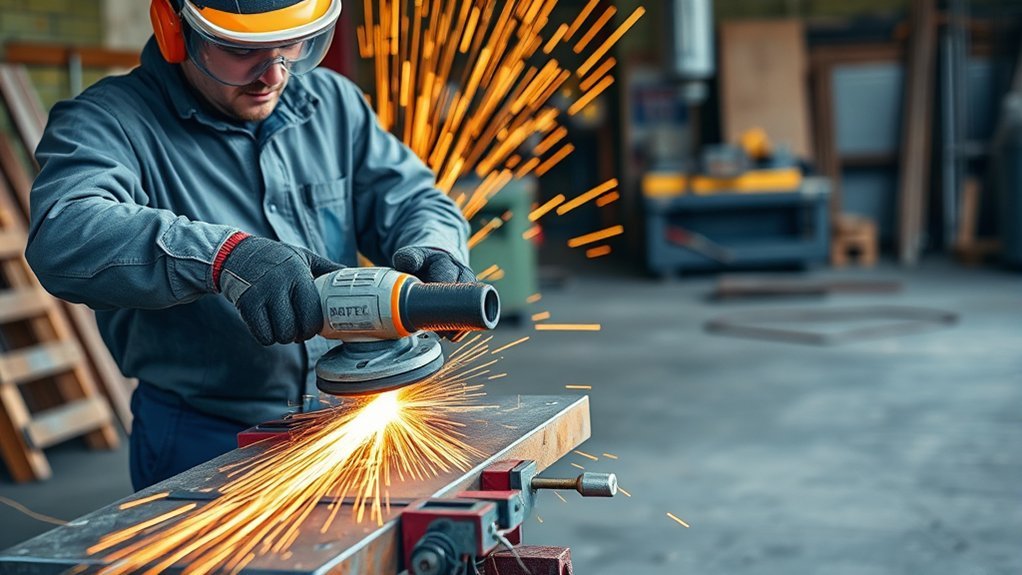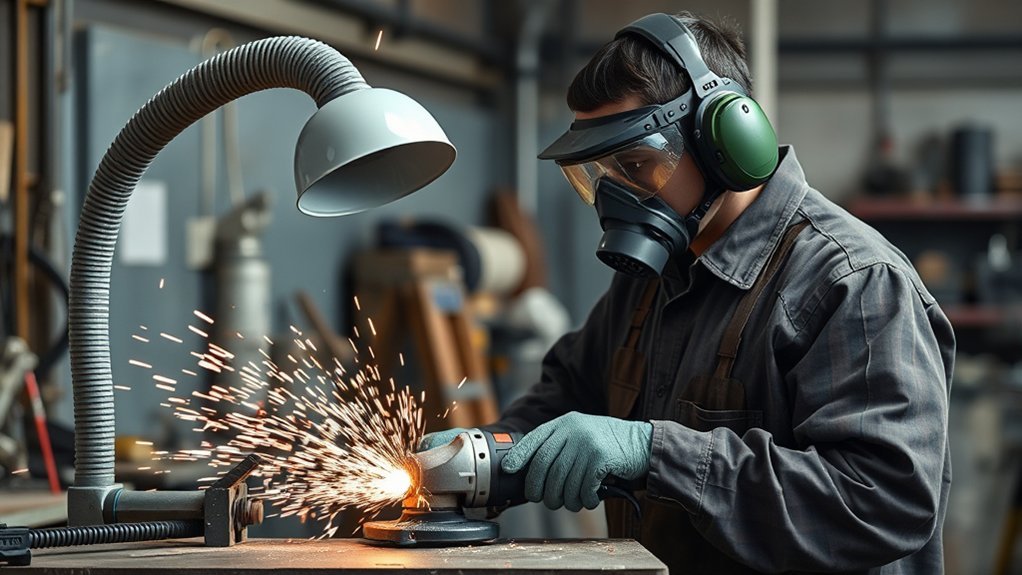
The duty cycle of an angle grinder is the safe balance between grinding time and cooling time. Some tools list a clear run/rest rating, but many angle grinders do not give a neat percentage. In real use, you should follow the manual, watch for heat and power loss, use the correct disc, and pause before the motor, battery, or wheel is pushed past safe limits.
Quick Answer
An angle grinder’s duty cycle means how long the tool can work before it needs a cooling break. If your manual lists a rating, follow it. If it does not, stop when the grinder gets too hot, slows down, smells burnt, smokes, vibrates oddly, or triggers overload protection.
Key Takeaways
- A 50% duty cycle means 5 minutes of work and 5 minutes of rest only if the manual defines the rating over a 10-minute period.
- Many angle grinders do not publish a simple duty-cycle percentage, so heat, load, smell, speed drop, and overload shutoff matter more than a generic timer.
- Hard materials, dull discs, blocked vents, high pressure, hot weather, and long cuts all shorten safe run time.
- Use the guard, side handle, correct disc, eye and face protection, hearing protection, and a secure workpiece during extended grinding.
At a Glance
| Time Required | Check the manual before use; pause sooner if the grinder heats up, slows down, smells burnt, or triggers overload protection. |
| Difficulty | Easy for light grinding; moderate for long cuts, masonry, heavy metal, or 9-inch grinders. |
| Tools Needed | Angle grinder manual, correct rated disc, side handle, guard, clamps or vise, eye and face protection, hearing protection, gloves, and dust control where needed. |
| Cost | Usually no extra cost if you already have the correct PPE and discs; replace worn or wrong discs before continuing. |
What Duty Cycle Means for Your Angle Grinder
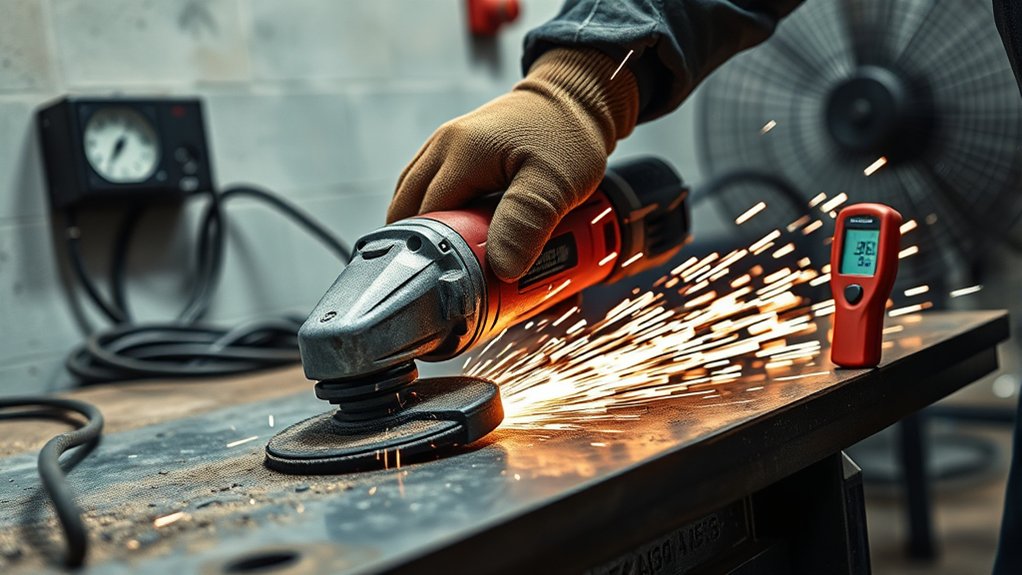
When you’re using an angle grinder, duty cycle describes how much working time the tool can handle before it needs a rest. The idea is simple: grinding creates heat in the motor, gearbox, bearings, battery pack, disc, and workpiece. If heat builds faster than the tool can shed it, performance drops and parts can fail.
Some tools express duty cycle as a percentage. If a manual says the tool has a 50% duty cycle over 10 minutes, that means 5 minutes of work followed by 5 minutes of cooling. A 30% rating would mean 3 minutes of work and 7 minutes of rest in that same 10-minute window.
Many angle grinders, however, do not list a clear percentage. They may instead warn against overloading the tool, blocking air vents, forcing the disc, using the wrong accessory, or running the grinder after it becomes hot. In that case, your best guide is the manual plus the tool’s behavior under load.
Warning: Stop using the grinder right away if you see smoke, smell burning insulation, feel unusual vibration, hear grinding or bearing noise, or notice a sudden drop in speed. Let the tool cool and inspect it before restarting.
How to Check Your Angle Grinder’s Duty Cycle
Start with the manual or the rating plate. Look for terms such as duty cycle, rated operating time, continuous rating, overload protection, thermal protection, or cooling instructions. Cordless grinders may also describe battery temperature protection or automatic shutoff.
If the Manual Lists a Duty Cycle
Use the rating exactly as written. A percentage only makes sense when you know the time window. For example, a 50% duty cycle over 10 minutes means 5 minutes on and 5 minutes off. A 50% duty cycle over a different period would use different minutes, so do not guess.
If the Manual Does Not List a Duty Cycle
If no duty-cycle percentage is listed, manage the grinder by heat and load. Use short passes, avoid pushing hard, keep air vents clear, and pause when the housing becomes uncomfortable to hold. Let the grinder run without load for a short moment only if your manual allows it, then switch it off and let air circulate around the tool.
Factors Affecting Duty Cycle
Several conditions shorten the safe run time of an angle grinder:
- Motor power rating: A higher-wattage corded grinder or high-output cordless grinder may handle heavy work better, but it can still overheat if forced.
- Type of work: Long cutting passes usually heat the grinder faster than light deburring or quick edge cleanup.
- Material hardness: Thick steel, concrete, stone, and masonry place more load on the disc and motor.
- Disc condition: A dull, clogged, cracked, wrong, or underrated disc increases heat and kickback risk.
- Cooling design: Blocked vents, dust buildup, and poor airflow reduce cooling.
- Ambient temperature: Hot weather or a hot workshop gives the grinder less room to shed heat.
Why You Should Follow Duty Cycle Guidelines
Following duty cycle and cooling guidance protects both the grinder and the operator. Heat can weaken internal parts, shorten brush or bearing life, trigger battery protection, soften plastics, and damage windings. It can also make the tool harder to control because hot, heavy grinding increases fatigue.
Respecting cooling breaks also reduces the chance of forcing the disc. Forcing a grinder can make the wheel grab, bind, or kick back. OSHA’s portable abrasive wheel rules require safety guards on abrasive-wheel machines, and the spindle speed must not exceed the maximum operating speed marked on the wheel. OSHA 1910.243 also covers guarding requirements for portable powered tools.
Before extended grinding, check three things: the grinder’s manual, the disc rating, and the job setup. The right setup lets the abrasive do the work instead of turning every cut into a high-heat overload test.
Safe Run and Rest Guide for Common Grinding Jobs
The table below is a practical starting point when your manual does not give a specific duty-cycle percentage. It is not a replacement for the manufacturer’s instructions. Stop sooner if the grinder gets hot, slows down, smells burnt, or feels unstable.
| Work Type | Typical Use Pattern | Cooldown Trigger |
|---|---|---|
| Light sanding, paint removal, small burrs | Short passes with light pressure | Housing gets hot, dust blocks vents, or speed drops |
| Moderate grinding or cutting thin metal | Work in controlled sections and pause between cuts | Tool feels strained, cut slows, or disc starts glazing |
| Heavy steel, masonry, concrete, long cuts | Use frequent breaks and let the disc cut without forcing | Any overheating sign, overload shutoff, smoke, smell, or poor control |
Products Worth Considering

STRONGEST FIBER BACKING THAN OTHER PRODUCTS:4 1/2 grinding wheels made for TOP-LEVEL Hard zirconia.Good material for griding wheel. This Flap Disc is constructed of industrial grade high density premium zirconia material, increased durability than standard flap discs, built for a more robust and economical grinding wheel
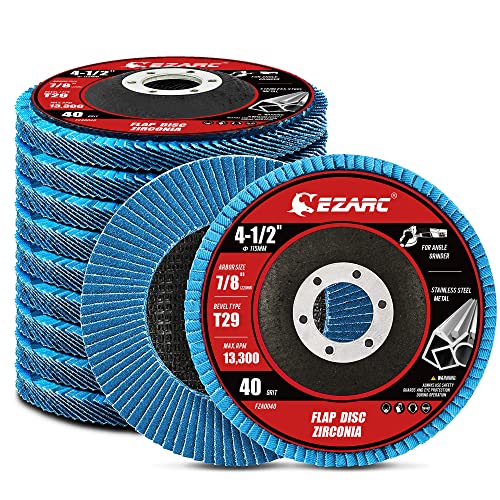
【Great Performance】EZARC flap sanding discs are made of hard zirconia material which lasts longer than standard aluminum oxide abrasive material, built for a more robust and economical grinding wheel
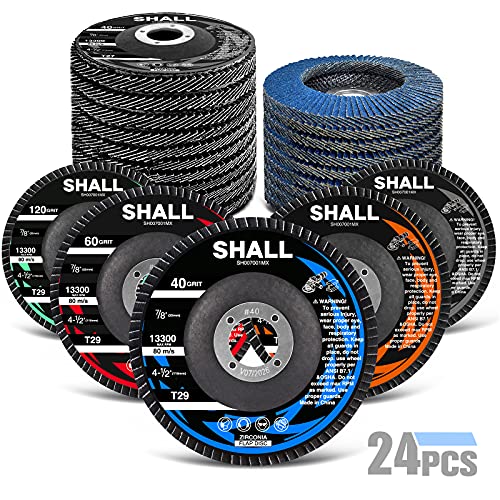
Extreme Durability and Value : Made of hard zirconia alumina material which lasts longer than standard aluminum oxide abrasive material; These flap discs also feature durable fiberglass backing plates requiring less pressure for heavy stock removal and provides with extra secure safe assurance - absorbing vibrations without smear during usage
Factors That Influence Your Angle Grinder’s Duty Cycle
Several factors influence your angle grinder’s duty cycle, efficiency, and lifespan. The biggest issue is not just time. It is how hard the motor works during that time.
A grinder doing light surface cleanup may run comfortably for longer than the same grinder forced through thick steel or concrete. Load creates heat faster than the clock alone can show.
- Motor power rating: Higher wattage or a stronger battery platform can help, but it does not make the tool immune to overheating.
- Material being worked on: Harder materials generate more heat and may need more breaks.
- Disc type and condition: Use a grinding disc for grinding and a cutting disc for cutting. A wrong disc can shatter, grab the workpiece, or cause kickback.
- Pressure: Heavy pressure slows the disc and turns motor power into heat.
- Airflow: Dusty vents trap heat. Brush dust away only after the tool is unplugged or the battery is removed.
- Usage pattern: Frequent heavy starts, long plunge cuts, and awkward positions all reduce safe working time.
Signs Your Angle Grinder Needs a Cooldown
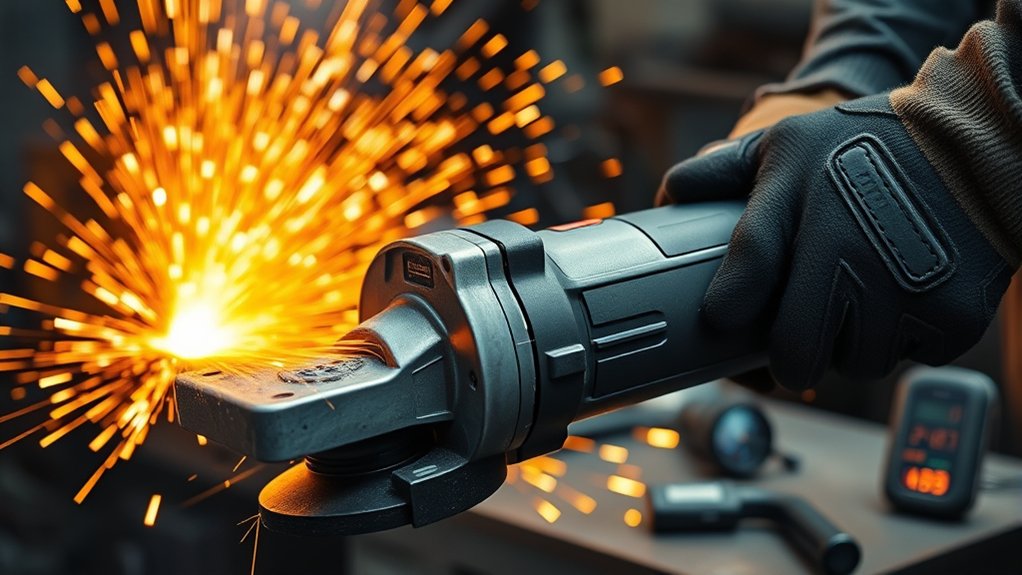
Your angle grinder can show several signs that it needs a cooldown. If the body feels too hot to hold comfortably, stop and let it rest. A noticeable drop in speed, weaker cutting, repeated overload shutoff, smoke, or a burnt smell means the tool needs attention before you continue.
Also watch the disc and workpiece. Blueing metal, a glazed wheel, heavy sparks, or a cut that keeps slowing down can mean you are using too much pressure, the wrong disc, or a worn abrasive. Fix the cause instead of pushing harder.
Note: A cordless grinder may stop because the battery or tool electronics are protecting it from heat or overload. Do not keep pulling the trigger repeatedly. Let the tool and battery cool, then check the disc and workload.
What to Do During a Cooldown Break
A cooldown break is not wasted time. Use it to make the job safer and easier before restarting.
- Switch off and set the grinder down safely. Wait until the disc fully stops before placing it on a bench or floor.
- Disconnect power before inspection. Unplug a corded grinder or remove the battery before touching the disc, guard, or vents.
- Check the disc. Look for cracks, missing chunks, glazing, clogging, or the wrong disc type.
- Check the guard and handle. The guard and side handle should be secure before you restart.
- Clear dust from vents. Use a dry brush or low-pressure air only if the manual allows it.
- Review your pressure. If the grinder slowed during the cut, use lighter pressure and let the disc do the work.
Tips to Maximize Your Angle Grinder’s Duty Cycle
Recognizing when your angle grinder needs a cooldown is just the beginning. You can extend safe working time by reducing unnecessary load.
- Choose the right tool: Do not use a small grinder for a job that needs a larger tool, a saw, or a different cutting method.
- Use the correct disc: Match the disc to the material, task, grinder size, arbor, and RPM rating.
- Let the disc reach speed first: Bring the grinder up to operating speed before touching the work.
- Use light, steady pressure: Heavy pressure increases heat and can make the disc grab.
- Keep vents clear: Airflow matters because the motor needs cooling.
- Plan breaks: On long jobs, stop before the grinder forces you to stop.
- Secure the workpiece: Use clamps or a vise so the work does not shift and pinch the disc.
Pro Tip: If the grinder keeps overheating, do not just add longer breaks. Check for a dull disc, wrong disc type, blocked vents, too much pressure, low battery output, an undersized extension cord, or a tool that is too small for the job.
How to Select an Angle Grinder Based on Duty Cycle
When selecting an angle grinder, think about the work you do most often. A compact grinder is useful for light cuts and tight spaces, but it may heat faster in heavy grinding. A more powerful grinder can handle tougher work, but it also needs better control, correct PPE, and a safe stance.
Products Worth Considering

Powerful & Longer Service Life: This metal grinder is equipped with a 900W 7.5-Amp motor delivering up to 12,000 RPM, providing consistent power and efficiency for home DIY projects and light to medium tasks. Extra carbon brushes are readily available to extend motor running time

INCLUDES: 4 1/2" Angle grinder, five grinding wheels and a carrying case

7 amp AC/DC, 12,000 rpm motor of the angle grinder is designed for faster material removal and higher overload protection
Understanding Duty Cycle Ratings
If a grinder lists a duty cycle, compare that rating to your work pattern. A lower rating may be fine for quick cuts and small cleanup jobs. A higher or continuous-duty rating is better for repeated cuts, fabrication, masonry work, or shop use.
Do not compare duty cycle alone. Also check motor power, grinder size, disc diameter, switch type, handle positions, guard design, dust control options, and overload protection.
Matching Grinder to Tasks
Choosing the right grinder helps prevent overheating and improves control.
| Task Type | What to Look For |
|---|---|
| Heavy-duty metal fabrication | Higher power, strong cooling, correct disc rating, secure handle positions, and frequent planned breaks. |
| Moderate cutting and grinding | A grinder matched to the disc size and material, with overload awareness and good vent airflow. |
| Light sanding, polishing, cleanup | Comfortable grip, variable speed if the accessory requires it, and proper accessory compatibility. |
Continuous vs. Intermittent Use
Continuous use means longer grinding sessions with fewer stops. Choose a grinder designed for that workload and still pause when heat builds. Intermittent use means short cuts, deburring, and small cleanup work. Most DIY grinding falls into this category.
If you need to grind for long periods every day, choose a professional-grade grinder, use sharp and correct abrasives, keep spare discs ready, and plan the job so the tool is not forced through every cut.
Safety Precautions for Extended Use of Angle Grinders
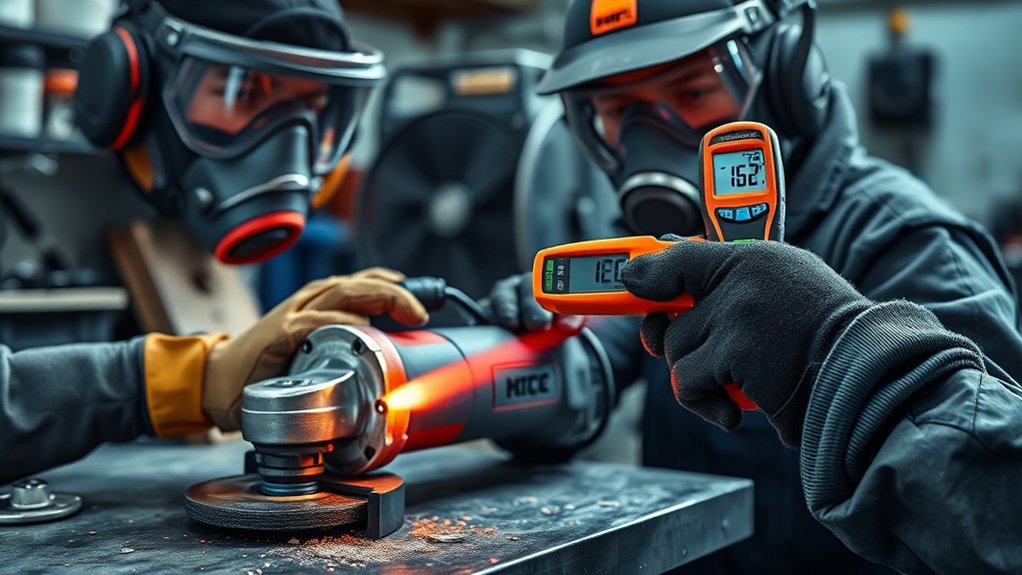
When using an angle grinder for extended periods, safety matters as much as cooling. Always wear suitable personal protective equipment, including eye protection, face protection when needed, hearing protection, gloves that allow a firm grip, fitted clothing, and sturdy footwear. Use dust control and respiratory protection when the material creates harmful dust.
Keep the wheel guard installed and positioned correctly. OSHA states that safety guards on right-angle or vertical portable grinders should be located between the operator and the wheel during use, and adjusted so fragments from a broken wheel are deflected away from the operator. OSHA’s portable powered tool standard also requires guarding for portable abrasive wheels.
Before mounting a wheel, confirm the grinder speed does not exceed the disc’s marked maximum operating speed. Inspect the wheel for damage, and never use a cracked, dropped, wrong-size, or wrong-type disc. A cutting disc is for cutting. A grinding disc is for grinding. Mixing them increases the risk of wheel failure and kickback.
SafeWork SA also warns that 9-inch (230 mm) angle grinders have been banned on some worksites because their higher power and size can increase kickback and gyroscopic effects. If you are considering a 9-inch grinder, complete a risk assessment first and check whether a smaller grinder, saw, or different cutting method would be safer. SafeWork SA’s angle grinder guidance recommends choosing the smallest tool that can safely do the job.
Common Duty Cycle Questions
Here are the practical answers that matter most during real grinder use:
- What if the grinder is warm but not hot? Warm is normal during use. Too hot to hold comfortably is a cooldown warning.
- What if the grinder slows down? Reduce pressure, check the disc, and pause. Speed loss often means overload.
- Can I cool a grinder with water? No. Do not pour water on an electric grinder or battery pack. Let it cool in open air.
- Can I keep working after overload shutoff? Do not repeatedly restart it. Let it cool and fix the cause of the overload.
- Does a bigger grinder always run cooler? Not always. A bigger grinder can handle heavier work, but it can also create more severe kickback if misused.
Frequently Asked Questions
How long can I use an angle grinder for?
Use it for as long as the manual allows and the tool stays under control. If no duty-cycle rating is listed, work in short passes and stop when the grinder gets too hot, slows down, smells burnt, smokes, or triggers overload protection.
What is the duty cycle of an angle grinder?
The duty cycle is the balance between run time and cooling time. If the manual gives a percentage, follow that rating. If it does not, treat heat, load, speed drop, smell, smoke, vibration, and overload shutoff as signs that the grinder needs a break.
Why are 9-inch angle grinders banned on some worksites?
Some worksites ban or restrict 9-inch angle grinders because their size, torque, weight, and gyroscopic effect can make kickback more severe. They are not universally banned everywhere, but they should only be used after a risk assessment and only when a safer tool will not do the job.
How do I angle grind safely for longer jobs?
Use the guard and side handle, wear eye and hearing protection, secure the workpiece, choose the correct rated disc, keep vents clear, avoid heavy pressure, and take regular breaks. Unplug the grinder or remove the battery before changing discs or inspecting the tool.
What happens if I exceed the duty cycle?
Exceeding the duty cycle or ignoring heat can overheat the motor, damage bearings or brushes, trigger battery protection, reduce disc control, and increase the chance of kickback. Stop early if the grinder feels strained.
Conclusion
Understanding your angle grinder’s duty cycle helps you work faster without abusing the tool. If your manual gives a run/rest rating, follow it. If it does not, use practical warning signs: heat, smell, smoke, speed loss, overload shutoff, vibration, and poor cutting performance. Match the grinder to the job, use the correct disc, keep the guard and handle in place, and let the tool cool before a small problem becomes a dangerous failure.
Sources
- OSHA 1910.243, Guarding of Portable Powered Tools — supports portable grinder guard, switch, wheel inspection, and maximum operating speed guidance.
- OSHA 1910.215, Abrasive Wheel Machinery — supports abrasive wheel machine guarding, work-rest, flange, and guard design safety principles.
- SafeWork SA, Angle Grinders — supports kickback warnings, 9-inch grinder caution, correct disc choice, PPE, two-handed use, and safe work practices.