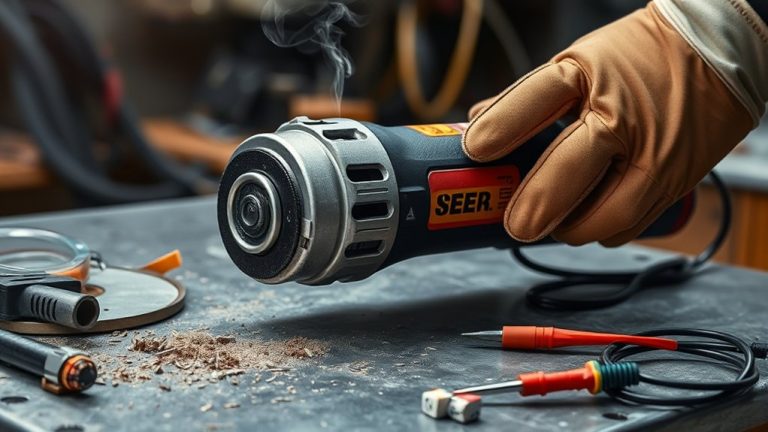
If your angle grinder stalls at startup, start by checking the power supply and cord for damage. Inspect the trigger switch and make sure it’s functioning properly. Look at the carbon brushes; if they’re worn, replace them. Also, assess for overheating and listen for unusual noises that could indicate problems. Maintaining your grinder is essential to prevent issues. For detailed troubleshooting steps and safety checks, you can find additional useful information.
Identify and Fix Common Startup Issues With Your Angle Grinder
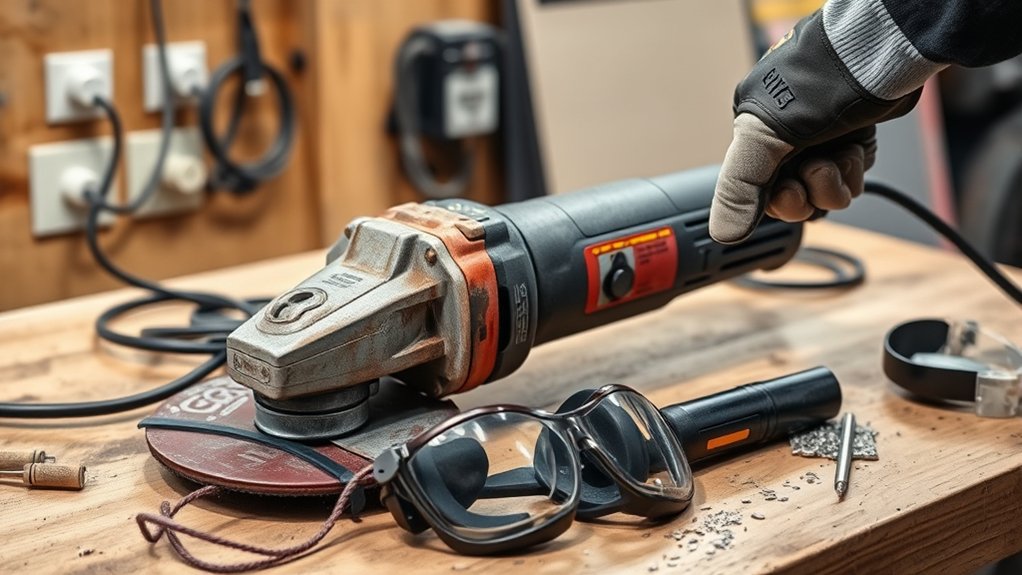
When your angle grinder won’t start, it can be frustrating, but troubleshooting the issue can often be straightforward. First, confirm the grinder’s plugged into a functional power supply. A common culprit is a faulty connection, so double-check the outlet. Next, inspect the power cord and plug for any visible damage or fraying; even minor issues can disrupt power flow.
Don’t forget to check the trigger switch for any obstructions or mechanical failures. If it’s stuck or damaged, it won’t engage the motor. Additionally, examine the carbon brushes inside the grinder. Worn brushes can hinder electrical contact and prevent startup. Finally, verify the compatibility of the attached wheel or disc. If it has excessive resistance, the grinder may stall at startup. By addressing these common issues, you can often get your angle grinder running smoothly again.
How to Check the Power Supply and Cord
After addressing startup issues, it’s important to check the power supply and cord to confirm your angle grinder gets the electricity it needs. Start by verifying the grinder’s plugged securely into a functioning outlet. If it still stalls, use a digital multimeter to test continuity in the power cord for any breaks or damage. Inspect extension cords for fraying or visible issues, as these can disrupt power flow.
Here’s a quick reference table to help you out:
| Check | Action |
|---|---|
| Power Outlet | Confirm it’s operational and secure |
| Power Cord | Test for continuity with a multimeter |
| Extension Cords | Look for fraying or damage |
Lastly, verify that circuit breakers or fuses are working, and consult your user manual for model-specific tips. Taking these steps confirms your angle grinder runs smoothly and effectively.
Testing Carbon Brushes and Motor Functionality
To guarantee your angle grinder operates efficiently, testing the carbon brushes and motor functionality is essential. Start with a brush wear assessment. Check the carbon brushes for signs of wear; if they’re shorter than 1/4 inch, it’s time for replacement. Unplug the grinder and remove the brush caps to inspect the brushes and make certain they move freely within their holders.
Next, perform multimeter testing on the motor. Measure the resistance across the motor terminals; if the reading falls outside the normal range, it might indicate a motor failure or an internal short circuit. Regular maintenance, including cleaning and replacing worn brushes, can prevent startup issues and extend your angle grinder’s lifespan. Follow these brush replacement tips to make certain you’re using compatible parts, keeping your equipment reliable and efficient. Stay proactive, and your angle grinder will serve you well for many projects to come.
Inspecting Your Angle Grinder’s Trigger Switch
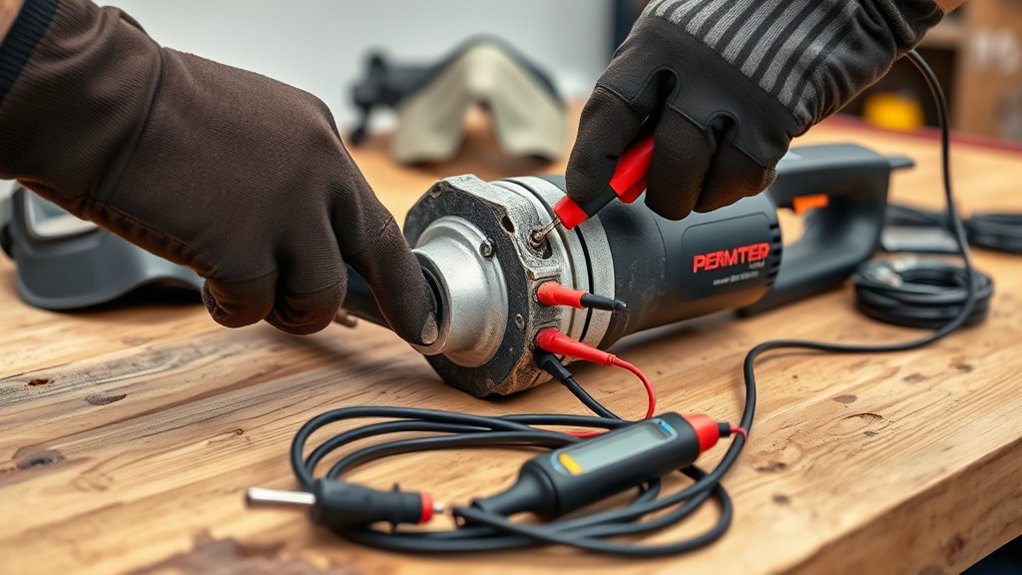
When your angle grinder won’t start, the trigger switch is often the culprit. You’ll want to inspect it for common issues like stuck connectors or signs of overheating. Testing its functionality with an Ohmmeter can help you identify faults and guarantee reliable operation.
Common Trigger Switch Issues
While your angle grinder might seem fine, common trigger switch issues can silently disrupt its operation. If your grinder won’t start or stalls unexpectedly, you could be experiencing trigger switch symptoms. Begin your troubleshooting techniques by inspecting the switch for damage, like melting or obstructions, which may indicate overheating. Use an Ohmmeter to check the continuity of the switch contacts; no continuity often means it’s time for a replacement. Verify the switch moves freely without sticking, as restrictions can impede function and lead to stalling. Regularly checking the trigger switch as part of preventative maintenance can catch problems early, confirming not just efficiency but also your safety while using the tool.
Testing Switch Functionality
Identifying trigger switch issues is just the first step; testing the switch functionality is essential for confirming your angle grinder operates smoothly. Follow these steps to assess the switch:
- Disassemble the switch: Check for movement in the internal components to spot any blockages or malfunctions.
- Use an Ohmmeter: Apply continuity testing methods to verify the switch contacts function properly when engaged.
- Inspect for overheating: Look for switch wear indicators like melted plastic or discoloration indicating damage.
- Check connections: Verify terminals are secure and free from corrosion to prevent electrical flow issues.
If the switch shows signs of failure, replace it for safe and reliable operation. Don’t compromise on safety!
Detecting and Resolving Overheating Issues in Your Angle Grinder
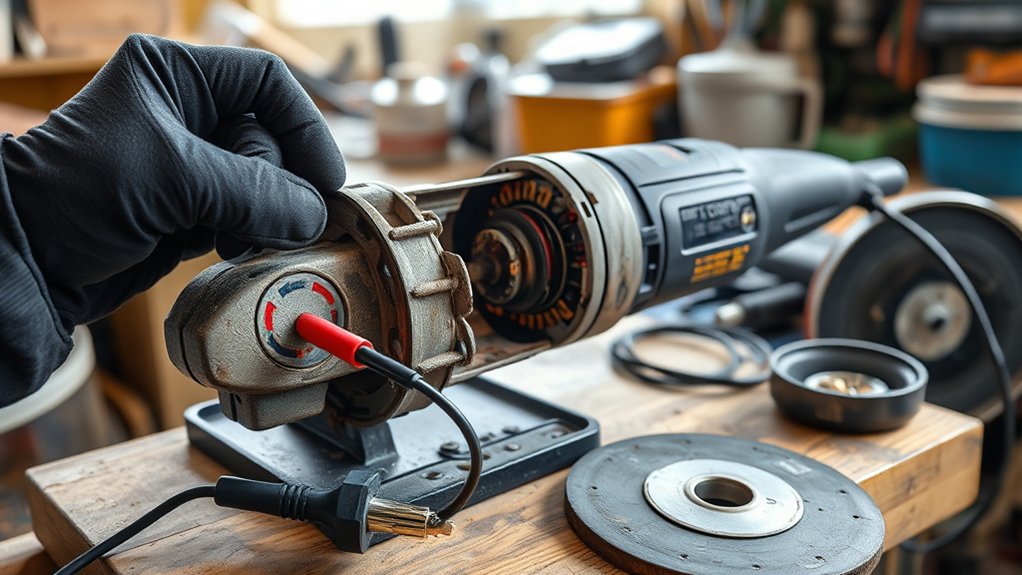
Overheating can seriously impact your angle grinder’s performance and lifespan. You need to identify common causes, implement effective cooling techniques, and follow maintenance best practices to keep it running smoothly. Let’s explore how to detect overheating issues and resolve them efficiently.
Common Overheating Causes
An angle grinder can quickly overheat, leading to performance issues and potential damage if not addressed. Here are common causes you should watch for:
- Dust Accumulation: Blocked air vents restrict airflow, so clean them regularly for peak performance.
- Motor Overload: Using the grinder on materials that exceed its rated capacity can strain the motor, increasing heat.
- Lubrication Importance: Insufficient lubrication of moving parts raises friction and heat. Always follow the manufacturer’s guidelines for lubrication.
- Prolonged Use: Continuous operation without breaks leads to excessive heat build-up. Allow the grinder to cool down periodically.
Effective Cooling Techniques
To keep your angle grinder running smoothly, implementing effective cooling techniques is key. Start by enhancing airflow; regularly clean dust and debris from vents to improve heat dissipation. During prolonged use, take breaks to allow the grinder to cool down—this simple practice can prevent overheating. Keep an eye on the temperature; if the grinder becomes uncomfortable to hold, shut it down immediately. Inspect the cooling system, including fans and air vents, to verify everything’s functioning properly. Finally, choose the right blades for the material you’re working on, as this minimizes resistance and helps maintain peak performance. By prioritizing these cooling techniques, you’ll extend your angle grinder’s life and efficiency.
Maintenance Best Practices
Regularly maintaining your angle grinder is crucial for preventing overheating issues. Follow these preventive measures to keep your tool in top shape:
- Inspect and Clean: Regularly check air vents and cooling systems to prevent dust buildup.
- Use Intervals: Operate the grinder in intervals and allow it to cool down after prolonged use.
- Monitor Heat: Keep an eye on excessive heat during operation; it may signal a malfunction or airflow obstruction.
- Check Alignment: Confirm the blade is correctly installed and aligned to avoid unnecessary strain on the motor.
Incorporating proper lubrication techniques and effective airflow management can greatly reduce friction and overheating, guaranteeing your angle grinder runs smoothly and efficiently.
What to Do About Strange Noises From Your Grinder?
If you notice strange noises like grinding, squeaking, or rattling coming from your angle grinder, it’s vital to address these issues promptly. Unusual sounds often indicate internal problems that require immediate attention to prevent motor damage. Keep track of any changes in noise, as persistent issues might need professional inspection.
| Noise Type | Possible Cause |
|---|---|
| Grinding | Worn bearings or brushes |
| Squeaking | Lack of lubrication |
| Rattling | Loose components or debris |
| High-pitched | Overheating due to friction |
| Low rumbling | Internal damage or malfunction |
Regular maintenance is essential. Adhere to inspection frequency guidelines and always prioritize lubrication importance. By implementing noise reduction techniques and promptly addressing abnormal sounds, you can guarantee your grinder runs smoothly and efficiently.
Maintaining Your Angle Grinder to Prevent Issues
Strange noises from your angle grinder can signal underlying issues, making maintenance a key part of keeping it in top shape. To guarantee smooth operation and longevity, follow these essential tips:
- Vent Cleaning: Regularly inspect and clean air vents to prevent dust buildup, which can cause overheating.
- Blade Storage Tips: Store blades in a dry, cool environment to maintain their sharpness and prevent rust.
- Lubrication Techniques: Keep moving parts properly lubricated to guarantee smooth operation and minimize wear.
- Routine Checks: Inspect the power cord and plug for visible damage to ensure safe electrical operation.
Essential Safety Checks Before Using Your Grinder
Before you fire up your angle grinder, it’s essential to conduct a thorough visual inspection to spot any signs of wear or damage. Check the power cord for fraying or visible damage—this can lead to electrical hazards. Make sure the correct disc size and type are fitted for your specific task; this is critical for safe operation.
Next, scrutinize the guard and flange to confirm they’re securely attached and functioning properly. These components are essential for your safety.
Don’t forget to wear appropriate safety gear, including goggles and gloves, to protect yourself from debris and sparks.
A well-organized workspace is key; clear away any obstructions to minimize accident risks. Finally, familiarize yourself with emergency procedures—know how to quickly shut off the grinder in case of an accident. Following these checks will help guarantee a safe and effective grinding experience.
When to Seek Professional Help for Repairs
While you might feel confident tackling minor issues with your angle grinder, certain problems signal the need for professional help. Addressing these issues promptly can save you from higher repair costs and guarantee safety. Here are four signs it’s time to consult an expert:
Certain angle grinder issues require professional help to ensure safety and avoid costly repairs.
- Damaged Trigger Switch: If it appears melted or broken, seek a professional assessment and replacement.
- Unusual Motor Noises: Persistent odd sounds or overheating suggest deeper electrical or mechanical issues.
- Significant Arcing: If you notice arcing at the motor brushes, consult a technician to prevent further damage.
- Power Supply Issues: Frequent interruptions or flickering lights indicate potential problems with the power cord or internal components.
Frequently Asked Questions
Why Does My Angle Grinder Keep Stopping?
Your angle grinder keeps stopping due to motor overheating issues, electrical connection problems, or inadequate maintenance. Check the power supply, inspect connections, and verify regular maintenance to prevent stalling and guarantee smooth operation.
How to Fix Angle Grinder Not Turning On?
To fix your angle grinder not turning on, check the power supply issues, inspect the cord, and guarantee proper angle grinder maintenance. If the motor’s overheating, let it cool before trying again.
What Are Signs My Grinder Needs Repair?
Your grinder needs repair if you notice motor issues, overheating problems, or flickering lights. Check electrical connections, listen for unusual noises, and inspect for visible wear on the blade to guarantee safe operation.
How to Tell if an Angle Grinder Disc Is Bad?
You might think your angle grinder disc is fine, but check for disc wear, vibration issues, or compatibility concerns. Look for cracks, uneven surfaces, or unusual noises—these signs mean it’s time for a replacement.
Conclusion
To wrap up, troubleshooting your angle grinder can save you time and money, but it’s crucial to prioritize safety. Have you ever wondered how much easier your projects could be with a well-functioning tool? By following these checks and maintenance tips, you can guarantee your grinder operates smoothly and efficiently. Don’t hesitate to seek professional help if problems persist—sometimes, an expert touch is just what you need to get back to work.