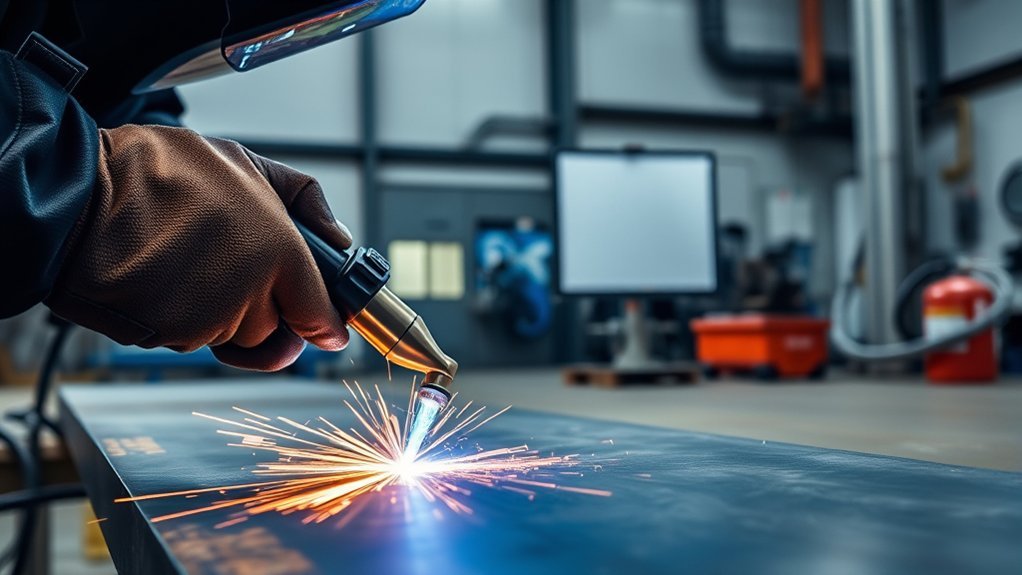
What Is a CNC Plasma Table?
Choosing a CNC plasma cutter can feel risky when every table, torch, and software package claims to improve speed. The real choice comes down to fit: table rigidity, torch capacity, power output, and software workflow must match your shop’s work. This guide shows you what to check before you buy, so you can avoid weak cuts, wasted material, and costly downtime.
Quick Answer
A CNC plasma table uses computer-controlled motion to guide a plasma torch across metal. To choose the right system, match the table size, frame strength, torch height control, amperage, duty cycle, and CAD/CAM workflow to your material and job volume.
Key Takeaways
- Choose a table size that fits your largest common sheet or part.
- Check frame rigidity, gantry stiffness, backlash, and repeatability before you buy.
- Match torch amperage and duty cycle to your target material thickness.
- Use automatic torch height control to improve edge quality and consumable life.
- Confirm that your CAD, CAM, and controller software work together cleanly.
What Is a CNC Plasma Table?
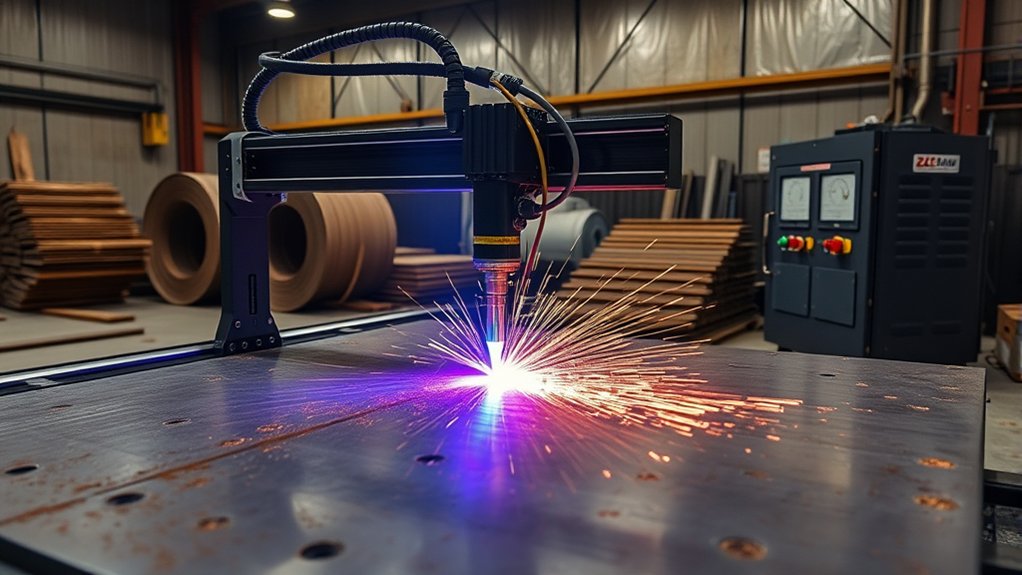
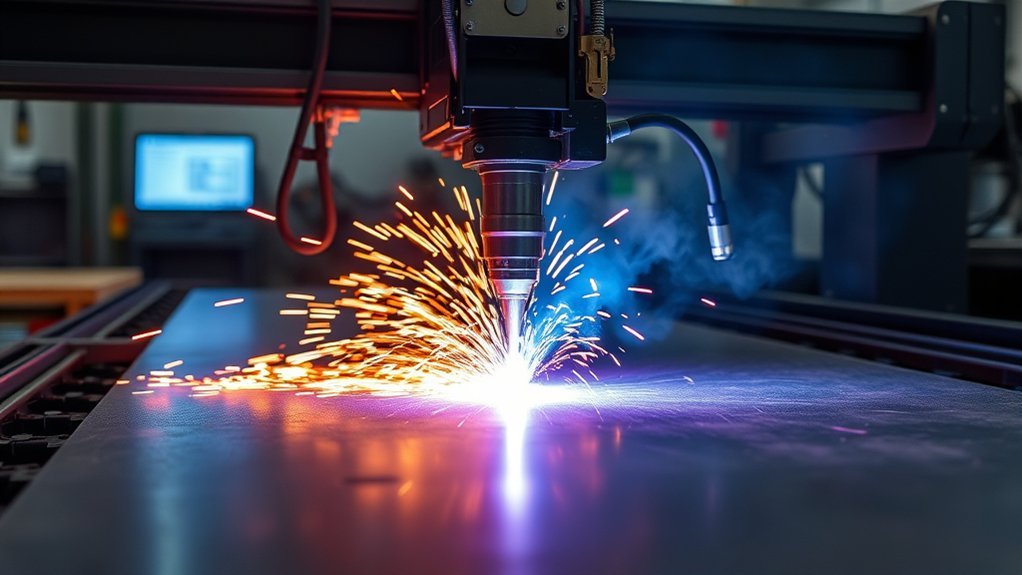
A CNC plasma table is an automated cutting system that moves a plasma torch across X-Y axes. It cuts electrically conductive materials such as mild steel, stainless steel, aluminum, and copper.
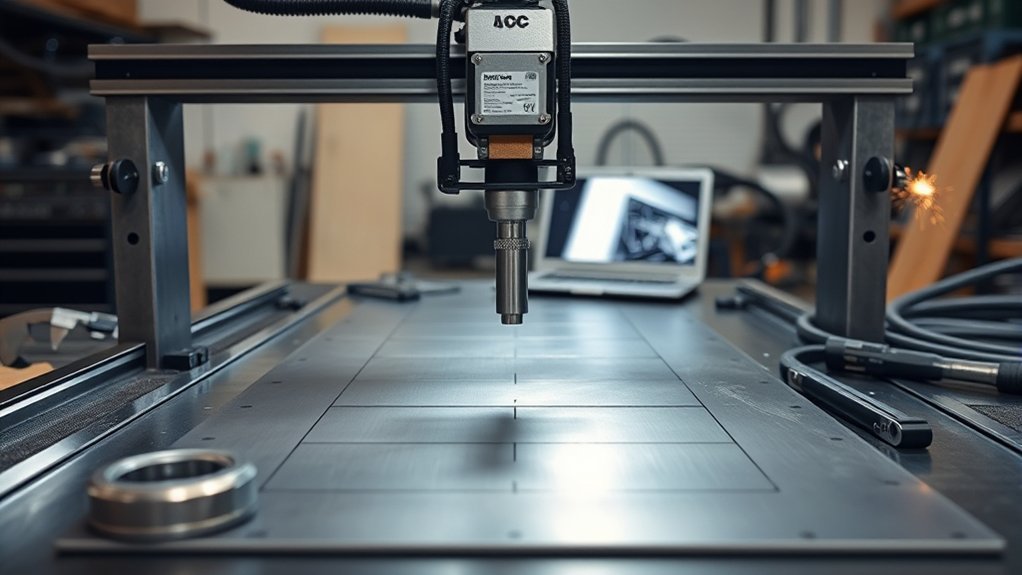
You place plate or sheet metal on steel slats that support the workpiece and handle heat. Then you import toolpaths from computer-aided design and computer-aided manufacturing (CAD/CAM) software to define contours, pierces, and lead-ins.
The controller coordinates motion, torch firing, and cutting speed. This helps you improve cutting precision while reducing excess heat near the edge.
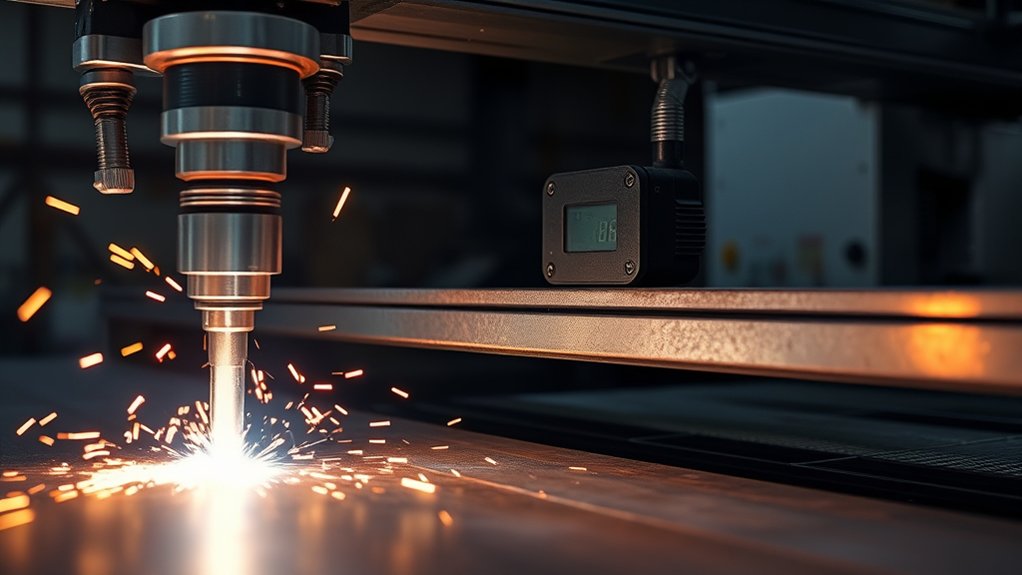
Automatic torch height control samples arc voltage and adjusts torch standoff during the cut. This helps keep kerf width more consistent, reduce dross, and extend consumable life.
Closed-loop motion, proper kerf compensation, and smart nesting can reduce scrap and cycle time. The result is repeatable, high-throughput profiling for complex shapes and production parts.
Plasma Table vs. Plasma Cutter
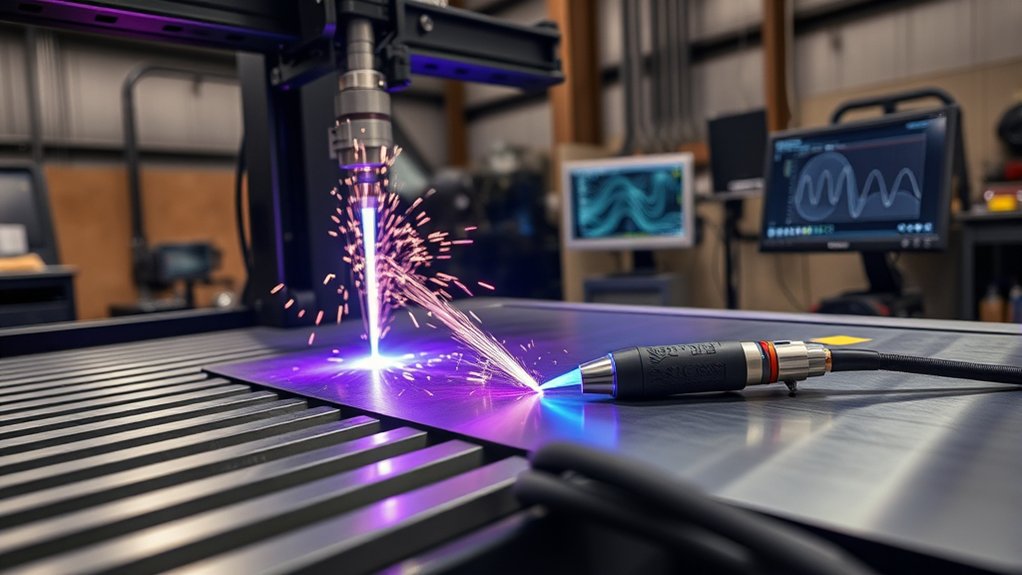
A plasma cutter creates the plasma arc that cuts the metal. The table provides motion control, support, repeatability, and safety features.
You should separate the main parts before you compare systems. The cutter includes the torch, power supply, and consumables. The table includes the frame, gantry, drives, torch height control, and fume control setup.
Your best results come from matching both sides of the system. A strong plasma unit still needs a rigid table, clean motion, and reliable software control to produce good cut quality.
Roles and Functions
The plasma cutter and plasma table work together, but each part has a different job. You rely on the cutter for energy delivery and arc control. You rely on the table for motion control, work support, and heat management.
CAD/CAM commands position the torch on a gantry with X-Y travel and Z-height control. The system maintains torch standoff to help stabilize kerf width and edge quality.
Slats or water beds support the metal, absorb heat, and help reduce distortion. The cutter cuts the part, while the table holds, moves, and repeats the cut path.
| Component | Primary Function |
|---|---|
| Plasma Cutter | Creates the plasma arc and cuts the metal |
| Plasma Table | Supports the workpiece and holds the cutting area steady |
| Gantry System | Moves the torch across the X-Y axes |
| Z-Axis Control | Maintains torch height above the material |
| Software Control | Runs toolpaths, speed settings, and cut commands |
Table vs. Torch Components
Separate the table’s motion platform from the cutter’s arc source when you compare systems. This helps you choose better parts for accuracy, uptime, and cut quality.
The table provides a stable plane with steel slats that support the work and absorb heat. The cutter houses the torch and controls arc start, amperage, and gas flow.
Match table strength to your duty cycle and part weight. Match torch type and starting method to your material, thickness, and controller setup.
- Select rigid frames and stable slat layouts.
- Validate gantry stiffness and drive quality.
- Pair amperage to material thickness.
- Choose a reliable arc start method.
- Tune height control and gas settings.
Key Features to Evaluate
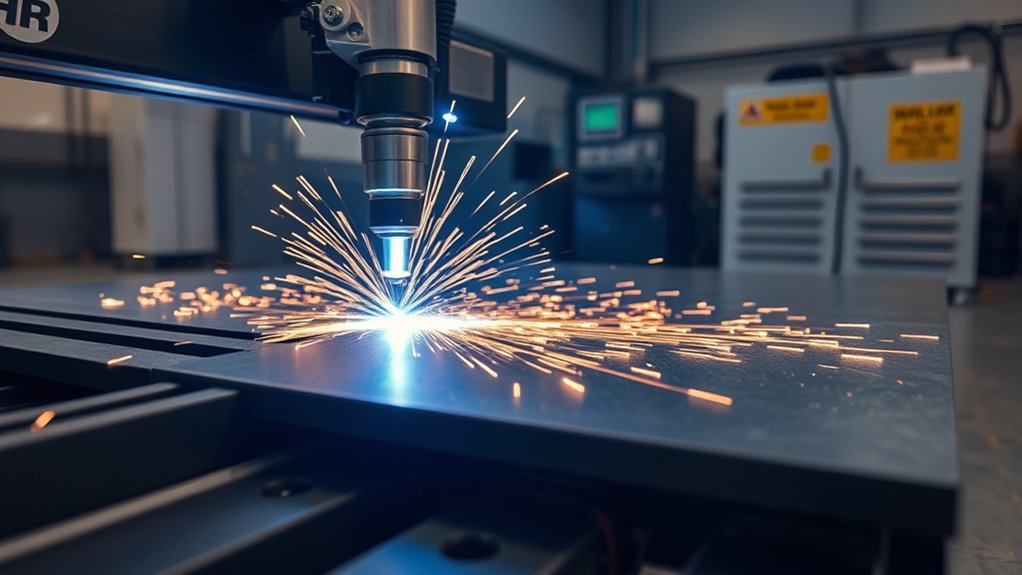
Before you choose a CNC plasma table, define the technical needs that affect performance, uptime, and cut quality. Start with table size, then review motion quality, controls, torch height control, and software compatibility.
Match a small table to prototyping, repair work, or hobby projects. Choose a larger bed, such as 4 ft by 8 ft or 5 ft by 10 ft, when you cut full sheets and want fewer setups.
Choose a CNC control that your operator can learn without stress. PC-based interfaces can work well for small shops because they often reduce training time.
Prioritize automatic torch height control (ATHC). It helps stabilize arc voltage, protect edge quality, extend consumable life, and keep cutting speed steady on warped sheets.
Check CAD/CAM compatibility before you buy. Look for clean DXF import, reliable post-processing, nesting support, and settings for kerf width, pierce delay, and cut height.
| Decision Lever | Risk if Ignored | Payoff When Optimized |
|---|---|---|
| Table size | More setups and re-cuts | Fewer material handling steps |
| Control interface | More operator errors | Faster onboarding |
| ATHC | Edge taper and faster wear | More stable cut quality |
| CAD/CAM workflow | Broken paths and bad cuts | More accurate parts |
| Amperage | Slow or incomplete cuts | Better speed and thickness range |
Products Worth Considering

ALL-IN-ONE HI-END TECHNOLOGY PLASMA CUTTING MACHINE SET: Redefine your metal crafting experience with the Eastwood Versa Cut 4X4 CNC Plasma Table and Plasma Cutting Machine Torch Set. Crafted for those who demand perfection and a user-friendly metal fabrication experience. This all-in-one powerhouse brings a new level of control and versatility to your workshop or home garage. A fusion of precision, efficiency, and cutting-edge technology in one bundle.

Runs on 110V power with 6A, 60HZ, and 24" x 24" cutting area (3/4" mild steel capacity)
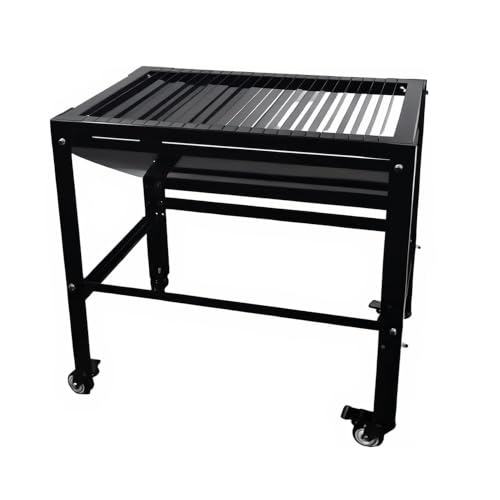
Optimized for Precision Plasma Cutting: Our CNC plasma table features 23 removable dividers to prevent spark splashing, ensuring clean, accurate cuts for both industrial and home garage use.
Choosing the Right Torch and Power Source
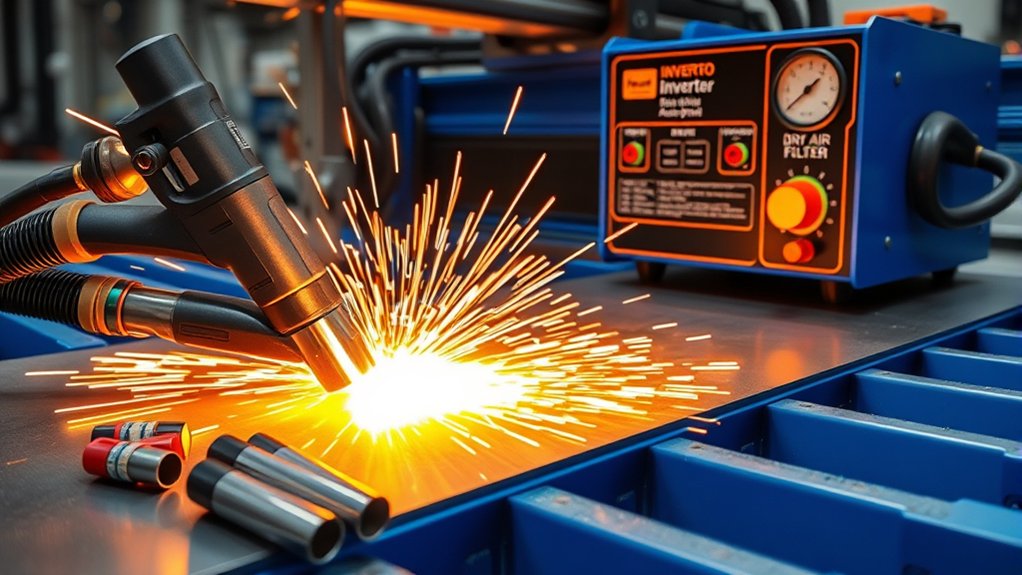
Match your torch and power source to the thickness range you cut most often. This protects signal integrity, improves arc stability, and reduces downtime.
Start by sizing amperage to your material. Many shops use a rough planning rule that higher amperage supports thicker cutting, but you should confirm real capacity with the machine manual.
Use torch models that match the plasma power source. For example, an IPT65-style torch fits many 65-amp systems, while an IPT80-style torch fits many higher-output systems.
Favor blowback start for many CNC setups because it can reduce electrical noise compared with high-frequency start. Lower electrical noise helps protect controller input and output signals.
Verify the CNC trigger input and “arc ok” feedback before you run production cuts. Your controller needs this signal to start, confirm the arc, and monitor cut continuity.
- Match amperage to your most common material thickness.
- Confirm torch compatibility with the plasma power source.
- Prefer blowback start when you need lower electrical noise.
- Verify CNC trigger and “arc ok” wiring before production.
- Choose enough duty cycle for your longest expected runs.
Warning: Always confirm electrical service, grounding, and wiring with the machine manual and a qualified electrician.
Products Worth Considering

23pcs ipt65 consumables kit 59182 electrode 59164 nozzle shield cap standoff swirl ring for Harbor Freight Titanium 65A IPT65 TI-PC65 torch

20Pcs 220819 Nozzle Tip 65A Fit for Hypertherm PMX 65 Plasma Cutting Torch Consumables

Application Torch: These TI-PC65 plasma cutting consumables can be compatible with TI-PC65 torch 58895 Harbor Freight Titanium 65A plasma cutter
Software Workflow: CAD, CAM, and Controller

A reliable plasma workflow moves from CAD for geometry creation, to CAM for toolpath planning, to the controller for cutting. Each step affects the final part.
You design in CAD, constrain the geometry, and export a clean DXF file to preserve layers and units. Check arcs and node counts before you send the file forward.
In CAM, assign kerf width, pierce delay, cut height, lead-ins, and lead-outs. Match those settings to material thickness and feature size.
Use inside and outside offsets, tabs, and cut sequencing to manage heat. Then simulate the job to check pierce order, feed consistency, and possible collisions.
The controller loads the CAM file, applies motion profiles, and manages torch on/off, torch height control, and feed overrides. During cutting, you monitor arc OK, pause for consumable checks, and use the emergency stop if conditions drift.
Top Models and Buying Considerations

Once you define your CAD to CAM to controller workflow, match the hardware to that process. Focus on table size, motion quality, torch height control, power, and support.
Select table dimensions that fit your parts and floor space. Common footprints range from small benchtop tables to full-sheet machines.
A 5 ft by 10 ft bed can support many full sheets and nested jobs. That size can reduce handling when your shop cuts larger parts often.
Verify motion system rigidity, backlash, straightness, and repeatability specs. Automated THC helps maintain arc voltage for more consistent kerf and better consumable life.
Shortlist proven models only after you know your required bed size and thickness range. If a model claims a high capacity, ask for sample cuts, duty cycle details, and support terms before you commit.
Align plasma power to your material and duty cycle. Use the manufacturer’s cut charts to check real cutting speed, pierce limits, and edge quality on your metals.
Favor controllers with integrated CAD/CAM or clean post-processing support. Fewer file handoffs can reduce programming mistakes.
- Match table dimensions to your part size and nesting needs.
- Confirm straightness, backlash, and repeatability specs.
- Require automated torch height control for production work.
- Size plasma amperage to thickness and duty cycle.
- Verify real cutting speed on your materials.
Common Mistakes to Avoid Before You Buy
Many buyers focus on amperage first and ignore the rest of the system. That can lead to poor motion, weak support, and software issues that slow production.
Avoid buying the smallest table that fits your first project. You may outgrow it fast if your shop starts cutting full sheets or larger parts.
- Don’t ignore fume control, ventilation, and shop airflow.
- Don’t buy without checking software compatibility.
- Don’t assume maximum cut thickness equals clean production capacity.
- Don’t skip sample cuts on your real material.
- Don’t overlook consumable cost, support, and parts access.
Frequently Asked Questions
How Loud Are CNC Plasma Cutters and What Hearing Protection Is Needed?
CNC plasma cutters can produce high noise levels, especially during long cuts or thick material work. You should wear suitable hearing protection and measure actual shop noise when possible. Follow your workplace safety rules and local hearing protection requirements.
What Ventilation or Fume Extraction Setup Is Required for Small Shops?
You need a fume control plan before you cut indoors. Many shops use source-capture fume extraction, a downdraft table, or a water table, depending on the material and setup. Confirm airflow needs with your equipment manual and local safety rules.
How Much Power and Electrical Service Do Typical Systems Require?
Power needs depend on the plasma unit, table size, and shop voltage. Smaller systems may run on single-phase power, while larger production systems may need heavier service. Check the manufacturer’s electrical specs before you buy.
What Routine Maintenance Schedules and Consumable Lifespans Should I Expect?
Expect to inspect consumables, clean slats, check air quality, and review cut quality often. Follow the manufacturer’s maintenance schedule for lubrication, alignment, filters, and torch parts. Track pierce counts and cut time so you can replace consumables before quality drops.
How Do I Estimate Operating Costs per Cut, Including Gas and Consumables?
Estimate each cut by adding power use, gas or air use, consumable wear, labor time, and scrap rate. Run timed test cuts on your real material for a better number. Then compare that cost against your job pricing and expected production volume.
Is a Water Table or Downdraft Table Better?
A water table can help control sparks, heat, and some dust during cutting. A downdraft table can keep the work area drier and may suit shops that need cleaner part handling. Choose based on your material, ventilation plan, cleanup needs, and local safety rules.
Conclusion
The best CNC plasma table is the one that matches your sheet size, material thickness, workflow, and production pace. Start with the work you cut most often, then check table rigidity, motion accuracy, torch compatibility, duty cycle, and software support. Ask for sample cuts and compare kerf width, edge taper, dross, and repeatability before you spend money. When each part of the system fits your shop, you can cut with more confidence and fewer costly delays.