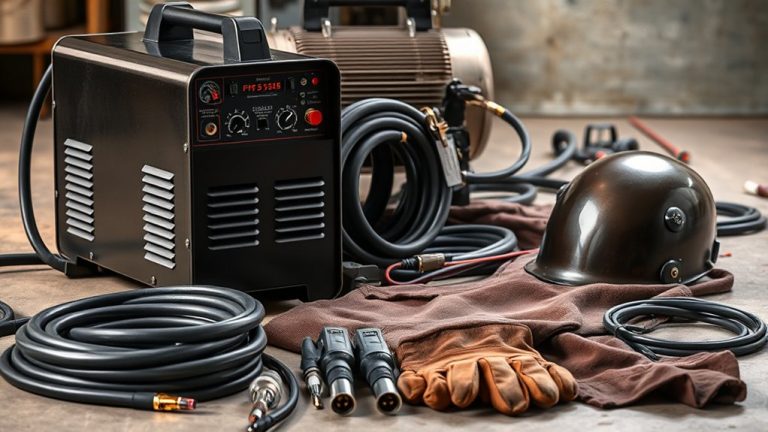
Connecting a plasma cutter properly is essential for safe and efficient operation. Start by ensuring the machine is off, then secure the power cable to lock it in place. Establish a ground connection by attaching the work clamp to a clean metal surface. Connect the air supply, checking for leaks and setting the pressure correctly. Finally, attach the torch leads securely. Curious about optimizing your setup further?
Securing the Power Cable
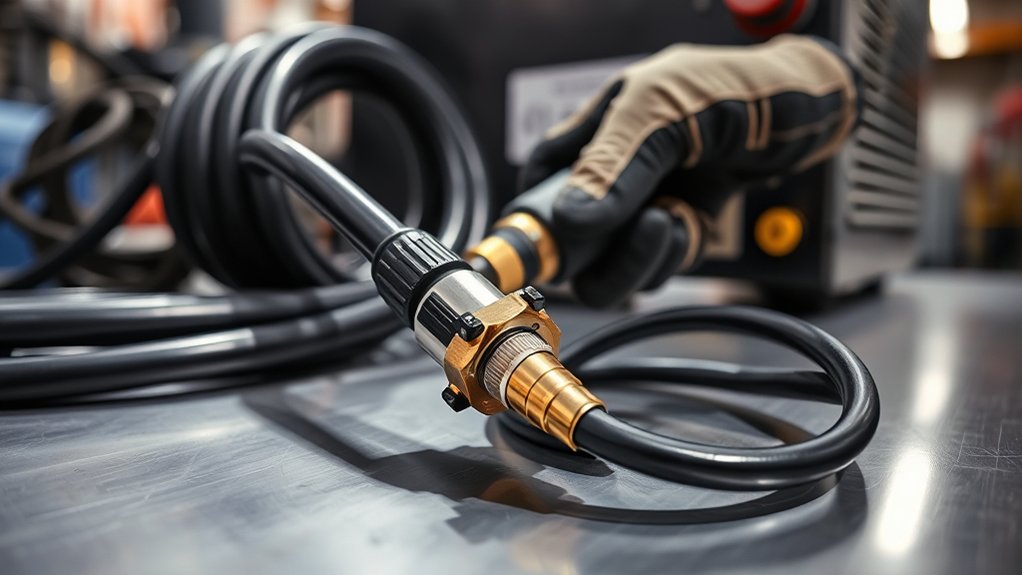
To begin securing the power cable of your plasma cutter, first confirm that the machine is turned off to prevent any accidental activation. This step is essential for power cable safety.
Next, verify the power supply specifications to make sure they’re compatible with your plasma cutter. Once confirmed, proceed to connect the power cable to the back of the machine. Utilize the designated locking ring to secure the connection firmly, guaranteeing a stable and reliable setup.
Ensure power supply compatibility, then firmly secure the cable with the locking ring for a stable connection.
For connection verification, check that the power cable is properly seated in its socket. A loose or improper connection may lead to electrical issues during operation, compromising safety and performance.
Inspect the connection visually and manually to confirm it’s tight and secure. Avoid skipping this check, as it plays a significant role in maintaining operational safety.
Following these steps will guarantee the power cable is secured properly, setting the stage for safe plasma cutting activities.
Energizing the Machine
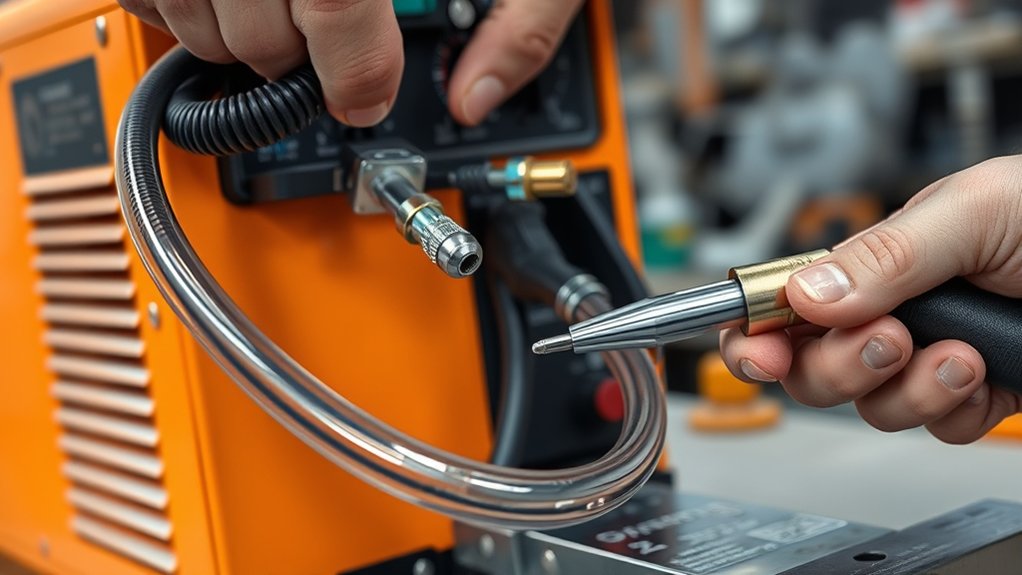
Energizing your plasma cutter involves a few critical steps to assure safe and efficient operation. Start by connecting the power cable to the back of your Hypertherm Powermax 85. Secure it with the locking ring to prevent disconnection. Next, flip the breaker switch to the “ON” position, supplying power to the machine. Confirm the air inlet is correctly hooked up to provide necessary compressed air.
| Step | Action |
|---|---|
| Connect Power Cable | Secure with locking ring |
| Flip Breaker | Switch to “ON” position |
| Air Inlet | Hook up to air line or portable air tank |
| Monitor | Check front panel for power status and settings |
Follow safety precautions by consulting the manual for detailed instructions. The front panel displays power status and adjustable settings—essential for peak cutting performance. If issues arise, troubleshooting tips include verifying connections and reviewing settings. Always prioritize safety and accuracy to maintain equipment integrity and cutting precision.
Establishing a Ground Connection
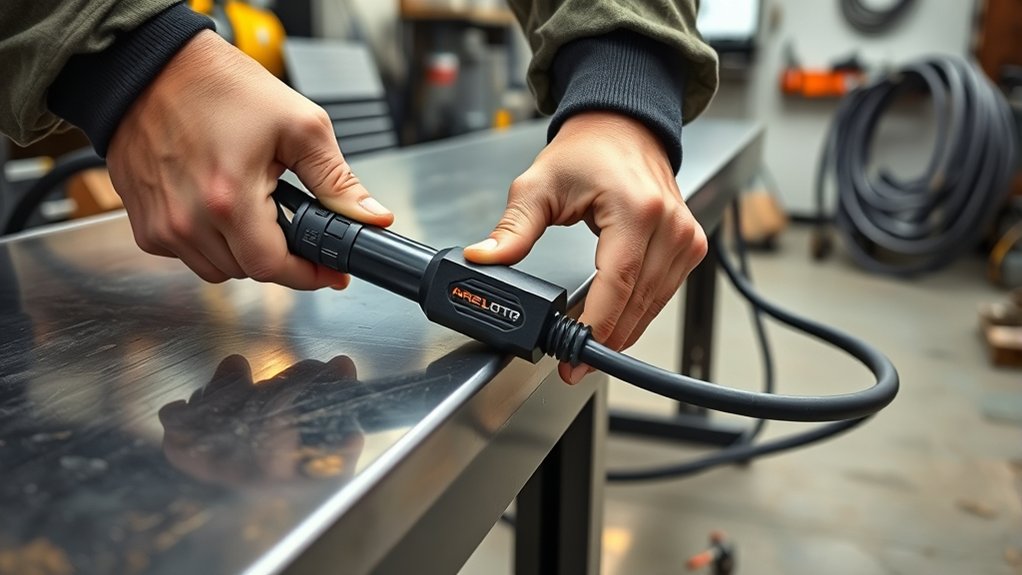
A essential step in setting up your plasma cutter is establishing a solid ground connection. To do this, attach the work clamp securely to the metal piece or cutting table. This grounding technique is important because it completes the electrical circuit, allowing your plasma cutter to function efficiently.
Make sure the connection area is clean and free of debris; this prevents any interference with the ground connection. Avoid connecting the work clamp to painted or coated surfaces, as these can obstruct the electrical flow. Instead, find a bare metal spot for best grounding.
Regularly inspect the integrity of your ground connection. A poor ground can cause inconsistent cutting quality and increase dross formation, leading to undesired results.
If you encounter issues, perform connection troubleshooting by checking the clamp’s attachment and ensuring the surface is free of obstructions. A strong ground connection is key to achieving precise cuts.
Connecting the Air Supply
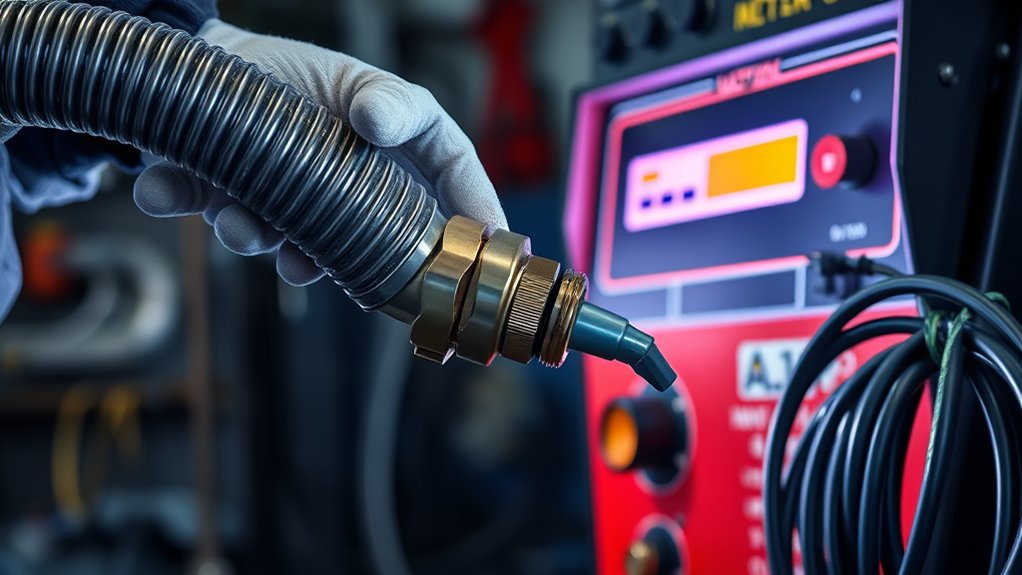
To connect the air supply, guarantee you have a suitable air line or portable air tank ready for hookup.
Securely attach the air inlet fitting to the plasma cutter to prevent leaks.
Adjust the air pressure to the manufacturer’s specifications and check the gauge to confirm it’s within the recommended range.
Air Line Attachment
Connecting the air supply to your plasma cutter is an essential step to guarantee efficient operation.
Begin by locating the air inlet on the back of your machine. Confirm it’s compatible with your air line or portable air tank. A proper fitting is vital to secure the air line and prevent leaks that could impact air quality and air pressure. This connection guarantees the plasma cutter operates efficiently.
Double-check that the air line is free from kinks or obstructions, which could restrict airflow. Set the air supply to the recommended pressure, typically between 70-100 psi, for peak performance.
After making the connection, verify that the air supply functions properly before initiating any cutting tasks. This guarantees a smooth and efficient operation.
Pressure Requirements
Achieving ideal results with your plasma cutter hinges on understanding and maintaining precise pressure requirements.
Begin by guaranteeing your air supply is at a high pressure, typically between 80 and 100 psi, to foster an effective plasma arc. Securely connect the air inlet to an air line, ensuring no leaks.
Regularly inspect the air filter and regulator to uphold peak pressure settings and prevent contaminants from degrading performance. Air quality is vital; dry, clean air wards off moisture buildup that could lead to poor cuts or excessive dross.
Adjust the pressure settings according to the metal’s thickness for a clean cut. By diligently monitoring these factors, you’ll guarantee efficient and precise plasma cutting results every time.
Portable Tank Connection
When you’re ready to connect your portable tank to the plasma cutter, make sure the tank is fully charged and the air pressure is appropriate for operation. Use a suitable air hose that securely fits the plasma cutter’s air inlet, preventing leaks. Confirm the air pressure regulator on the tank is set between 70 to 100 psi. Open the tank valve gradually, allowing air to flow while listening for leaks. Consistent air supply is essential for peak performance, so continually monitor the air pressure gauge.
| Key Task | Importance | Action Required |
|---|---|---|
| Portable Tank Maintenance | Guarantees tank longevity | Regularly check tank condition |
| Air Pressure Setting | Vital for cutter performance | Set between 70-100 psi |
| Air Pressure Monitoring | Guarantees consistent supply | Monitor gauge during use |
Attaching the Torch Leads
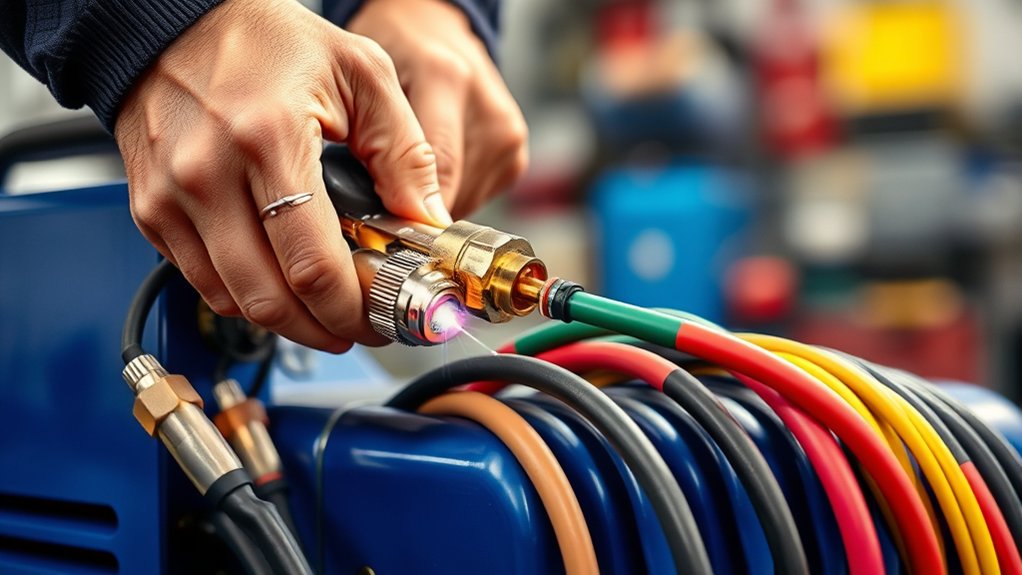
To kick off the process of attaching the torch leads, first confirm the power cable‘s locked securely to the plasma cutter’s rear using the locking ring.
Begin with the torch assembly by following the manufacturer’s instructions to properly connect the torch body, nozzle, and electrode. Before proceeding, verify the trigger lock on the torch handle is lifted, enabling the torch to activate when in use.
Next, connect the work clamp to the metal piece you’re cutting. This establishes a proper ground, which is essential for the torch’s effective operation.
After connecting the torch leads, double-check all connections. They must be tight and secure to prevent potential leaks or electrical issues during operation. A loose connection could impair performance or pose safety risks.
Selecting the Appropriate Tips
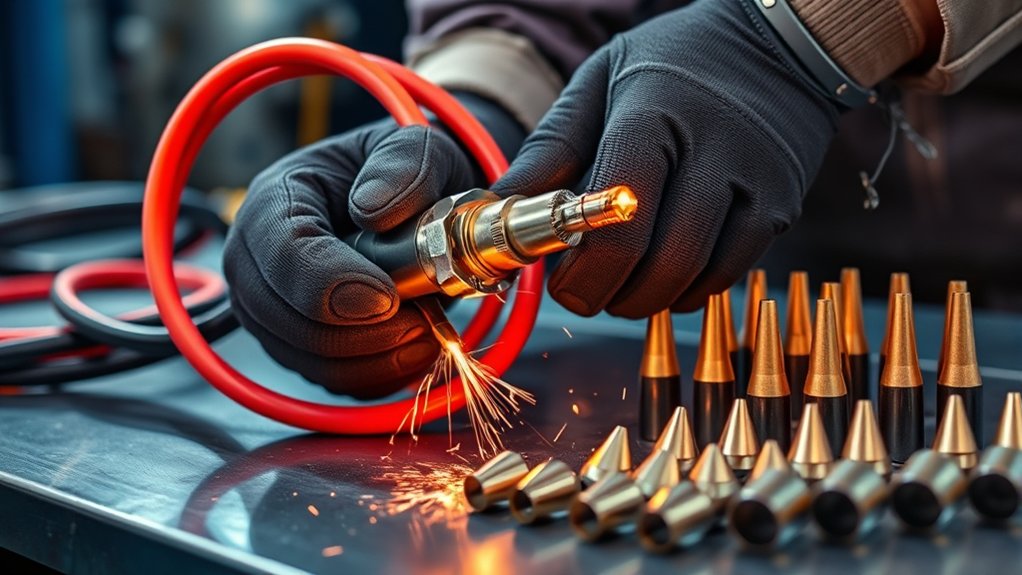
Selecting the right tips for your plasma cutter is essential for optimizing its performance and achieving the desired cut quality. Understanding the different tip types guarantees you choose the best one for your specific application.
Here’s a guide to help you select the appropriate tips:
- Standoff Tips: Use these to maintain a consistent distance from the workpiece. They’re ideal for achieving cleaner cuts and minimizing tip damage.
- Drag Tips: Opt for these when you need to rest the tip on the material. They’re excellent for intricate designs or lettering, providing better control.
- Material Thickness: Consider the thickness of the metal you’re cutting. Different tip types are suited for varying thicknesses, affecting the cut quality.
- Manual Reference: Always refer to the plasma cutter’s manual for specific recommendations on tip selection based on material type and thickness. This guarantees effective cutting and minimizes dross.
Adjusting Machine Settings for Optimal Performance
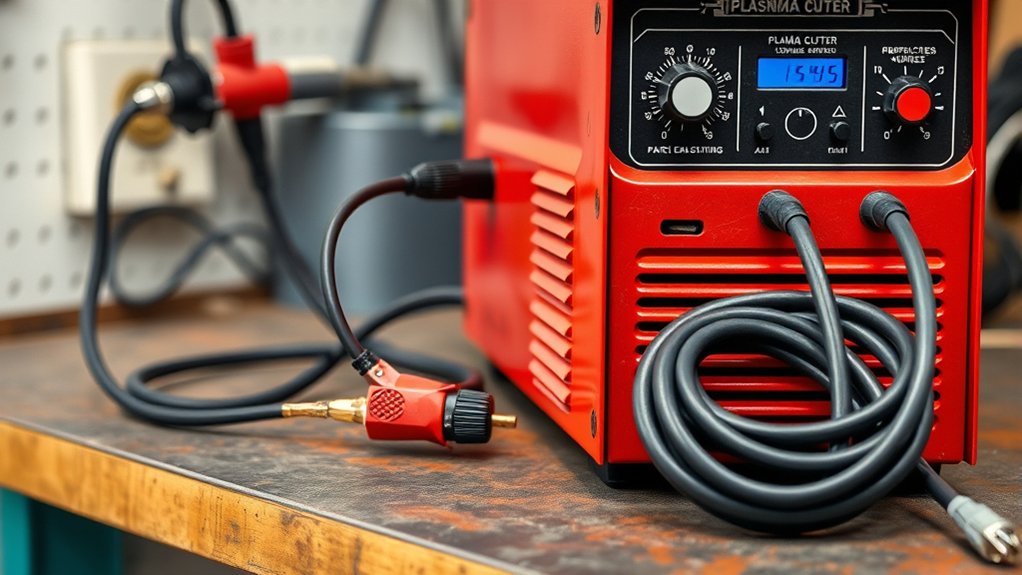
To guarantee peak performance when using your plasma cutter, adjust the amperage dial between 0 to 85 amps based on the metal’s thickness.
Select the second icon down for flat metal to use the recommended configuration.
Additionally, choose the appropriate torch tips, such as standoff tips for thicker materials, to achieve cleaner cuts and avoid excessive dross.
Amperage Adjustment Tips
When adjusting the amperage on your plasma cutter, understanding the nuances of your machine’s settings is essential for peak performance.
Mastering amperage calibration techniques guarantees superior cutting settings, especially with the Hypertherm Powermax 85. Here are key considerations:
- Metal Thickness: Adjust the amperage dial between 0 and 85 amps. Thicker metal requires higher settings for effective cutting.
- Icon Selection: For flat metal, use the second icon down on the machine’s settings for the best results.
- Quality Control: Avoid excessive amperage to prevent dross or slag, which can deteriorate the cut quality.
- Manual Reference: Always consult the manual for specific settings related to various applications like expanded metal or gouging to achieve peak performance.
These steps guarantee precision and efficiency in your plasma cutting tasks.
Metal Type Considerations
After you’ve mastered amperage adjustments, turning your focus to the type of metal you’re cutting becomes vital for optimizing performance.
The Hypertherm Powermax 85 requires careful tuning based on metal thickness to prevent dross or slag. For expanded metal, opt for lower amperage settings, offering cleaner results compared to thicker flat metals.
Always consult the manual for specific recommendations tailored to each metal type. Use standoff tips for thicker materials and drag tips for thinner ones to boost cutting efficiency and quality.
Additionally, verify your air pressure is correctly set, as it plays a vital role in cooling the torch tip and effectively removing molten metal during the cut.
These adjustments enhance overall performance and precision in your cutting tasks.
Frequently Asked Questions
What Safety Gear Should Be Worn When Using a Plasma Cutter?
Wear safety goggles to protect your eyes from sparks and UV light. Use flame-resistant gloves and clothing to prevent burns. Keep a fire extinguisher nearby in case of accidental fires. Guarantee proper ventilation to avoid inhaling fumes.
How Do I Maintain the Plasma Cutter for Long-Term Use?
Think of your plasma cutter as a trusty steed; it needs regular care. Check and clean the torch tip and electrode, guarantee proper airflow, and inspect cables. Follow these maintenance tips to guarantee its longevity and performance.
Can a Plasma Cutter Be Used on Painted or Rusty Surfaces?
Yes, you can use a plasma cutter on painted or rusty surfaces, but it’s best to perform surface preparation first. Removing paint and rust guarantees cleaner cuts and reduces wear on the torch, enhancing efficiency and tool longevity.
What Is the Ideal Air Pressure for a Plasma Cutter?
Set your plasma cutter’s air pressure to 60-70 psi for excellent performance. This range guarantees ideal settings, providing clean cuts and efficient operation. Always adjust according to your specific model’s recommendations for the best results.
How Do I Troubleshoot Common Plasma Cutter Issues?
First, check the power supply and verify connections are secure. Inspect air pressure and quality. Examine torch leads for wear. Use a multimeter for electrical issues. These troubleshooting techniques enhance plasma cutter performance effectively.
Conclusion
You’re now ready to wield your plasma cutter like a master craftsman. By securing the power cable, grounding the work clamp, connecting the air supply without a hint of a leak, and attaching the torch leads with precision, you’ve set the stage for cutting through metal like it’s butter. Remember, selecting the right tips and adjusting the machine settings are the keys to unleashing the full potential of your cutter. Embrace the power and precision at your fingertips!