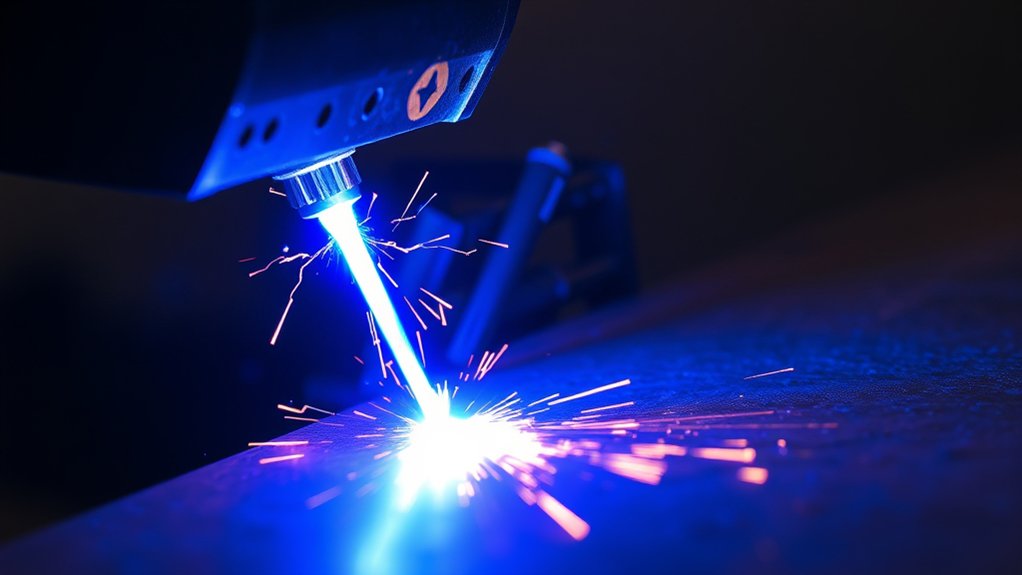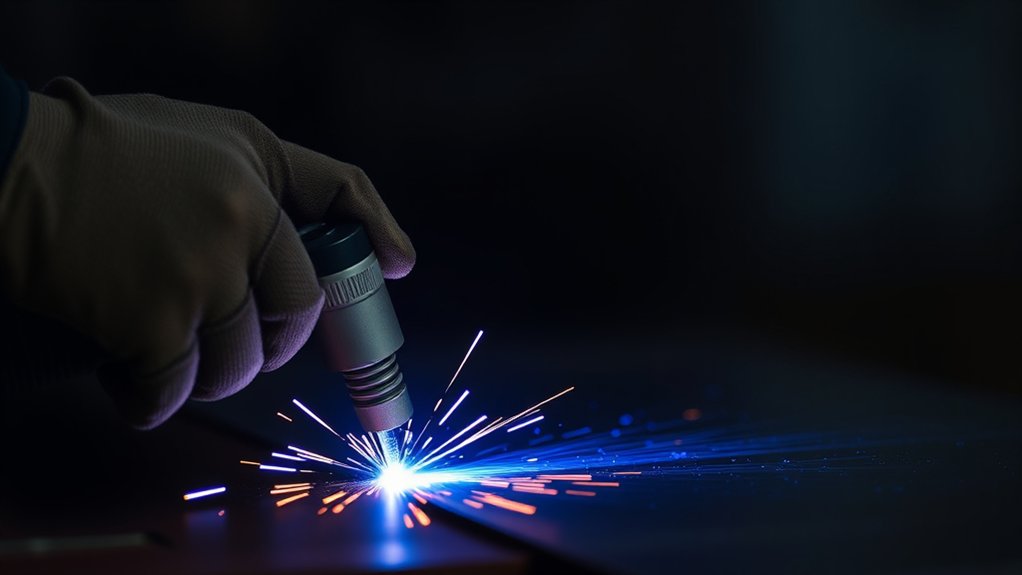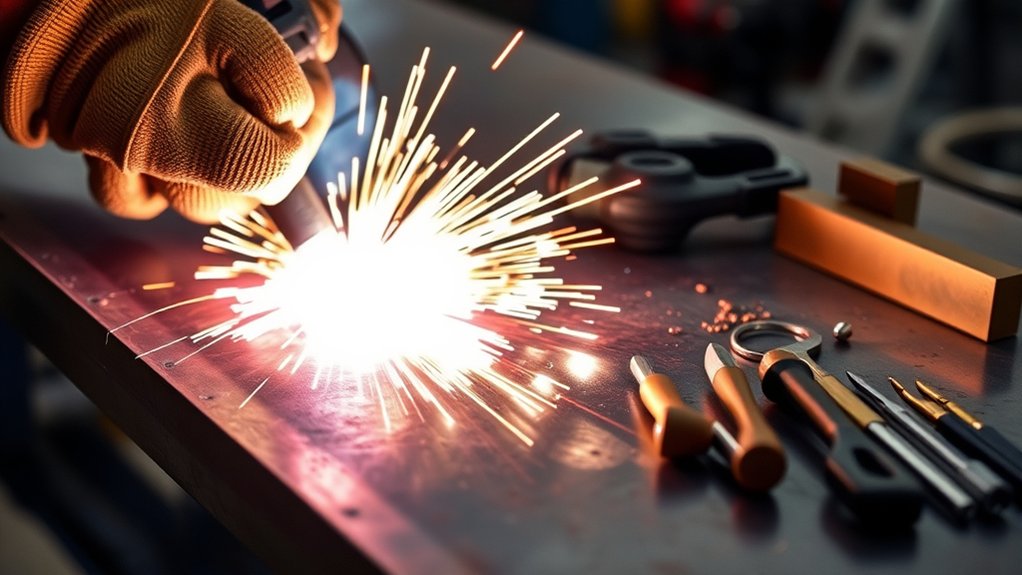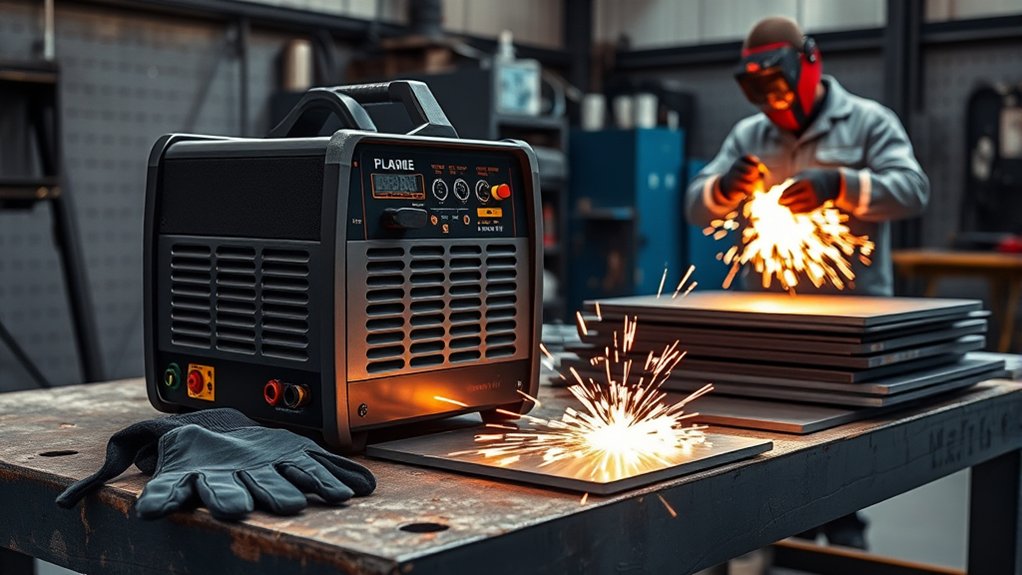
A plasma cutter can slice through steel, stainless steel, aluminum, and other conductive metals quickly, but safe results depend on more than pulling the trigger. You need the correct electrical supply, enough clean air, suitable consumables, a solid work-lead connection, filtered eye protection, ventilation, and a fire-safe work area. The steps below explain how to prepare the machine, make controlled cuts, solve common problems, and shut the system down safely.
Quick Answer
To use a plasma cutter safely, match the machine to the available power, connect clean and dry oil-free air, install the correct consumables, attach the work clamp to clean metal, and wear properly shaded eye and face protection. Test your settings on scrap, keep the torch square, and move only after the arc cuts through.
Key Takeaways
- Read your machine’s manual and cut chart before connecting power, air, or torch parts.
- Use clean, dry, oil-free air with enough pressure and flow while the air is moving.
- Connect the work clamp to clean metal close to the cut and preferably on the part you will keep.
- Wear safety glasses with side protection under a properly shaded cutting shield or helmet.
- Keep combustible material, bystanders, cables, and your body out of the spark and slag path.
- Start at an edge when possible, keep the torch square during a normal cut, and stay within the machine’s cutting and piercing ratings.
At a Glance
| Time Required | 15 to 30 minutes for inspection, setup, and a first test cut |
| Difficulty | Beginner to intermediate; hands-on instruction is recommended |
| Tools Needed | Plasma cutter, suitable air source, work clamp, correct consumables, fire-safe support, PPE, and scrap metal |
| Cost | Varies by machine and air supply; consumables, filtration, and PPE are the main ongoing costs |
What’s in This Article
- Before You Begin
- Setting Up Your Plasma Cutter
- Understanding Machine Controls
- Preparing the Torch and Work Clamp
- Safety Measures and Equipment
- Basic Cutting Techniques
- Troubleshooting Common Cut Problems
- Common Mistakes to Avoid
- Safe Shutdown and Maintenance
- Advancing Your Skills With Practice
- Frequently Asked Questions
- Conclusion
- Sources
Before You Begin
Read the operator manual for your exact plasma cutter before connecting the torch, air supply, or electrical power. Machines use different input voltages, circuit sizes, air-flow requirements, duty cycles, torch locks, consumables, and cut charts. A general guide cannot replace those model-specific instructions.
A plasma cutter works on electrically conductive metal. Common examples include mild steel, stainless steel, aluminum, copper, and brass. It is not a suitable tool for cutting wood, glass, concrete, plastic, or other nonconductive material.
Inspect the workpiece before cutting. Identify paint, plating, galvanizing, oil, solvent, insulation, sealant, or other coatings that could burn and release hazardous fumes. Do not guess about an unknown coating or material. Check its label or safety data sheet and use the required ventilation, removal method, and respiratory protection.
Estimated Time
Basic inspection, setup, and a first test cut usually take 15 to 30 minutes. Allow more time when you need to prepare a new electrical circuit, dry the air supply, clean coatings, change consumables, set up local exhaust, or practice on unfamiliar material.
What You’ll Need
- Plasma cutter with its operator manual and cut chart
- Correct handheld torch, retaining parts, electrode, nozzle, shield, or cartridge
- Electrical supply that matches the machine’s voltage, phase, plug, and input-current requirements
- Clean, dry, oil-free compressed air or another gas approved by the manufacturer
- Air regulator, filter, and moisture separator when required
- Work lead and work clamp in good condition
- Stable, fire-resistant cutting table or supports
- Electrically conductive metal and scrap pieces for test cuts
- Layout tool, straightedge, circle guide, or cutting template as needed
- Safety glasses with side protection
- Cutting shield or helmet with the correct filter shade
- Leather cutting gloves and flame-resistant clothing
- Leather work boots that cover the feet and ankles
- Hearing protection
- Local exhaust, suitable ventilation, and respiratory protection when required
- Appropriate fire extinguisher and hot-work controls
Warning: Do not plasma-cut a used fuel tank, drum, cylinder, pressure vessel, sealed section, or unknown container. An apparently empty container can hold explosive vapor or produce toxic gas. Qualified personnel must clean, isolate, vent, purge, test, and authorize this type of hot work.
Setting Up Your Plasma Cutter
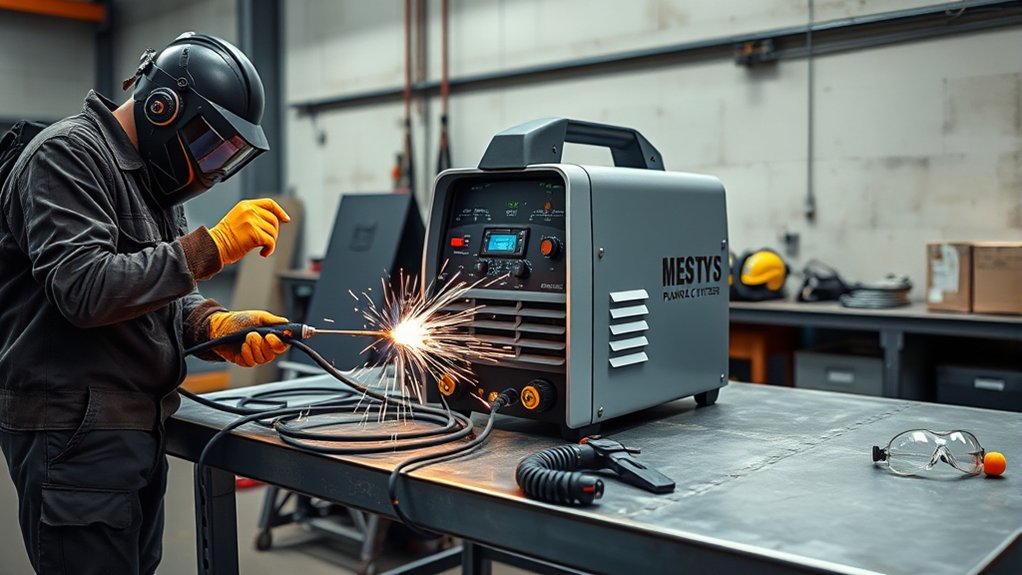
Set up the machine in a dry, stable location with enough open space around its cooling vents. Keep grinding dust, metal chips, water, and flammable material away from the power supply.
- Leave the machine off: Turn the power switch off and disconnect input power before installing or removing torch consumables.
- Verify the electrical supply: Confirm the voltage, phase, frequency, plug, breaker, conductor size, and generator rating in the manual. Do not improvise with an undersized adapter or damaged extension cord.
- Connect detachable leads correctly: Seat the torch lead and work lead fully. If your model uses locking rings or keyed connectors, lock them as directed. Many machines use fixed power cords, so do not assume every cable detaches.
- Connect the air supply: Use clean, dry, oil-free air at the pressure and flow listed in the manual. Do not connect the cutter downstream of an air-tool lubricator.
- Check pressure while air is flowing: Static gauge pressure can look correct even when the compressor cannot supply enough volume. Use the machine’s gas-test function when available.
- Install the correct consumables: Match the nozzle, electrode, shield, cartridge, and operating mode to the planned amperage and cut type.
- Support the workpiece: Make sure both the retained part and the cutoff are controlled. Keep your feet, hoses, power cords, and combustible material out of the falling slag and cutoff path.
- Attach the work clamp: Clamp directly to clean metal close to the cut, preferably on the section that will remain after the cut.
- Select the starting settings: Use the manufacturer’s cut chart for material type, thickness, amperage, mode, standoff, and travel speed.
- Make a test cut: Test the setup on matching scrap before cutting the finished part.
If the machine performs poorly, check the input supply, flowing air pressure, air quality, work-lead connection, consumable condition, operating mode, amperage, and travel speed before assuming that an internal part has failed.
Note: A compressor must meet both the required pressure and the required flow rate, usually shown as SCFM, CFM, or L/min. A small compressor may reach the correct pressure but lose it as soon as the torch begins flowing air.
Products Worth Considering

Fit for: SG-55 AG-60 plasma cutter torch head.

PACKAGE INCLUDED: 5 Pcs Cup-15 Pcs Electrodes-10 Pcs Ring-30 Pcs Tip(Standard)

[Achieve Precise Cuts] PT31 Plasma Cutting Consumables – Your Essential Tool for Efficient Cutting! Whether you're working with sheet metal, steel, or any other material, superior cutting performance ensure clean, accurate, and smooth cuts.
Understanding Machine Controls
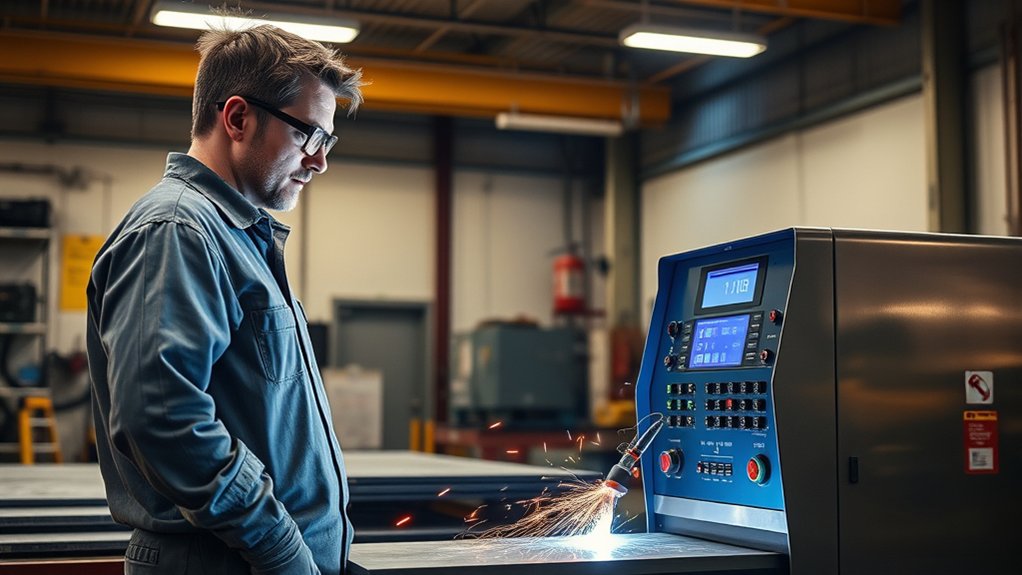
Control layouts vary, but most handheld plasma cutters include some combination of output-current adjustment, operating modes, pressure controls, test-air functions, status lights, and fault indicators.
| Control | What It Does | What to Check |
|---|---|---|
| Output current | Controls the amperage delivered to the torch. | Use the current approved for the installed consumable and material thickness. |
| Operating mode | Selects normal cutting, expanded-metal cutting, gouging, or another supported process. | Do not use gouging consumables or modes for a normal through-cut. |
| Gas test or pressure | Lets you verify or adjust gas flow without making a cut. | Set pressure while air is flowing, following the manual. |
| Fault indicators | Warn about low air, missing consumables, an open retaining cap, overheating, or input-power problems. | Stop and identify the fault instead of repeatedly triggering the torch. |
| Duty-cycle rating | Limits how long the machine can cut during a stated time period and temperature. | Let the machine cool when its duty-cycle or temperature warning appears. |
| Torch lock | Helps prevent an unintended arc while handling the torch. | Keep it locked during setup and consumable inspection. |
The original Hypertherm Powermax85 was an 85-amp system, but Hypertherm ended production of that model in December 2021. Current controls differ. Some newer systems automatically select or limit operating mode, current, and gas pressure based on the installed cartridge and torch configuration.
Start with the cut chart rather than turning the amperage to the highest setting by default. Excess current for the installed nozzle can shorten consumable life, while insufficient current, excessive speed, or material beyond the machine’s capacity can prevent a complete cut.
Preparing the Torch and Work Clamp
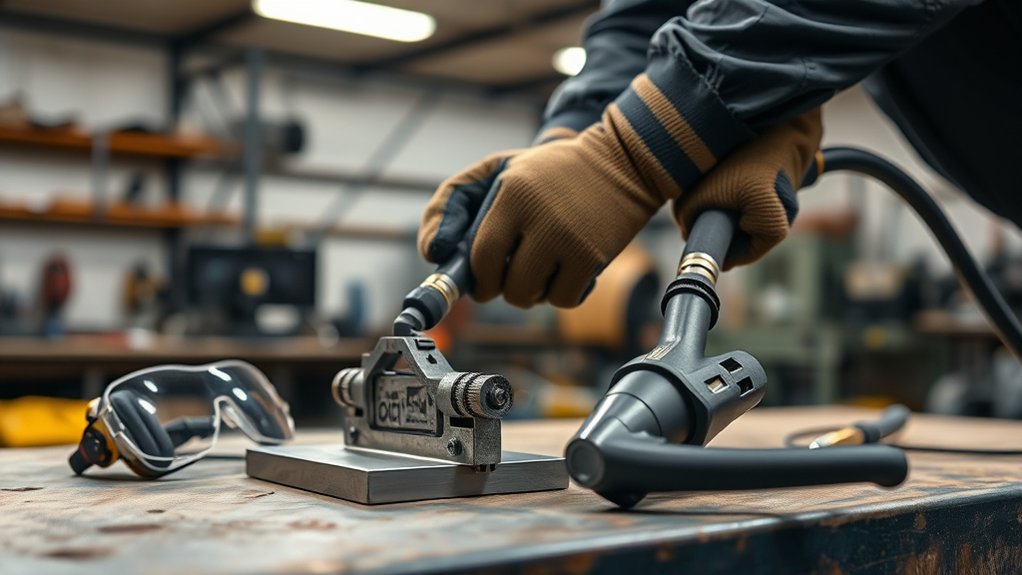
With the machine off and disconnected from power, inspect the torch body, lead, retaining cap, shield, nozzle, electrode, cartridge, and O-rings that your model uses. Replace damaged, loose, burned, cracked, or badly worn parts with approved replacements.
Do not mix consumables from incompatible amperages or torch families. Assemble them in the order shown in the manual and tighten them only as directed. A loose retaining cap can prevent the machine from firing, while overtightening can damage components.
Connecting the Work Clamp and Protective Grounding
The plasma cutter’s work lead and its protective electrical grounding are related to safety, but they are not the same connection.
- The power cord’s protective earth connection helps protect you if an internal electrical fault occurs.
- The work lead and clamp complete the cutting circuit between the power supply and the workpiece.
Never treat the work clamp as a replacement for a correctly grounded electrical supply.
- Inspect the power connection: Do not use a damaged cord, altered grounding pin, loose plug, or unsuitable adapter.
- Clean the clamp point: Remove paint, rust, oil, and heavy scale where the clamp contacts the metal.
- Clamp directly to the workpiece: Use the cutting table only when the manufacturer permits it and the table provides a reliable conductive path.
- Stay close to the cut: A short, clean current path usually improves arc transfer.
- Clamp the retained piece: Avoid placing the clamp on a section that will fall away and break the circuit before the cut finishes.
- Route the lead safely: Keep it away from sharp edges, molten slag, the falling cutoff, and walkways.
Selecting Appropriate Tips and Consumables
Consumable names differ between manufacturers. Use the parts specified for your torch, output current, and process.
| Consumable Type | Typical Use | Important Limit |
|---|---|---|
| Drag-cutting tip or shield | Lets a supported torch contact the workpiece during a cut. | Use direct contact only when the manufacturer approves it. |
| Standoff consumable | Maintains a specified gap between the nozzle and workpiece. | Use the cut-chart distance or a compatible guide. |
| Fine-cut consumable | Detailed work and thinner material on supported systems. | It has its own current and thickness range. |
| Gouging consumable | Removes metal without making a through-cut. | Do not substitute it for a normal cutting nozzle. |
| Worn or damaged consumable | None; remove it from service. | A distorted nozzle opening can cause bevel, wandering, and heavy dross. |
Safety Measures and Equipment
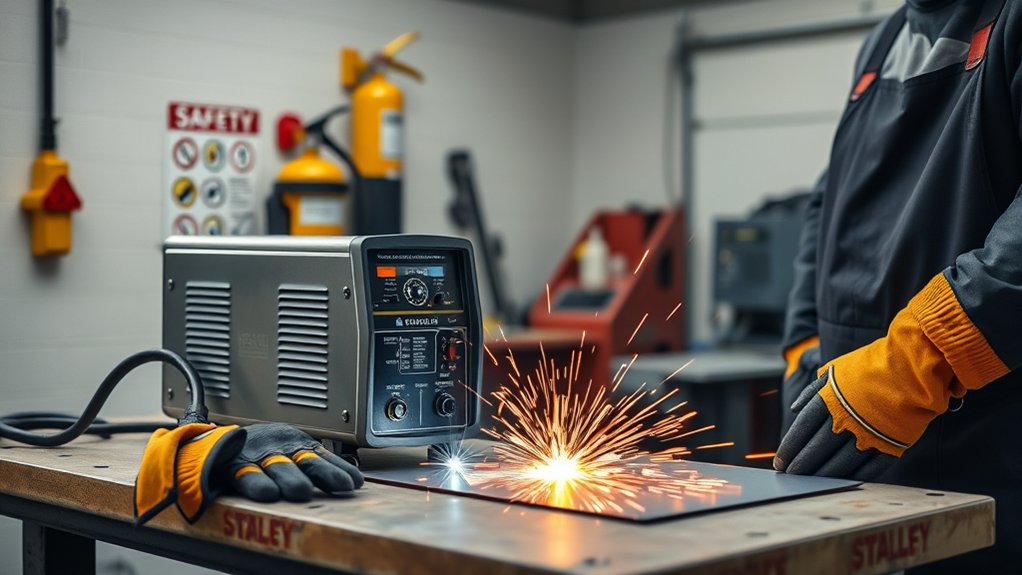
Plasma cutting exposes you and nearby people to ultraviolet and infrared radiation, sparks, molten metal, hot surfaces, fumes, noise, electrical energy, sharp edges, and falling cutoffs.
Safe plasma cutting starts before the arc fires: control the electrical, air, fume, fire, and falling-metal hazards first.
Products Worth Considering

EYE & FACE PROTECTION - Jackson Safety’s GPL550 Safety Goggles with a detachable flip-up face shield ensure your safety in the most demanding environments with indirect vents and anti-fog coating

INFARED (IR) PROTECTION - Certified IR 5.0 protection for use in grinding, oxyfuel cutting, plasma cutting and more

CERTIFIED FLAME RESISTANT: 7oz 100% FR cotton knit fabric meets NFPA 2112 CAT2 arc rating, providing professional flame-resistant protection for welding, cutting, and industrial operations. Effectively reduces arc flash risk and ensures worker safety.
Wear Complete Personal Protective Equipment
- Eyes: Wear impact-rated safety glasses with side protection beneath the cutting shield or helmet.
- Face and neck: Use a cutting shield or helmet with the filter shade required by the machine manual and applicable rules.
- Hands: Wear dry leather cutting or welding gloves without holes.
- Body: Wear flame-resistant sleeves and clothing that covers exposed skin. Avoid meltable synthetic fabrics, open pockets, and rolled cuffs that can catch sparks.
- Feet: Wear leather work boots that cover the feet and ankles. Do not cut in sandals or fabric shoes.
- Hearing: Use suitable hearing protection, especially in enclosed or reflective work areas.
- Lungs: Use local exhaust and any respiratory protection required for the metal, coating, location, and exposure level.
For U.S. workplaces, OSHA requires eye and face protection suitable for arc cutting and lists protective filter shades by operation. Follow the stricter requirement when your equipment manual, employer, local rule, or hazard assessment calls for more protection. See OSHA 29 CFR 1910.133 and OSHA 29 CFR 1910.252.
Control Fumes and Coatings
Position your head outside the rising fume plume. Use local exhaust close enough to capture fumes without interfering with the plasma arc. An open door, fan, or outdoor location does not automatically provide adequate protection.
Paint, oil, solvent residue, galvanizing, plating, stainless steel, and other alloying elements can change the fume hazard. Identify the material before heating it. Remove coatings only through a safe method that does not create another uncontrolled dust or chemical exposure.
Control Sparks and Fire
Remove or shield combustible material above, below, behind, and on the opposite side of the cut. Check floor openings, wall cavities, doorways, ducts, and hidden spaces where sparks can travel.
OSHA workplace hot-work rules use 35 feet, or 10.7 metres, as an important combustible-control distance in specified conditions. They also require a fire watch for at least 30 minutes after cutting when the listed fire hazards are present. Use an appropriate extinguisher and follow any permit or fire-watch rules that apply to your location.
Protect Other People
Use suitable noncombustible screens to protect nearby people from arc radiation and sparks. Give helpers the same eye protection required for their exposure. Keep children, pets, and unprotected bystanders out of the work area.
Warning: Never hold the workpiece in your hand or place any part of your body beneath the cut. Molten metal and the cutoff can fall without warning. Make sure the work is supported without trapping the torch, pinching the kerf, or dropping onto a cable or air hose.
Basic Cutting Techniques
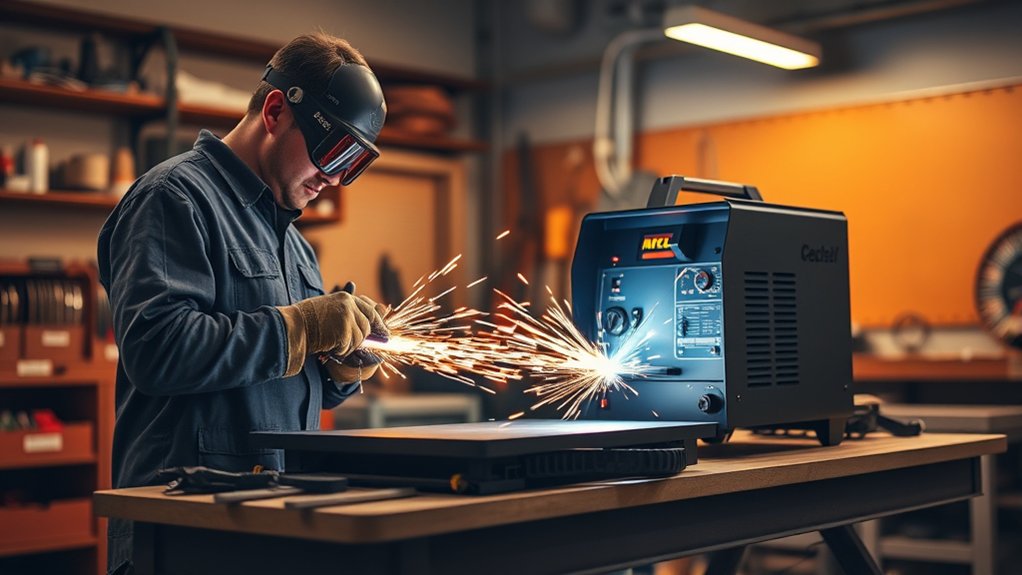
Mark the cut line clearly, secure the material, and make sure the cutoff has a safe place to fall. Choose drag or standoff cutting according to the torch manual. During a normal straight cut, hold the torch approximately square to the workpiece rather than leaning it forward.
Starting From an Edge
An edge start is usually easier on consumables than piercing through the middle of the plate. Use it whenever the part design allows.
- Position the torch: Place the drag shield on the edge or hold the required standoff with the torch square to the workpiece.
- Unlock and trigger: Move the trigger safety as instructed and press the trigger while maintaining control of the torch.
- Wait for penetration: Pause at the edge until the arc passes completely through the material.
- Begin moving: Travel smoothly along the line while keeping the torch square and the standoff consistent.
- Watch the underside: Sparks should pass through the kerf and leave the bottom of the workpiece. Sparks spraying back toward the top often indicate excessive speed, insufficient output, poor air flow, or material beyond the effective capacity.
- Finish the edge: Near the end, follow the manual’s guidance. Some systems benefit from a brief pause or a slight lift of the handle so the arc fully exits the final edge.
Piercing the Metal Safely
Only pierce material within the machine’s published pierce capacity. The maximum severance thickness is often greater than the thickness the torch can safely pierce.
Thin material may allow a straight pierce with the torch square. Thicker material may require a rolling pierce in which you begin with the torch angled away from yourself, start the arc, and roll it upright after the arc breaks through. Hypertherm describes an angle of roughly 25 degrees for one common rolling-pierce method, but your manual takes priority.
Keep your face, body, torch lead, and air hose away from the molten spray. Starting at an edge is safer for the consumables when the part design permits it.
Cutting Holes Efficiently
Mark the centre and finished diameter before cutting. Start the pierce inside the waste area rather than directly on the finished line. Allow enough room for a short lead-in so the pierce divot does not damage the final edge.
Use the consumable and standoff specified by the cut chart. A circle-cutting guide, compass attachment, or template usually produces a rounder hole than freehand movement.
Many plasma torches swirl the gas in a direction that makes one side of the kerf squarer than the other. Check your manual for the preferred travel direction. A common recommendation is to travel counterclockwise around an inside hole and clockwise around an outside profile so the best edge stays on the finished part.
Do not force a plasma cutter to make a hole that is too small for its kerf, consumable, or material thickness. Drilling or machining may produce a better result for small precision holes.
Making Precise Squares and Straight Cuts
- Lay out the shape: Use a square, scribe, soapstone marker, or suitable layout tool.
- Position a guide: Offset the guide by the distance between the torch’s guiding surface and the centre of the plasma arc.
- Test the offset: Make a short scrap cut before cutting the finished piece.
- Keep the torch square: Avoid leaning the torch toward the guide.
- Control each corner: Change direction smoothly without stopping long enough to enlarge the corner.
- Inspect before cleanup: Check dimensions and edge angle before grinding away evidence of a setup problem.
Pro Tip: Relax your grip and support the torch lead so it does not pull your hand off line. A guide controls the torch path, but it cannot correct the wrong amperage, damaged consumables, poor air flow, or an inconsistent standoff.
Troubleshooting Common Cut Problems
Turn the machine off, disconnect input power, and let hot parts cool before inspecting or replacing consumables. Do not open the power-supply enclosure unless you are qualified to service equipment containing hazardous voltage.
| Problem | Likely Causes | First Checks |
|---|---|---|
| Arc starts but will not transfer | Dirty clamp point, loose work lead, clamp on the cutoff, poor continuity, or excessive distance | Clean and move the clamp closer; inspect the work lead and connections. |
| Cut does not go through | Travel too fast, current too low, wrong mode, low input power, poor air flow, worn consumables, or excessive thickness | Compare the setup with the cut chart and test the power and air supply under load. |
| Heavy dross under the cut | Travel speed too fast or too slow, incorrect standoff, wrong current, damaged nozzle, or poor air quality | Change one variable at a time on scrap, beginning with speed and consumables. |
| Excessive bevel | Torch not square, incorrect height, worn nozzle, wrong travel direction, or material near the machine’s limit | Square the torch, verify standoff, and inspect the nozzle opening. |
| Sputtering or hissing arc | Water or oil in the air, restricted filter, low flow, loose consumables, or damaged torch parts | Drain the separator, check filters and flow, and inspect the consumable stack. |
| Machine stops while cutting | Duty-cycle limit, blocked cooling airflow, input-voltage drop, low gas pressure, or a displayed fault | Read the fault indicator, let the unit cool, and correct the supply problem before restarting. |
| Consumables wear quickly | Frequent piercing, excessive current, incorrect assembly, contaminated air, wrong standoff, or cutting beyond capacity | Use edge starts where possible and confirm the approved consumable and current range. |
Common Mistakes to Avoid
- Using damp or oily air: Contamination can destabilize the arc and shorten consumable life.
- Checking only static pressure: Pressure may collapse when the torch begins flowing air.
- Using the wrong consumables: A nozzle, shield, or cartridge must match the torch, current, and process.
- Ignoring input-power requirements: Low voltage, an undersized circuit, or an unsuitable extension cord can reduce output and damage equipment.
- Clamping over paint or rust: Poor contact can prevent reliable arc transfer.
- Clamping the falling piece: The arc can stop before the cut finishes.
- Moving before penetration: Starting too soon can send sparks upward and leave an uncut section.
- Moving too fast: The arc trails behind and may not fully sever the metal.
- Moving too slowly: Heat input and low-speed dross can increase.
- Leaning the torch during a straight cut: An unintended angle can worsen bevel.
- Piercing material beyond the rating: Molten metal can blow back into the nozzle and shield.
- Exceeding the duty cycle: Repeated overheating faults are a sign to stop and let the machine cool.
- Cutting unknown coatings or containers: The result can be toxic exposure, fire, or explosion.
Pro Tip: Keep a cut log with the metal type, thickness, consumable, amperage, air setting, standoff, travel direction, and result. A record of successful test cuts is more useful than trying to remember settings from one project to the next.
Safe Shutdown and Maintenance
- Finish the cut safely: Release the trigger and keep control of the torch while post-flow air cools it.
- Place the torch securely: Set it on a dry, noncombustible surface where the trigger cannot be pressed accidentally.
- Turn the machine off: Follow the shutdown order in the manual. Close or isolate the air supply when required.
- Disconnect before service: Unplug or isolate input power before removing consumables, cleaning the unit, or handling internal connections.
- Mark hot metal: Treat the workpiece, slag, table, and cutoff as hot until verified otherwise.
- Inspect for fire: Check the cutting area, floor below, hidden spaces, and opposite side of nearby panels. Maintain any required fire watch.
- Drain moisture: Drain the compressor tank, water separator, and filter bowl according to their instructions.
- Inspect wear items: Check the nozzle opening, electrode, shield, retaining parts, O-rings, torch lead, work lead, and clamp.
- Store the equipment dry: Coil leads loosely and protect the torch and consumables from moisture, dust, sharp edges, and impact.
Before each session, inspect the torch, work lead, clamp, power cord, air supply, filters, consumables, and machine vents. Follow the manual for filter replacement, internal cleaning, torque checks, and model-specific maintenance intervals.
Advancing Your Skills With Practice
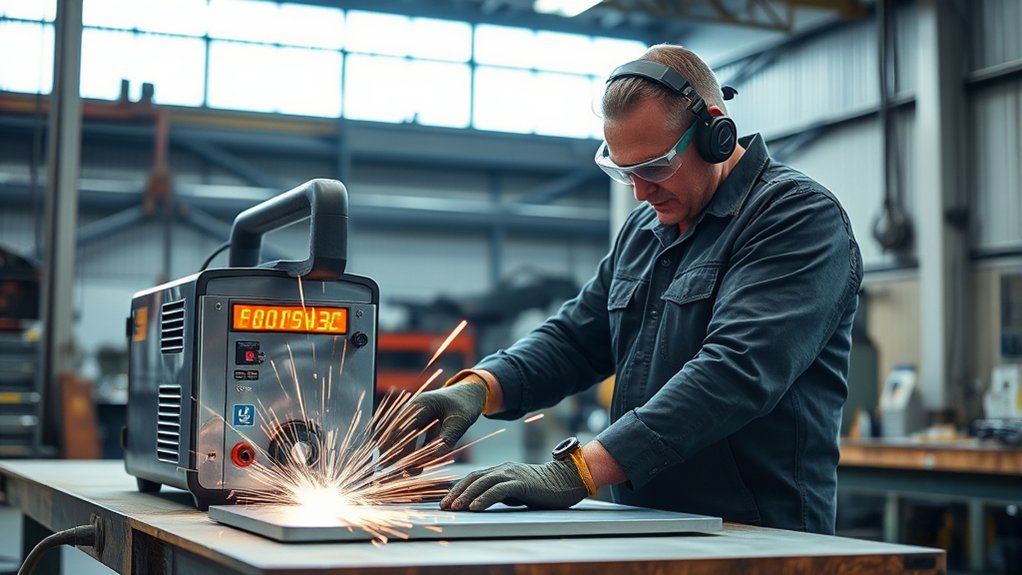
Build your plasma-cutting skills on scrap that matches the type and thickness of the finished material. Changing to a different alloy or thickness can require different amperage, speed, consumables, and air settings.
Practice in this order:
- Short edge starts
- Straight lines beside a guide
- Stops at a marked endpoint
- Ninety-degree corners
- Outside profiles
- Inside holes with a lead-in
- Straight and rolling pierces within the machine’s rating
- Repeated cuts using the same recorded settings
Inspect each practice cut before grinding it. Look for incomplete penetration, dross, top-edge rounding, bevel, a wandering kerf, and enlarged pierce points. Change only one setting or technique at a time so you can identify what caused the improvement.
Use instructional material from the manufacturer of your torch and power supply. Hypertherm’s handheld plasma-cutting guide covers edge starts, piercing, and basic torch movement, while your own operator manual provides the settings and limits for your exact equipment.
Frequently Asked Questions
Can a plasma cutter be used on non-metal materials?
No. A plasma cutter needs an electrically conductive path through the workpiece. Do not use it on wood, plastic, glass, concrete, or similar nonconductive material. These materials can burn, melt, crack, or release hazardous fumes.
What metals can a plasma cutter cut?
A properly equipped plasma cutter can cut electrically conductive metals such as mild steel, stainless steel, aluminum, copper, and brass. The maximum thickness and cut quality depend on the machine, amperage, consumables, gas, and manufacturer rating.
Can I use any air compressor with a plasma cutter?
Use a compressor only if it can provide the pressure and continuous flow required by the cutter while the torch is operating. The air must also meet the manufacturer’s cleanliness, dryness, and oil limits. Some compact plasma cutters have built-in compressors and do not need an external air source.
Can a plasma cutter cut rusty or painted metal?
The arc may cut through light rust or paint, but you should clean the clamp point and cut line for reliable transfer and better quality. Identify coatings before heating them. Paint, plating, galvanizing, oil, and chemical residue can produce hazardous fumes that require specific controls.
How close should the work clamp be to the cut?
Place it as close as practical on clean bare metal without exposing the clamp or lead to sparks, molten slag, or the falling cutoff. Direct attachment to the retained workpiece is usually better than relying on an uncertain path through a cutting table.
Why does my plasma cut have heavy dross?
Common causes include travel speed that is too fast or too slow, incorrect standoff, wrong amperage, damaged consumables, damp or oily air, low air flow, and material near the machine’s capacity. Test one change at a time on scrap rather than adjusting every setting at once.
How does ambient temperature affect plasma cutting?
High temperatures and blocked airflow can reduce cooling and make the machine reach its duty-cycle limit sooner. Cold conditions can affect compressor performance, condensation, hoses, and handling. Operate the cutter within the temperature range stated in its manual.
What is the maintenance schedule for a plasma cutter?
Inspect consumables, cables, the clamp, air quality, filters, connections, and cooling vents before each use. Drain collected moisture after cutting and follow the operator manual for filter replacement, internal cleaning, and model-specific service intervals.
Are there specific storage requirements for a plasma cutter?
Store it in a dry, clean space away from grinding dust, corrosive chemicals, freezing moisture, and impact. Coil cables loosely, protect the torch, and keep consumables clean and separated by type and amperage.
How can I improve edge quality on thicker metal?
Use material within the machine’s recommended cutting capacity, install the correct consumables, verify input power and flowing air pressure, clamp to clean metal, and follow the cut chart. Keep the torch square and test travel speed and standoff on matching scrap.
Safety Disclaimer: This article provides general educational information and does not replace your plasma cutter’s operator manual, a workplace hazard assessment, hands-on instruction, electrical work by a qualified person, hot-work procedures, or applicable safety regulations. Stop if you cannot identify the material, power supply, air requirement, coating, container history, or required protective equipment.
Conclusion
Safe plasma cutting depends on controlling five things before you start: electrical power, air quality and flow, torch consumables, the work-lead connection, and the work-area hazards. Wear complete PPE, use local exhaust where needed, support the metal securely, and follow the cut chart for your exact machine.
Begin with edge starts and straight cuts on scrap. Keep the torch square, watch the sparks below the workpiece, and record the settings that produce a complete cut with limited dross. After cutting, allow post-flow to cool the torch, isolate the machine before inspection, drain collected moisture, and check the area for hidden fire.
Sources
- OSHA 29 CFR 1910.252: Welding, Cutting, and Brazing — eye protection, fire prevention, used containers, ventilation, and hot-work controls
- OSHA 29 CFR 1910.133: Eye and Face Protection — filter-shade and impact-protection requirements
- OSHA Fact Sheet: Controlling Hazardous Fume and Gases During Welding — plasma-cutting fumes, coatings, ventilation, and breathing-zone control
- Hypertherm: How to Plasma Cut — equipment setup, edge starts, piercing, torch movement, and PPE
- Hypertherm Powermax45 SYNC Operator Manual — work-lead setup, automatic controls, duty cycle, consumables, and operating guidance
- Miller: Handheld Plasma Cutter Guide — air supply, clamp placement, standoff, consumables, speed, and basic cutting technique