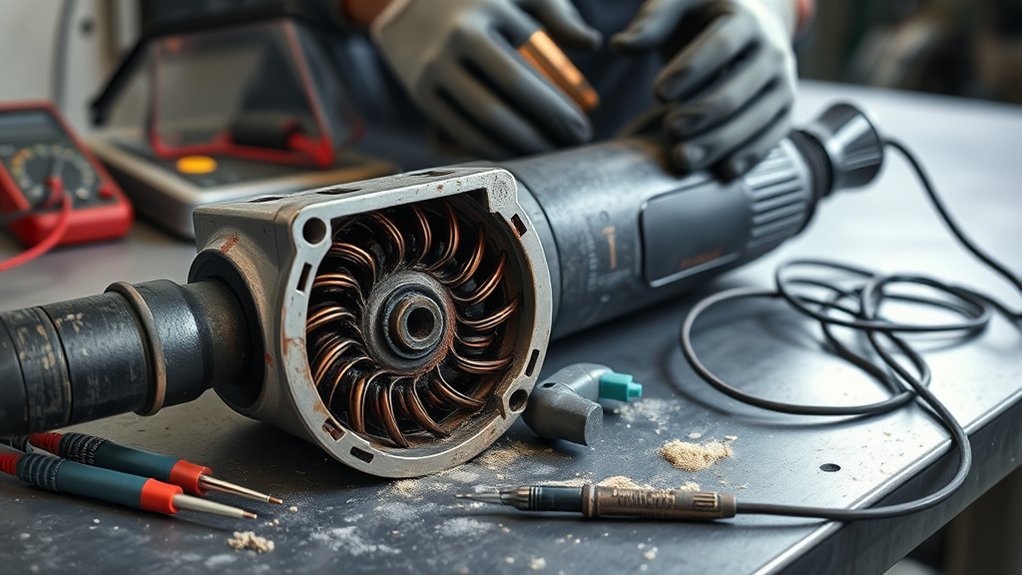
Angle grinder armature failure can cause weak torque, surging, heavy brush sparking, heat, a burning odor, or sudden shutdown. Those signs are not proof by themselves because worn brushes, bearings, a damaged cord, a bad switch, an overloaded wheel, or electronic controls can act the same way. This guide explains how to inspect and test a brushed grinder safely and when to stop and use a repair shop.
Quick Answer
Suspect a bad armature when a brushed angle grinder has heavy continuous sparking, weak or surging power, a burnt-winding smell, overheating, or uneven readings around the commutator. Unplug it or remove the battery before inspection. A multimeter can find opens and shorts to the shaft, but specialized testing may be needed to confirm shorted turns.
Key Takeaways
- This guide mainly applies to grinders with carbon brushes and a commutator, not brushless models.
- Heavy sparking, power loss, heat, and burning odor are warning signs, but brushes, bearings, wiring, switches, and accessories can cause similar symptoms.
- There is no universal armature resistance value; compare a complete pattern of readings and account for test-lead resistance.
- Most two-prong corded grinders are double-insulated and should not be modified to add a ground. Three-prong tools must keep an intact ground pin.
- Stop using the grinder when it smokes, trips protection, shocks or tingles, has damaged insulation, or produces severe continuous arcing.
At a Glance
| Time Required | About 30–60 minutes for inspection and basic meter checks |
| Difficulty | Intermediate; advanced if the armature must be removed |
| Tools Needed | Correct service manual, digital multimeter with a low-ohms range and REL/zero mode, insulated probes, screwdrivers, dry nylon brush, marker, and notepad |
| Cost | No added cost if you own the tools; parts and professional labor vary by grinder model |
What’s in This Article
- Is This Guide for Your Grinder?
- Common Symptoms of Angle Grinder Armature Failure
- Common Causes and Look-Alike Faults
- How to Identify Electrical Issues in Your Grinder
- Double Insulation, Grounding, and GFCI Protection
- How to Test Armature Resistance
- How to Interpret Armature Test Results
- Essential Maintenance Tips
- Use Your Angle Grinder Safely
- Troubleshooting Common Grinder Issues
- Repair or Replace the Armature?
- Frequently Asked Questions
- Sources
- Conclusion
Is This Guide for Your Grinder?
An armature with a copper commutator is found in a brushed motor. Many corded angle grinders use this design, and some older cordless grinders do too. These tools normally have carbon brushes that press against segmented copper bars on the armature.
A brushless angle grinder does not have carbon brushes or a commutator. It still has a rotor and stator, but its electronic controller switches current instead. If your grinder is marked “brushless,” commutator-bar resistance testing does not apply. Our brushed vs brushless motor comparison explains the difference. Follow the manufacturer’s diagnostic procedure or use an authorized service center.
Note: Check the model label and parts diagram before ordering an armature. Similar-looking grinders can use different motors, electronics, bearings, and brush sets.
Common Symptoms of Angle Grinder Armature Failure
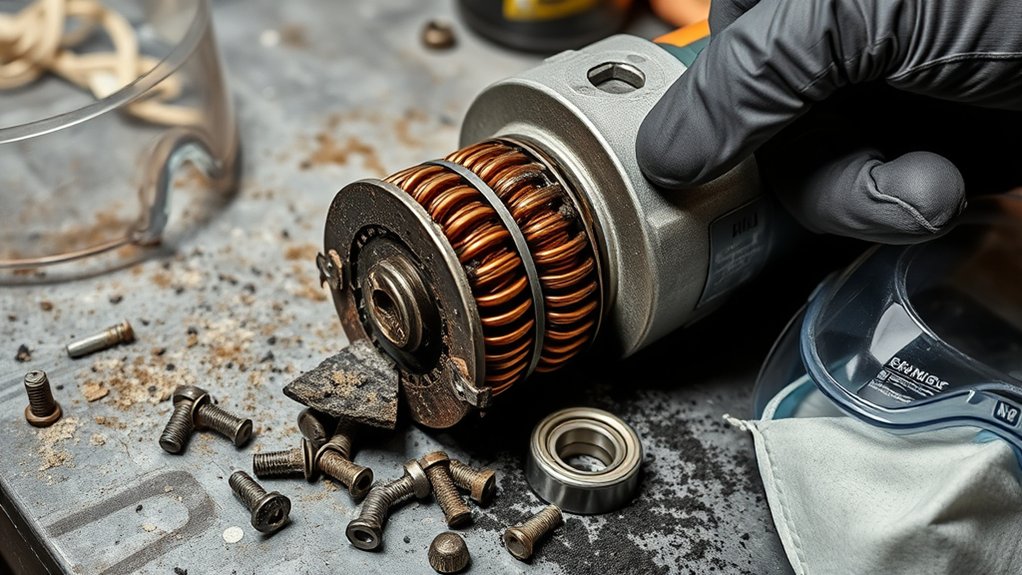
When you diagnose angle grinder armature failure, look for a group of symptoms rather than one clue. A grinder may slow under light pressure, surge without a load change, struggle to reach speed, or stop after it warms up.
- Heavy continuous sparking: A bright ring of arcing around much of the commutator is abnormal. Small, even sparks at the brush edges can occur in a healthy brushed motor.
- Burning smell or smoke: A sharp electrical odor can come from overheated winding insulation, brushes, wiring, or an electronic speed-control part.
- Fast overheating: Excess current, blocked airflow, bearing drag, shorted turns, or overloading can heat the motor.
- Weak or uneven torque: Open or shorted windings can reduce torque, but low line voltage, a poor extension cord, worn brushes, or a wrong accessory can do the same.
- Rough motor sound: Scraping, rattling, or a high-pitched whine may come from bearings, a rubbing fan, a loose commutator bar, or armature damage.
- Visible commutator damage: Deep pitting, lifted bars, melted connections, blackened windings, or blue heat marks call for professional inspection.
A symptom points to a system, not a single part. For related faults, see sparks inside an angle grinder motor and how to check grinder brushes for wear. Confirm brushes, bearings, wiring, power supply, and accessories before blaming the armature.
Warning: Unplug a corded grinder or remove the battery before inspecting brushes, opening the housing, touching the commutator, or using a resistance meter. Never perform these checks on an energized open tool.
Common Causes and Look-Alike Faults
Armatures often fail after repeated heat, contamination, or mechanical stress. The same conditions can damage nearby parts, so inspect the whole drive system.
- Overloading: Forcing the wheel, using the wrong wheel, or running a variable-speed grinder at a heavily loaded low speed can overheat the motor.
- Blocked vents and conductive dust: Metal and masonry dust can restrict cooling and contaminate brushes, commutator bars, switches, and electronics.
- Worn or sticking brushes: Brushes that are too short, cracked, chipped, contaminated, or stuck in their holders can arc and mimic armature failure.
- Damaged bearings: Rough or seized bearings increase current draw and may let the armature rub the stator or field.
- Cord, plug, switch, or connection faults: A high-resistance connection can cause intermittent power, heat, and voltage drop.
- Field or stator winding damage: A bad field winding can produce many of the same symptoms as a bad armature.
- Electronic control failure: Soft-start, speed-control, overload, and anti-restart modules can cause surging or shutdown on equipped models.
- Wheel, flange, or spindle trouble: A damaged or poorly mounted accessory can create vibration that feels like a motor fault.
How to Identify Electrical Issues in Your Grinder
Start with the simple problems first. Check the outlet or charged battery, power cord, plug, switch, brush length, brush movement, vents, wheel, flanges, and visible wiring. Do not open areas that the manufacturer marks as non-serviceable.
Common Electrical Symptoms
- Inconsistent power delivery: The motor speeds up and slows down without a change in load.
- Heavy brush sparking: Bright, harsh, continuous arcing can signal worn brushes, poor brush contact, a damaged commutator, or winding trouble.
- Intermittent continuity: A reading that changes when the cord or switch is moved may point to a broken conductor or loose connection.
- Open winding path: A repeatable over-limit reading between a specified pair of commutator bars can indicate an open coil or connection.
- Continuity to the shaft or core: A stable low-resistance path from a commutator bar to the metal shaft or core suggests a ground fault or conductive contamination.
- Heat, odor, or noise: Heat, burning smells, smoke, and harsh sounds need prompt inspection.
Visual Inspection Checklist
Use bright light and compare opposite sides of the armature. Stop if you find any of the following:
- Blackened, blistered, or melted winding insulation
- Loose, lifted, cracked, or deeply burned commutator bars
- Melted solder or broken connections where windings meet the commutator
- Deep grooves, heavy pitting, or an uneven commutator surface
- Rub marks on the armature, stator, field, fan, or housing
- A bent shaft, loose fan, rough bearing, or noticeable side play
- Pinched wires, scorched terminals, cracked insulation, or melted plastic
Testing Resistance Values
Testing resistance values can reveal an open circuit, a large imbalance, or continuity to the shaft. It cannot provide a universal pass/fail number because armature design, temperature, brush connections, test-lead resistance, and meter resolution all affect the reading.
For very low resistance, use the meter’s REL, delta, or zero function after touching the probe tips together. If the meter has no zero function, record the lead resistance and consider it when comparing readings. Do not rely only on the continuity beeper because its trigger range is too broad for detailed comparison.
Check the Power Source and Tool Protection Type
Read the nameplate before checking “ground.” A two-prong corded grinder marked with the square-within-a-square symbol is double-insulated; it normally has no equipment-grounding conductor. A three-prong tool uses a protective ground, and its ground pin and conductor must remain intact. Cordless grinders have neither a mains cord nor an equipment ground.
Inspect cords and plugs for cuts, crushed sections, bent blades, loose strain relief, heat damage, and repairs that do not match the manufacturer’s requirements. Use only an extension cord type and wire size approved for the tool’s nameplate current and working conditions.
Double Insulation, Grounding, and GFCI Protection
Electric power tools must use an approved protective design. OSHA states that tools may be approved double-insulated or grounded, and double-insulated tools do not need a third-wire ground. The OSHA power-tools guidance also warns that double insulation reduces grounding-related hazards but does not remove every shock risk.
- For a double-insulated two-prong grinder: Do not add a ground wire, replace the polarized plug with an unapproved plug, or connect internal parts to earth ground.
- For a grounded three-prong grinder: Never remove the ground pin. Stop using the tool if the plug, cord, or grounding conductor is damaged.
- For damp or construction locations: Use the ground-fault protection required for the site and only operate a tool approved for the conditions. Keep the grinder and connections dry.
- For any shock symptom: Stop immediately if the housing tingles, sparks appear outside the brush area, or a GFCI or breaker trips repeatedly.
Grounding does not make armature resistance readings more stable. Clean probe contact, an isolated circuit, correct meter setup, and low lead resistance are what improve the measurement.
How to Test Armature Resistance
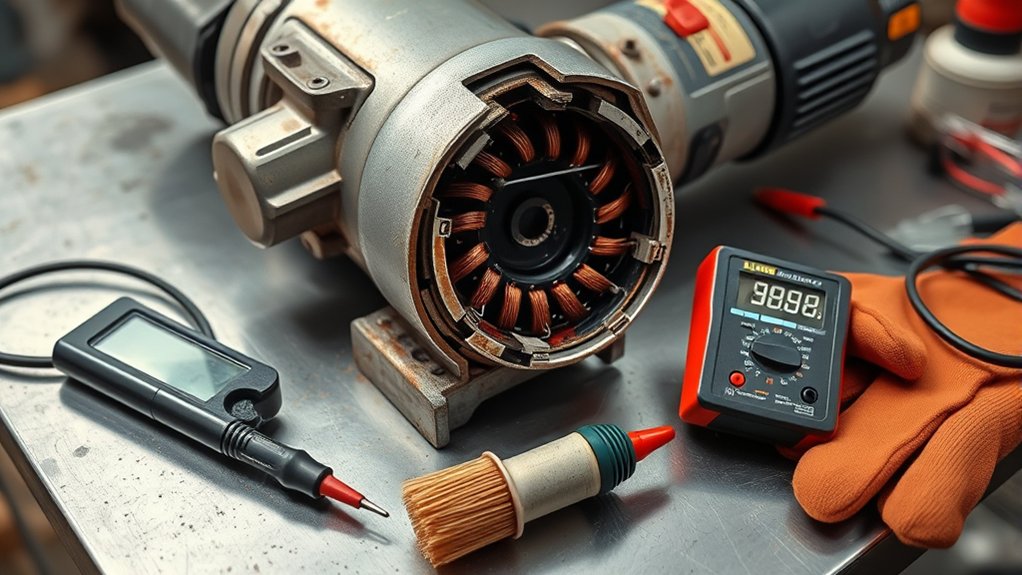
You can perform basic armature resistance checks with a digital multimeter that reads low ohms. Exact values vary, so compare the complete pattern and follow the service information for your model.
- Make the tool safe: Switch it off, unplug it or remove the battery, remove the wheel, and wait for all parts to stop. Work on a clean, dry bench.
- Find the correct service information: Confirm whether the model is brushed and note the manufacturer’s disassembly, brush, wiring, and torque instructions.
- Document the wiring: Photograph connectors, brush leads, springs, insulators, and wire routing before moving anything.
- Isolate the armature: Remove the brushes and disconnect the armature from field windings or electronics when the service design allows. In-circuit paths can distort readings.
- Clean only as directed: Remove loose dust with a dry nylon brush or lint-free cloth. Do not gouge, aggressively sand, oil, or solvent-soak the commutator.
- Zero the meter leads: Select the lowest suitable resistance range, touch the probes together, and use REL/zero or record the lead resistance.
- Test adjacent commutator bars: Mark a starting bar. Measure one adjacent pair at a time with the same probe pressure, then move around the full commutator and record every reading.
- Check insulation to metal: Test from each commutator bar to the shaft and exposed armature core. A basic meter should show over-limit or no continuity. Any repeatable path needs cleaning, retesting, and professional evaluation.
- Repeat outliers: Clean the probe points and repeat any high, low, or unstable reading before judging the armature.
- Reassemble correctly: Use identical specified parts, seat brushes correctly, route wires away from moving parts, and confirm that no insulation is pinched.
Pro Tip: Make a numbered commutator chart. A complete pattern is more useful than one reading, and it helps you spot a repeatable outlier instead of a probe-contact error.
Warning: Do not use a megohmmeter, hipot tester, growler, or surge tester on an assembled grinder unless you are trained and the manufacturer’s procedure permits it. Higher test energy can damage electronic controls or create a shock hazard.
How to Interpret Armature Test Results
| Result | What It May Mean | Next Step |
|---|---|---|
| All adjacent-bar readings are similar and low | No obvious open circuit; the meter may not be sensitive enough to find a shorted turn | Continue visual, brush, bearing, field, and power checks |
| One pair is repeatably much higher or over-limit | Open coil, broken commutator connection, dirty bar, or poor contact | Clean and retest; inspect the riser connection and use professional service if it repeats |
| One pair is repeatably lower than the pattern | Possible shorted turns, parallel-path effect, meter error, or connected circuit path | Isolate the armature, verify meter setup, and seek growler or bar-to-bar testing |
| Any stable continuity from a bar to the shaft or core | Grounded winding or conductive contamination | Clean and retest; do not run the grinder if continuity remains |
| Readings jump everywhere | Dirty copper, worn probe tips, changing pressure, brush contact, or an in-circuit path | Improve contact, remove brushes, isolate the circuit, and repeat the full pattern |
What a Multimeter Cannot Prove
A normal handheld meter may show nearly identical readings even when a few turns are shorted because the total resistance change can be smaller than the meter and probe error. A low-voltage bar-to-shaft check also cannot certify that insulation will hold at operating voltage.
Motor shops can use a growler, dedicated bar-to-bar tester, surge tester, or insulation tester chosen for the armature. Martindale’s growler instructions describe short-circuit, open-circuit, and ground tests for armatures. These procedures require training and the correct equipment.
Essential Maintenance Tips for Prolonging Your Angle Grinder’s Life
You can reduce armature stress with simple maintenance. Keep cooling paths clear, inspect brushes at the interval in the manual, use the correct wheel, and store the grinder dry. Do not force the tool through the work; excess pressure raises motor load and heat.
Regular Cleaning Procedures
- Clean air vents: Disconnect power, then remove surface dust without pushing debris deeper into the housing.
- Inspect the brushes: Replace both brushes as a matched, manufacturer-specified set when they reach the service limit or show cracks, chips, burning, or sticking.
- Inspect the commutator: Look for deep grooves, lifted bars, heavy pitting, and uneven color. Leave machining or undercutting to a qualified shop. Our commutator wear symptoms guide shows what to look for.
- Check connections: Look for loose terminals, heat discoloration, broken insulation, and pinched wires.
- Check bearings and airflow: A rough bearing or blocked fan can overheat a healthy armature.
Use only the cleaning method approved in the manufacturer’s manual. High-pressure air can drive abrasive or conductive dust into bearings, switches, windings, and electronic modules. Wear eye and respiratory protection when dust may become airborne.
Proper Storage Practices
Proper storage practices protect the armature, commutator, bearings, cord, switch, and accessories. Store the grinder in a dry, clean place with the switch off. Keep the cord loosely coiled and protect it from sharp bends, oil, heat, and crushing.
Use a protective case or padded bag to prevent impact. Remove damaged wheels from service rather than storing them with the tool. Keep batteries within the temperature and storage limits in their manual.
Check the tool before use if it sat unused for a long time. Look for corrosion, insect damage, moisture, swollen batteries, seized parts, and degraded cords before applying power.
Use Your Angle Grinder Safely
Safe grinder use protects you from wheel breakage, kickback, sparks, dust, noise, and electrical faults. OSHA’s Hand and Power Tools guide calls for proper guards, wheel inspection, eye or face protection, and electrical safeguards. Follow the grinder and accessory manuals for your exact setup.
- Wear suitable PPE: Use safety glasses with side protection and add a face shield for flying fragments. Use hearing, respiratory, footwear, and snug-fitting hand protection when the task requires it.
- Keep the guard installed: Set it between your body and the wheel while keeping the opening positioned for the job.
- Match the accessory: Use the correct wheel type, size, arbor, flange, and maximum speed rating for the grinder and task.
- Inspect before mounting: Do not use cracked, chipped, contaminated, expired where applicable, wet, or wrong-sized abrasive wheels.
- Secure the work: Clamp the workpiece and keep both hands on the grinder when the tool provides a side handle.
- Control sparks and dust: Aim sparks away from people, cords, batteries, fuel, paper, and other flammable material. Use suitable dust controls.
- Perform a no-load check: After installing an accessory, stand clear of its plane and run the guarded tool as directed by the manufacturer before contacting the work.
The Makita 9564CV/9565CV instruction manual is one manufacturer example that requires the correct guard, accessories rated for the tool speed, inspection for wheel damage, firm two-hand control, and qualified service.
Warning: Stop immediately if the grinder vibrates hard, smokes, smells burnt, produces severe continuous arcing, shocks or tingles, has a damaged cord, or repeatedly trips a GFCI, breaker, battery protection, or overload circuit.
Troubleshooting Common Grinder Issues
| Symptom | Likely Checks | Stop-Use Trigger |
|---|---|---|
| Grinder will not start | Outlet or battery, plug, cord, switch, brushes, battery terminals, anti-restart feature, and internal connections | Melted parts, damaged insulation, smoke, or repeated protection trips |
| Grinder loses power | Worn brushes, low voltage, undersized extension cord, overloaded wheel, bearings, field winding, armature, or electronic control | Burning odor, rapid heat, or severe arcing |
| Grinder overheats | Blocked vents, heavy pressure, low-speed overload, bearing drag, wrong accessory, shorted winding, or cooling-fan damage | Smoke, softened housing, or heat too fast for normal duty |
| Grinder sparks heavily | Brush length and movement, brush holders, commutator condition, winding connections, field winding, and armature tests | Bright continuous ring, sparks leaving the vents, or burning |
| Grinder vibrates | Wheel damage, flange orientation, spindle, guard contact, bearings, armature balance, fan, and shaft runout | Cracked wheel, bent shaft, loose parts, or sudden severe vibration |
If basic checks do not find the cause, stop using the grinder. A repair shop can isolate the armature and field, check bearing load, inspect the commutator, and use specialized winding tests before more parts are damaged.
Products Worth Considering


100% Quality Assurance: Well-designed, well-crafted. Not an OEM part, but meets OEM manufacturing requirements. This is the manufacturer's replacement and is functionally equivalent to the previous part.

Repair or Replace the Armature?
Some armatures can be rewound, resurfaced, or repaired, but replacement is often more practical for a small grinder. Base the decision on the complete tool, not only the armature price.
- Repair may make sense when the grinder is a high-value professional model, the housing and gearbox are sound, genuine parts are available, and an authorized shop can test the finished motor.
- Replacement may make sense when the armature, field, bearings, switch, electronics, or housing are damaged together; parts are obsolete; or labor approaches the cost of a safe replacement tool.
- Do not reuse the tool when insulation is burned, the commutator has loose bars, the shaft is bent, or the cause of severe arcing or shock has not been confirmed.
Use only parts specified for the exact model. Brush grade, spring pressure, armature winding, fan direction, bearings, and electronic controls must match the design.
Products Worth Considering
Armature Rotor Fits 9556, 9557, 9558, 9556NB, 9556HN, 9557NB, 9557HN, 9557PB, 9558NB, 9558HN, 9558PB Angle Grinder Replacement Part New

100% Quality Assurance: Well-designed, well-crafted. Not an OEM part, but meets OEM manufacturing requirements. This is the manufacturer's replacement and is functionally equivalent to the previous part.

Frequently Asked Questions
How can you tell if an angle grinder armature is bad?
Suspect the armature when a brushed grinder has heavy continuous arcing, weak or surging torque, a burnt-winding smell, visible winding or commutator damage, an open bar-to-bar reading, or continuity from a commutator bar to the shaft. Confirm brushes, bearings, field windings, wiring, and electronics before replacing it.
What resistance should an angle grinder armature have?
There is no universal ohm value. Adjacent commutator-bar readings are usually low and should follow a consistent pattern for that armature. Meter leads, temperature, connected circuits, and motor design affect the result, so use the manufacturer’s service data when available.
Can a multimeter find every shorted armature winding?
No. A multimeter can find an open circuit, a large imbalance, or continuity to the shaft, but a small turn-to-turn short may change resistance less than the meter can resolve. A motor shop may use a growler, bar-to-bar tester, surge tester, or other winding-analysis equipment.
Is some sparking normal in a brushed angle grinder?
Small, even sparks at the brush edges can be normal. A bright continuous ring, long sparks, sparks leaving the vents, rapid brush wear, smoke, or burning odor is not normal and requires inspection.
What causes an angle grinder to stop working?
Common causes include a dead battery or bad outlet, damaged cord, faulty switch, worn brushes, open thermal protection, electronic-control failure, seized bearings, field-winding damage, or a failed armature. Start with external and low-risk checks before opening the tool.
What is an armature in a grinder?
In a brushed grinder, the armature is the rotating motor assembly with a shaft, iron core, windings, and commutator. Current passes through the brushes and commutator so the windings interact with the magnetic field and create torque.
Can an angle grinder armature be repaired?
A specialist may be able to rewind, reconnect, balance, or resurface some armatures. For many small grinders, a complete replacement armature or replacement tool is more economical. The repaired motor still needs electrical, mechanical, and no-load safety checks.
Should you keep using a grinder that smells burnt?
No. Stop, disconnect power, and let the tool cool in a safe area. A burnt smell can come from overloaded windings, worn brushes, blocked airflow, a dragging bearing, damaged wiring, or electronics. Continued use can turn a repairable fault into a fire, shock, or sudden-failure hazard.
Sources
- OSHA 29 CFR 1926.302 — Power-Operated Hand Tools — approved double-insulated or grounded tool requirements
- OSHA Construction eTool — Power Tools — double insulation and remaining shock hazards
- OSHA Hand and Power Tools — electrical safeguards, guards, wheel inspection, and PPE
- Makita 9564CV/9565CV Instruction Manual — double insulation, accessory, guard, operation, and service guidance
- Fluke — How to Measure Resistance with a Digital Multimeter — low-resistance measurement and REL/zero mode
- Martindale Growler Instructions — specialized armature short, open, and ground testing
Safety Disclaimer: This article is for informational purposes only and does not replace the grinder manufacturer’s service instructions, workplace rules, or professional electrical repair. Disconnect all power before inspection. Use a qualified or authorized repair person for damaged wiring, shock symptoms, smoke, severe arcing, insulation tests, or repairs that require energized measurements.
Conclusion
Armature failure can make a brushed angle grinder weak, hot, noisy, and unsafe, but the same symptoms can come from brushes, bearings, wiring, field windings, accessories, or electronic controls. Start with the model manual and low-risk visual checks, then compare a full pattern of bar-to-bar readings instead of relying on one fixed ohm value.
Stop using the grinder when it has severe arcing, smoke, burning insulation, shock symptoms, damaged wiring, or repeatable continuity from the commutator to the shaft. A multimeter can narrow the problem, but a qualified motor or power-tool shop may need specialized equipment to confirm shorted turns and decide whether repair or replacement is the safer choice.