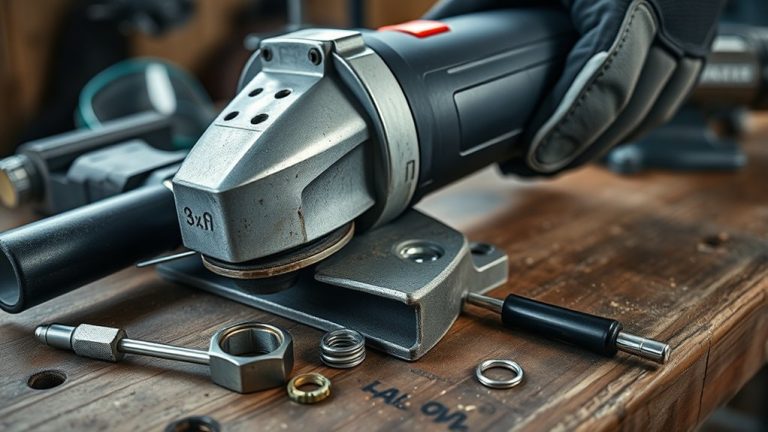
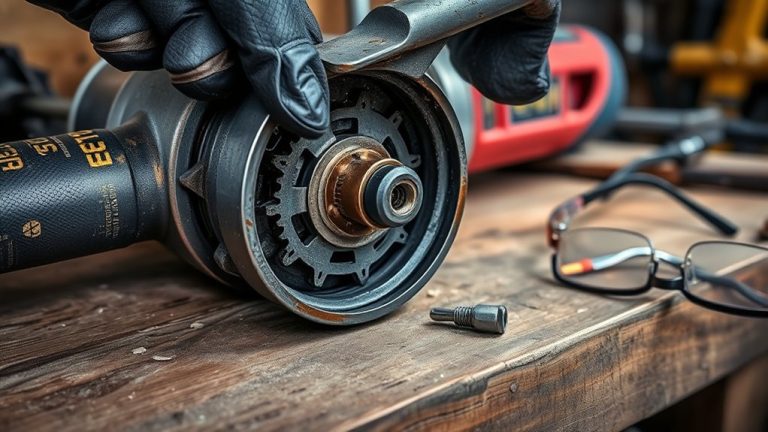
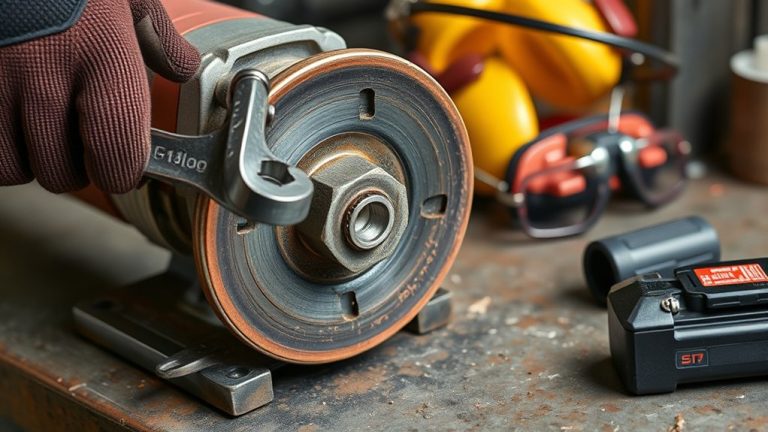
If your angle grinder makes a rattling noise, it often indicates loose parts, motor issues, or mechanical failures. Start by inspecting screws, nuts, and the spindle for wear. Tighten any loose components and check for bearing damage or misalignment. Guarantee proper lubrication and inspect the power supply. Regular maintenance is vital for efficiency and safety. For persistent rattling after checks, you might want to explore professional repair options or further troubleshooting techniques.
What Causes Rattling Noises in Angle Grinders?
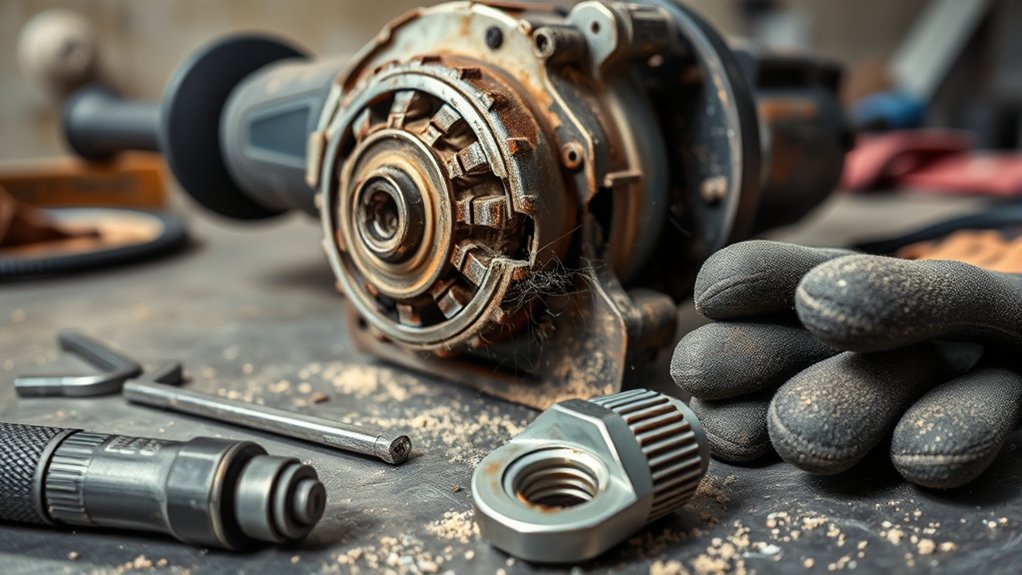
When you hear rattling noises in your angle grinder, it often signals underlying issues that require your attention. These sounds frequently stem from loose parts, such as unsecured nuts or screws. These loose components can destabilize your grinder, increasing vibrations during operation. As the motor generates power, excessive vibrations can exacerbate rattling, indicating potential internal problems.
Additionally, friction between moving parts may contribute to these noises, suggesting a need for lubrication of the spindle to minimize sound. Over time, wear and tear on bearings or other mechanical components can result in heightened rattling, signaling that repair or replacement is necessary.
To maintain efficiency and safety, regular inspection and maintenance of your angle grinder are crucial. By identifying and addressing these issues promptly, you can guarantee peak performance and prevent more significant mechanical failures down the line.
Inspecting Your Angle Grinder for Loose Parts and Components
To guarantee your angle grinder operates smoothly, it’s essential to conduct a thorough inspection for loose parts and components. Start by examining the guard, handle, and spindle for any signs of looseness. Unsecured fasteners can lead to vibrations and exacerbate rattling noises during operation. Tighten any nuts and screws you find to maintain stability.
Next, inspect the spindle for wear or damage, as this can contribute to operational noise. Lubricating the spindle may help reduce friction-related sounds. Additionally, verify that all attachments, like grinding wheels or cutting discs, are securely fastened. Loose attachments can cause excessive movement, amplifying noise levels.
Finally, keep an eye out for visible signs of wear across all components. Regular inspections not only enhance performance but also prevent potential mechanical failures that lead to those annoying rattling sounds.
Diagnosing Electrical and Motor Issues
When diagnosing electrical and motor issues in your angle grinder, start by inspecting the power supply for any irregularities. Document any unusual noises, as these can provide essential insights into underlying problems. A systematic approach will streamline your troubleshooting process and enhance your grinder’s performance.
Power Supply Inspection
Inspecting the power supply is essential for diagnosing electrical and motor issues in your angle grinder. Start by checking the outlet and ensuring that extension cords are securely connected. Inspect the power cord for fraying or damage, as these defects can disrupt the power supply. Flickering power lights may indicate an electrical malfunction that needs immediate attention. Refer to the user manual for model-specific troubleshooting steps to resolve issues efficiently. Regular maintenance, including cleaning components and checking connections, can prevent future electrical problems.
| Inspection Focus | Actions to Take | Notes |
|---|---|---|
| Power Source | Verify outlet functionality | Secure connections |
| Power Cord | Check for visible damage | Replace if necessary |
| Grinder Lights | Look for flickering indicators | Immediate attention needed |
| Maintenance | Clean and inspect regularly | Prolongs tool lifespan |
Noise Documentation Techniques
While using your angle grinder, documenting any unusual noises is essential for diagnosing potential electrical or motor issues. Pay close attention to sounds like grinding, squeaking, or rattling, as these indicators can signal underlying problems. Record the conditions when these noises occur, noting factors such as load and duration to identify patterns. Regularly inspect the power cord and connections for visible damage; frayed wires can lead to malfunctions and contribute to abnormal sounds. Consider utilizing a sound level meter to quantify noise levels, helping you monitor changes over time. Additionally, consult manufacturer guidelines for specific noise patterns related to your model, enhancing your ability to accurately diagnose and address potential issues.
Addressing Mechanical Failures That May Cause Noise
Mechanical failures in angle grinders often manifest as disruptive noises, which can indicate underlying issues that need addressing. Start by inspecting gear alignment; misalignment can lead to rattling sounds and inefficient operation. Next, check for bearing wear, as worn bearings can cause blade wobbling and result in vibrations. If you notice any irregularities, realigning or replacing these components is essential for maintaining smooth functionality.
Additionally, verify that all nuts and screws are tightly secured; loose components can exacerbate noise issues. Spindle cleaning is another critical step; debris or obstructions can hinder performance and lead to unusual sounds. Finally, regular maintenance, including lubrication of moving parts, helps prevent these mechanical failures, guaranteeing your angle grinder operates quietly and efficiently. By addressing these mechanical concerns, you can enhance both safety and performance in your grinding tasks.
Diagnosing Blade and Disk Issues
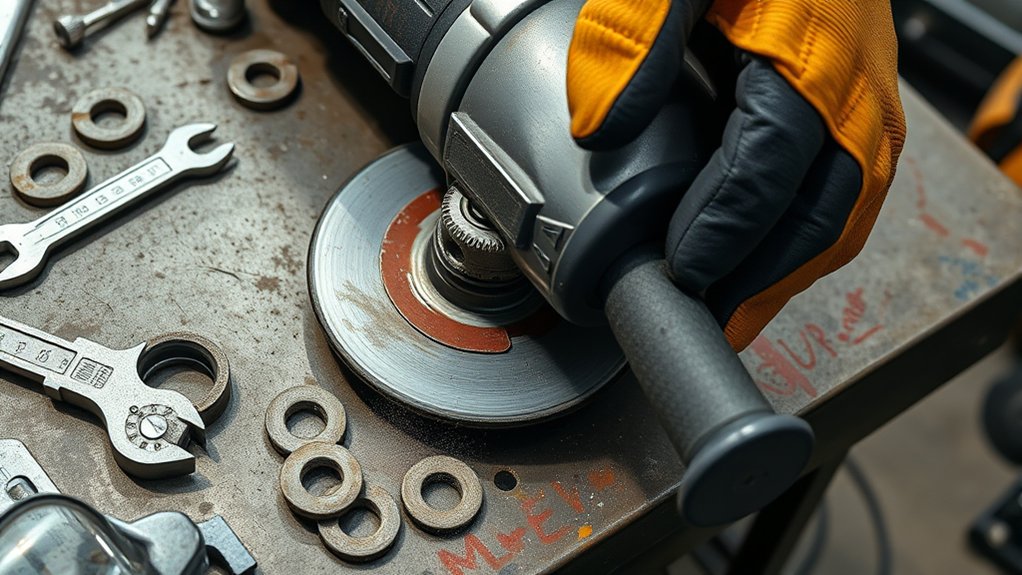
To effectively diagnose blade and disk issues in your angle grinder, it’s crucial to recognize the signs of wear and damage that can compromise performance. Start by inspecting blade wear indicators; excessive wear often results from improper usage or material inconsistencies, necessitating replacement after 100 to 200 hours of use. Look for cracking in segments—minor cracks may warrant reduced rotation speed, while severe cracks require immediate replacement.
Employ proper disk alignment techniques to guarantee the blade remains perpendicular to the work surface, which prevents uneven wear and tear. Regular visual inspections and tactile checks can help you catch early signs of damage. Additionally, prioritize grinding material selection to match your tasks and maintain appropriate cooling to extend the lifespan of your blades and disks. By following these diagnostic steps, you can maintain peak performance and enhance safety during use.
How to Lubricate Your Grinder to Cut Down Noise
Lubricating your angle grinder is essential for minimizing noise and enhancing performance. Proper lubrication techniques can greatly reduce rattling sounds, guaranteeing smooth operation. Follow these steps for effective lubrication:
- Disconnect Power: Always unplug the grinder before starting maintenance to guarantee safety.
- Choose the Right Lubricant: Use high-quality machine oil or grease specifically designed for power tools. These lubricant types are effective in reducing friction and wear.
- Apply Lubricant: Focus on the spindle, applying an even layer of lubricant to minimize noise and enhance performance.
- Schedule Maintenance: For frequent use, lubricate the spindle every few weeks. Regular checks for wear and damage can help you identify when lubrication or more extensive repairs are necessary.
Essential Safety Checks Before Using Your Grinder
Before using your angle grinder, perform a thorough visual inspection to identify any signs of wear or damage. Check the power cord for fraying or other damage, as this can pose serious electrical hazards. Ensuring that all components, including the guard and disc, are secure and appropriate for your task is essential for safe operation.
Visual Inspection Checklist
Conducting a visual inspection of your angle grinder is essential for guaranteeing safe and effective operation. Adhering to these grinder maintenance tips can help prevent accidents and enhance performance:
- Check for Damage: Inspect the power cord and housing for visible wear or damage.
- Verify Disc Attachment: Confirm the correct disc size and type are securely attached.
- Inspect Safety Features: Look at the guard and flange to ascertain they function properly and are secure.
- Examine Loose Parts: Identify any loose screws or components that may contribute to rattling noises.
Don’t forget to wear appropriate safety gear as you conduct this inspection. Avoiding common user mistakes will keep you and your equipment safe during operation.
Power Cord Examination
A thorough examination of the power cord is essential for guaranteeing the safe operation of your angle grinder. Start by inspecting for visible damage, like fraying or exposed wires, which can compromise safety. Confirm that the cord’s securely plugged into a functioning outlet to prevent power interruptions. Consider the power cord types and verify you’re using one that meets your grinder’s specifications. Pay attention to cord length considerations; longer cords may lead to voltage drops and overheating. Always use extension cords rated for your grinder’s power requirements to avoid electrical malfunctions. Finally, maintain your power cord by storing it in a dry, cool place to minimize wear and tear, promoting peak performance and safety ratings during operation.
Preventative Maintenance Tips for Longevity
To guarantee your angle grinder remains in peak condition, it’s crucial to prioritize regular maintenance practices. Implementing these tips can enhance performance and longevity:
To keep your angle grinder in optimal shape, focus on consistent maintenance to boost performance and extend its lifespan.
- Inspect and Tighten: Regularly check and tighten all nuts and screws to reduce vibrations, preventing rattling noises and damage.
- Lubricate: Periodically apply the appropriate lubricant to the spindle. A lubricant types comparison can guide you on the most effective options for friction reduction.
- Clean Cooling System: Confirm vents are clear to maintain peak airflow. Blockages can lead to overheating and mechanical failure.
- Blade Storage Solutions: Store blades in a dry, cool environment to avoid rust and degradation, guaranteeing efficient cutting performance.
When to Seek Professional Repair Services?
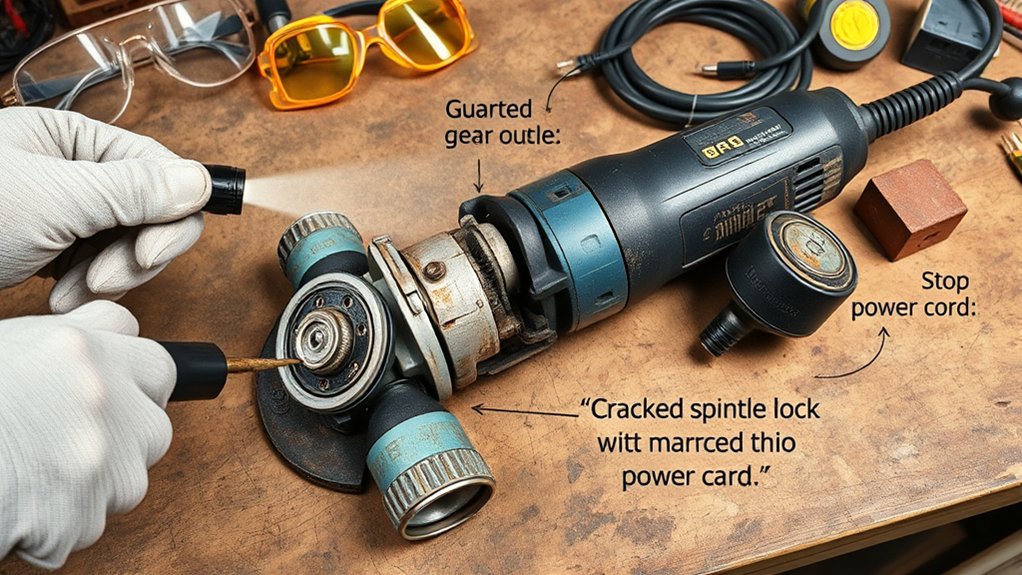
Even with regular maintenance, issues can still arise with your angle grinder that require professional attention. If your tool continues to rattle despite tightening loose parts and lubricating components, deeper mechanical issues may be at play. Persistent overheating, unusual motor noises, or significant blade wobbling signify potential safety risks, making it prudent to consult a qualified technician.
If your troubleshooting efforts, such as inspecting the spindle lock or checking wheel rotation, yield no results, it’s time to seek expert help. Damage to internal components like bearings or electrical wiring often necessitates specialized knowledge and tools.
While repair costs can vary, investing in professional services guarantees that your angle grinder is restored efficiently. Service timelines may depend on the technician’s qualifications and the extent of the damage, but prioritizing safety and performance is always worth the wait. Don’t compromise—engage a professional to safeguard your tool’s longevity.
Frequently Asked Questions
Why Is My Grinder Making Noise?
Your grinder’s noise likely stems from loose components or internal friction. Implement grinder maintenance tips, explore noise reduction techniques, and address common grinder issues to enhance performance and reduce unwanted sounds during operation.
What Are Signs My Grinder Needs Repair?
You’ll know your grinder needs repair if you hear unusual noises, see visible wear, notice excessive vibrations, or experience inconsistent power. Regular maintenance can extend your angle grinder’s lifespan and prevent common grinder problems.
How to Tell if an Angle Grinder Disc Is Bad?
If you notice uneven disc wear, excessive vibration issues, or hear strange noises, it’s time to contemplate replacement indicators. Regularly inspecting your angle grinder disc guarantees safety and peak performance during your projects.
How to Make an Angle Grinder Quieter?
To make your angle grinder quieter, implement sound dampening techniques, focus on vibration reduction, and follow tool maintenance tips like tightening components and lubricating the spindle. High-quality blades also considerably lessen operational noise levels.
Conclusion
In troubleshooting your angle grinder’s rattling noise, you’re balancing precision with power. Address loose parts, check for motor issues, and verify blades are secure; each step enhances performance. Conversely, neglecting these checks can lead to increased wear and dangerous malfunctions. Regular lubrication and maintenance not only reduce noise but also extend the tool’s lifespan. Ultimately, knowing when to seek professional help safeguards both your investment and your safety, confirming your grinder operates smoothly and efficiently.