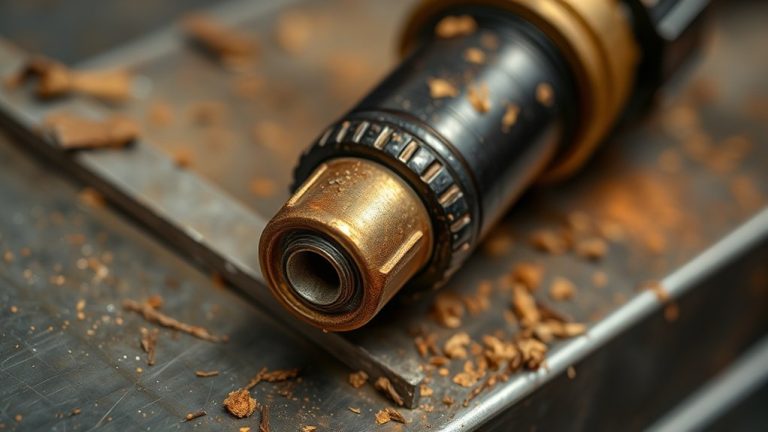
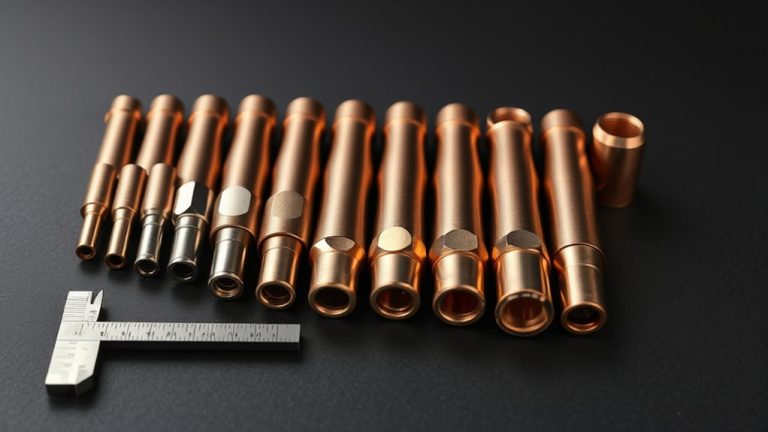
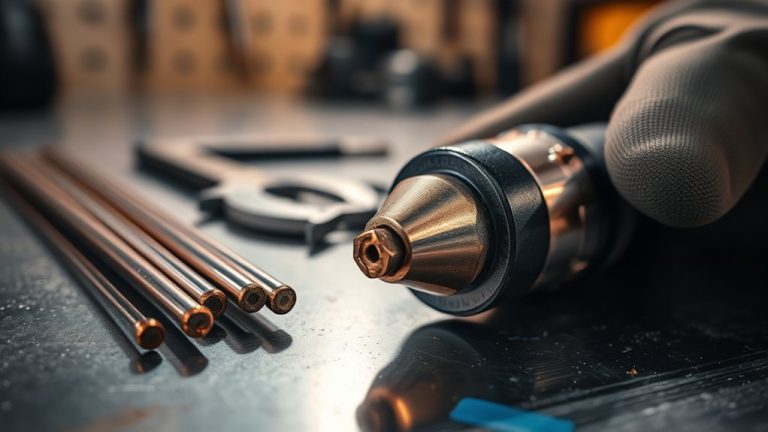
You’ve likely heard the theory that consumables fail without warning—test it by inspecting electrodes, nozzles, and swirl rings before your cut quality tanks. Look for hafnium pits, out-of-round orifices, radial grooves, and heat discoloration. Check arc color, standoff, and sound for early drift. Use quick bench checks—pit depth, pin probes, microscope snaps—to confirm suspicion. Track parts count, amps, and air quality. Replace at practical limits, not after catastrophic blowouts—here’s how to spot the tipping point.
Visual Clues on Electrodes: Hafnium Pits, Divots, and Discoloration
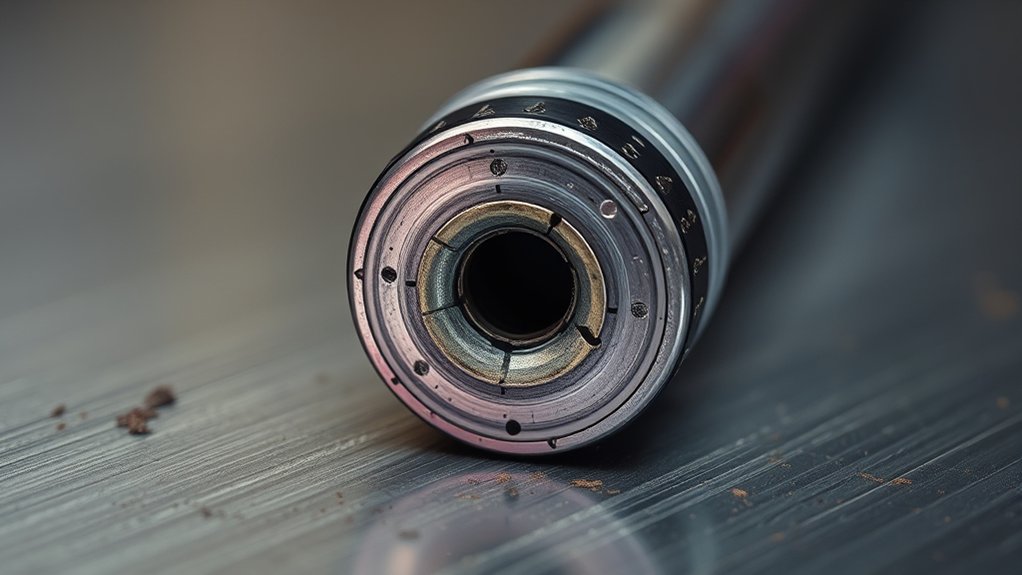
Even before cut quality drops, your electrode face tells you when it’s done. Prioritize electrode maintenance by inspecting the hafnium insert for pitting and divots. Use a dial indicator or depth gauge to measure pit depth; if it exceeds 1/16 inch, replace the electrode.
Don’t wait for arc instability—visible craters, holes, or an uneven face predict poor starts, wandering arcs, and thermal stress on the torch.
Visible craters, holes, or an uneven face warn of poor starts and torch stress.
Set a defined inspection frequency tied to arc-on hours, amperage, and material thickness. During each check, look for green discoloration on the tip or around the insert. That hue signals overheating or burning, and it’s a stop-use condition—swap the part immediately to prevent collateral damage.
Document wear trends to refine maintenance intervals. Consistent visual checks for pitting, divots, and color change help you retire electrodes before they fail catastrophically, safeguarding torch components and preserving cut consistency.
Replace early, verify measurements, and keep spares ready.
Nozzle Wear Patterns: Out-of-Round Orifices and Radial Grooves

You’ll spot out-of-round indicators as oval or enlarged orifices that signal immediate nozzle replacement.
Expect radial grooves to appear after a few cuts when arc alignment or gas flow is off, showing the nozzle can’t focus the plasma stream.
Both defects degrade cut quality—wider kerf, uneven edges, and more dross—so monitor orifice size and log wear to prevent unplanned downtime.
Out-Of-Round Indicators
When a nozzle’s orifice drifts from perfectly circular to oval or enlarged, it disrupts plasma flow and degrades cut quality. You’ll see erratic kerf, angularity, and heavier dross—classic out of round causes.
Confirm shape loss with orifice measurement using a pin gauge set or optical comparator; any ovality or growth beyond spec warrants replacement. Visual checks under magnification should show a clean, concentric circle; any flattening or elongation signals significant wear.
Monitor the cut face: wandering arc marks and inconsistent edge bevel often track with an out-of-round orifice.
Inspect electrodes for dark spots aligned with nozzle features; consistent patterns suggest the arc is no longer centered.
Replace the nozzle promptly when ovality appears to preserve arc stability, precision, and consumable life.
Radial Groove Causes
Why do radial grooves form in a nozzle? They’re the product of asymmetric thermal and mechanical loading on the orifice. The primary causes of grooves are incorrect torch height and excessive travel speed, which drive the arc off-center and erode one side of the nozzle.
This uneven attack yields a small circular indentation and progresses to an out-of-round orifice. Running amperage above spec or cutting too fast intensifies localized heating and metal washout, accelerating groove formation.
For wear prevention, verify torch-to-work distance with a calibrated height control, match amperage to nozzle rating, and keep speeds within the cut chart.
Monitor arc color and stability; a dull or erratic arc often flags developing grooves. Perform frequent visual inspections and replace nozzles at the first sign of radial indentation.
Impact on Cut Quality
Although small at first, out-of-round orifices and radial grooves immediately degrade arc stability and focus, translating into wider kerf, taper, and erratic edge quality. You’ll see cut precision drop as the beam wanders, creating uneven edges and more dross. An enlarged or oval orifice is a clear wear assessment trigger—it forces slower speeds or extra passes, inflating rework. Radial grooves distort gas flow, destabilize the jet, and leave heat-affected striations. Inspect the electrode: a dark radial spot often mirrors nozzle wear, confirming the source of variability. Replace worn nozzles promptly to protect electrodes, shields, and your finish quality.
| Symptom | Likely Wear Pattern | Impact on Cut |
|---|---|---|
| Wider kerf | Oval orifice | Loss of precision |
| Taper | Out-of-round | Poor fit-up |
| Excess dross | Radial grooves | Cleanup time |
| Arc flutter | Mixed wear | Edge inconsistency |
Swirl Ring Integrity: Cracks, Warping, and Gas Path Blockage
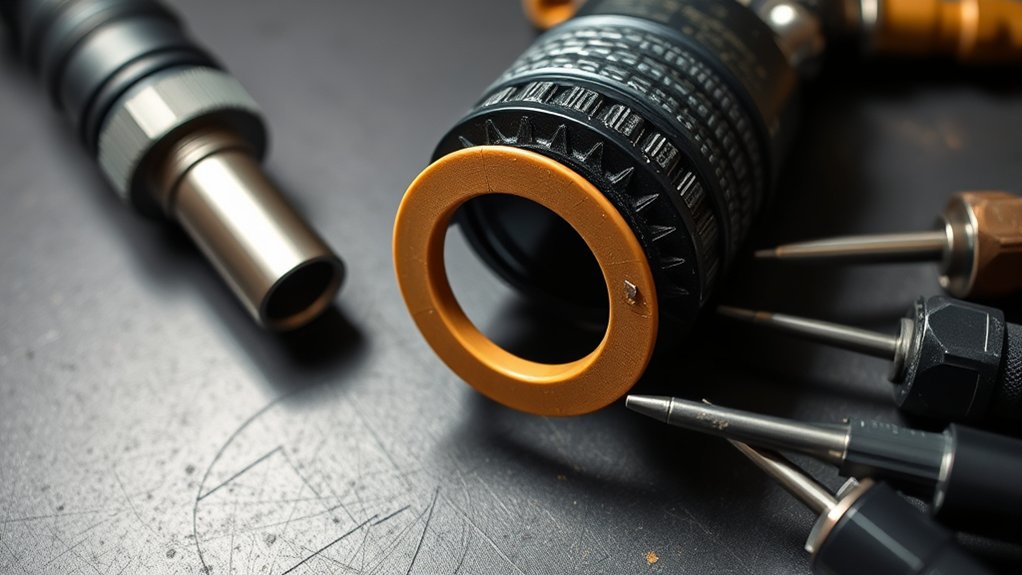
Swirl ring integrity directly controls gas flow and arc stability, so inspect it frequently for cracks, warping, and contamination. The swirl ring should seat snugly with no gaps; any deformation distorts gas flow, blocks passages, and destabilizes the arc.
If you see inconsistent arc start, wandering kerf, or rising dross, verify the swirl ring before chasing other causes. Clean out spatter and debris to remove gas path obstructions and restore the ring’s stabilizing vortex.
1) Visual/fit check: Remove the ring, backlight it, and look for hairline cracks, melted edges, or ovalized bores. Reinstall; if it doesn’t seat flush or rocks, replace it.
2) Air path test: Blow low-pressure air through the ring and feel for even, free flow. Any dead spots or whistling indicates blockage or warping.
3) Runtime tracking: Log 5–10 cutting hours per ring. Replace proactively to prevent cascading wear on the nozzle and electrode and avoid degraded cut quality.
Shield and Retaining Cap Checks: Spatter, Warpage, and Thread Damage
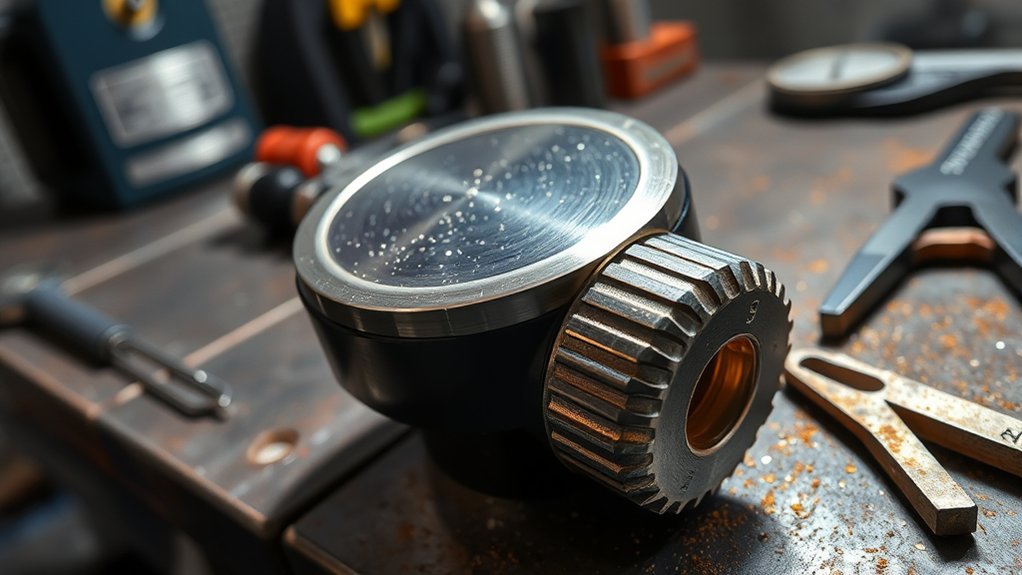
Two often-overlooked parts—the shield cap and retaining cap—directly affect cut quality and consumable life.
Start with the shield: look for spatter buildup on the face and ports. Heavy deposits point to poor shielding and let molten metal erode the nozzle. Clean the cap with a non-abrasive method; if pitting or stuck spatter remains, replace it.
Sight the shield edge and vent holes for warpage or distortion; any out-of-round or skewed vents disrupt gas symmetry and degrade cut consistency.
Move to the retaining cap. Perform a careful thread inspection under good light. Look for flats, galling, cross‑thread marks, or debris. Damaged threads prevent proper stack alignment and can stress the nozzle and electrode.
Verify the sealing surfaces are clean and intact. Reassemble and tighten to the manufacturer’s torque; a loose cap invites gas leaks and misalignment.
Make shield and retaining cap checks part of your cleaning routine to maintain stable gas flow and repeatable results.
Performance Red Flags: Arc Starts, Bevel, Dross, and Cut Speed Changes
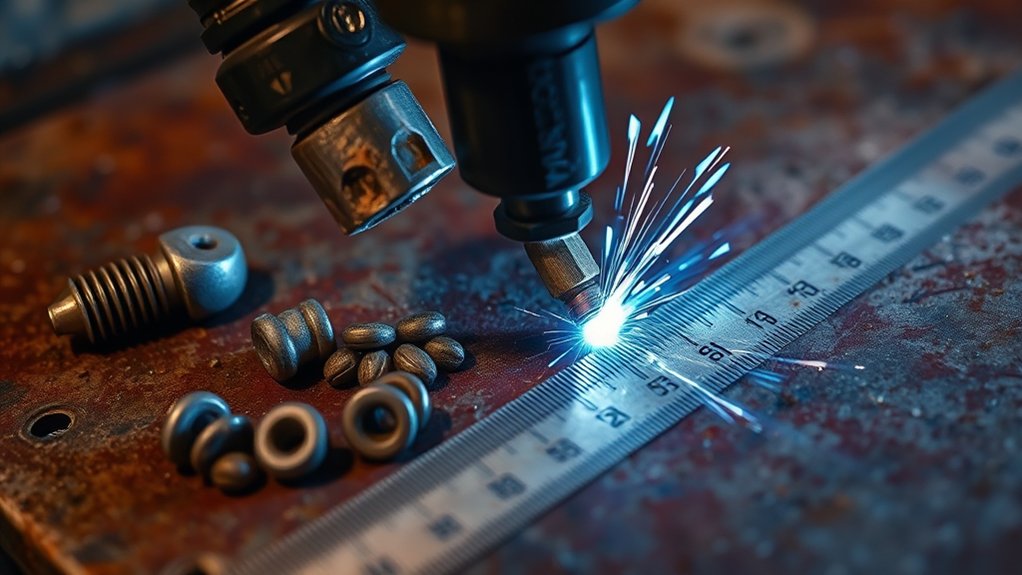
You should flag hard starts and misfires immediately; they often point to an eroded electrode or gas contamination.
Watch for a sudden rise in bevel and dross—worn nozzles and unstable arc focus typically cause both.
If these symptoms appear together, stop, inspect for pitting, discoloration, or orifice damage, and replace consumables before cut quality and speed degrade further.
Hard Starts, Misfires
Although a single stumble may seem harmless, recurring hard starts and misfires are early warnings that your plasma cutter’s consumables are degrading.
Poor arc initiation points to worn electrodes or a damaged nozzle disrupting arc stability. Prioritize electrode maintenance: inspect pits, mushrooming, and discoloration, and replace at the manufacturer’s wear limit.
If the arc repeatedly fails to ignite or extinguishes mid-cut, check for contamination—spatter, oil, or moisture—and verify correct gas pressure and swirl ring condition.
1) You press the trigger; the pilot arc hesitates, snaps, or double-fires before stabilizing.
2) The arc lights, then dies within seconds, forcing multiple restarts and scorching the start point.
3) You slow your feed to keep the arc lit, masking the misfire but sacrificing productivity.
Track incidents, inspect, and replace parts promptly.
Bevel and Dross Increase
When bevel grows and dross piles up, the plasma arc has likely lost focus and stability—classic signs of tired consumables. Use bevel analysis to quantify the taper: increasing angle or asymmetry usually points to an unstable arc from a worn nozzle or electrode that no longer constricts the stream. Expect heat to wash out, widening kerf and degrading edge quality.
Evaluate dross impact by noting volume, adhesion, and location. Heavy, stubborn slag often means you’re cutting too slowly, but it also flags consumables that can’t effectively eject molten metal.
If you’re compensating with slower or faster travel to clean the edge, degraded parts are likely. Pair these observations with arc-start behavior; hard starts reinforce wear.
Replace suspect consumables promptly to restore speed, straightness, and efficiency.
Height and Sound Cues: Arc Color, Standoff, and Audible Indicators
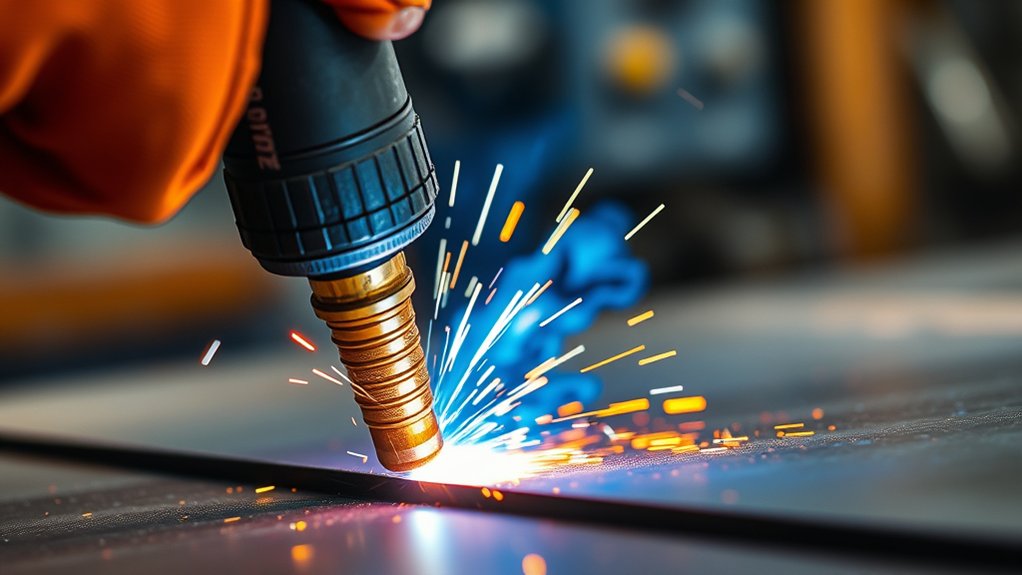
A healthy cut shows a bright-white to light-blue arc, a steady standoff of roughly 1.5–2× the cutting height, and a consistent, clean arc sound.
Watch arc color, control standoff distance, and trust audible feedback to spot wear early. Orange or purple hues suggest gas contamination or worn parts. A green arc points to a burned electrode tip—replace it immediately. If the torch rides too low, expect spatter, double-arcing, and rapid nozzle damage.
Watch arc color, standoff, and sound. Orange/purple mean contamination; green signals a burned electrode—replace immediately.
1) Visual cues: Look for a tight, bright-white/light-blue arc column with minimal flicker. Any orange, purple, or green tint indicates contamination, misalignment, or electrode failure.
2) Height cues: Hold a stable standoff, about 1.5–2× cutting height. Low standoff causes gouging and spatter; excessive height widens kerf, weakens arc density, and increases bevel.
3) Sound cues: A healthy arc hums smoothly. Harsh sputters, oscillating pitch, or metallic chatter signal nozzle wear, gas swirl issues, or misaligned electrodes.
Stop, inspect, and replace as needed.
Simple Bench Tests: Microscope Views, Depth Gauges, and Pin Probes
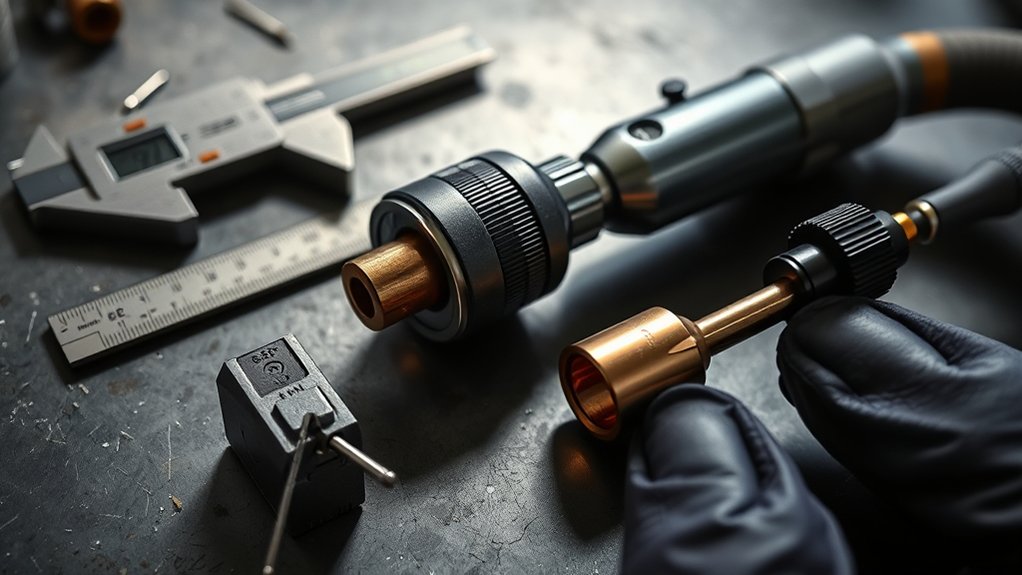
Even without a full teardown, simple bench checks quickly flag consumables past their prime.
Start with a microscope inspection using a USB scope. Examine electrode faces for pitting, cracking, or crater formation, and scan nozzle orifices for enlargement or ovality—both degrade arc focus and cut quality. Capture reference images to compare over time.
Follow with depth measurement. Use a depth gauge or pin probe to quantify electrode recession. When wear reaches about 1/16 inch, replace the electrode to maintain consistent arc density and piercing reliability. Record the reading at the same reference point each time to avoid parallax or angle errors.
Validate findings by observing arc behavior on a brief test fire. Hard starts, unstable arc color, or wandering indicate nozzle or electrode wear even if visual cues are borderline.
Apply these quick bench tests regularly to catch issues early, prevent blowouts, and keep kerf width, dross, and edge angularity within spec.
Life Tracking and Baselines: Parts Count, Amps, Material, and Air Quality
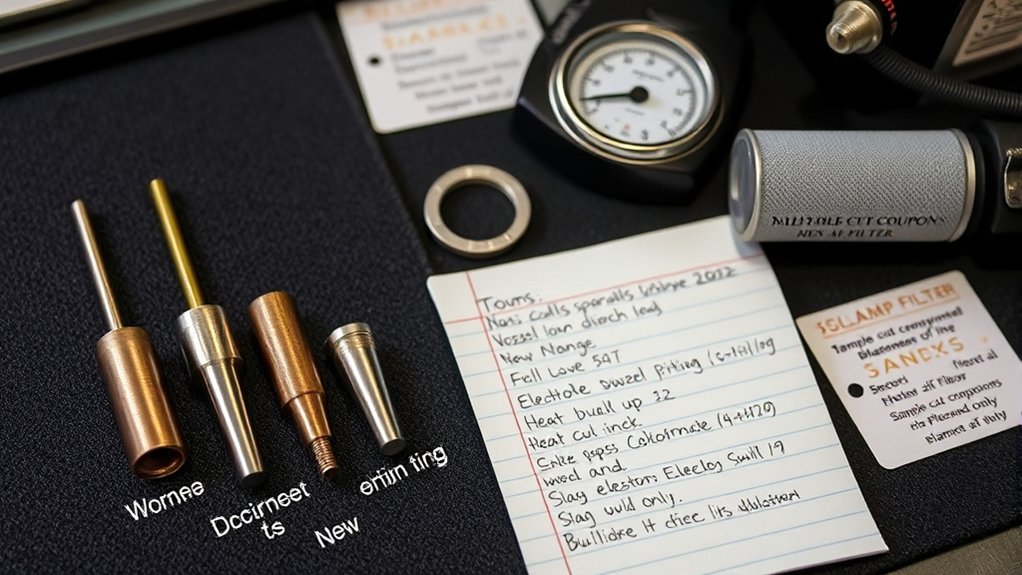
Bench tests tell you what’s worn today; a life log tells you what’ll wear out next. Track consumable longevity with a simple ledger tied to maintenance schedules. Log parts count, pierce count, arc-on time, material, thickness, and amperage. Compare your data to manufacturer baselines to set realistic life thresholds and update them as your process changes.
Use data discipline:
1) Parts and time: Record nozzle/electrode installs, total cuts, pierces, and minutes at arc. Correlate drops in cut quality to a specific count to establish reliable baselines.
2) Amps vs. need: Note set current per job. If you’re running hotter than required for thickness, expect accelerated wear. Trend life versus amps to select the lowest current that still meets cut spec.
3) Air quality: Log dryer dew point, filter changes, and any oil/moisture events. Clean, dry air stabilizes arc and extends life; contamination shortens it predictably.
Review weekly. Adjust consumable forecasts, reorder points, and preventive swaps before productivity slips.
When to Replace vs. Clean: Practical Limits and Preventing Catastrophic Failures
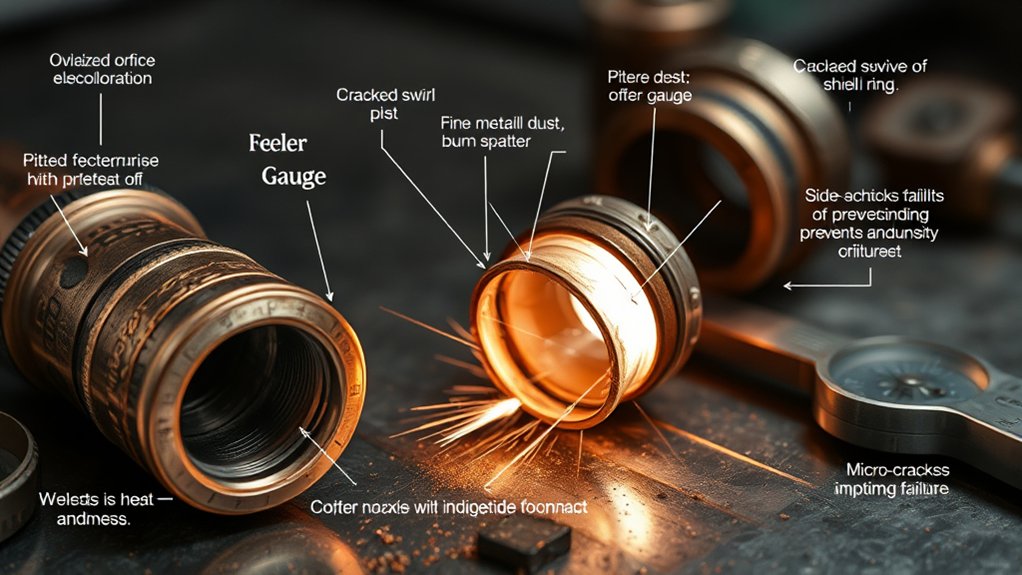
While cleaning preserves consumables, you prevent failures by knowing the hard stop for each part. Use disciplined electrode maintenance and nozzle inspection to decide.
Replace an electrode when the hafnium pit exceeds 1/16 inch; deeper pits destabilize the arc, overheat the nozzle, and cascade wear to rings and shields. Don’t “polish” an over‑pitted tip—swap it.
Replace the electrode once the hafnium pit exceeds 1/16 inch—don’t polish, swap to prevent cascading damage.
For nozzles, clean light deposits, but replace any with oval or enlarged orifices. Distorted geometry guarantees poor arc stability, wider kerf, dross, and taper. A clean nozzle with a round, crisp orifice can be reused.
Swirl rings and shields usually tolerate cleaning; retire them only for cracks, burns, or stubborn contamination that disrupts gas flow.
Prevent catastrophic failures by pairing inspections with records. Log arc starts, current, material, and air quality against part life.
Trend deviations: accelerated pit growth or recurring ovalization signals upstream issues. Replace at thresholds, not after cut quality collapses.
Frequently Asked Questions
Do Ambient Temperature or Humidity Affect Consumable Wear Rates?
Yes. You’ll see faster wear when ambient moisture promotes arc instability and corrosion, and temperature fluctuations affect gas density, cooling, and tolerances. Control humidity, preheat consumables, stabilize shop temperature, and dry air supply to extend electrode and nozzle life.
Can Poor Grounding Mimic Symptoms of Worn Consumables?
Yes. Up to 60% of cut-quality complaints trace to grounding issues, which can mimic worn consumables: erratic arc starts, double-arcing, bevel, and spatter. You’ll fix it by eliminating electrical interference, cleaning clamps, shortening returns, and verifying continuity.
How Does Duty Cycle Influence Consumable Lifespan?
Duty cycle effects directly impact consumable longevity: exceeding rated duty overheats the torch, erodes electrodes/nozzles, and warps shields. You extend life by respecting cooldown intervals, reducing arc-on time, managing amperage, ensuring airflow, and pausing before reigniting to limit thermal cycling.
Are Aftermarket Consumables’ Lifespans Comparable to OEM Parts?
Yes—if aftermarket quality matches OEM specs, lifespans can be comparable. You’ll validate consumable performance by checking metallurgy, tolerances, orifice concentricity, and cooling design. Test cut consistency, arc starts, bevel, and electrode wear. Poor QC shortens life markedly.
What Data Logs Should I Keep for Troubleshooting Recurring Wear?
Track consumable serials, torch model, batch, arc-on time, cut count, pierce count, amperage, gas type/pressure, coolant temp/flow, duty cycle, material/thickness, operator, start/end dates, maintenance events. Photograph wear patterns. Correlate usage frequency against failures to pinpoint root causes.
Conclusion
Stay vigilant and you’ll keep cut quality high and downtime low. Inspect electrodes for pits and discoloration, check nozzles for ovality and grooves, and confirm swirl rings, shields, and caps aren’t cracked, warped, or blocked. Listen for arc instability, watch for bevel and dross, and validate arc color and standoff. Use simple bench tests to quantify wear, and log life by amps, material, and air quality. When in doubt, swap parts—an ounce of prevention beats a pound of rework.