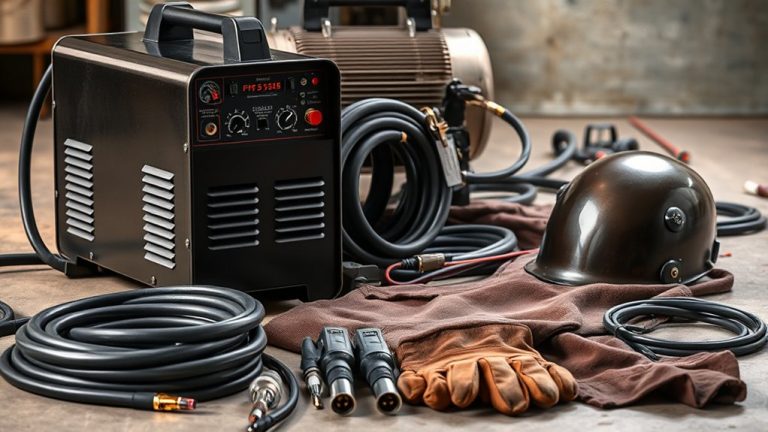
Setting up a plasma cutter for the first time doesn’t have to be complicated. Start by securing the power supply and air source, making sure the voltage and pressure are correct. Ground the work clamp on a clean area, adjust the amperage, and select the right cutting mode. Once you approach that first test cut, precision is key. Follow the steps below to get clean, smooth lines from the start.
Quick Answer
- Connect the power cable securely and verify the voltage matches your machine’s specs before flipping the breaker.
- Attach the air source (compressor or portable tank) and set pressure to 80–100 PSI.
- Ground the work clamp to a clean, rust-free spot on your metal or cutting table.
- Adjust the amperage dial to match your material thickness, and select the correct cutting mode.
- Prepare the torch with the right tip, then run a test cut on scrap metal before starting your project.
Connecting the Power Supply
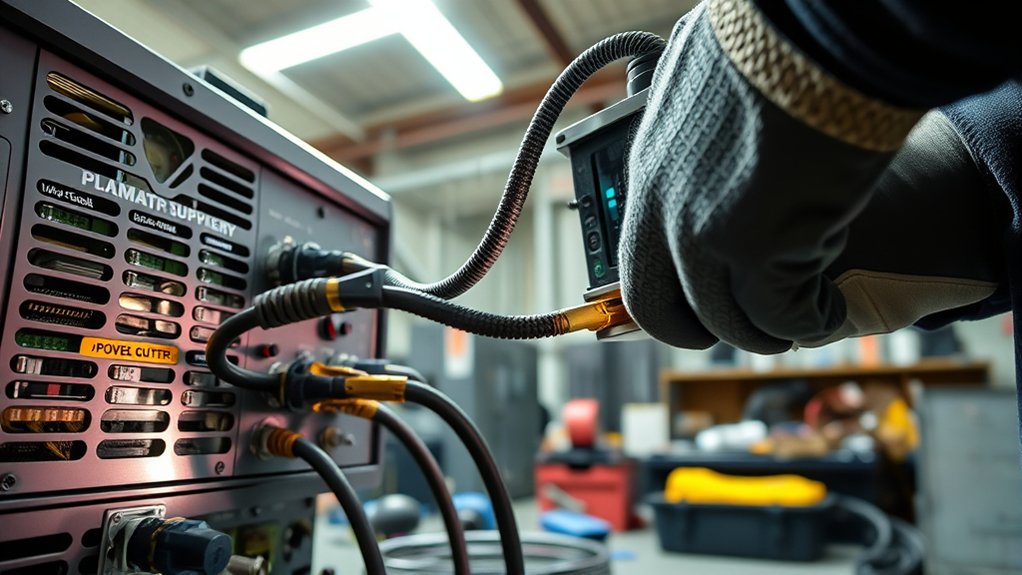
Start by plugging the power cable into the back of the machine. Use the locking ring to make sure the connection is tight and won’t come loose.
It’s important to match the power requirements of your plasma cutter with your outlet or generator. Double-check that the supply voltage lines up with the cutter’s specs listed in the manual. A mismatch can damage the machine or cause it to underperform.
Once connected, flip the breaker switch to power on the machine. Look for the power status indicator on the front panel. If it lights up, you’re good to go.
Flip the breaker switch and check the power status indicator to ensure the plasma cutter is powered correctly.
As a safety step, clear the area around the plasma cutter of any flammable materials. Always wear appropriate personal protective equipment, including a welding helmet with the correct shade lens, safety glasses, and flame-resistant gloves. Following the American Welding Society’s safety guidelines helps protect you and prevents unnecessary electrical malfunctions that can shorten your machine’s life.
Attaching the Air Source
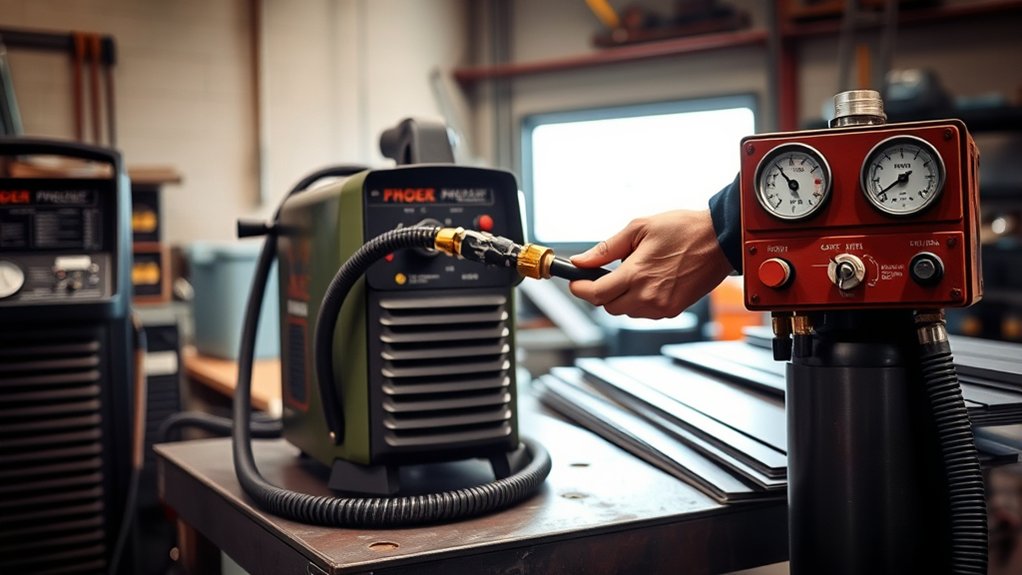
Connect the air inlet on the plasma cutter to a suitable air line or portable air tank. Make sure it provides enough pressure for your machine.
Set the air supply to the recommended pressure level, typically 80–100 PSI, for the best cutting performance.
Tighten all air fittings and check for leaks. Consistent, clean airflow prevents moisture-related issues and keeps your cuts smooth.
Connecting Air Line
Find the air inlet port on the back of your machine. Verify that your air source fitting is compatible with the port. A proper seal is essential for maximum performance.
Use a high-pressure air source like a portable air tank or air compressor. Attach the air line securely to prevent leaks, which can reduce cutting efficiency.
Wrap Teflon tape on threaded joints for an airtight connection. Double-check all fittings to confirm they’re snug.
Always refer to the manufacturer’s manual for specific instructions on air source compatibility. A stable connection is key for consistent, reliable cutting.
Ensuring Proper Pressure
Proper air pressure is critical for any plasma cutter setup. Connect the air inlet to a suitable air source, whether that’s a direct air line or a portable air tank.
The pressurized air serves two purposes: cooling the torch tip and blowing molten metal out of the cut. Without the right pressure, your cuts will suffer.
Check your manual for recommended air pressure settings. For models like the Hypertherm Powermax 85, the manual lists specific PSI ranges for different materials and thicknesses.
Make sure all connections are tight to prevent air leaks that could weaken the plasma arc. Inspect and maintain your air source regularly to keep pressure levels consistent across all your projects.
Securing Air Fittings
Tight air fittings keep your plasma cutter running at its best.
Connect the air inlet to your air line or portable air tank before you power on the machine. Then check the air pressure settings on the front panel to confirm proper cooling and effective removal of molten metal.
Use high-quality fittings and hoses. Cheap or worn fittings cause air leaks, which reduce performance and increase wear on consumables.
Inspect fittings regularly for signs of wear or damage and replace them as needed. Verify that the air supply matches the specifications in your machine manual for the best results and longest equipment life.
Grounding the Work Clamp
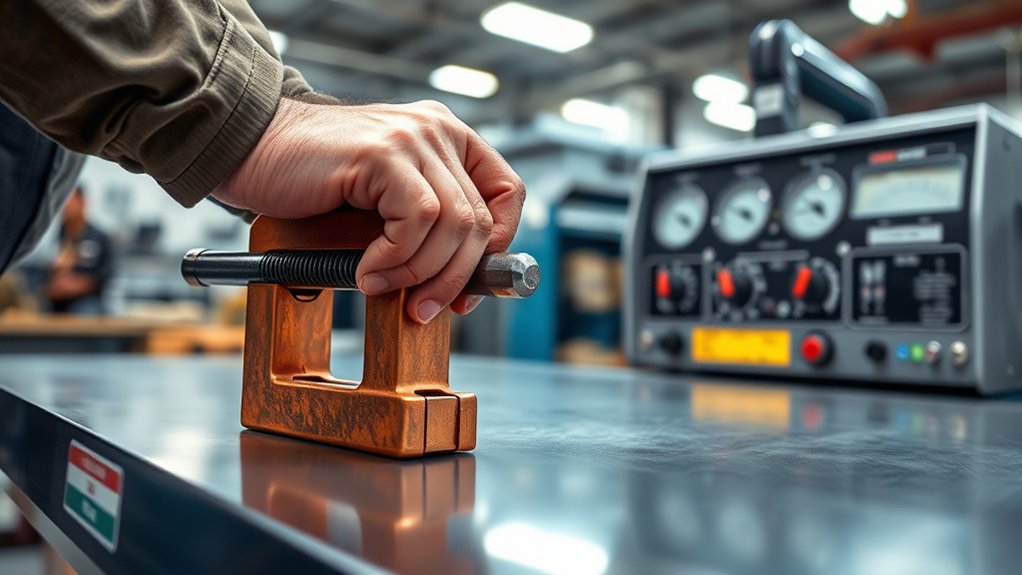
Attach the work clamp to a clean, rust-free area on the metal piece or cutting table.
A good ground is essential for peak plasma cutter performance. It minimizes electrical resistance and directly improves cutting quality.
If you notice erratic cutting or excessive dross, the grounding connection is one of the first things to check.
Ensuring Proper Connection
Grounding the work clamp properly affects both cut quality and your safety. Connect the work clamp directly to the metal piece or the cutting table to create a strong electrical connection.
A secure connection prevents erratic cuts and reduces the risk of electrical hazards. Always pick a grounding point that’s clean and free from rust or paint, since coatings reduce conductivity.
If you’re using a portable air tank, make sure the work clamp stays grounded to the metal you’re cutting, not the tank.
Inspect the connection of the work clamp before every session. This simple check helps maintain consistent performance and clean cuts throughout your project.
Importance of Good Ground
A secure connection is step one, but a good ground is just as important for effective plasma cutting. Proper grounding techniques complete the electrical circuit between the torch and the workpiece.
Securely attach the work clamp to the metal piece or cutting table. Without a solid ground, you’ll see erratic cutting and risk electrical hazards.
Always inspect the clamp connection before you start. A poor ground leads to excessive dross or slag, leaving rough finishes that require extra cleanup.
Keep these points in mind:
- Secure Attachment: Make sure the work clamp is firmly connected to prevent interruptions.
- Regular Checks: Inspect connections before each use for reliable grounding.
- Electrical Safety: Proper grounding protects you and your equipment from electrical surges or faults.
Troubleshooting Grounding Issues
If you’re having grounding issues, start by examining the work clamp’s connection to your metal workpiece or table.
Look carefully at the connection points for rust, paint, or debris that could block electrical conductivity. A poor ground often shows up as inconsistent cuts and increased arc instability, so a solid connection matters.
When using a portable air tank, confirm the clamp has firm contact with the metal itself.
Test your grounding setup before every cutting session to prevent operational problems. Clean contact surfaces and thorough connection inspections go a long way toward reducing grounding-related issues.
Adjusting the Amperage Dial
On the Hypertherm Powermax 85, locate the control panel where you can set the amperage anywhere from 0 to 85 amps.
Getting the amperage right is essential for clean cuts. Start by setting the dial to the second icon down for flat metal cutting. This works well for standard thicknesses.
Start with the dial set to the second icon for effective flat metal cutting on standard thicknesses.
- Thicker Materials: Turn up the amperage to penetrate dense metals, but don’t go overboard or you’ll get excess dross buildup.
- Material Thickness: Always match your amperage setting to the material’s thickness for clean, efficient cuts.
- Consult the Manual: Check your manual for specific amperage recommendations for different materials and techniques.
Selecting the Cutting Mode
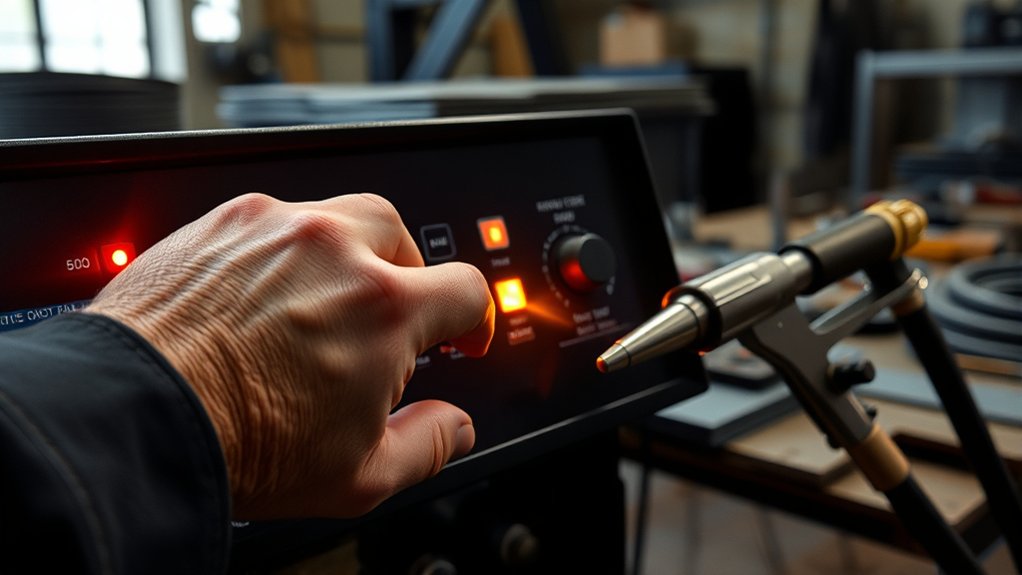
Picking the right cutting mode on your Hypertherm Powermax 85 plasma cutter is a big part of getting precise, efficient results. Start by looking at your cutting parameters and the type of material in front of you.
This machine offers modes for expanded metal, flat metal, gouging, and automated cutting. For flat metal, select the second icon down on the front panel display. Make sure the cutting mode matches the metal thickness for the best performance.
Next, set the amperage, which ranges from 0 to 85 amps. Match it to the specific metal thickness. Too much amperage produces excessive dross or slag, which hurts cut quality.
Fine-tuning these settings gives you cleaner cuts and less post-processing work. Always check the machine’s manual for detailed recommendations based on your specific cutting mode and metal type.
Preparing the Torch and Performing a Test Cut
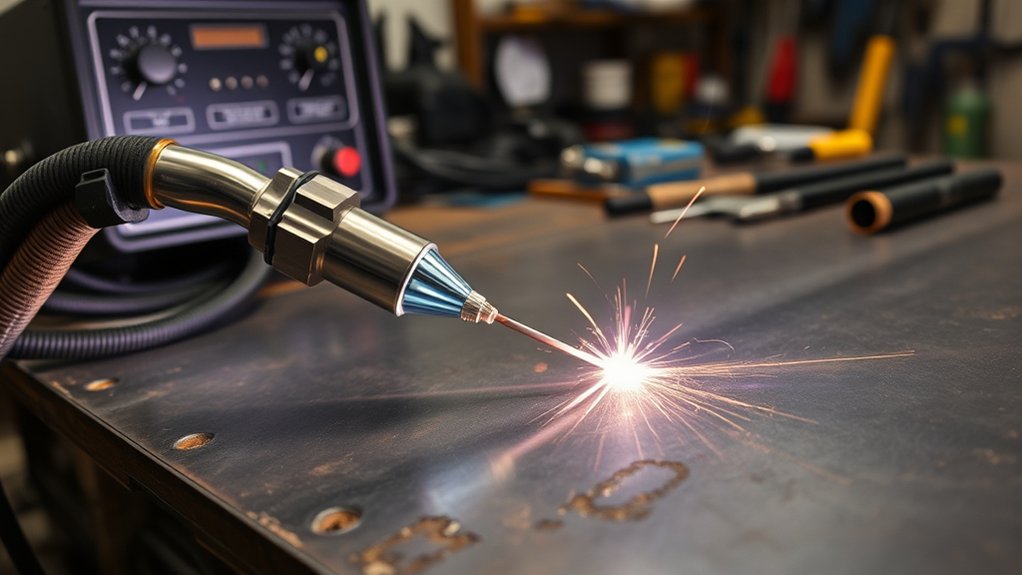
Before you cut, make sure the torch is properly prepared.
First, confirm the work clamp is securely connected to the metal or work table for a reliable ground. Torch maintenance matters here too. Select the appropriate tip for the job: standoff tips keep a gap between the torch and the workpiece, while drag tips make direct contact with the material.
Ensure a secure work clamp and choose the right tip for optimal torch performance.
Adjust the amperage to match the metal’s thickness, since excessive amperage creates more dross. Connect the air line or portable air tank to the air inlet and verify proper air pressure before turning on the machine.
Run a test cut on scrap metal to check your settings and technique. This step is critical for dialing everything in before you start on your actual project.
Key steps to remember:
- Secure the work clamp for effective grounding.
- Select the correct tip for your cutting needs.
- Adjust amperage according to metal thickness.
Common Plasma Cutter Mistakes to Avoid
Even with the right setup, a few common mistakes can ruin your cuts or damage your equipment. Here’s what to watch out for:
- Skipping the test cut: Always test on scrap before cutting your workpiece. This helps you catch incorrect settings early.
- Ignoring consumable wear: Worn nozzles and electrodes reduce cut quality fast. Inspect them before each session and replace them when they show signs of wear.
- Moving too fast or too slow: Cutting speed affects edge quality. Too fast leaves an uncut edge; too slow creates excess dross. Find a steady pace that produces a clean, slight forward angle on the sparks exiting the bottom of the cut.
- Wrong standoff distance: Holding the torch too far from or too close to the metal changes the arc behavior. Follow the manufacturer’s recommendation for your specific tip type.
Frequently Asked Questions
What Safety Gear Should Be Worn When Operating a Plasma Cutter?
Eye injuries account for about 25% of all welding-related incidents. Always wear safety goggles or a proper welding helmet with a shade 5–8 lens. Use protective gloves to shield your hands from sparks and heat. Refer to OSHA’s welding and cutting safety standards for a full list of recommended protective equipment.
How Often Should the Plasma Cutter Be Serviced or Maintained?
Follow the manufacturer’s service schedule, typically every 3–6 months. Regular maintenance includes checking consumables, inspecting cables, and cleaning the torch. Sticking to a routine keeps performance high and extends the cutter’s lifespan.
Can a Plasma Cutter Be Used Outdoors in Wet Conditions?
Using a plasma cutter in wet conditions is risky. Water conducts electricity, which increases the chance of electric shock. Prioritize outdoor safety by making sure everything stays dry and by using protective gear rated for the environment.
What Is the Expected Lifespan of Plasma Cutter Consumables?
Plasma cutter consumables typically last between 1 to 3 hours of cutting time. Their lifespan depends on proper setup, correct amperage settings, and regular inspection for wear and tear. Better maintenance means longer consumable life.
How Can I Troubleshoot Poor Cut Quality With My Plasma Cutter?
If your cuts look rough, check your cutting speed and electrode condition first. Adjust speed for cleaner edges, and replace worn electrodes to restore precision. These two tweaks alone can make a big difference in cut quality.
Wrapping Up
With the power supply connected, air source attached, work clamp grounded, and amperage dialed in, you’re ready to cut. Select the right mode, prepare the torch, and always test on scrap metal first. Once your test cut looks good, you can move on to your actual project with confidence. Take your time with setup, and the results will follow.