Setting up and using the Lotos Plasma Cutter efficiently requires attention to detail and precision. Start by unboxing and inspecting all components for damage. Connect the air hose, torch, and ground clamp securely, ensuring all connections are tight. Adjust air pressure to 30-50 PSI and set the amperage based on material thickness. Regularly check the cutting quality and maintain consumables to avoid downtime. Ready to optimize your cutting experience?
Unboxing and Initial Setup
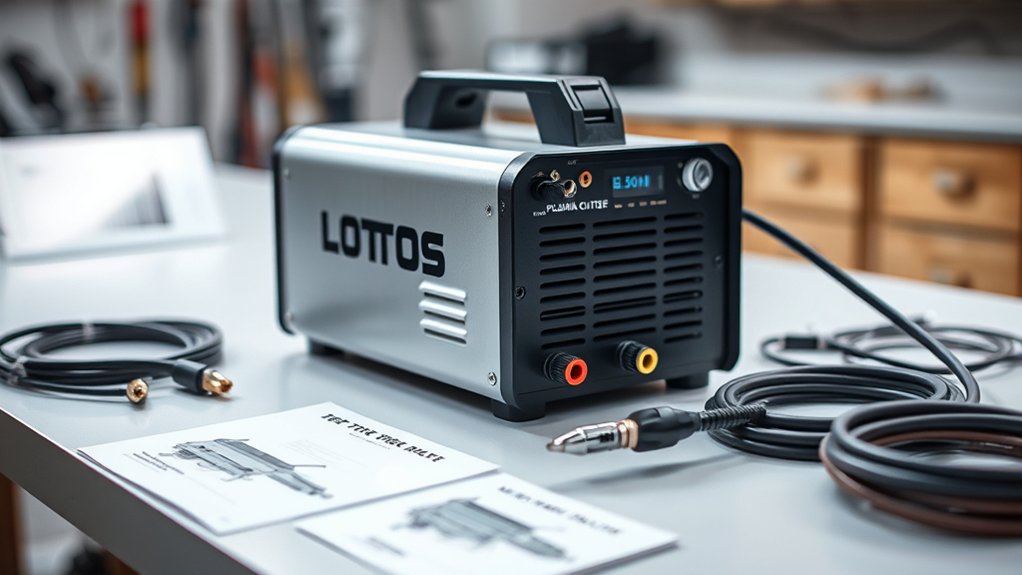
Upon unboxing your Lotos Plasma Cutter, you’ll find essential components like the ground clamp, torch, extra consumables, a pigtail connection, and a plug configured for 110 volts.
Unbox your Lotos Plasma Cutter to find a ground clamp, torch, extra consumables, and a 110-volt plug.
The unboxing experience is straightforward, guaranteeing you’re ready for setup with minimal fuss. Your initial impressions will likely be positive, as the components appear robust and well-organized within the packaging.
Begin by examining each item for any visible defects. The ground clamp should connect to the top of the machine, establishing a proper electrical ground vital for safe operation.
Before proceeding, verify the plug is compatible with your power source.
While the air hose and torch connections will follow, take this moment to familiarize yourself with the machine’s layout. This thoughtful approach guarantees you’re prepared for the next steps.
Connecting the Air Hose and Torch
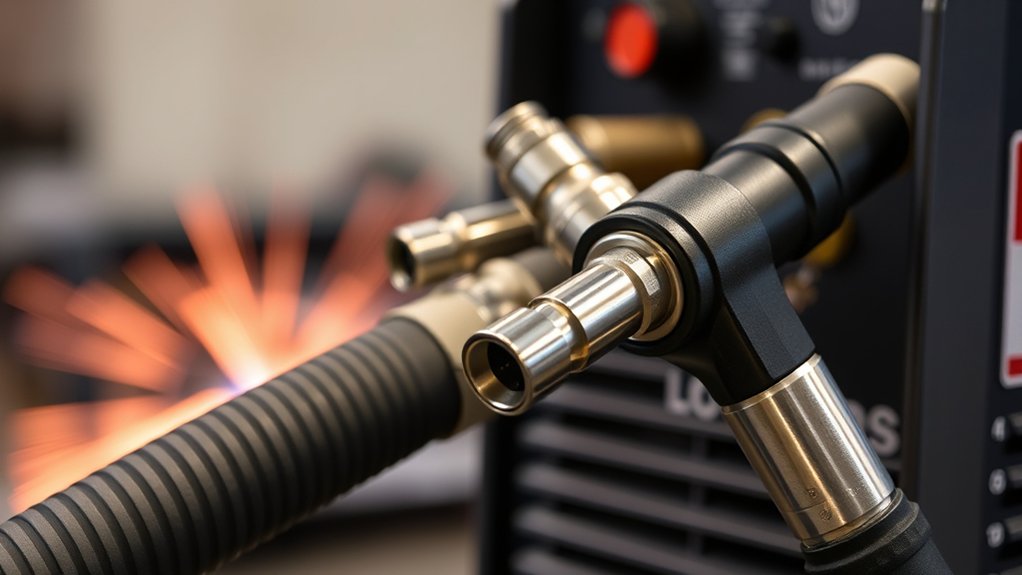
After preparing your workspace and verifying the integrity of initial connections, it’s time to focus on connecting the air hose and torch for your Lotos Plasma Cutter.
Begin by attaching the air hose to the designated port on the plasma cutter. This guarantees a steady air supply for peak cutting operations.
Next, securely attach the torch by making three connections on the machine’s front. Make sure all fittings are snug to prevent air leaks. For precise torch maintenance, loosen the torch connection slightly before tightening it, guaranteeing a secure fit and leak-free performance.
Regularly inspect these connections to maintain efficiency and prevent operational issues. A loose air hose or torch connection can compromise your cutting quality and safety. Always prioritize thorough checks to enhance performance.
While you’re focusing on the air hose and torch, remember to regularly clean and maintain these components for longevity and effective cutting results.
Ground Clamp Attachment
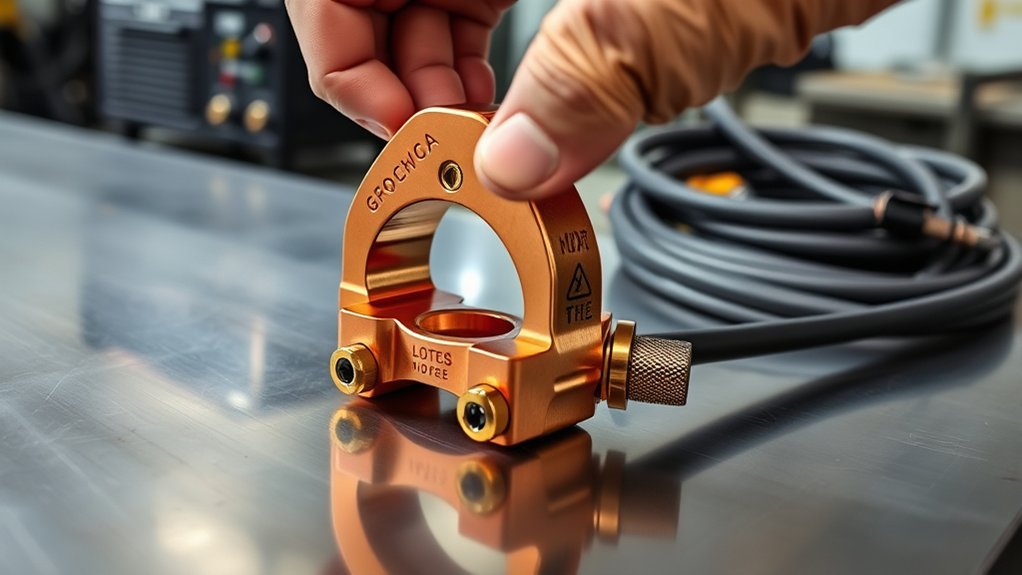
Attach the ground clamp to the top of your Lotos plasma cutter to guarantee proper grounding and safety during operation.
Make sure the clamp is tightly secured to minimize electrical issues and maintain a stable arc.
Always verify the connection is firm to enhance cutting quality and prevent performance loss.
Proper Ground Clamp Connection
To guarantee ideal grounding during your cutting operations, you must connect the ground clamp to the top of your Lotos plasma cutter. Recognize the grounding importance; it prevents electrical hazards and guarantees peak cutting performance.
Begin by identifying a clean, uncoated metal surface for attachment. This enhances conductivity, vital in connection techniques. Confirm the ground clamp makes direct contact with the metal, avoiding paint or rust, which can impede the electrical flow.
Before initiating any operation, inspect the connection visually and physically to verify it’s secure. If the connection feels loose, use pliers to adjust the clamp.
Consistently performing these checks elevates your safety and the efficiency of your plasma cutter, providing a stable cutting experience.
Tightening Ground Clamp Securely
Securing the ground clamp firmly is the next step after confirming a clean surface attachment. This process is essential for maintaining a reliable electrical connection, enhancing the Lotos Plasma Cutter’s performance.
Follow these steps for ground clamp maintenance:
- Inspect: Check the ground clamp for any wear or damage. A compromised clamp can lead to poor cutting quality and safety risks.
- Tighten: Connect the clamp to the top of the plasma cutter. Loosen and then retighten the clamp to secure it, which helps prevent electrical interruptions.
- Verify: Confirm the clamp is firmly in place before starting your cutting operation. This prevents arcing and guarantees excess current is safely directed away from the workpiece.
Proper attachment is critical for safe and effective cutting.
Setting Up for Cutting
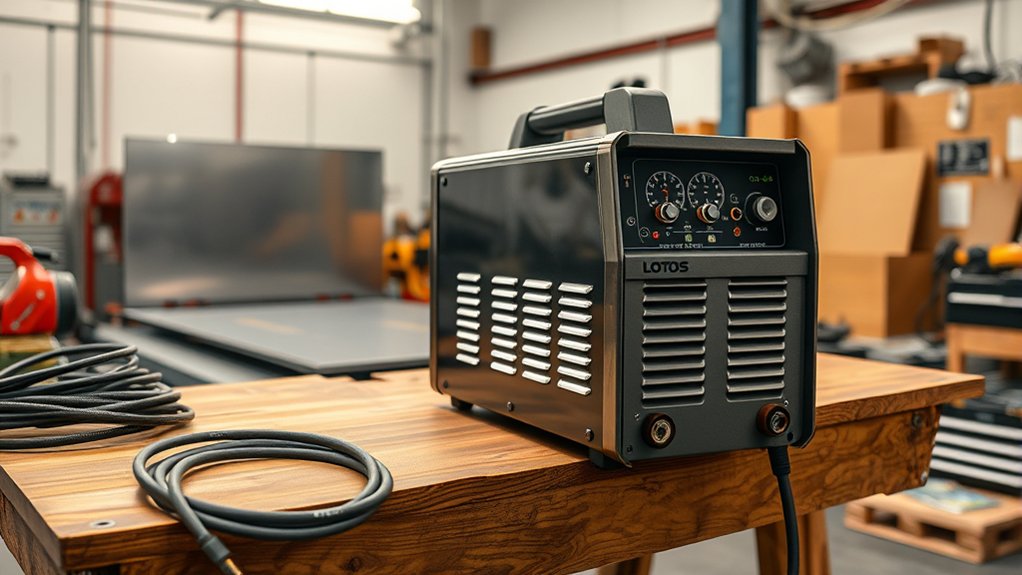
To begin setting up your Lotos plasma cutter, connect the air hose to the designated port to guarantee proper airflow.
Next, securely attach the torch using the three front connections, and check all connections for tightness to avoid air leaks.
Finally, adjust the amperage and pressure settings based on your voltage, aiming for 30 to 50 PSI if you’re working with 120 volts, and always test on a practice piece to fine-tune your setup before actual cutting.
Connecting Components Securely
Start by guaranteeing a precise connection of each component to enhance your Lotos Plasma Cutter’s performance.
Prioritize safety precautions and maintenance tips for a smooth operation. First, connect the air hose to its designated port to guarantee ideal airflow. This connection is vital for efficient cutting.
Next, attach the torch securely to the front of the machine:
- Loosen the torch connections, fit them in place, then tighten thoroughly.
- Secure the ground clamp to the top of the machine, establishing a reliable electrical ground.
- Verify all connections—air hose, torch, and ground clamp—are tight, preventing leaks or interruptions.
Finally, guarantee your compressor maintains a pressure of 30 to 50 PSI for 120 volts before beginning the cutting process.
Adjusting Pressure and Amps
Begin by setting the air pressure to between 30 and 50 PSI if you’re operating at 120 volts, guaranteeing ideal airflow for efficient cuts.
For thicker materials and 240-volt operation, adjust the pressure calibration to 30 to 70 PSI. Use a Craftsman air compressor rated at 150 PSI to maintain consistent airflow during prolonged cutting tasks.
Next, perform an amp adjustment based on material thickness—higher amps for thicker metals, lower for thinner pieces. Always monitor cutting quality; a decline might necessitate pressure tweaks or replacing worn consumables.
Before starting on your actual project, test settings on a practice piece like an old lawn mower blade. This guarantees your pressure and amp settings are optimized for effective and precise cutting.
Adjusting Air Pressure and Amps

When optimizing your Lotos plasma cutter’s performance, adjusting the air pressure and amps is essential for precision and efficiency.
Begin by setting the air pressure between 30 to 50 PSI when operating on 120 volts. This range guarantees effective cutting on thinner materials. For 240 volts, adjust the air pressure to between 30 and 70 PSI to handle thicker materials efficiently.
Set air pressure to 30-50 PSI on 120 volts, and 30-70 PSI on 240 volts for optimal cutting.
Confirm your air compressor is rated for at least 150 PSI to maintain consistent airflow and prevent interruptions.
Adjust amp settings based on material thickness and desired cutting speed. Here’s how:
- Thinner Materials: Use lower amp settings to prevent overheating and guarantee smooth cuts.
- Thicker Materials: Increase amps for deeper penetration and faster cutting speeds.
- Monitoring: Regularly check the cutting quality. Inconsistent results may require adjustments in air pressure or amp settings, or replacing consumables.
Precise adjustments enhance cutting speed and quality, critical for varied material thicknesses.
Evaluating Cutting Performance
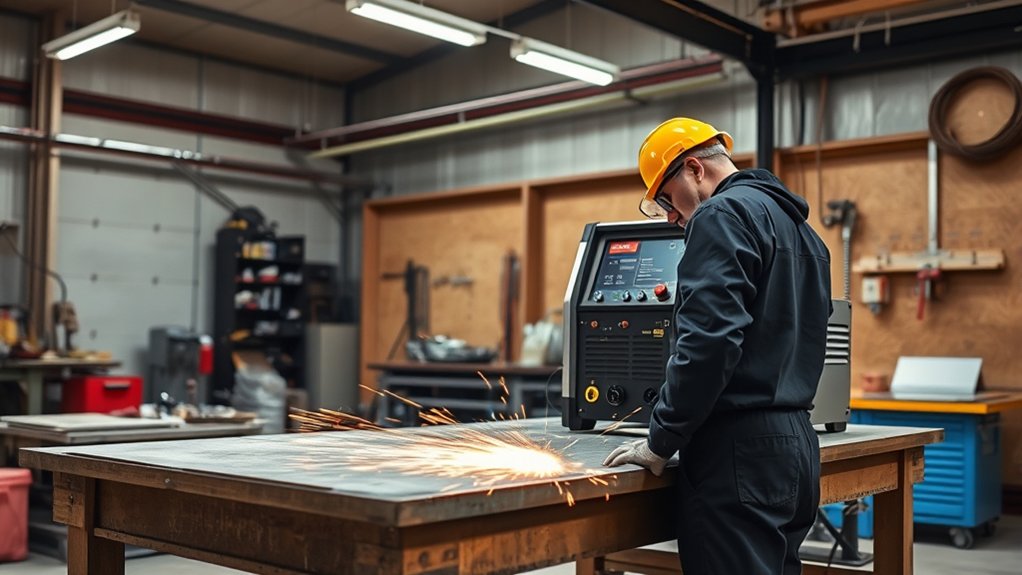
Evaluating the cutting performance of your Lotos plasma cutter requires a keen eye and attention to detail.
Begin by examining the cutting speed and material thickness. The cutter is adept at handling mower blade thickness, though it may operate at a slower cutting speed. To enhance performance, verify the machine is set to the appropriate maximum amps.
Keep the air pressure between 30 to 50 PSI when operating at 120 volts; this precision guarantees clean cuts.
Switch to a 240-volt configuration to improve cutting capabilities, increasing air pressure to 30 to 70 PSI. Utilize a recommended air compressor, such as the Craftsman rated at 150 PSI, to maintain continuous operation.
Monitor cutting quality closely; if it declines, it could indicate worn consumables. Regularly inspect and replace these components to sustain peak performance.
Maintaining and Replacing Consumables
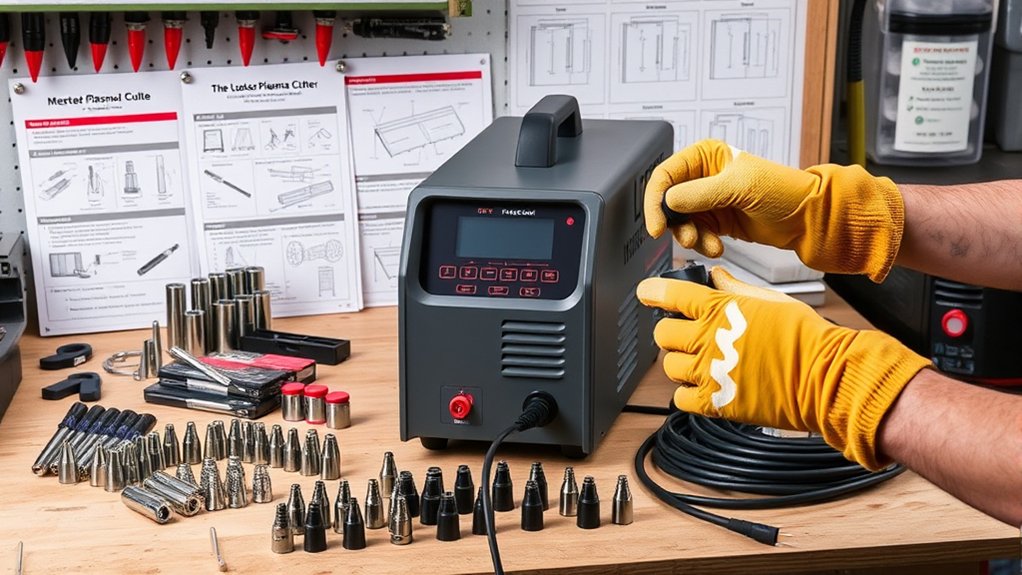
Although maintaining your Lotos plasma cutter is essential, replacing consumables is equally important to guarantee peak cutting performance and quality.
Regularly inspect your consumables, as worn components can negatively impact results. Understanding different consumable types and adhering to a maintenance schedule promotes longevity and efficiency.
Here’s how to effectively manage your consumables:
- Inspection and Replacement: Routinely check consumables for wear and tear. If performance declines, replace them promptly. Unscrew the component, using pliers to secure or loosen if necessary.
- Stock Management: Always keep an extra set of consumables on hand. The PCS 22 kit is recommended for thorough maintenance, ensuring you’re never caught off guard.
- Installation: Verify new consumables are installed correctly. Improper installation can cause operational issues during cutting tasks.
Monitor your cutting quality closely. Adhering to these steps maintains efficiency and provides a seamless cutting experience with your Lotos plasma cutter.
Troubleshooting Common Issues
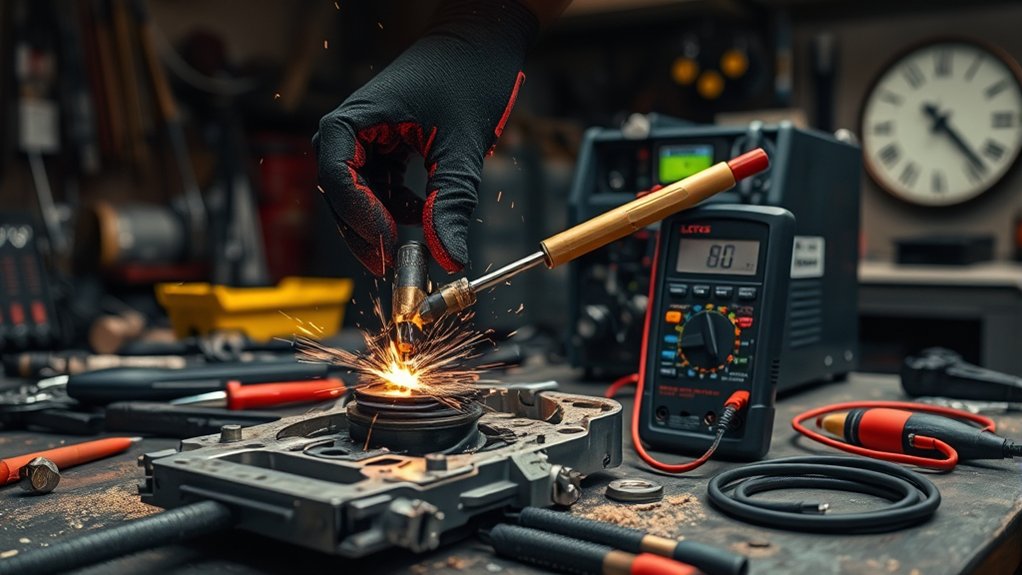
Proper care of your Lotos plasma cutter, including maintaining and replacing consumables, guarantees consistent performance.
When encountering common troubleshooting scenarios, focus on key performance issues. First, inspect all connections. Loose air hoses or torch connections can notably hinder cutting efficiency. Tighten these to guarantee ideal operation.
Next, verify air pressure. Adjust the compressor to maintain recommended levels—30 to 50 PSI for 120 volts, or 30 to 70 PSI for 240 volts—to achieve superior cutting quality.
If cutting speed drops, examine the consumables for wear and replace them as necessary to restore efficiency.
Additionally, check the ground clamp. A weak connection to the machine’s top surface can result in subpar cutting performance. Ensure it’s secure for reliable grounding.
Finally, if your compressor underperforms, confirm it’s rated for 150 PSI and can sustain continuous operation.
Following these troubleshooting steps will help you resolve common issues and maintain peak plasma cutter performance.
Frequently Asked Questions
What Safety Gear Should Be Worn When Using a Plasma Cutter?
Wear personal protective equipment like flame-resistant clothing, safety glasses, gloves, and a welding helmet to shield against sparks and UV rays. Use insulated boots to prevent electrical hazards. Guarantee your workspace is well-ventilated to avoid fumes.
How Do I Store the Plasma Cutter When Not in Use?
Think of storing a plasma cutter like tucking a baby into bed. Guarantee proper storage by keeping it in a dry, dust-free environment. Consider environmental factors like temperature and humidity to prevent damage and maintain its longevity.
Can the Plasma Cutter Be Used Outdoors in Wet Conditions?
You shouldn’t use the plasma cutter outdoors in wet conditions. For outdoor safety, always guarantee the area is dry and free of moisture. Wet conditions increase the risk of electrical hazards and equipment damage. Prioritize safe operation.
What Is the Lifespan of the Plasma Cutter’s Consumables?
The consumable lifespan varies with usage frequency. Typically, you’ll replace them after 2-3 hours of continuous cutting. Monitor wear by checking the nozzle and electrode. Regular inspection guarantees peak performance and prevents unexpected downtime during essential tasks.
How Do I Clean and Maintain the Plasma Cutter for Longevity?
Regularly clean the torch, inspect cables for damage, and replace consumables promptly. Use these plasma maintenance tips: check air filters, confirm connections are tight, and follow the manufacturer’s guidelines. This guarantees peak performance and extends your cutter’s lifespan.
Conclusion
With the Lotos Plasma Cutter, you’ve got a reliable tool for precise cuts. Don’t let its setup intimidate you; just follow the steps: securely connect parts, adjust air pressure and amps, and monitor your cuts. If you’re worried about visualizing these steps, diagrams in the manual will guide you. Regular maintenance keeps your cutter in top shape. By troubleshooting minor issues, you’ll guarantee consistent performance, making every cutting task efficient and hassle-free.