By coincidence, your plasma cutter stalls just as you switch to thicker plate, and the arc sputters. You’re likely starved for air—PSI may look fine at idle, but flow collapses under load. You’ll confirm it by checking hot flow at the torch, verifying 80–85 PSI while cutting, and inspecting hoses, filters, and regulators for choke points. If you want consistent pierces, clean edges, and longer consumable life, you’ll need a precise, stepwise check next.
Signs Your Plasma Cutter Is Starved for Air

When the machine stalls mid-cut or struggles to pierce, you’re likely starved for air. Confirm it by watching the gauge at the plasma unit during the cut, not just at idle. If it holds around 72 PSI while cutting when the spec calls for 80–85 PSI, you’ve got inadequate air supply. Expect hard starts, inconsistent arc, and poor pierce on material thicker than 1/4 inch.
Verify the pressure regulator setting and placement; set it with air flowing and locate it close to the cutter. Listen for the compressor cycling too frequently or audible pressure drop at the torch—both indicate restriction or undersupply.
Inspect the entire path: compressor outlet, hose runs, quick-connects, filters, dryers, and the torch body. Clean or replace clogged filters and drain water traps. Check for crushed hoses, leaks, or partially closed valves.
During a test cut, log pressure drop; if it falls below spec, stop, correct the restriction, and retest to protect consumables.
PSI vs. Flow Rate: What Matters and Why

Although PSI gets most of the attention, flow rate is just as critical to a plasma cutter’s performance. PSI sets the pressure at the compressor; flow rate, measured in scfh, determines the actual volume reaching the torch. You need both.
Correct psi without sufficient flow rate starves the arc, causing unstable starts, sputtering, and bevel. Conversely, adequate flow with low psi can’t maintain the swirl and cooling needed for clean cuts.
Correct PSI without enough flow starves the arc; low PSI with good flow kills swirl and cooling.
Think in two conditions: cold flow and hot flow. For example, a Powermax 85 needs about 500 scfh at 90 psi during cold flow and about 400 scfh while cutting at 85 amps.
If you can’t hold those, look at restrictions: undersized hoses, clogged or waterlogged filters, or blockages in lines. Each adds pressure drop that robs flow rate at the torch.
Install an inline flow meter near the machine inlet to verify real-time scfh. Adjust hose diameter, filter condition, and line routing to maintain target psi and flow rate.
Manufacturer Specs You Must Match
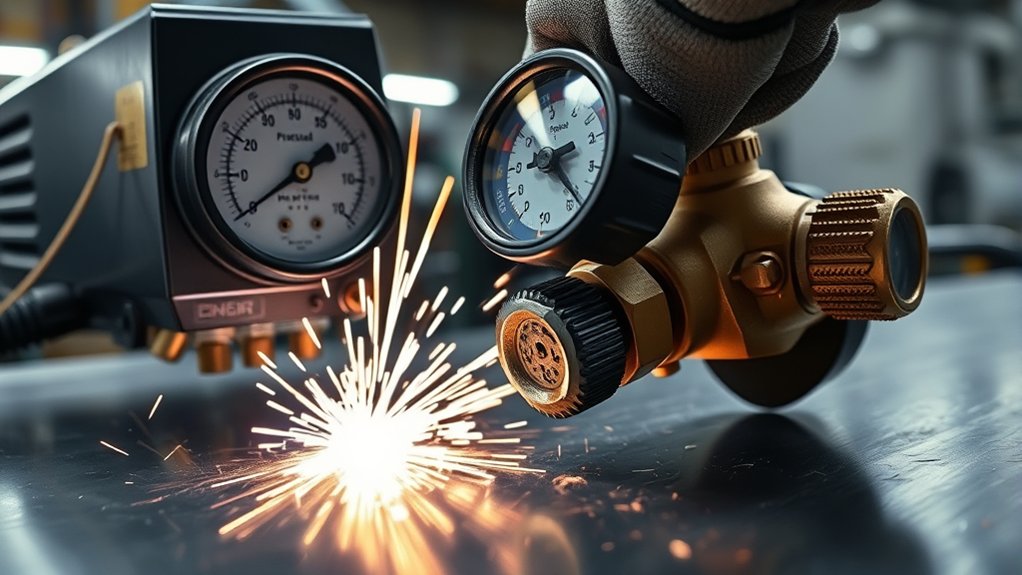
Before you chase leaks or swap filters, lock in the manufacturer’s air specs at the machine inlet. Check your plasma cutter manual and set air pressure and flow to the exact values listed. Most units want 80–85 PSI minimum; many operate best with a stable 80–120 PSI supply at the inlet. Verify cold flow: for example, a Powermax 85 calls for about 500 scfh with no arc. Match both cold and hot flow specs to guarantee the torch never starves.
- Install a calibrated gauge at the inlet.
- Measure static PSI, then flowing PSI while purging.
- Use a flowmeter to confirm scfh against the manual.
- Adjust regulators until readings meet spec under flow.
| Spec to Verify | Target Example |
|---|---|
| Inlet air pressure (static) | 80–120 PSI |
| Inlet air pressure (flowing) | ≥80–85 PSI |
| Cold flow rate (no arc) | ~500 scfh (Powermax 85) |
| Reference | Instruction manual values |
If your readings don’t match, correct settings before cutting.
Common Causes of Low Air Pressure
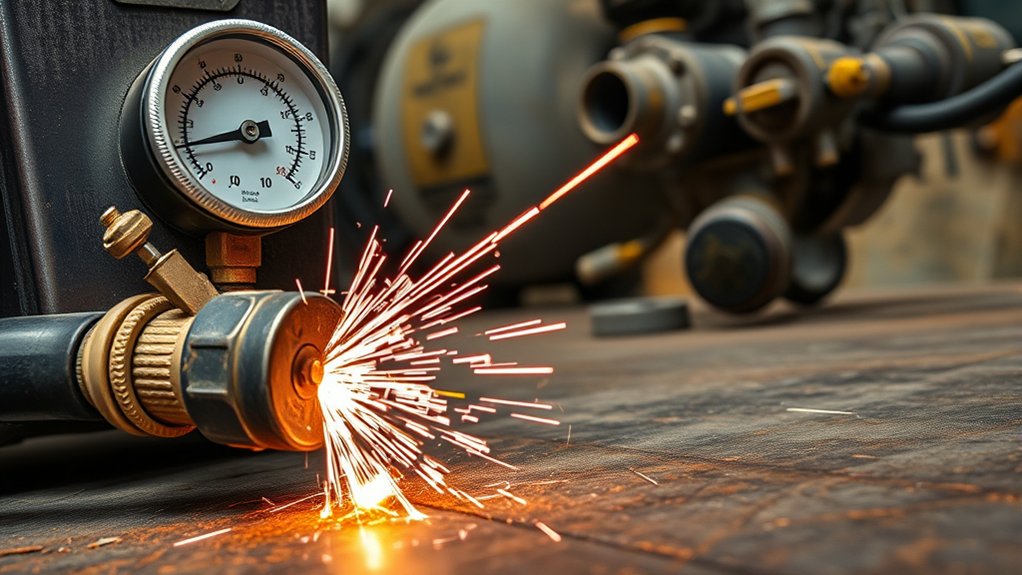
You often see low pressure when undersized hoses or clogged filters throttle flow, especially on long runs where line losses add up.
Verify the regulator is sized for required CFM and set to at least 80–85 PSI, then confirm the torch-side gauge reads the same under flow.
If readings disagree, you’ve got gauge error, a mis-set regulator, or a restriction that needs correction.
Undersized Hoses and Filters
Even minor restrictions in the air path—often from undersized hoses or dirty filters—can starve a plasma cutter of the flow and pressure it needs. If you’re running undersized hoses, friction losses spike, flow collapses, and the torch sees low dynamic pressure—yielding rough edges, dross, and fault codes. Clogged air filters add further resistance, compounding pressure drop. Match hose ID to the manufacturer’s specified SCFM and length; verify filter elements are clean and sized for the same flow.
| Symptom | Likely Cause | Action |
|---|---|---|
| Low cut quality | Hose too small | Upsize hose ID |
| System errors | Dirty air filters | Replace elements |
| Pressure drop at torch | Long small-ID run | Shorten/upspec hose |
| Unstable arc | Hidden restriction | Inspect fittings |
Use an inline flow meter to confirm actual SCFM and pinpoint restrictions. Regular inspections prevent recurring losses.
Regulator and Gauge Missetup
Restrictions aren’t the only source of low air; misset regulators and bad gauges can cripple pressure at the torch. Set the tank regulator near 120 psi, then verify the plasma cutter sees 80–120 psi at its inlet during flow.
Don’t trust a static reading. Trigger air and watch the gauge under load.
Account for line losses. A 60-foot hose can drop pressure, so increase upstream regulator setting to maintain 80–85 psi minimum at the cutter while flowing. If readings seem off, cross-check with a known-good test gauge. Replace suspect gauges immediately.
Confirm the cutter’s internal regulator isn’t choking flow. Adjust it to deliver the manufacturer’s specified pressure at the torch.
Validate with a flow test: trigger, observe pressure stability, fine-tune, and lock settings.
How to Test Cold and Hot Flow Correctly

You’ll test cold flow with air on and arc off, then hot flow with the torch cutting, distinguishing no-arc vs. cutting conditions.
Maintain the specified input pressure (e.g., ≥90 PSI) and verify scfh against the manual (e.g., 500 scfh cold, 400 scfh hot for a Powermax 85).
Use an inline flow meter at the cutter inlet to read actual scfh and confirm compliance.
Define Cold vs. Hot
Although both describe airflow through the same system, cold flow is the air rate with the plasma cutter running but no arc ignited, while hot flow is the air rate during an active cut.
Cold air testing establishes a baseline; hot flow verifies performance under load.
To define and test correctly, connect the air supply, purge lines, and confirm unrestricted flow to the inlet. Measure cold flow at the machine with the torch off-arc.
Then initiate a cut and measure hot flow at the same inlet point. Use a calibrated flowmeter in scfh, positioned upstream of the machine’s internal regulator if specified.
Compare both readings to the manufacturer’s cold and hot targets to detect restrictions or compressor shortfall.
Example: many 85 A systems target roughly 500 scfh cold and 400 scfh hot.
Required PSI and Scfh
With cold and hot flow defined, set the required PSI and scfh and verify them with a proper test.
Begin by setting the regulator to the cutter’s spec; for most jobs you’ll need at least 80–85 psi while cutting. Confirm cold flow: air on, no arc. Read scfh and compare to the spec; for a Powermax 85, target 500 scfh at 90 psi.
Then verify hot flow during a cut at the intended amperage. For a Powermax 85 at 85 A, expect about 400 scfh. If psi is correct but scfh is low, you’ve got restriction or undersized supply.
Process checks:
- Verify regulator accuracy.
- Inspect filters, dryers, and lines for blockage.
- Check hose size and quick-connects for pressure drop.
- Re-test cold and hot flow after adjustments.
Using Inline Flow Meter
Two simple tests with an inline flow meter confirm whether your plasma cutter gets the air it needs.
Install the meter in the supply line downstream of the regulator, upstream of the machine’s inlet, oriented with the flow arrow. Purge the line to stabilize pressure.
Cold flow test: with the torch idle (no arc), open air, and read scfh. Verify it meets the spec—e.g., 500 scfh for a Powermax 85. If low, inspect filters, regulators, hoses, quick-connects, and compressor capacity.
Hot flow test: while cutting, observe scfh. It should match the required hot flow—e.g., 400 scfh at 85 A. If it sags, look for restrictions, pressure drop under load, or undersized plumbing.
Log readings. Consistent monitoring exposes blockages and insufficient air supply before cut quality degrades.
Regulator, Hose, and Filter Setup Best Practices

Before you strike an arc, set up the air system to deliver stable pressure and flow from tank to torch. Start at the air compressor: set the tank regulator near 120 psi to overcome distance losses (about 10 psi over 60 feet) and keep adequate pressure at the plasma inlet.
Install a quality pressure regulator upstream of the machine to stabilize delivery; lock it after setting. Use large-diameter hose for long runs to cut pressure drop—avoid undersized whips. Keep runs as straight as practical and minimize quick-connects that restrict flow.
Place a particulate/moisture filter before the final regulator and service it on schedule; drain bowls, replace elements, and verify seals. Position an additional fine coalescing filter near the cutter if moisture is persistent.
Add an inline flow meter after the final regulator to confirm the required flow (e.g., 500 scfh cold, 400 scfh hot for Powermax 85). Label setpoints and record readings to maintain consistent performance.
Troubleshooting Steps to Restore Proper Air Supply

Although symptoms can look electrical, start by proving the air path end‑to‑end. Work upstream to downstream. Confirm compressor output, then read pressure at the plasma while purging. You want 80–100 psi under flow, not just static. If it sags, adjust the regulator or isolate leaks. Inspect the back‑mounted or pre‑unit filters; replace clogged elements that choke flow. Trace each air line for kinks, crushed sections, oil/water slugging, or hiss indicating leaks.
Open the machine and verify outgoing air lines from the solenoid to the torch. Cycle the test/purge to detect drop‑offs; clean or replace obstructed hoses. Wiggle‑test fittings while watching the gauge to spot intermittent restrictions. If the torch starves, swap in a secondary hand torch to keep cutting while you isolate faults.
| Step | Action |
|---|---|
| 1 | Gauge pressure at the plasma under flow (80–100 psi). |
| 2 | Check filters; replace clogged elements. |
| 3 | Inspect solenoid-to-torch lines; fix leaks/obstructions. |
Preventive Maintenance to Protect Cut Quality and Consumables

Even when the machine’s cutting fine, schedule preventive checks to keep airflow clean and stable and to protect consumables.
Establish a weekly routine: verify regulator setpoint and gauge accuracy, targeting 80–100 psi air pressure under load. Log readings to spot drift. Use an inline flow meter to confirm flow meets the manufacturer’s spec at the torch; adjust supply or fix restrictions if readings fall short.
Weekly: verify regulator and gauges, target 80–100 psi under load, log drift, confirm torch flow, fix restrictions.
Replace or clean intake and inline filters per hours-of-use, not just calendar time. Inspect bowls for water or oil; drain and service dryers.
Walk the air path end to end—compressor to torch—and inspect hoses for kinks, soft spots, leaks, or debris. Replace damaged sections; secure fittings and quick-connects.
At the torch, clean the head, verify proper seating, and check electrode/nozzle orifice wear.
Replace as a matched set when limits are reached. These steps stabilize arc, preserve cut quality, and extend consumable life.
Frequently Asked Questions
How Does Air Pressure Affect Plasma Cutting?
Air pressure dictates arc stability, cut quality, and piercing capability. You maintain pressure regulation and air quality to sustain flow and cooling, prevent hard starts, and protect consumables. Verify 80–85 PSI under load, monitor SCFH, and adjust to specifications.
What Psi Should I Run My Plasma Cutter At?
Run your plasma cutter at the manufacturer’s specified PSI—typically 80–120 PSI; many require at least 90 PSI. Verify outgoing pressure at the torch, compensate for hose drop, maintain ideal pressure, and keep adjusting settings to match current cut conditions.
How to Tell if a Plasma Electrode Is Bad?
You identify a bad electrode by rounded/conical tips, cracks, heavy dross buildup, misfires, unstable arc, slower cuts, and poor pierce. Check manufacturer wear indicators; measure erosion depth. If limits exceeded, perform electrode replacement and recalibrate consumables for best performance.
Will a Plasma Cutter Work Without Air?
No. You need adequate air for plasma cutter operation. Air supply importance includes arc initiation, ionization, cooling, and dross control. Verify 80–100 psi, dry, regulated airflow; inspect filters, hoses, compressor CFM, and leaks; otherwise, interlocks prevent firing and damage.
Conclusion
Treat air like fuel. When you starve it, cuts sputter, arcs wander, and consumables burn. Think of a race car: one shop saw stalling vanish the moment they hit 82 PSI at 6 SCFM under load—like swapping a kinked fuel line. Verify PSI and flow hot, match the manufacturer’s spec, upsize hoses, clean filters, set the regulator, and log results. Do this routinely, and your plasma stays crisp, pierces clean, and runs trouble-free.