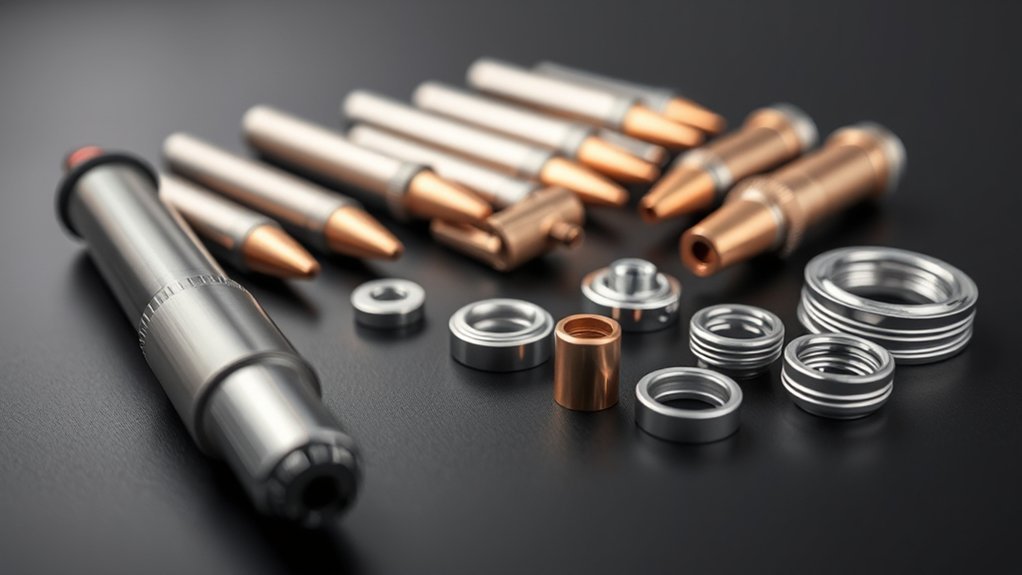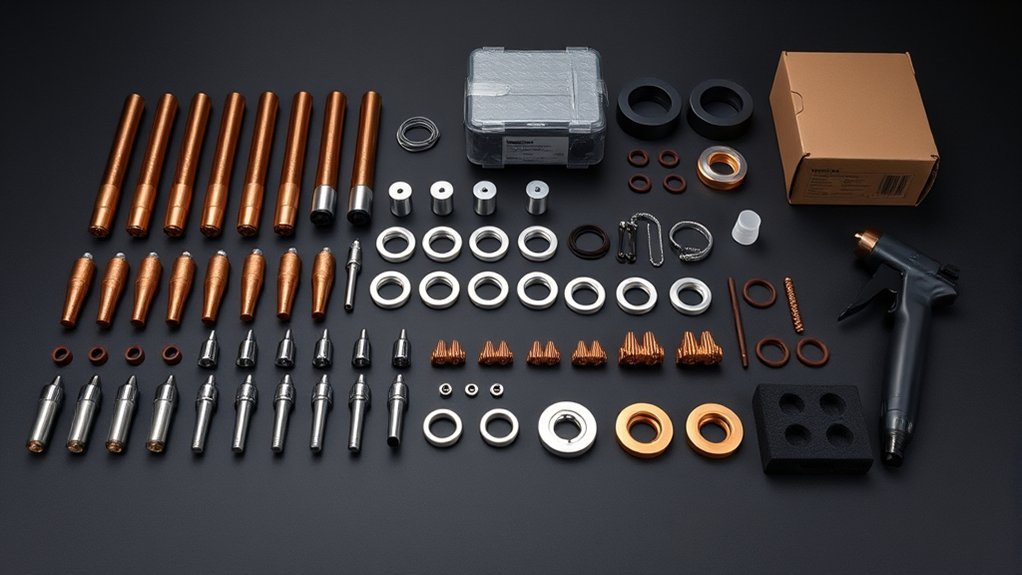
A plasma tip size chart can help you find a clean starting point, but only when the chart matches your exact power supply, torch, nozzle or cartridge, material, and cutting process. Plasma consumables are not standardized by bore diameter alone. To avoid wide kerfs, heavy dross, failed starts, and damaged torch parts, identify the correct consumable first and then use the manufacturer’s cut chart for amperage, air pressure or flow, height, and travel speed.
Quick Answer
There is no universal plasma-tip diameter-to-amperage or PSI chart. Select the nozzle or cartridge made for your exact torch and rated current, then use that machine’s cut chart for material, thickness, pressure or flow, cut height, and speed. Measure the finished kerf on scrap before programming compensation.
Key Takeaways
- Match the nozzle, electrode, shield, and other consumables to the exact torch and process—not to a generic bore-size chart.
- Use the manufacturer’s amperage, pressure or flow, cut-height, pierce-height, delay, speed, and voltage values as one coordinated starting setup.
- Confirm compressor capacity in CFM or SCFM as well as PSI, and check pressure while air is flowing when the machine requires manual adjustment.
- Pierce above cutting height, but let the exact OEM chart override any general height ratio.
- Measure the real kerf on scrap and offset the toolpath by half that width on the correct side of the part.
At a Glance
| Time Required | About 10–20 minutes to identify the consumables, verify the chart, and make a test cut |
| Difficulty | Beginner to intermediate |
| Tools Needed | Machine manual or OEM cut chart, matching consumables, clean dry air, scrap of the same material, caliper or feeler gauges, and required PPE |
| Cost | Usually no added cost beyond test material and replacement consumables when worn |
What’s in This Article
- Before Using a Plasma Tip Size Chart
- How to Read a Plasma Cut Chart
- How Tip Orifice Size Relates to Amperage and Kerf
- Recommended Tip Sizes, Amperage, and Air Pressure
- Matching Metal Thickness to Amperage and Travel Speed
- Pierce Height, Standoff, and Voltage for Clean Cuts
- Kerf Compensation and Cut Path Offsets
- Brand Differences: Using Charts Across Plasma Cutters
- Quick Reference Charts for Steel, Stainless, and Aluminum
- Troubleshooting Plasma Tip and Cut-Quality Problems
- Frequently Asked Questions
Before Using a Plasma Tip Size Chart
First identify the exact plasma power supply and torch. The name on the front of the machine is not always enough because one power supply may accept several hand or machine torches. Look for the torch model on its handle, lead tag, parts diagram, or operator manual.
Manufacturers may call the current-forming part a tip, nozzle, or part of a one-piece cartridge. A traditional torch can also use an electrode, swirl ring, retaining cap, shield, and deflector. These parts work as a matched stack. Do not substitute a nozzle because its bore looks close to another part.
Warning: Turn off and disconnect the plasma cutter before removing torch consumables. Wear safety glasses under suitable filtered eye and face protection, hearing protection, flame-resistant clothing, gloves, and closed footwear. Keep combustibles away, provide ventilation, and never cut a sealed or pressurized container. Do not cut aluminum underwater or above a water table unless the system is specifically designed to prevent hazardous hydrogen accumulation.
OSHA lists shade 8 as the minimum filter shade for light plasma arc cutting below 300 amps when the actual arc is clearly visible. Use the darker shade required by your equipment instructions, workplace assessment, and local rules. See OSHA 29 CFR 1910.133 for the applicable eye and face protection table.
Remove paint, plating, oil, sealers, and unknown coatings from the cut area when it can be done safely. Cutting coated or alloyed metal can release hazardous fumes. Use local exhaust or other ventilation that keeps exposure within applicable limits. Respiratory protection may also be required when ventilation and work practices are not enough.
How to Read a Plasma Cut Chart
A proper plasma cut chart is a process sheet, not a collection of independent numbers. Changing one item can affect the others. Use the chart in this order:
- Select the exact power supply and torch. Confirm whether the chart covers a handheld torch, machine torch, drag process, shielded process, unshielded process, fine-cut process, or cartridge system.
- Select the material and thickness. Mild steel, stainless steel, and aluminum can have different speed, gas, height, voltage, and kerf values.
- Install the listed consumable stack. Match every part number or the complete cartridge designation.
- Set the listed process current. Do not exceed the nozzle or cartridge rating even when the power supply can deliver more current.
- Confirm air or gas requirements. Check pressure, flow, purity, and compressor capacity. Some machines regulate pressure automatically and publish flow instead of an adjustable PSI.
- Enter cut height, pierce height, delay, speed, and voltage. Handheld systems may not use all CNC fields.
- Make a test cut on matching scrap. Inspect separation, dross, bevel, top-edge rounding, and kerf width before cutting the final part.
| Chart Field | What It Controls | Common Mistake |
|---|---|---|
| Process amperage | Arc energy and the required consumable rating | Using maximum machine output with a lower-rated nozzle |
| Pressure or flow | Arc constriction, cooling, and removal of molten metal | Checking only static PSI and ignoring CFM |
| Cut height | Bevel, kerf, arc shape, and consumable protection | Using pierce height for the full cut |
| Pierce height and delay | Allows the arc to penetrate while limiting blowback damage | Piercing too low or moving before the arc passes through |
| Travel speed | Heat input, arc lag, dross, and cut completion | Trying to correct every problem with amperage |
| Arc voltage | Torch height on voltage-controlled CNC systems | Changing voltage before confirming speed and mechanical height |
| Kerf width | CAM compensation and finished dimensions | Using the nozzle bore as the finished kerf |
Note: “Recommended cut,” “maximum cut,” “severance,” and “pierce capacity” do not mean the same thing. A machine may sever thicker plate than it can pierce cleanly. When stock exceeds the published pierce capacity, use an approved edge start or another manufacturer-supported technique.
How Tip Orifice Size Relates to Amperage and Kerf
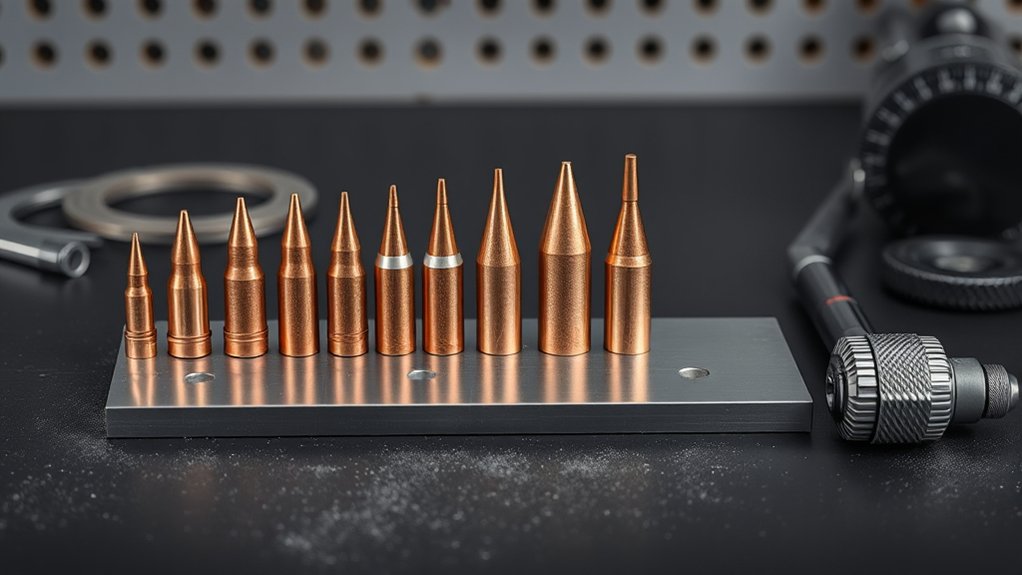
Precision starts at the nozzle orifice. The nozzle constricts the plasma arc and helps form the high-speed jet that melts and removes metal. In general, a smaller process nozzle concentrates a lower-current arc for thin material, while a larger or differently shaped nozzle supports a higher-current process.
That relationship does not create a universal millimeter-to-amp chart. Two nozzles with similar measured openings may use different internal profiles, cooling, gas flow, electrodes, shields, and swirl patterns. Use the amperage marking or part number assigned by the torch manufacturer rather than measuring the opening and guessing.
The nozzle bore helps shape the arc, but the complete torch process—not bore diameter alone—determines usable amperage and finished kerf.
Kerf normally exceeds the nozzle opening because the arc has width, flare, motion, and a heat-affected boundary. Hypertherm gives about 1.5 times nozzle-orifice diameter as a rough estimating rule in one troubleshooting guide, but its published cut charts still tell operators to treat listed kerf values as references and verify actual results.
Travel speed changes the result. Moving too slowly increases heat input, top-edge rounding, and kerf width. Moving too fast increases arc lag and can leave uncut sections or hard high-speed dross. A worn nozzle with an oval or damaged opening can also widen or steer the arc even when every machine setting is correct.
Recommended Tip Sizes, Amperage, and Air Pressure
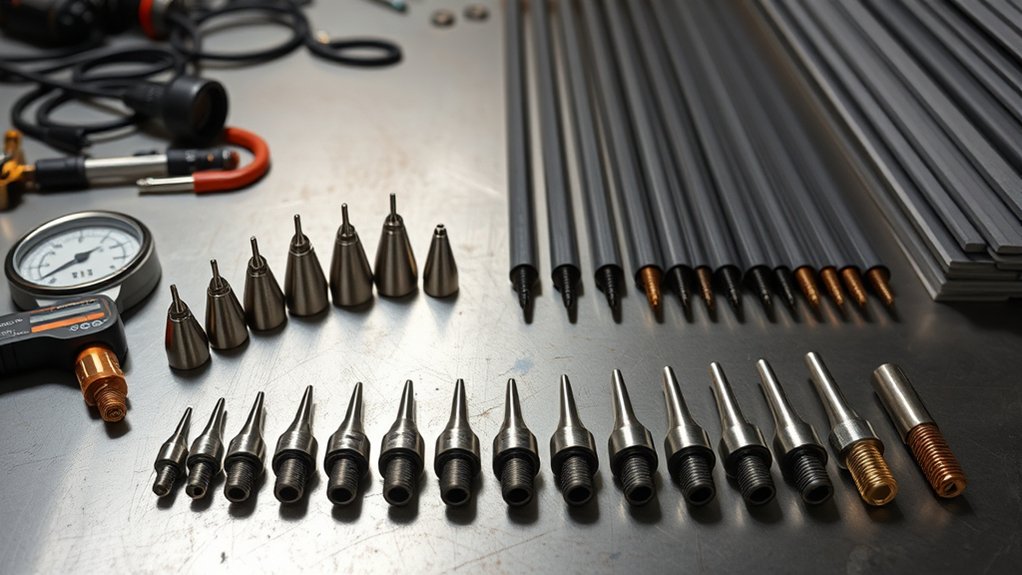
Many manufacturers label a plasma nozzle or cartridge by its rated process current instead of publishing the bore as the main selection value. Use the following table to understand common current families. It is a selection guide, not a substitute for the manual.
| Consumable Rating or Process | Typical Purpose | What You Must Verify | Air Setting |
|---|---|---|---|
| Fine-cut or low-current process | Thin sheet, small details, and narrower kerf | Dedicated nozzle or cartridge, matching electrode and shield, permitted thicknesses, and speed range | Exact OEM pressure or flow only |
| 20–30 A | Thin-gauge material on torches that offer this process | That the nozzle is approved for the exact torch and selected current | No universal PSI applies |
| 40–45 A | General sheet and light-plate cutting | Shielded versus unshielded process, drag capability, pierce limit, and material chart | Use the listed inlet pressure, internal setting, or gas flow |
| 50–65 A | Faster sheet cutting and thicker plate on compatible systems | Correct high-current nozzle or cartridge, shield, cooling, and compressor capacity | Confirm dynamic pressure and required CFM or SCFM |
| 80–105 A and higher | Heavier plate and higher production rates | Power, torch, gas, consumable, cooling, pierce, and duty-cycle limits | Follow the complete system specification |
Do not assume that a 0.6, 0.8, 0.9, 1.0, or 1.1 mm opening has the same amp rating across brands. Use those measurements only when your exact torch manual publishes the same dimension and process pairing.
Products Worth Considering

[Achieve Precise Cuts] PT31 Plasma Cutting Consumables – Your Essential Tool for Efficient Cutting! Whether you're working with sheet metal, steel, or any other material, superior cutting performance ensure clean, accurate, and smooth cuts.

PACKAGE INCLUDED: 5 Pcs Cup-15 Pcs Electrodes-10 Pcs Ring-30 Pcs Tip(Standard)

Package Include: 5 Shield Cups, 30 Nozzles, 10 Swirl Baffle, and 15 Electrodes.
Air Pressure Versus Airflow
Pressure and flow describe different parts of the air supply:
- PSI or bar measures pressure.
- CFM, SCFM, L/min, or slpm measures delivered airflow.
- Static pressure is read while no air is moving.
- Dynamic pressure is read while air flows through the machine or torch.
A compressor can show enough static PSI and still fail during a long cut because it cannot supply the required flow. Small hoses, restrictive quick-connects, leaks, dirty filters, and long air lines can also create pressure drop.
ESAB reports that many handheld air-plasma systems operate around 70–80 PSI, but the correct value depends on the model, torch, and material. Its guidance also recommends confirming CFM at the target pressure and checking dynamic pressure while air flows. See ESAB’s plasma air-pressure guide.
Some plasma cutters automatically set internal pressure. Others use a manual regulator, purge mode, or test-gas mode. Follow the machine’s setup sequence. Do not bypass automatic regulation or increase inlet pressure beyond the permitted range.
Warning: Never exceed the nozzle or cartridge’s rated amperage. Excess current can overheat the nozzle, deform the orifice, cause double-arcing, shorten electrode life, and damage the torch. Never exceed the power supply’s permitted inlet-air pressure either.
Matching Metal Thickness to Amperage and Travel Speed
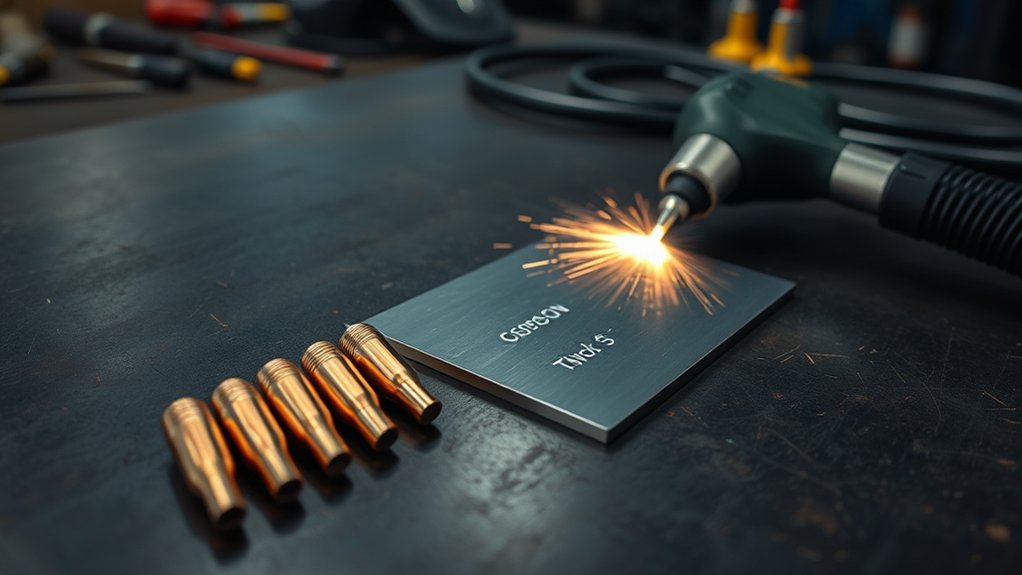
Clean plasma cuts come from matching the entire process to the metal. Do not choose current from thickness alone. Start with material type and thickness, then select an approved consumable process from the machine chart.
A power supply’s highest amp setting is not automatically the best choice for thin material. A lower-current or fine-cut process may provide a smaller kerf and better detail when the manufacturer offers suitable consumables. A higher-current process can increase speed, but it may also produce a wider kerf and require a different nozzle, electrode, shield, height, or airflow.
Recommended Cut, Maximum Cut, and Severance
- Recommended cut capacity usually describes a thickness the machine can cut with practical speed and acceptable quality.
- Maximum cut capacity may involve slower speed and more cleanup.
- Severance capacity means the system can separate the material, not that the edge will be production quality.
- Pierce capacity is the greatest thickness the machine can start from the middle under the listed conditions.
If the plate is within severance capacity but beyond pierce capacity, start from the edge when the manufacturer permits it. A stationary pierce through overly thick material can direct molten metal back toward the shield and nozzle.
How to Adjust Travel Speed
Start at the manufacturer’s best-quality speed. Make a straight test cut while keeping the torch square and at the listed height.
- Too slow: The kerf grows, the top edge rounds, heat input rises, and soft low-speed dross can build along the bottom.
- Too fast: The arc trails too far behind, the cut may not separate, and hard high-speed dross can cling to the lower edge.
- Near the correct speed: The arc exits through the bottom, trails slightly behind the torch, and leaves a uniform cut face with limited dross.
Hand motion varies more than CNC motion. For a handheld cut, use a straightedge or guide when possible and support the torch so the angle and standoff remain steady. For CNC cutting, verify the machine reaches programmed speed before judging voltage or dross.
Pro Tip: Change only one variable at a time during test cuts. Record the material, thickness, consumable part numbers, current, air setting, height, speed, voltage, kerf, and result before making the next adjustment.
Pierce Height, Standoff, and Voltage for Clean Cuts
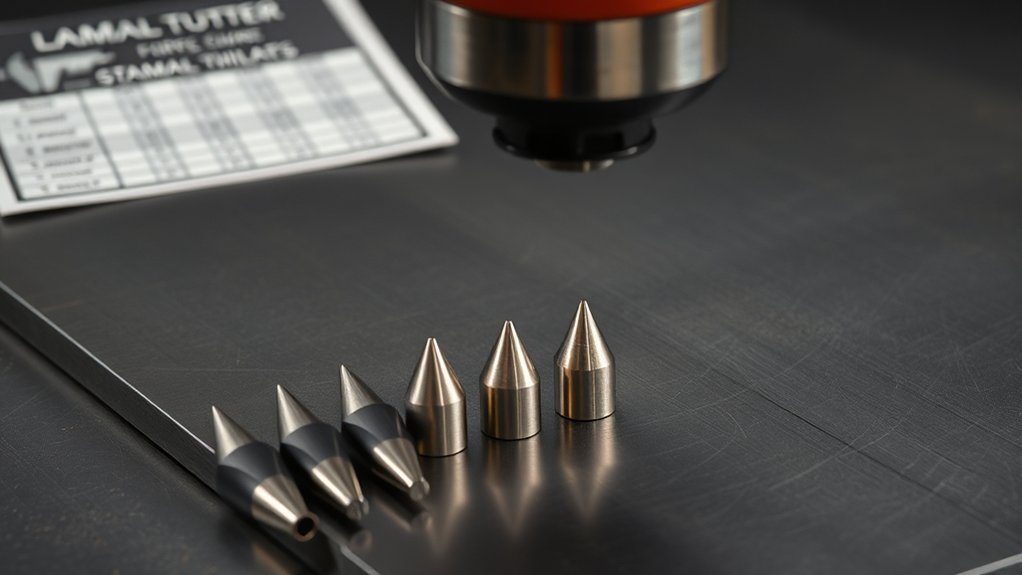
Amperage and speed control heat input, while pierce height, cut height, and torch angle control how that energy reaches the workpiece. A torch that is too high can produce a wide, weak, or heavily beveled cut. A torch that is too low can cause the arc to contact the nozzle or allow molten pierce material to damage the front of the torch.
Hypertherm gives 150%–200% of cut height as a general pierce-height rule, but the exact cut chart can specify a different ratio. For example, one Powermax45 machine-torch chart uses a 0.06-inch cut height and a 0.15-inch initial pierce height for several 45-amp processes, which is 250% of cut height. Follow the exact chart rather than forcing every setup into one ratio.
After the pierce completes, move the torch to the listed cutting height. On CNC systems, torch-height control can use arc voltage to maintain the programmed distance. Higher sensed voltage generally corresponds to a longer arc and greater torch distance, while lower voltage corresponds to a shorter arc.
Arc voltage also changes with speed, plate condition, gas flow, electrical connections, and consumable wear. Do not use voltage to hide an incorrect mechanical height or speed. Confirm initial height sensing, cut height, speed, and consumable condition first.
| Parameter | Starting Point | What Happens When It Is Wrong |
|---|---|---|
| Pierce height | Exact OEM value; 150%–200% of cut height is only a general rule | Too low causes blowback damage; too high can prevent arc transfer |
| Pierce delay | Time listed for the material and thickness | Too short leaves an incomplete pierce; too long overheats the start area |
| Cut height or standoff | Constant distance from the shield or nozzle specified by the chart | Incorrect height increases bevel, dross, kerf variation, and consumable wear |
| Arc voltage | Chart value for the exact CNC process | Incorrect voltage changes torch height after voltage control engages |
Kerf Compensation and Cut Path Offsets
Kerf is the width of material removed by the plasma arc. If a CNC torch follows the finished part line without compensation, the finished feature will be off by part of the kerf width.
For a centered plasma toolpath, the basic offset is:
Toolpath offset = measured kerf width ÷ 2
For example, a measured kerf of 0.060 inch needs an initial offset of 0.030 inch. Offset external contours away from the finished part and internal contours toward the removed material. In CAM software, select the correct left or right compensation side based on path direction and whether the feature is internal or external.
Use the published kerf only to create the first test path. Measure the kerf produced by your machine, material, consumables, height, and speed before cutting precision parts.
How to Measure Plasma Kerf
- Install new or known-good consumables.
- Use scrap from the same material, alloy, and thickness as the final part.
- Run the manufacturer’s best-quality settings.
- Cut a straight slot or a test shape long enough for the torch to reach steady speed.
- Measure the slot at several locations with a suitable caliper, feeler gauge, or measuring microscope.
- Average the stable measurements and save the result in the CAM tool library.
- Cut and measure a known square or circle to confirm the finished dimension.
Do not compensate for a damaged nozzle, loose gantry, incorrect torch angle, or unstable height by changing kerf offset. Fix the mechanical or process problem first.
Small holes may need their own speed, lead-in, overburn, height-control, and path settings. A general outside-contour kerf value does not guarantee round, correctly sized holes.
Pro Tip: Save tested kerf by material, thickness, consumable part number, process current, pressure or flow, cut height, speed, and consumable condition. Do not keep one kerf value for every thickness.
Brand Differences: Using Charts Across Plasma Cutters
You can use a chart from another plasma system to understand general relationships, but not as an exact setup sheet. Different systems can use different torch designs, nozzle profiles, gas-control methods, electrodes, shields, amperage curves, cut heights, voltage targets, and speed capabilities.
A published OEM chart normally applies to one of the following:
- a specific power supply and torch;
- a defined consumable or cartridge set;
- a particular process current;
- a named gas or gas mixture;
- a material and thickness;
- handheld or mechanized operation; and
- best-quality or production settings.
Products Worth Considering

Package Include: 10 Shield Cups, 50 Nozzles, 20 Swirl Baffle, and 30 Electrodes.

High-Quality Material:Made of high quality material to ensure a longer lifespan and superior performance.

Package includes: 5pcs shield cup, 10pcs ring, 15pcs electrode, 30pcs nozzle
Cross-Brand Chart Compatibility
Do not install a cross-brand nozzle because its outside dimensions or bore appear to match. The part may seat incorrectly, alter gas flow, fail to cool, or place the electrode at the wrong distance.
For safe cross-brand research, compare the types of information the charts contain rather than copying the values. Confirm all of the following in your exact manual:
- Nozzle, electrode, shield, swirl ring, cap, or cartridge part number
- Rated process current
- Compatible hand or machine torch
- Material and thickness range
- Air or gas type, purity, pressure, and flow
- Cut and pierce heights
- Pierce delay and maximum pierce thickness
- Best-quality and production speeds
- Arc voltage for CNC operation
- Published kerf width
Adjusting for Machine Variance
Even an exact OEM chart is a starting point. Material chemistry, surface condition, air temperature, altitude, hose restrictions, table motion, electrical supply, work-lead connection, and consumable wear can change the result.
Begin with the chart values, then bracket one variable in small controlled steps. Speed is usually the safest first quality adjustment after the correct consumables, current, gas, and height are confirmed. Keep pressure within the permitted range and do not raise current beyond the installed nozzle rating.
Record the displayed current, dynamic pressure or flow, cut height, pierce height, delay, speed, voltage, and measured kerf. Standardize the settings only after the cut repeats within your required tolerance.
Quick Reference Charts for Steel, Stainless, and Aluminum
The following tables are a real manufacturer example, not a universal setup chart. They summarize selected best-quality values from Hypertherm’s Duramax Machine Torch Cut Charts for the Powermax45.
Example Scope: Powermax45 with a Duramax machine torch, 45-amp air process, shielded consumables, and best-quality settings. The chart uses a 0.06-inch cut height for the rows below. It lists hot gas flow at 151 slpm/320 scfh and cold postflow at 184 slpm/390 scfh rather than giving readers a universal adjustable PSI.
Mild-Steel 45-Amp Example
| Mild-Steel Thickness | Current | Pierce Height | Pierce Delay | Best-Quality Speed | Reference Kerf |
|---|---|---|---|---|---|
| 16 gauge | 45 A | 0.15 in. | 0.1 sec. | 249 in./min. | 0.053 in. |
| 10 gauge | 45 A | 0.15 in. | 0.4 sec. | 129 in./min. | 0.057 in. |
| 1/4 in. | 45 A | 0.15 in. | 0.6 sec. | 48 in./min. | 0.061 in. |
| 3/8 in. | 45 A | 0.15 in. | 0.8 sec. | 33 in./min. | 0.069 in. |
| 1/2 in. | 45 A | 0.15 in. | 1.0 sec. | 18 in./min. | 0.077 in. |
This example shows why thickness should not be converted into a simple amperage rule. The same 45-amp process covers several thicknesses, while speed, delay, voltage, and kerf change.
Stainless-Steel 45-Amp Example
| Stainless Thickness | Current | Pierce Height | Pierce Delay | Best-Quality Speed | Reference Kerf |
|---|---|---|---|---|---|
| 16 gauge | 45 A | 0.15 in. | 0.1 sec. | 237 in./min. | 0.017 in. |
| 10 gauge | 45 A | 0.15 in. | 0.4 sec. | 90 in./min. | 0.041 in. |
| 1/4 in. | 45 A | 0.15 in. | 0.6 sec. | 40 in./min. | 0.047 in. |
| 3/8 in. | 45 A | 0.15 in. | 0.8 sec. | 26 in./min. | 0.061 in. |
| 1/2 in. | 45 A | 0.18 in. | 1.2 sec. | 12 in./min. | 0.075 in. |
Stainless steel can release hazardous metal fumes, depending on the alloy and process. Use effective ventilation and follow the safety data and exposure-control requirements for the material being cut. Do not judge the setup only by surface discoloration; inspect bevel, dross, kerf, cut completion, and the condition of the cut face.
Aluminum 45-Amp Example
| Aluminum Thickness | Current | Pierce Height | Pierce Delay | Best-Quality Speed | Reference Kerf |
|---|---|---|---|---|---|
| 1/10 in. | 45 A | 0.15 in. | 0.2 sec. | 240 in./min. | 0.056 in. |
| 1/8 in. | 45 A | 0.15 in. | 0.4 sec. | 170 in./min. | 0.060 in. |
| 3/16 in. | 45 A | 0.15 in. | 0.4 sec. | 120 in./min. | 0.061 in. |
| 1/4 in. | 45 A | 0.15 in. | 0.5 sec. | 70 in./min. | 0.063 in. |
| 3/8 in. | 45 A | 0.15 in. | 0.7 sec. | 36 in./min. | 0.073 in. |
Do not assume aluminum always needs more current than mild steel at the same thickness. In this published example, both materials use a 45-amp process, but the recommended speeds and kerf values differ. Your alloy, gas, torch, power supply, and consumable process determine the correct setup.
Aluminum kerf can change quickly when speed or height changes. Measure the actual slot and update the CAM offset instead of using the nozzle opening as the kerf value.
Troubleshooting Plasma Tip and Cut-Quality Problems
Inspect the complete setup before changing a single setting. Confirm the consumable part numbers, assembly order, current rating, air quality, work connection, torch angle, and chart values.
| Symptom | Likely Checks | Corrective Action |
|---|---|---|
| Arc sputters or will not start | Low dynamic pressure, inadequate CFM, moisture, worn electrode, incorrect assembly, dirty work connection, or excessive standoff | Verify airflow under load, drain and service filters, install approved parts correctly, and clamp to clean bare metal |
| Cut does not fully separate | Travel too fast, output too low for the selected process, stock beyond capacity, low air delivery, excessive height, or worn consumables | Return to the OEM chart, reduce speed within the approved range, correct height and air delivery, or use an appropriate higher-rated process |
| Wide kerf or rounded top edge | Travel too slow, torch too high, worn or oval nozzle, excessive current for the installed nozzle, or incorrect pressure | Restore chart speed and height, inspect the nozzle, and confirm the correct current and air setting |
| Heavy soft bottom dross | Travel too slow, excessive heat input, or weak gas flow | Increase speed in small steps and verify dynamic air delivery |
| Hard high-speed dross or trailing uncut sections | Travel too fast, insufficient process power, excessive standoff, or stock beyond the process range | Reduce speed, correct height, or select the proper approved process |
| Bevel is heavier on one side | Torch not square, damaged nozzle, incorrect cut direction, gantry motion, or worn torch parts | Square the torch, replace damaged consumables, verify path direction, and inspect motion components |
| Double-arcing or tip blowout | Nozzle touching the plate when not designed for drag cutting, piercing too low, wrong consumables, excessive current, damaged shield, or contaminated parts | Stop cutting, disconnect power, replace damaged parts, install the correct stack, and restore the specified standoff and current |
| Short electrode or nozzle life | Moisture or oil, piercing too low, excessive starts, wrong gas flow, excessive current, insufficient postflow, or damaged torch parts | Improve air treatment, follow pierce and postflow requirements, and use approved consumables at their rated process |
Frequently Asked Questions
How do humidity and air quality affect tip life and cut quality?
Moisture, compressor oil, rust, and dirt can disturb gas flow, damage the electrode and nozzle, cause unstable starts, increase dross, and shorten consumable life. Drain the compressor, service particulate and coalescing filters, and add suitable drying equipment when humidity remains high. Confirm that the treatment equipment can supply the required flow without causing excessive pressure drop.
What maintenance schedule extends tip and electrode lifespan?
Inspect the torch and consumables before each work session and whenever cut quality changes. Look for an oval, enlarged, nicked, or burned nozzle opening; a damaged shield; cracked or dirty insulating parts; and electrode wear beyond the limit in the manual. Keep the parts clean and dry, allow the full postflow cycle, and record arc starts and operating time when consumable life matters.
How can I troubleshoot double-arcing or tip blowouts?
Stop cutting and disconnect the power before inspecting the torch. Check that every consumable is the correct part and is installed in the right order. Look for a damaged or contaminated nozzle, worn electrode, cracked shield, low pierce height, contact between an unshielded nozzle and the plate, excessive current, incorrect gas delivery, and a poor work connection. Replace damaged parts before testing again.
Which consumable materials best resist corrosion in humid shops?
Use genuine or manufacturer-approved consumables rather than choosing parts by metal type or appearance. Correct fit, electrical contact, cooling, and gas flow matter more than selecting an alternate material. Store clean consumables in sealed, dry containers, use desiccant packs where appropriate, treat the compressed air, and avoid touching critical surfaces with dirty or wet hands.
How do CNC and handheld torches influence tip selection?
Use the consumable process listed for the actual torch. CNC machine torches may support ohmic sensing, mechanized shields, precise stand-off, arc-voltage control, and faster published speeds. Handheld torches may use drag shields or more forgiving operating methods. Do not assume that a handheld and machine torch use the same shield, nozzle, cartridge, speed, or height merely because they connect to the same power supply.
Conclusion
The right plasma tip size starts with the exact torch and approved consumable process—not a universal bore-diameter table. Once the correct nozzle or cartridge is installed, use the manufacturer’s complete cut chart to coordinate amperage, air pressure or flow, cut height, pierce height, delay, speed, voltage, and kerf.
Make a test cut on matching scrap, inspect the cut face and dross, measure the actual kerf, and save the settings that repeat successfully. These checks protect the torch, reduce consumable waste, and produce more accurate handheld and CNC cuts.
Sources
- Hypertherm Duramax Machine Torch Cut Charts for the Powermax45 — scoped mild-steel, stainless-steel, and aluminum speed, height, voltage, flow, and kerf data.
- Hypertherm: How to Plasma Cut — manufacturer guidance on choosing amperage from the owner’s manual and cut charts.
- Hypertherm: Torch Height Control for Plasma Cutting — pierce-height, cut-height, and torch-height-control guidance.
- ESAB: How Air Pressure Affects Plasma Cut Quality — dynamic pressure, compressor flow, filtration, and pressure-related troubleshooting.
- OSHA 29 CFR 1910.133: Eye and Face Protection — filter-lens and eye-protection requirements for plasma arc cutting.
- OSHA: Controlling Hazardous Fume and Gases During Welding — ventilation, exposure control, confined-space, and respiratory-protection guidance applicable to thermal cutting work.