Choosing the right plasma cutter tip is not just a matter of picking a larger hole for thicker metal. The tip—more accurately called the nozzle on many torches—must match the exact torch, consumable family, cutting process, amperage, material, and thickness. The safest starting point is the manufacturer’s cut chart, followed by a test cut on scrap.
Quick Answer
Choose the tip or nozzle made for your exact torch and cutting process, then match its amp rating to the OEM cut chart for the metal and thickness. Set the listed air flow, cut height, pierce height, and speed. Test on scrap and measure the kerf before cutting the finished part.
Key Takeaways
- Match the consumable part number and amp rating to the exact torch before using any general tip-size chart.
- There is no universal nozzle-orifice-to-metal-thickness chart that works across all plasma cutters.
- Use the OEM cut chart for amperage, gas flow or pressure, speed, cut height, pierce height, and pierce delay.
- Check both air pressure and available airflow; clean, dry air is essential for stable cutting and long consumable life.
- If the plate is beyond the machine’s pierce rating, use an approved edge start or another method listed in the manual.
- Measure kerf and inspect bevel and dross on scrap before cutting a part that must hold a close tolerance.
At a Glance
| Time Required | About 10–15 minutes for chart lookup, installation, and a test cut |
| Difficulty | Beginner to intermediate |
| Tools Needed | OEM manual or cut chart, compatible consumables, scrap metal, caliper or kerf gauge, air regulator or gas-test mode, and required PPE |
| Cost | Usually limited to test scrap and any replacement consumables; prices vary by torch |
What’s in This Article
- Plasma Tip, Nozzle, and Electrode Terms
- How to Choose the Right Plasma Tip
- Matching Tip Size to Material Thickness
- Amperage Ranges for Common Tip Orifice Sizes
- Cutting Speed Considerations by Tip and Metal
- Kerf Width and Tip Size Relationships
- Pierce Height and Standoff Best Practices
- Gas Pressure Settings by Tip and Amps
- Consumable Wear: When to Change Nozzle and Electrode
- Brand Cut Charts vs. Universal Guidelines
- Quick Reference: Tip Sizes From 20A to 80A
- Troubleshooting Wrong Tip Size and Cut Quality
- Plasma Cutting Safety
- Frequently Asked Questions
- Conclusion
- Sources
Warning: Turn off and isolate the plasma cutter before removing torch consumables. Follow the manual for stored-energy and air-pressure precautions, and wear eye, face, hand, hearing, and flame-resistant protection when making test cuts.
Plasma Tip, Nozzle, and Electrode Terms
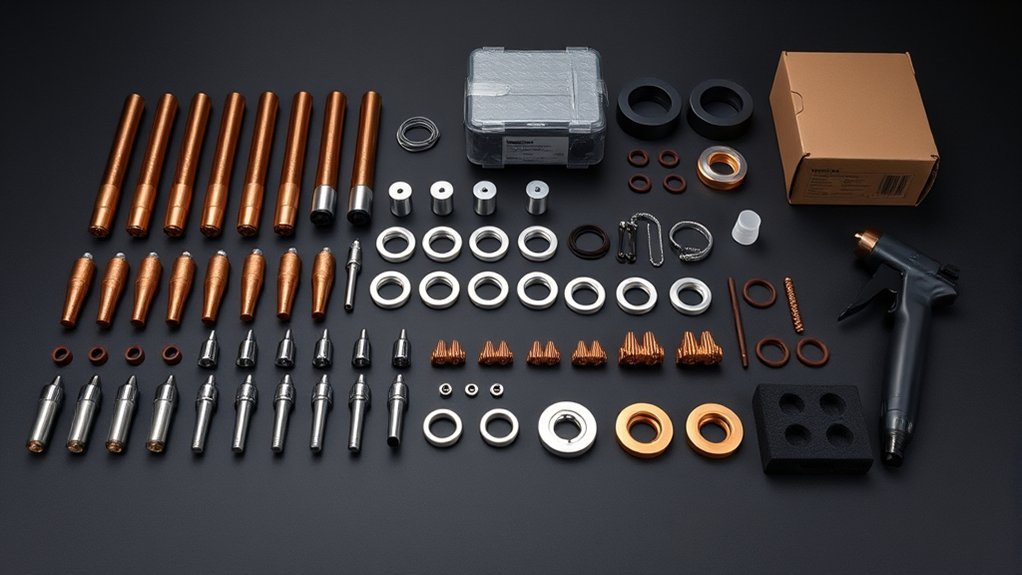
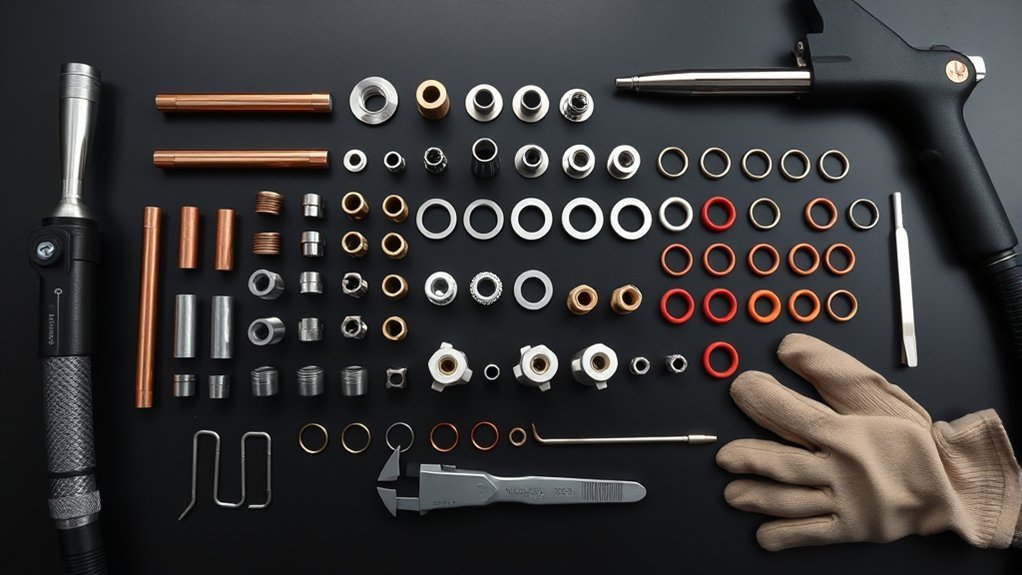
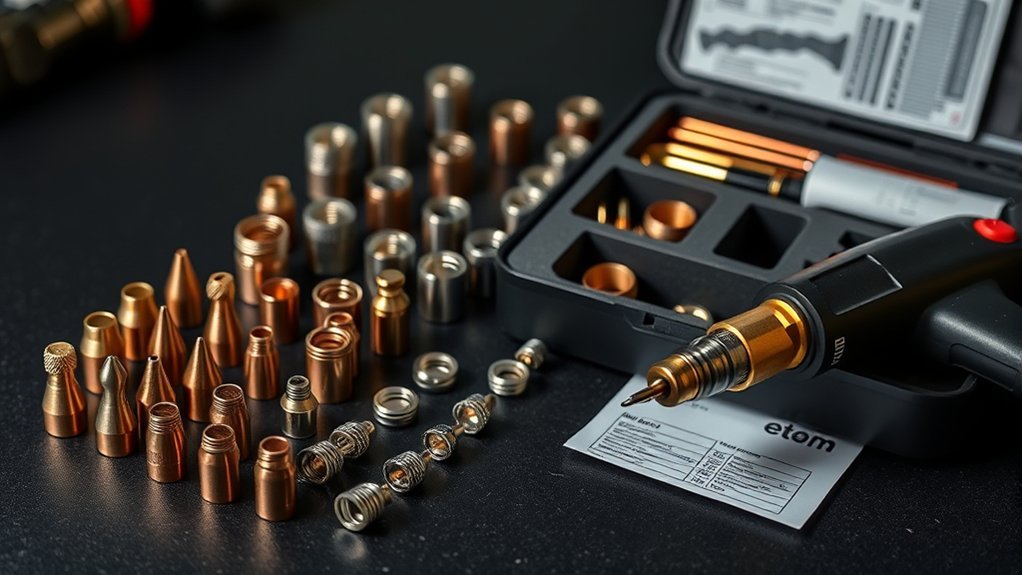
People often use tip as a general name for the copper part at the end of a plasma torch. In many systems, that part is technically the nozzle. The nozzle shapes and constricts the plasma arc, while the electrode carries current and contains the emitting material that supports the arc.
A typical torch can also include a swirl ring, shield or deflector, and retaining cap. These pieces work as a matched system. A nozzle that physically screws into a torch is not automatically correct for the electrode, shield, process, or amperage.
- Nozzle or tip: Shapes the arc and has the precision orifice.
- Electrode: Carries current and wears as the arc starts and runs.
- Swirl ring: Controls gas motion and helps center the arc.
- Shield or deflector: Protects the nozzle and sets whether drag cutting is allowed.
- Retaining cap: Holds and directs the consumable stack.
Use the exact part numbers listed for your power supply, torch, process, and amperage. Do not mix parts by color, thread size, or appearance.
Note: Some newer torches use a single cartridge instead of separate nozzles, electrodes, and swirl rings. In that case, select the cartridge by process and amperage rather than trying to match an individual orifice.
How to Choose the Right Plasma Tip
Use this order so one setting does not conflict with another:
- Identify the exact machine and torch. Record the power-supply model, torch model, and whether it is hand-held or mechanized.
- Choose the process. Confirm whether the job uses standard cutting, fine cutting, drag cutting, standoff cutting, mechanized cutting, marking, or gouging. A gouging nozzle is not a cutting nozzle.
- Check the material and thickness. Use the correct cut-chart page for mild steel, stainless steel, aluminum, or another approved conductive metal.
- Select the charted amperage and consumable set. Match every part number, not just the nozzle. Do not exceed the nozzle’s rated current.
- Confirm pierce capacity. If the plate is thicker than the listed pierce capacity, use an approved edge start or another method in the manual.
- Set air or gas correctly. Verify clean, dry supply air, adequate flow, and the pressure or automatic setting specified by the manufacturer.
- Set height and speed. Enter the listed pierce height, delay, cut height, travel speed, and arc voltage when applicable.
- Test on scrap. Inspect dross and bevel, measure kerf, and change only one setting at a time.
Pro Tip: Photograph the consumable stack and save the successful cut-chart row with your job notes. This prevents part-number mix-ups on repeat work.
Matching Tip Size to Material Thickness
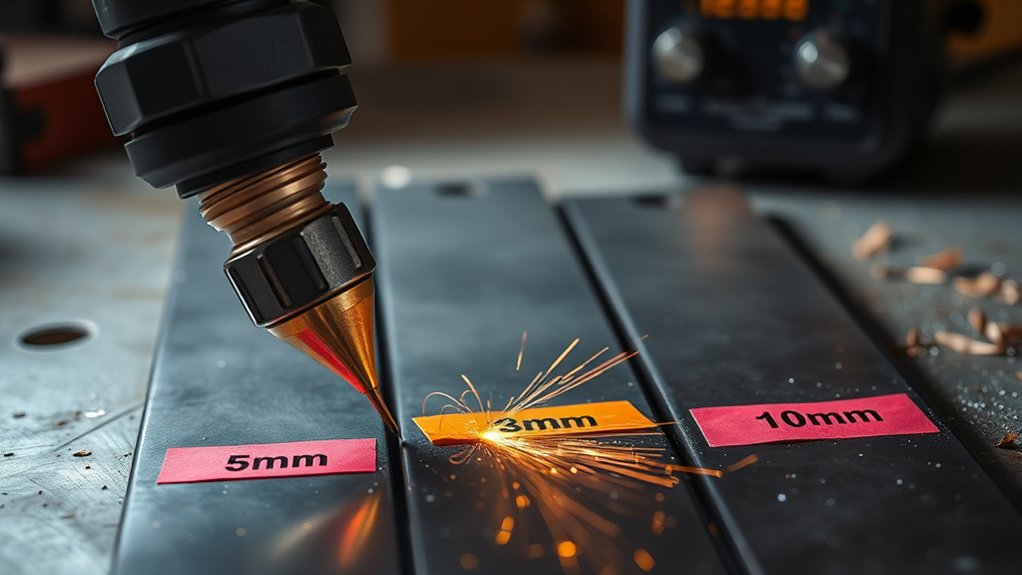
Start by matching tip amperage to material thickness and the process listed for your torch. You will usually get better edge quality and longer consumable life when the entire setup follows tested machine data.
Thin sheet often benefits from a lower-amperage process or a fine-cut consumable when the manufacturer offers one. Thicker plate usually needs a higher-amperage process, but the machine’s output, duty cycle, torch design, gas system, and pierce rating all set the limit.
Do not turn a general statement such as “40 amps for medium plate” into a thickness limit. Two 40-amp machines can have different recommended cut, quality-cut, severance, and pierce capacities.
Products Worth Considering

[Achieve Precise Cuts] PT31 Plasma Cutting Consumables – Your Essential Tool for Efficient Cutting! Whether you're working with sheet metal, steel, or any other material, superior cutting performance ensure clean, accurate, and smooth cuts.

Package Include: 5 Shield Cups, 30 Nozzles, 10 Swirl Baffle, and 15 Electrodes.

PACKAGE INCLUDED: 5 Pcs Cup-15 Pcs Electrodes-10 Pcs Ring-30 Pcs Tip(Standard)
Read the Cut Chart by Row
A complete cut-chart row may include:
- Material type and thickness
- Process amperage and consumable part numbers
- Cutting gas and shield gas, or compressed-air requirements
- Cut height or torch-to-work distance
- Initial pierce height and pierce delay
- Best-quality and production travel speeds
- Arc voltage for mechanized height control
- Expected kerf width
Hypertherm’s cut-quality guidance recommends selecting the process by material, thickness, desired quality, and productivity, then confirming gas, height, speed, and consumable part numbers.
Cut Capacity vs. Pierce Capacity
Recommended cut capacity is the thickness range where a machine is expected to produce useful cut quality at a practical speed. Severance capacity is a maximum separation cut and may be slower and rougher. Pierce capacity can be lower because piercing sends molten metal back toward the torch before the arc breaks through.
If the work is above the listed pierce limit, do not simply install a larger tip. Use an edge start, predrilled start, or other manufacturer-approved method, and stay within the system’s cutting capacity.
Amperage Ranges for Common Tip Orifice Sizes
For each orifice size, the manufacturer assigns an amperage rating or band. That rating is more useful than the hole diameter alone because nozzle length, internal shape, gas swirl, shield design, and electrode geometry also affect the arc.
If a generic replacement nozzle lists only a diameter, do not assume it is equivalent to an OEM nozzle with the same hole size. Verify compatibility and rated current with the torch manufacturer or a documented cross-reference.
Products Worth Considering

GOUGING CONSUMABLES:The gouging consumables can only be used in gouging mode.Incorrect usage can accelerate the wear of the accessories or even cause them to become unusable.

⚡【Precision Compatibility】 Exact fit for YESWELDER CUT 55DS Pro & 65DS (2019-2024 models). Replaces OEM# IPT40-55DS/65DS.

Package Include: 2 Shield Cups, 10 Nozzles .040", 2 Wire Spacer Guides, and 10 Electrodes.
Tip Size to Amps
Two factors guide plasma tip selection: the compatible consumable family and the current the nozzle is designed to carry. Use lower-amperage or fine-cut consumables for thin stock and detail only when they are approved for the torch. Step up to a higher-amperage set when the cut chart calls for more power.
Do not run a small nozzle above its rating. Excess current can damage the orifice, increase double-arcing risk, distort the kerf, and shorten consumable life. Running far below a nozzle’s designed process can also reduce arc concentration or cut quality on some systems.
When a cut chart gives a fixed amperage, use that value. When a manufacturer allows a current range, keep the setting within that range and test the edge before production cutting.
Pressure Ranges by Size
There is no safe universal rule that every smaller tip needs lower pressure and every larger tip needs higher pressure. Some plasma cutters automatically regulate pressure, while others use a gas-test mode, a charted flow rate, or a specific dynamic pressure.
Set pressure while the machine is in the manual’s test or flow condition, not by guessing from an idle gauge. Also verify that the compressor and hose can supply the required airflow at the cutter’s inlet while the torch is flowing.
Keep the nozzle orifice round, clean, and undamaged. Never push a drill bit, wire, or tip cleaner through a precision plasma nozzle unless the manufacturer specifically permits it.
Note: Universal amp classes are useful for planning, but only the OEM cut chart can identify the correct nozzle, electrode, shield, gas setting, and speed for a specific torch.
Cutting Speed Considerations by Tip and Metal
The correct cutting speed depends on metal type, thickness, amperage, gas process, consumable set, and desired edge quality. Start with the charted inches-per-minute or millimeters-per-minute value rather than estimating speed from tip size.
A higher-amperage process can cut the same thickness faster when the machine, torch, and consumables support it. That does not mean a physically larger tip is always better. Fine details, small holes, thin sheet, heat-sensitive parts, and narrow kerf may favor a lower-amperage process.
- Select the material, thickness, process, amperage, and consumables from one cut-chart row.
- Set the charted travel speed and hold the torch square to the work.
- Inspect the sparks and cut edge after the first test.
- Change one variable at a time and record the result.
Hypertherm’s dross troubleshooting guide identifies speed, amperage, and standoff as three major dross variables, while also noting the effects of material type, condition, and consumable wear.
- Low-speed dross: Often appears as a thick, bubbly deposit that is easier to remove. Increase speed toward the charted range after checking height and current.
- High-speed dross: Often appears as a small, hard bead with arc lag and bevel. Reduce speed toward the charted range.
- Top spatter: Can point to a low pierce height, slow travel, or an incorrect process.
Kerf Width and Tip Size Relationships
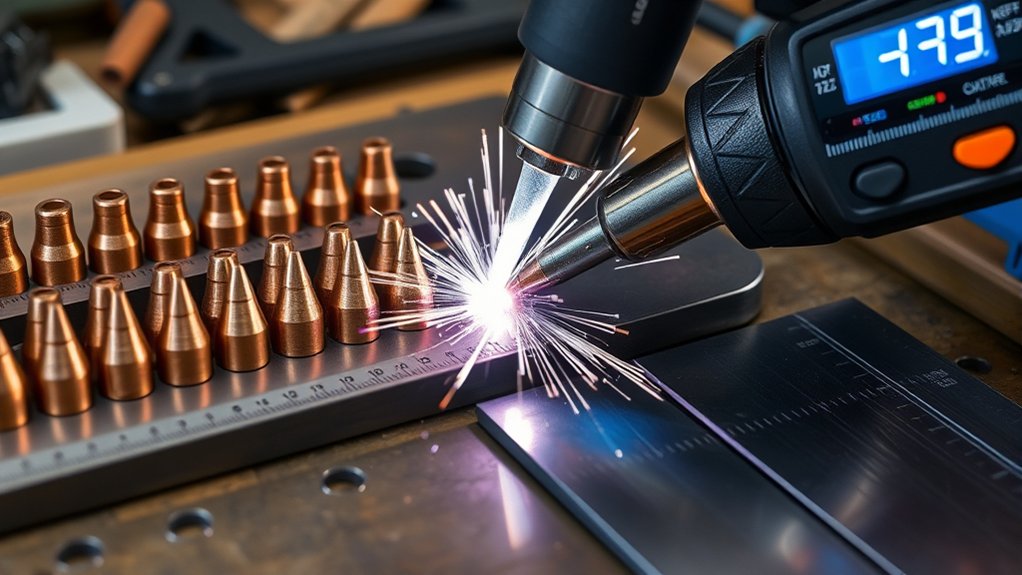
Kerf is the width of material removed by the plasma arc. Nozzle orifice and current matter, but they are not the only drivers. Torch height, travel speed, gas flow, material, consumable wear, and process design also affect the finished kerf.
A larger-amperage process often produces a wider kerf than a lower-amperage fine-cut process, but do not use nozzle diameter as the finished kerf value. Use the cut chart as a starting estimate and measure a test cut.
Nozzle Size vs. Kerf
- Choose the correct charted process for the material and thickness.
- Make a straight test cut after pressure, height, and speed stabilize.
- Measure the slot at several points with a caliper or kerf gauge.
- Enter the measured kerf compensation in the CNC software or layout plan.
- Repeat the test after changing amperage, consumables, gas settings, or material lot.
For close-tolerance work, cut a coupon in the same direction and on the same material as the final part. Plasma arcs have a preferred cut side, and CNC contour direction can affect which edge is squarest.
Material, Amps, Pressure
Material, amperage, gas flow, height, and speed work together. Coatings, scale, warping, alloy differences, and poor work-clamp contact can change arc behavior even when the tip is correct.
Match the complete process first, then fine-tune within the manufacturer’s allowed range. Do not use extra pressure to compensate for a worn nozzle, extra current to compensate for excessive speed, or a lower torch height to force penetration.
Kerf is a result of the whole cutting process—not the nozzle hole alone. Measure the actual cut before applying CNC compensation.
Pierce Height and Standoff Best Practices
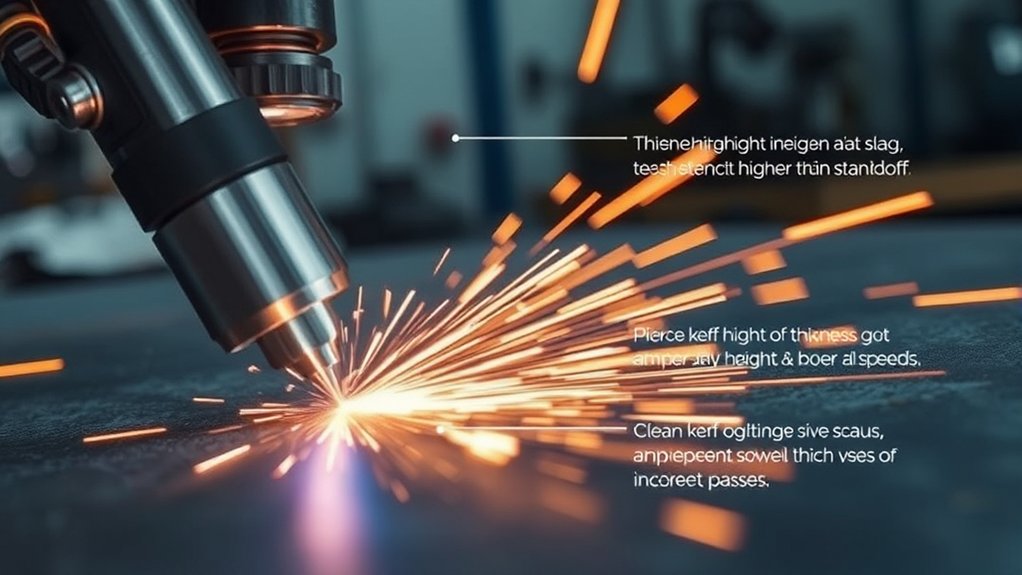
Set pierce height above the final cutting height so molten metal is less likely to blow back into the nozzle during arc initiation. Then move to the charted cut height before or during the lead-in as the manual directs.
A common manufacturer guideline is to pierce at roughly 1.5 to 2 times the recommended cut height, but the exact pierce height and delay must come from the cut chart.
Hypertherm’s plasma-cutting mistakes guide warns that piercing too low drives molten spatter onto the nozzle and shield and can destroy consumables.
Use a consistent routine:
- Confirm the work clamp has clean metal-to-metal contact.
- Verify torch-height-control zero and that the torch is square to the plate.
- Program the charted initial pierce height and delay.
- Allow full penetration before normal travel begins.
- Move to the listed cut height and monitor arc-voltage control.
- Inspect the coupon for top spatter, edge angle, lag lines, and bottom dross.
Hand-held drag cutting is different. Drag only when the shield and manual allow direct contact. An unshielded nozzle may require a fixed standoff and can be damaged by dragging.
Warning: Never pierce plate thicker than the listed pierce capacity just because the machine can sever it from an edge. Blowback can damage the nozzle, shield, torch, and nearby equipment.
Gas Pressure Settings by Tip and Amps
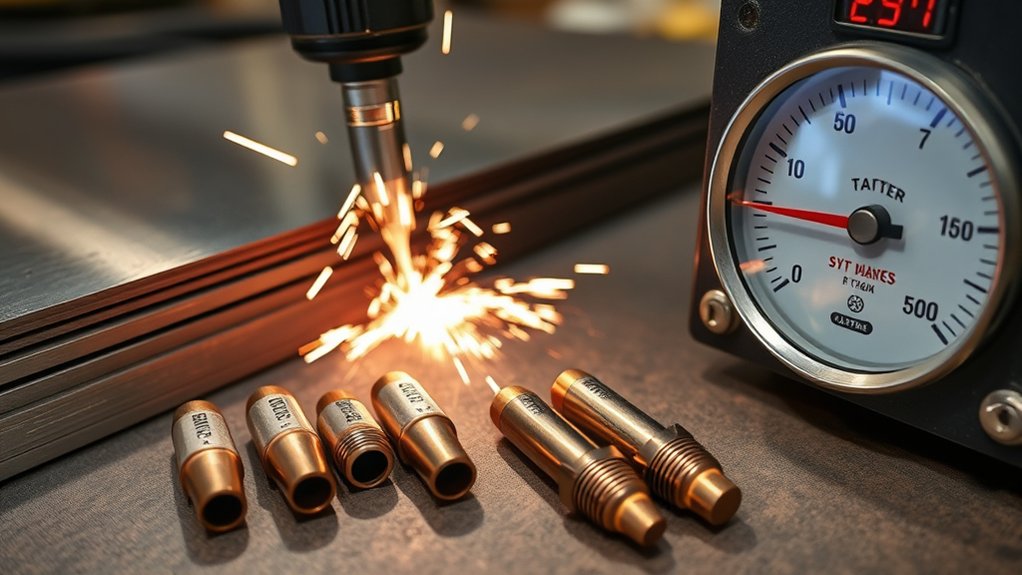
Set gas pressure or flow to the value specified for the selected torch and consumable set. The gas must constrict and cool the arc while ejecting molten metal from the kerf.
Pressure alone is not enough. A restricted hose, undersized fitting, saturated filter, weak compressor, or long air line can show acceptable static pressure but still starve the torch while cutting. Confirm the required flow in standard cubic feet per minute or liters per minute when the manual provides it.
| System Type | Correct Setup Method | Do Not Do This |
|---|---|---|
| Automatic pressure control | Install the correct consumable or cartridge and let the machine set pressure as designed. | Do not add an arbitrary tip-size PSI adjustment. |
| Manual regulator with gas-test mode | Adjust pressure in the test or flow condition listed in the manual. | Do not set pressure from an idle gauge alone. |
| Mechanized multi-gas system | Use the charted plasma and shield gases, flow rates, and process program. | Do not substitute gases or mix consumable sets without approval. |
Use clean, dry, oil-free air when compressed air is the specified plasma gas. Drain the compressor, service filters, and keep lubricated-air-tool lines separate from the plasma supply.
If the arc wanders, hard-starts, or the electrode wears rapidly, inspect air quality, flow, leaks, filters, consumable installation, and nozzle condition before changing pressure outside the manual’s range.
Consumable Wear: When to Change Nozzle and Electrode
Inspect consumables before poor cuts become normal. The nozzle orifice should remain round and centered. Replace it when it becomes oval, keyholed, nicked, enlarged, burned, or heavily coated with spatter.
The electrode normally develops a centered pit as the emitting material wears. The allowable pit depth differs by electrode design, amperage, and torch. Use the inspection limit in the manual rather than a universal number.
Hypertherm’s consumable-care guidance explains that nozzle-orifice damage changes arc shape and that an electrode should be removed before a deep pit causes failure.
Use a data-driven routine:
- Inspect the nozzle: Check roundness, internal damage, face spatter, and discoloration.
- Inspect the electrode: Check pit shape and depth against the manufacturer’s wear limit.
- Inspect the rest of the stack: Check the swirl ring, shield, retaining cap, O-rings, and seating surfaces.
- Track use: Record pierces, arc-on time, material, thickness, and cut-quality changes.
- Replace as directed: Some manufacturers recommend changing the nozzle and electrode as a pair; cartridge systems are replaced as one unit.
Do not automatically discard every part after a fixed number of hours. High pierce counts, low pierce height, contaminated air, poor cooling, run-offs, and thick-plate work can shorten life, while clean conditions and long cuts may extend it.
Brand Cut Charts vs. Universal Guidelines
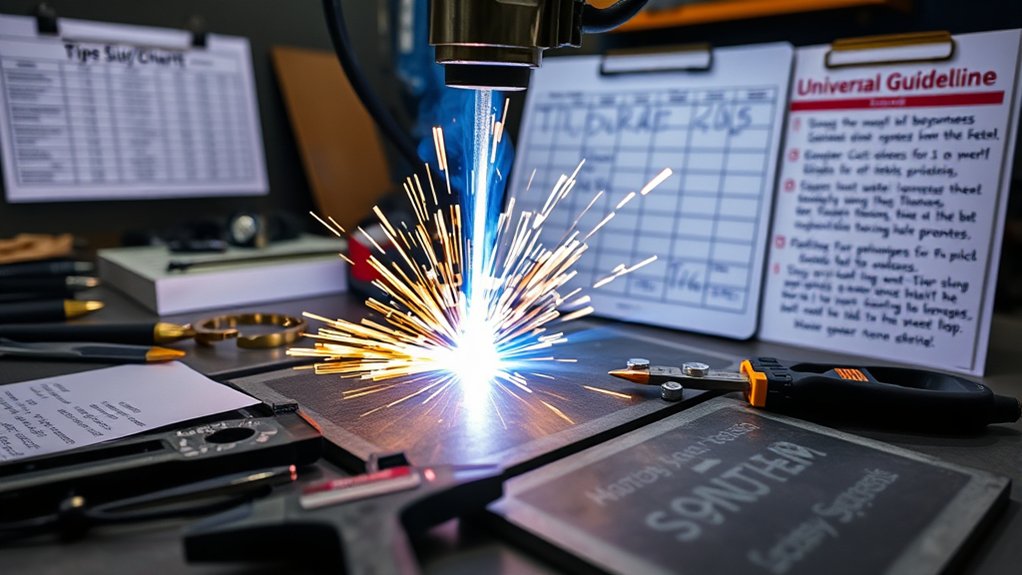
Use brand cut charts first because manufacturers test the power supply, torch, consumables, gas process, material, and thickness as one system. These charts can specify amperage, part numbers, gas flow, pierce height, cut height, delay, speed, voltage, and kerf.
Universal guidelines help explain the direction of a change, but they cannot predict the correct part number or final setting for every torch. Aftermarket “fits” lists may also group parts that fit physically but are not approved for the same current or process.
When results drift, return to the original chart row and verify:
- Power supply and torch model
- Consumable family, process, and part numbers
- Material and thickness
- Amperage and gas selection
- Air quality, pressure, and flow
- Pierce height, cut height, speed, and delay
- Torch squareness and work-clamp contact
Then make a test coupon and record kerf, bevel, dross, top-edge rounding, and surface finish.
Quick Reference: Tip Sizes From 20A to 80A
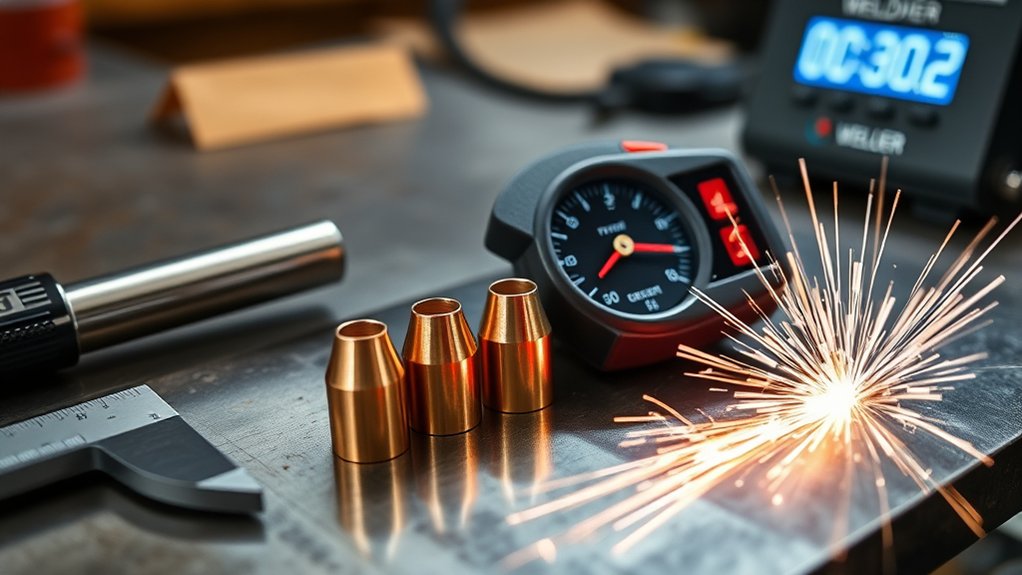
Common tip sizes from 20 A to 80 A cover many portable and light-industrial plasma cutters. Use the table for planning only; it does not replace the thickness and consumable data for your machine.
| Tip Class | Common Role | Selection Rule | Main Risk |
|---|---|---|---|
| 20 A | Very thin sheet, fine detail, marking, or precision processes where offered | Use only with a listed 20 A process or approved current band. | Overdriving the small orifice |
| 30 A | Light-gauge cutting and controlled hand-held work | Match the exact 30 A nozzle, shield, and electrode combination. | Using an incompatible drag or standoff setup |
| 40–45 A | General portable cutting across a broad light-fabrication range | Choose the chart row by metal and thickness, not by amp label alone. | Confusing recommended cut with maximum severance |
| 50–65 A | Higher-output shop cutting and faster production on suitable thicknesses | Confirm machine output, duty cycle, airflow, and pierce capacity. | Insufficient compressor flow or input power |
| 70–80 A | Heavier light-industrial cutting with a compatible torch and power supply | Install the full high-amperage consumable set and use the exact chart data. | Installing an 80 A nozzle in a lower-rated torch or machine |
Match the amperage setpoint to the nozzle’s rated process. Do not overdrive a small orifice, and do not assume a high-amperage nozzle improves every cut.
Pro Tip: Keep a job log with the consumable part numbers, material, thickness, amperage, pressure or flow setting, height, speed, and measured kerf.
Troubleshooting Wrong Tip Size and Cut Quality
A bad cut does not always mean the tip size is wrong. Use the symptom to decide what to check first.
| Symptom | Likely Causes | First Checks |
|---|---|---|
| Nozzle orifice becomes oval or keyholed | Over-amperage, low gas flow, double-arcing, contact with the plate, or incorrect parts | Verify part numbers, amperage, gas flow, pierce height, and shield type. |
| Wide kerf or heavy top-edge rounding | Worn nozzle, high current, high standoff, slow speed, or low gas flow | Return to chart settings and inspect nozzle roundness. |
| Narrow kerf with positive bevel | High speed, high torch height, low current, worn nozzle, or wrong cut direction | Check speed, height, current, torch squareness, and contour direction. |
| Thick, bubbly bottom dross | Travel too slow, current too high, or torch too low | Increase speed toward the chart value and verify current and standoff. |
| Small, hard bottom bead and strong arc lag | Travel too fast, current too low, or torch too high | Reduce speed toward the chart value and verify current and height. |
| Arc wanders, sputters, or hard-starts | Moisture or oil, low or excessive flow, loose consumables, damaged electrode, or poor work contact | Check air quality, filters, flow, assembly, electrode wear, and work clamp. |
Stop if the torch makes unusual noises, repeatedly fails to transfer the arc, or damages new consumables. Check the operator’s manual and have the system serviced when basic setup checks do not solve the problem.
Plasma Cutting Safety Before Changing Tips
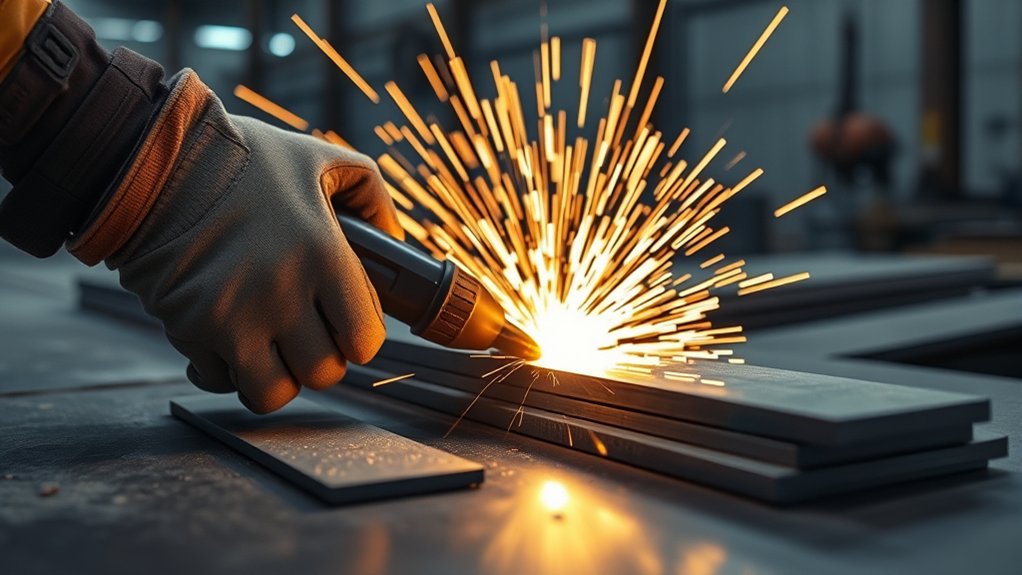
Plasma cutting exposes the operator to arc radiation, hot metal, sparks, fumes, noise, electrical energy, and fire hazards. OSHA’s welding and cutting guidance identifies burns, eye damage, electrical shock, UV exposure, and metal fumes among the main hazards.
- Read the machine and torch manuals before installing or changing consumables.
- Turn off and isolate power before opening the torch or touching internal consumables.
- Wear safety glasses with side protection plus the correct shaded face or eye protection specified for the operation.
- Use flame-resistant clothing, suitable cutting gloves, hearing protection, and protective footwear.
- Provide effective ventilation and control fumes, especially on coated, galvanized, stainless, painted, or unknown metal.
- Remove combustibles from the spark path and use a fire watch when the hazard assessment requires one.
- Never cut a sealed container, pressurized vessel, or container that held a flammable or toxic substance unless it has been made safe under an approved procedure.
- Keep the work area dry and maintain clean work-clamp contact on bare metal.
Shop temperature can affect moisture in compressed air, but changing tip size is not the fix. Drain and dry the air system, keep filters serviced, and follow the cutter’s allowed operating-temperature range.
Frequently Asked Questions
How do tip materials such as copper and silver affect cut quality?
The nozzle is commonly copper, while “silver” technology usually refers to a compatible electrode design rather than a universal silver cutting tip. For example, Hypertherm SilverPlus electrodes use a silver interface to improve heat transfer and consumable life in listed mechanized systems. Use only the material and part number approved for your torch.
Do humidity or shop temperature affect plasma tip performance?
Yes. Humidity can increase moisture in compressed air, which can destabilize the arc and shorten nozzle and electrode life. Temperature can also affect compressor moisture and material behavior. Keep the supply clean and dry, service filters and dryers, and operate the cutter within its manual’s temperature limits.
What maintenance routines extend nozzle and electrode life?
Use clean, dry air; maintain correct gas flow; pierce at the charted height; avoid dragging an unshielded nozzle; keep O-rings and seating surfaces clean; and inspect the nozzle orifice and electrode pit regularly. Replace parts at the manufacturer’s wear limit rather than waiting for total failure.
How does air quality or filtration influence tip choice?
Air quality does not change which rated nozzle the cut chart calls for, but dirty, wet, or oily air can make any nozzle perform poorly. Small precision orifices may show contamination quickly. Correct the air supply instead of installing a larger tip to hide the problem.
Are different tips needed for CNC and hand-held torches?
Often, yes. CNC and hand-held torches may use different shields, nozzles, leads, height-control settings, and part numbers even when they share a power supply. Use the consumable diagram and cut chart for the exact torch style.
Can I run a 40-amp tip at 30 amps?
Only if the manufacturer lists that nozzle and current combination. Some consumables have an approved range, while others are intended for a fixed process current. Running too far below the rated process can reduce arc concentration or cut quality; running above the rating can damage the nozzle.
Is a larger plasma tip always faster?
No. A higher-amperage process can cut a given thickness faster when the complete system supports it, but a larger tip may create a wider kerf and more heat input. Thin sheet, small holes, and fine detail may cut better with a lower-amperage or fine-cut process.
Conclusion
The best plasma tip is the compatible nozzle or cartridge that matches the exact torch, process amperage, material, thickness, gas setup, and cut-chart row. Do not choose by orifice diameter or machine maximum output alone.
After installing the matched consumable set, verify clean air, flow, pierce height, cut height, and speed. Make a scrap cut, inspect bevel and dross, and measure the actual kerf before cutting a finished part.
When quality slips, return to the baseline: correct part numbers, fresh consumables, dry air, steady height, charted speed, and a sound work connection.
Sources
- Hypertherm: Basic Tips to Improve Plasma Cut Quality — cut-chart variables, consumable selection, torch height, and setup checks
- Hypertherm: Troubleshooting Too Much Dross — speed, amperage, standoff, material, and consumable effects
- Hypertherm: Extending Parts and Consumables Life — nozzle and electrode function, wear, gas flow, and pierce-height damage
- Hypertherm: 10 Common Plasma Arc Cutting Mistakes — pressure, air contamination, piercing, speed, and consumable care
- Hypertherm: SilverPlus Electrodes — copper-and-silver electrode design and system compatibility
- OSHA: Welding, Cutting, and Brazing Hazards and Solutions — UV radiation, fumes, burns, electrical hazards, and PPE