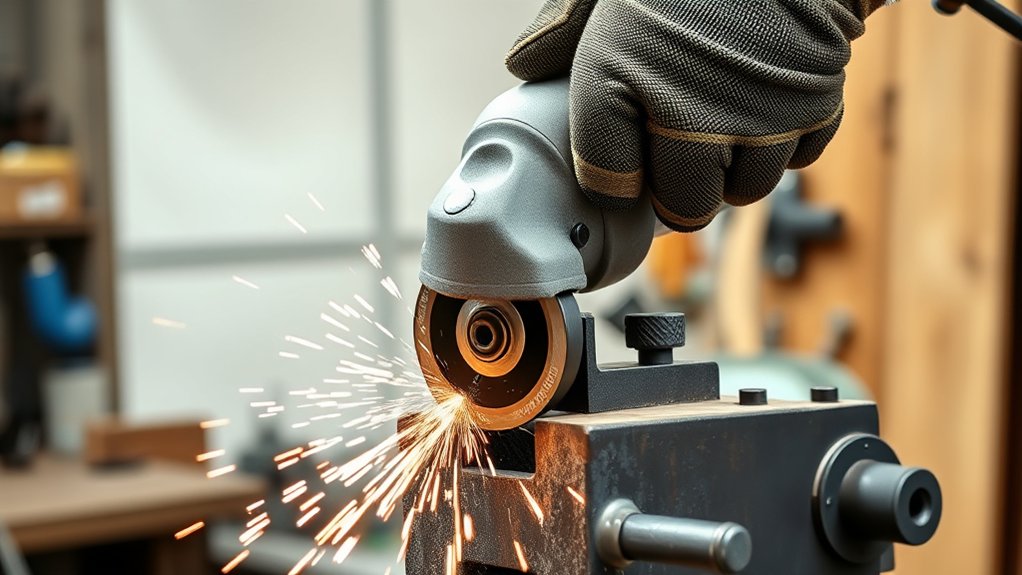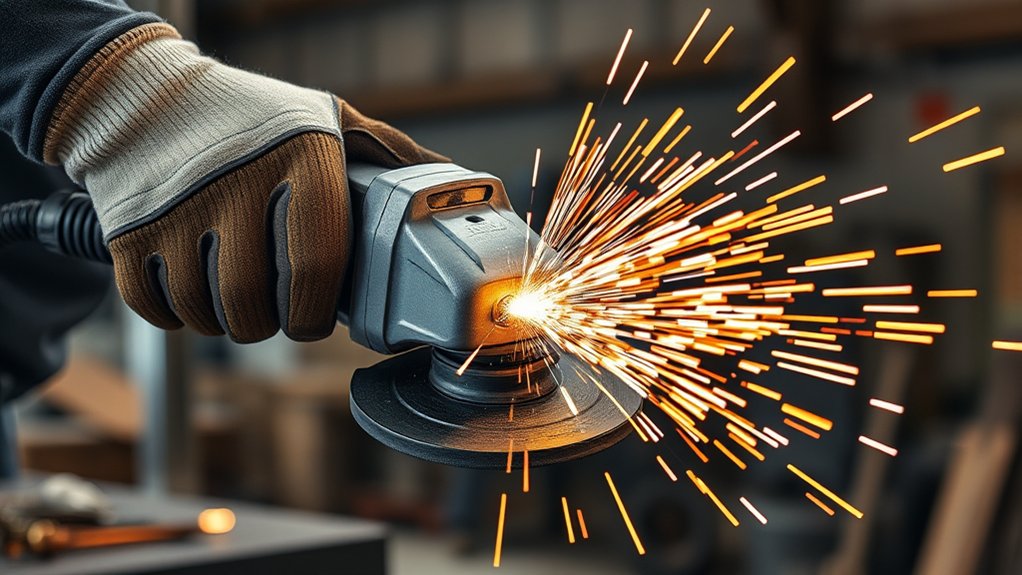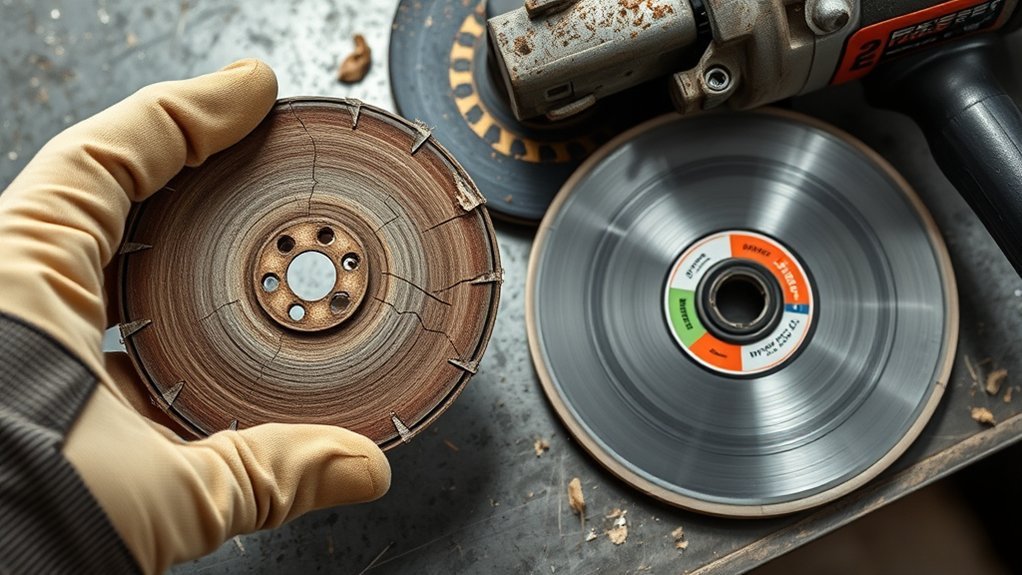
An angle grinder disc should be replaced immediately if it is cracked, chipped, warped, expired, missing segments or flaps, or causing unexplained wobble or vibration. Normal diameter loss is expected on many bonded wheels, so size alone is not always a failure. The safest decision comes from the disc label, the grinder manual, and a careful pre-use inspection.
Quick Answer
Replace an angle grinder disc at once if it has cracks, chips, warping, missing segments or flaps, a damaged hub or backing, an expired date, or unexplained vibration. Normal wear alone is not always a discard signal; follow the maker’s wear limit and stop when safe control or cutting performance is lost.
Key Takeaways
- Discard any disc with cracks, chips, warping, missing abrasive material, a damaged center hole, or a damaged backing plate.
- Stop immediately for new vibration, wobble, rattling, or guard contact; the cause may be the disc, mounting hardware, spindle, or tool.
- Match the replacement to the grinder’s diameter, arbor, wheel type, guard, material, and maximum speed.
- Do not use a cutting disc for side grinding, and do not fit an accessory that the grinder manufacturer has not approved.
- Check resin-bonded wheels for an expiry date and store every disc according to its type and manufacturer instructions.
At a Glance
| Time Required | About 5–10 minutes for inspection and replacement |
| Difficulty | Easy, provided you follow the grinder manual |
| Tools Needed | Compatible disc, supplied spanner or tool-free release, clean cloth, eye and face protection |
| Cost | The cost of one compatible replacement disc; price varies by type, size, and brand |
What’s in This Article
- Signs of Wear: How to Identify When Your Disc Is Past Its Prime
- How Slower Cutting Impacts Safety and Performance
- Choosing the Right Disc Type for Your Project
- Why Using a Worn Disc Poses Safety Risks
- Essential Maintenance Tips for Maximizing Disc Lifespan
- Inspection Checklist: What to Look for Before Each Use
- Choosing the Right Angle Grinder Disc Replacement
- Best Practices for Replacing Your Angle Grinder Disc
- Storage Tips to Keep Your Discs in Top Condition
- What to Do If a New Disc Vibrates or Cuts Poorly
- Frequently Asked Questions
Signs of Wear: How to Identify When Your Disc Is Past Its Prime
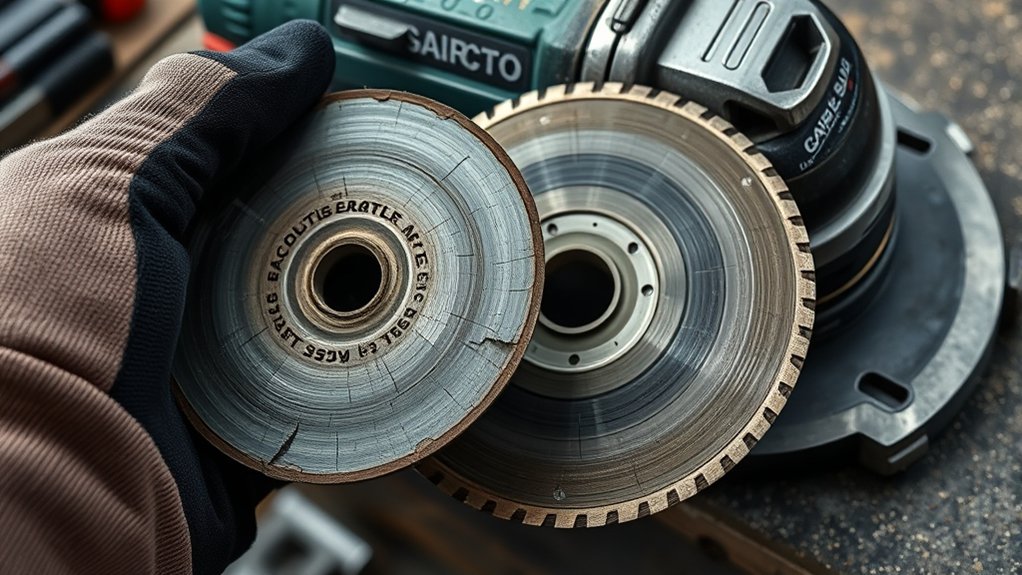
Inspect the disc before every use and again after a drop, jam, or hard impact. Bosch’s angle grinder guidance says to check abrasive wheels for chips and cracks, backing components for tears or excessive wear, and diamond discs for missing segments.
Replace the Disc Immediately
- Cracks, chips, gouges, or missing pieces: Do not run a visibly damaged wheel.
- Warping, bending, or an out-of-round shape: A deformed disc may wobble or contact the guard.
- Missing diamond segments or torn flap-disc flaps: Missing material can unbalance the accessory.
- Damaged arbor hole, hub, or backing plate: The disc may not seat or clamp correctly.
- Expiry date has passed: Do not use an expired resin-bonded wheel when the label or manufacturer provides a use-by date.
- Damage is suspected after a drop: When in doubt, discard the disc rather than test it under load.
Stop and Investigate These Warning Signs
New vibration, wobble, rattling, squealing, burning odor, or guard contact means you should switch off the grinder, wait for a complete stop, and disconnect power. These symptoms do not prove the disc is the only problem. Dirt between flanges, an incorrectly oriented clamp nut, a bent spindle, worn bearings, or the wrong guard can produce similar symptoms.
Normal Wear Versus Unsafe Wear
Many bonded grinding and cutting wheels become smaller during normal use. A reduced diameter by itself is not always a reason to discard the wheel. Replace it when it reaches the maker’s wear limit, no longer provides the needed cut depth, cannot be guarded or clamped as designed, or performs so poorly that you are tempted to force the tool.
Loading and glazing also need context. A loaded disc has material packed into the abrasive surface, while a glazed disc has lost cutting bite. Use only a manufacturer-approved cleaning or dressing method. Replace the disc if the approved method does not restore safe performance or if the wheel shows heat damage, cracks, or distortion.
A disc does not need to be broken to be unsafe. Incorrect speed, mounting, guard selection, or side loading can make an undamaged-looking wheel fail.
How Slower Cutting Impacts Safety and Performance
Slower cutting is a useful warning sign, but it does not always mean the disc is worn out. The material may be harder than expected, the abrasive grade may be wrong, the wheel may be loaded, the battery may be weak, or the tool may be slowing under excessive pressure.
- More heat: Long contact time can overheat the wheel, workpiece, or grinder.
- More pressure: Pushing harder can make a cutting disc bind, bend, or kick back.
- Rougher results: A poorly matched or worn abrasive can leave ragged cuts and deep scratches.
- Less control: Fatigue and force make it harder to keep a stable cutting line.
Stop and inspect the setup when cutting speed drops sharply. Confirm the disc type, speed rating, mounting, material compatibility, and condition before deciding whether replacement is needed.
Warning: Never force a slow cutting disc or twist it in the kerf. CCOHS guidance warns that forcing, twisting, or bending a disc can cause binding, overheating, or breakage.
Choosing the Right Disc Type for Your Project
Choose the accessory by task first, then verify the grinder’s allowed diameter, arbor, speed, guard, and flange arrangement. An accessory is not safe merely because it fits on the spindle. The grinder manual must allow that wheel type and application.
Products Worth Considering

Premium and Value: This 10-pack 4-1/2 x 7/8-inch metal/stainless steel cut-off wheel set is specially formulated for fast cutting in metals and stainless steel

[Diamond Technology] 1 equals 100, EZARC diamond 4 1/2 cut off wheel delivers 5,000+ more cuts for metal with much lower cost per cut compared to bonded cut-off wheels

【Fits All 4-1/2 Inch Angle Grinders】 PRETEC Cut Off Wheel is compatible with all 4-1/2 inch angle grinders with 7/8 inch arbor. The high rotating speed of up to 13,300 RPM, more than common 13,000 RPM, ensure maximum efficiency.
Disc Material Considerations
- General steel work: Aluminum-oxide wheels are common for steel, while zirconia or ceramic abrasives may offer faster stock removal. Use only a wheel labeled for the material and task.
- Concrete, masonry, and tile: Use a diamond wheel or bonded masonry wheel rated for the material, grinder speed, guard, and dry or wet method specified by the manufacturer.
- Wood applications: Use only an accessory that the grinder manufacturer explicitly approves for wood and for the exact guard arrangement. Do not install a circular-saw blade, chain-style carving wheel, or toothed blade merely because the arbor fits.
- Disc thickness and wheel type: Thin cut-off wheels are for cutting; thicker grinding wheels are for grinding. Do not use a cut-off wheel for surface grinding.
Project-Specific Disc Selection
| Project Type | Recommended Accessory | Main Replacement Cues |
|---|---|---|
| Metal cutting | Reinforced cut-off wheel approved for the grinder and guard | Cracks, chips, warping, expiry, damaged center, or persistent wobble |
| Metal grinding | Grinding wheel labeled for the metal and operation | Cracks, chunks missing, severe glazing, expiry, or loss of safe control |
| Metal smoothing | Flap disc with the correct grit and speed rating | Torn or missing flaps, damaged backing, exposed support, or imbalance |
| Concrete or masonry | Diamond wheel or bonded masonry wheel approved for the material | Cracked core, missing segments, warping, undercutting, or maker’s wear limit |
| Wood | Only a grinder accessory specifically approved by the tool manufacturer | Damaged body or teeth, loose components, warping, or any prohibited setup |
Always compare the disc’s maximum RPM with the grinder’s maximum no-load speed. The accessory rating must be equal to or higher than the grinder rating. Also confirm diameter, thickness, arbor, flange, and guard compatibility. CCOHS portable-grinder guidance and Bosch’s proper-use guide both stress speed and size matching.
Discard Criteria by Disc Type
- Bonded cut-off and grinding wheels: Discard for cracks, chips, warping, damaged centers, expiry, or suspected impact damage. Never use a cut-off wheel for side grinding.
- Flap discs: Replace when flaps tear away, the backing plate is damaged or exposed beyond the maker’s limit, or the disc becomes unbalanced.
- Diamond wheels: Replace for a cracked or warped steel core, missing or loose segments, severe undercutting, or wear beyond the maker’s limit. A glazed diamond edge may sometimes be dressed only by a method approved by its manufacturer.
- Wire wheels and brushes: These are attachments rather than abrasive discs. Replace them for loose, broken, corroded, or badly distorted wires and follow the brush manufacturer’s rules.
Why Using a Worn Disc Poses Safety Risks
The main danger is not age or smaller diameter by itself. The highest-risk conditions are damage, overspeed, wrong wheel type, poor mounting, incorrect guard selection, side loading, and continued use after vibration or impact. A wheel failure can release fragments at high speed and can also trigger kickback or loss of control.
Signs of Disc Wear
- Chipping or cracking: Any visible crack or missing chunk is a discard condition.
- Damaged center or backing: The wheel may not clamp flat or run true.
- Missing segments or flaps: The accessory may become unbalanced.
- Persistent glazing or loading: Cutting performance may not recover with an approved cleaning or dressing method.
- Increased vibration: Stop immediately and inspect the complete wheel-and-tool setup.
Consequences of Worn Discs
A damaged or misused disc may fracture, bind, overheat, or kick back. Slow cutting can also lead the operator to apply more pressure, which increases heat and reduces control. Even when the disc does not break, poor performance can damage the workpiece and place extra load on the grinder.
Safety Practices for Replacement
- Disconnect the power source: Unplug a corded grinder or remove the battery before touching the disc.
- Use the correct guard: Keep the guard installed and position it between you and the wheel. OSHA’s portable-tool rule requires guarding and inspection for covered abrasive-wheel equipment.
- Inspect the new disc and mounting parts: Check the wheel, flanges, clamp nut, spindle, and guard for damage, dirt, or mismatched parts.
- Wear layered eye and face protection: Use impact-rated safety glasses or goggles with side protection and a face shield over them when the hazard assessment calls for facial protection. OSHA’s selection guide lists a face shield over spectacles or goggles for grinding impact hazards.
- Control other hazards: Use hearing protection, suitable close-fitting clothing, and respiratory protection or dust extraction when required for the material and exposure.
Note: A face shield is not a substitute for primary eye protection. Use safety glasses or goggles that provide side protection under the shield.
Essential Maintenance Tips for Maximizing Disc Lifespan
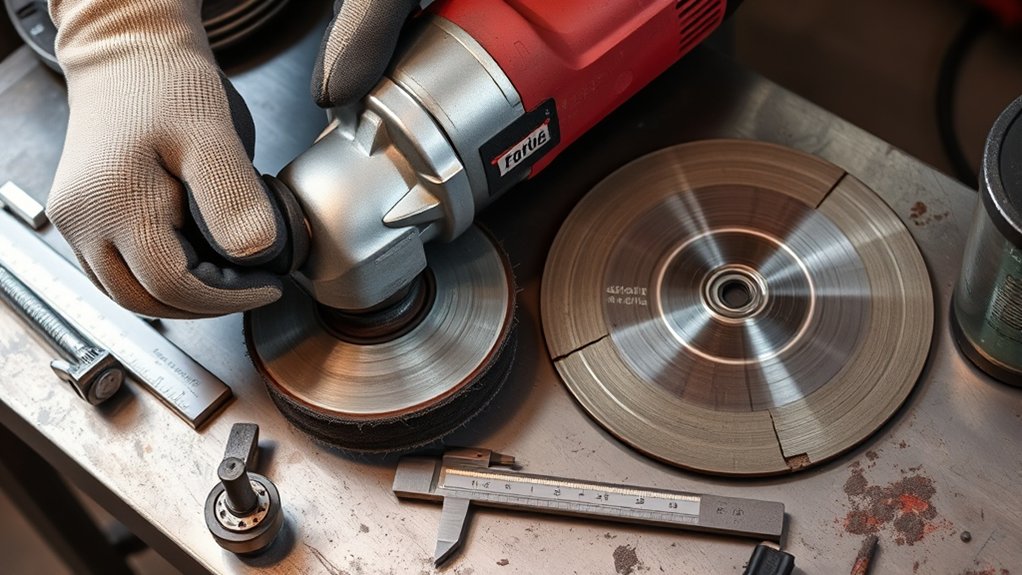
Disc life depends on correct selection, light and steady pressure, proper cutting angle, secure work support, and clean storage. Do not try to save a disc by using it for a task it was not designed to perform.
| Maintenance Tip | What to Do |
|---|---|
| Inspect Before Use | Check the disc, center hole, backing, flanges, guard, and spindle area. |
| Use Light, Steady Pressure | Let the abrasive cut. Forcing the tool raises heat and can bend a cut-off wheel. |
| Keep the Tool Clean | Remove loose dust from the tool exterior and vents as the manual directs. Do not soak or chemically clean bonded wheels. |
| Check Expiry Markings | Review resin-bonded wheel labels and packaging before installation. |
| Store by Wheel Type | Keep discs dry, protected from impact, and supported in the orientation the manufacturer recommends. |
Pro Tip: Keep each spare disc in its labeled package. The label preserves the wheel type, maximum RPM, material rating, expiry information, and mounting instructions you need for a safe match.
Inspection Checklist: What to Look for Before Each Use
Use this checklist before installing or running any angle grinder disc:
- Read the label: Confirm wheel type, material, diameter, thickness, arbor, maximum RPM, rotation direction if marked, and expiry date if provided.
- Inspect the disc: Look for cracks, chips, gouges, warping, missing segments or flaps, damaged backing, and a distorted center hole.
- Inspect the grinder: Check the guard, side handle, spindle, flanges, clamp nut, power cord or battery, and switch.
- Check fit: The disc should seat flat on the correct flange without being forced onto the spindle.
- Check clearance: Rotate the disc by hand after mounting to confirm that it does not touch the guard.
- Test without load: In a protected area, hold the grinder so no one is in line with the wheel and run the newly mounted wheel as the tool and wheel instructions direct. CCOHS recommends one minute for newly mounted cutting discs and grinding wheels.
- Stop for abnormal operation: Disconnect power if you notice vibration, wobble, unusual noise, or guard contact.
Note: A ring test is not suitable for every wheel size or construction. Use it only when the wheel manufacturer or workplace procedure says it applies; never strike a thin cut-off wheel as an improvised test.
Choosing the Right Angle Grinder Disc Replacement
A replacement disc must pass all of these compatibility checks:
- Task: Cutting, grinding, finishing, or masonry work.
- Material: Steel, stainless steel, aluminum, concrete, tile, or another material listed on the wheel.
- Size: Diameter and thickness must be within the grinder’s rated capacity.
- Mounting: Arbor, hub, flanges, clamp nut, and any backing pad must match the tool instructions.
- Speed: The disc’s maximum RPM must equal or exceed the grinder’s maximum no-load RPM.
- Guard: Use the guard type required for that wheel and operation.
Do not move a partly worn wheel from a larger, slower grinder to a smaller, faster grinder. Do not enlarge an arbor hole, stack improvised washers, omit required flanges, or use a wheel whose label is unreadable when you cannot verify its ratings.
Products Worth Considering
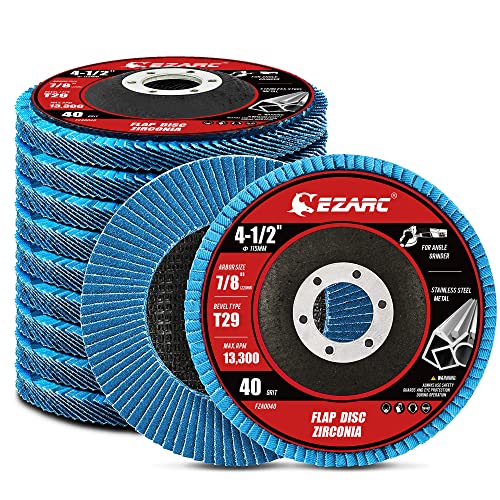
【Great Performance】EZARC flap sanding discs are made of hard zirconia material which lasts longer than standard aluminum oxide abrasive material, built for a more robust and economical grinding wheel

Structural Components: A Cut off wheel typically comprises an abrasive, a binder, and air holes. The abrasive cuts, the binder shapes and strengthens, and the air holes remove swarf and dissipate heat to prevent damage to the cutting disc from overheating

Best Practices for Replacing Your Angle Grinder Disc
Follow the grinder manual because flange orientation, clamp-nut direction, guard type, and tightening method vary by model. The steps below cover the safe sequence used by most angle grinders.
How to Replace an Angle Grinder Disc Step by Step
- Choose the correct replacement: Verify the wheel type, size, arbor, maximum RPM, material, and required guard before opening the package.
- Shut down and isolate the tool: Switch the grinder off, wait for the disc to stop, unplug it or remove the battery, and let hot parts cool.
- Position the grinder safely: Place it on a stable surface where the switch cannot be pressed accidentally.
- Remove the old disc: Engage the spindle lock only after the spindle has stopped. Use the supplied spanner or the model’s tool-free release to loosen the clamp nut.
- Inspect and clean the mounting parts: Wipe loose debris from the spindle, flanges, and clamp nut. Replace damaged, bent, cracked, or incorrect hardware.
- Inspect the new disc: Check for shipping damage, expiry, a distorted center, and a readable speed rating. Confirm the rotation arrow when the wheel has one.
- Install the disc correctly: Seat it flat on the correct backing flange. Fit the clamp nut in the orientation required for the wheel thickness and tighten it only as the grinder manual directs. Do not overtighten.
- Check the setup by hand: Release the spindle lock and turn the disc carefully to confirm free movement and guard clearance.
- Run a no-load test: Reconnect power, hold the grinder with both hands, keep yourself and others out of the wheel’s plane, and run it in a protected area. Stop immediately for wobble, vibration, noise, or rubbing.
Warning: Never press the spindle-lock button while the wheel is moving. Never test a questionable disc by running it without the correct guard.
Storage Tips to Keep Your Discs in Top Condition
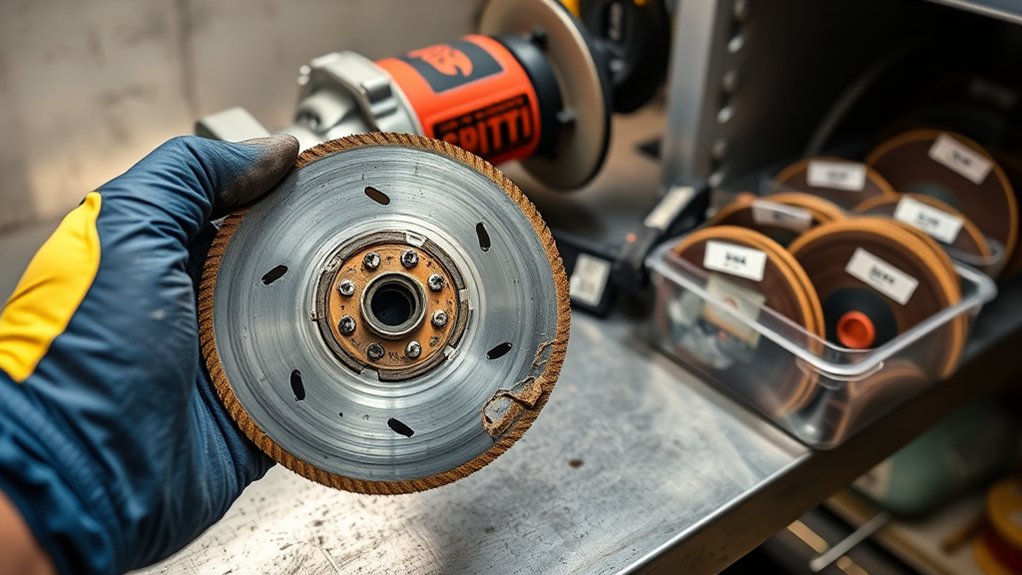
Proper storage protects discs from moisture, impact, bending, contamination, and temperature swings. CCOHS storage guidance recommends dry storage, protection from water and condensation, and support suited to each wheel type.
- Keep original packaging: It protects the disc and preserves its ratings and expiry information.
- Use a cool, dry location: Avoid water, oil, freezing conditions, excessive heat, and humidity that causes condensation.
- Support the wheel correctly: Lay thin bonded wheels flat when directed; support larger wheels in racks, cradles, or bins as their manufacturer specifies.
- Prevent impact and pressure: Do not drop discs or place tools and heavy objects on top of them.
- Rotate stock: Store older dated wheels where they will be checked and used first, without exceeding any expiry date.
- Inspect again before use: Storage does not replace a pre-use inspection.
For example, a 3M technical data sheet for Cubitron 3 resin-bonded cut-off wheels gives a three-year shelf life from manufacture and says the expiry date is on the metal ring. Apply the date printed on your own product rather than assuming every disc has the same shelf life.
What to Do If a New Disc Vibrates or Cuts Poorly
A new disc can still run badly if it is damaged, mismatched, or mounted incorrectly. Stop, disconnect power, and check the following:
- Make sure the disc sits flat and the flange and clamp nut are installed in the correct orientation.
- Remove dust, burrs, labels, or debris trapped between mounting surfaces.
- Confirm that the arbor, diameter, thickness, wheel type, and maximum RPM match the grinder.
- Check that the wheel is not touching the guard and that the guard is the correct type.
- Inspect the new disc for warping, cracks, shipping damage, or a damaged center hole.
- Try a known-good compatible disc. If vibration remains, stop using the grinder and have the spindle, bearings, flanges, and guard checked by a qualified service provider.
Poor cutting without vibration may come from the wrong abrasive, wrong grit, a loaded surface, low battery charge, unsupported material, or excessive pressure. Correct the setup rather than forcing the disc.
Frequently Asked Questions
How Do I Know When to Change the Angle Grinder Disc?
Change it immediately for cracks, chips, warping, missing segments or flaps, a damaged center or backing, expiry, or unexplained vibration. Replace a normally worn disc when it reaches the manufacturer’s limit or no longer cuts safely without extra force.
How Can You Tell When an Angle Grinder Blade Is Bad?
Inspect it for cracks, missing pieces, warping, damaged mounting holes, torn flaps, or missing diamond segments. Stop using it if it wobbles, rubs the guard, makes unusual noise, or was dropped and may be damaged.
How Do You Choose the Right Grinder Disc?
Match the disc to the task, material, diameter, thickness, arbor, guard, and flange system. Its maximum RPM must be at least as high as the grinder’s maximum no-load RPM, and the grinder manufacturer must allow that accessory type.
What Safety Precautions Should You Take When Changing a Grinding Disc?
Unplug the grinder or remove its battery, wait for a complete stop, keep the correct guard installed, inspect the new disc and mounting parts, follow the manual’s flange and tightening directions, and perform a protected no-load test before work.
Can You Use a Smaller Worn Disc Until It Disappears?
No. Normal diameter loss may be acceptable, but do not use a wheel beyond its marked or manufacturer-stated limit, after safe clamping or guarding is affected, or when loss of cut depth or performance makes you force the tool.
Do Angle Grinder Discs Expire?
Some do. Resin-bonded wheels commonly carry an expiry date, and you should not use them after that date. Diamond blades, flap discs, and other accessories may follow different storage and service-life rules, so check their labels and manufacturer instructions.
Can You Use a Cutting Disc for Grinding?
No. Thin cut-off wheels are not designed for side pressure. Use a grinding wheel or flap disc that is labeled for surface grinding and approved for your grinder and guard.
Why Does a New Grinder Disc Wobble?
Common causes include a warped disc, trapped debris, the wrong flange or clamp-nut orientation, an incorrect arbor, guard contact, or a damaged spindle. Stop immediately, disconnect power, and correct the cause before running the grinder again.
Safety Disclaimer: This article gives general safety information only. Always follow your grinder manual, disc label, workplace hazard assessment, applicable regulations, and the accessory manufacturer’s instructions.
Conclusion
Replace an angle grinder disc immediately when it is cracked, chipped, warped, expired, missing parts, or running with unexplained vibration. Treat slower cutting and glazing as reasons to stop and inspect, not as proof by themselves that the disc has failed. Match every replacement to the tool, mount it with the correct hardware and guard, and test it without load before returning to work.
Sources
- OSHA 29 CFR 1910.243, Guarding of Portable Powered Tools — abrasive-wheel guarding, mounting, inspection, and speed checks.
- OSHA 29 CFR 1910.133, Eye and Face Protection — protection from flying particles and side-protection requirements.
- CCOHS, Powered Hand Tools — Use of Grinder Attachments — inspection, mounting, no-load testing, PPE, and disc handling.
- CCOHS, Handling and Storing Bonded Abrasive Wheels — storage orientation, moisture protection, impact prevention, and pre-use inspection.
- Bosch Professional, Proper Use of Angle Grinders — wheel inspection, accessory matching, maximum speed, guards, and two-handed control.
- 3M Cubitron 3 Cut-Off Wheel Technical Data Sheet — resin-bonded wheel shelf-life and storage example.