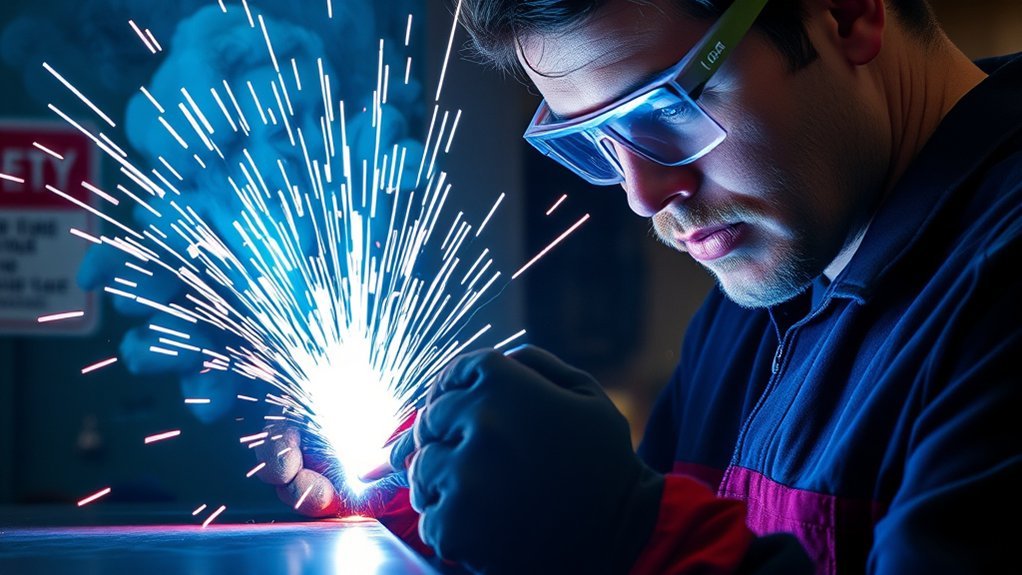
Yes, a welding helmet can be used for plasma cutting, but the word welding on the shell does not make every helmet suitable. The helmet’s manual must permit cutting, its filter must cover the shade required for your amperage and applicable rules, and an auto-darkening lens must react reliably to the plasma arc. You also need impact-rated safety glasses beneath the helmet and full protection from sparks, fumes, noise, and hot metal.
Quick Answer
Yes. A welding helmet can be used for plasma cutting when its manual allows cutting, its lens provides the shade required for the amperage and applicable rules, and the auto-darkening filter reacts reliably. Wear impact-rated safety glasses with side shields underneath, and stop immediately if the lens flickers or fails to darken.
Key Takeaways
- Confirm that the helmet’s instructions specifically allow plasma cutting or provide a cutting mode.
- Do not use grind mode. On many helmets, grind mode stays at a light shade that is not suitable for viewing a plasma arc.
- Shade requirements differ between manufacturer guidance and workplace regulations. Follow the plasma-cutter manual, helmet manual, applicable rules, and the strictest minimum that applies.
- Wear impact-rated safety glasses or goggles with side protection beneath the helmet.
- Control fumes at the source, wear flame-resistant clothing and gloves, protect your hearing, and keep bystanders away from the arc.
- Stop cutting if the lens flashes, flickers, remains light, or does not stay dark for the full cut.
What’s in This Article
- Understanding Plasma Cutting and Its Unique Requirements
- Differences Between Welding Helmets and Plasma Cutting Helmets
- Choosing the Right Shade for Plasma Cutting
- Key Features to Consider in a Helmet for Plasma Cutting
- Safety Considerations and Additional Protective Gear
- Troubleshooting Helmet Flicker and Poor Arc Detection
- Frequently Asked Questions
- Conclusion
- Sources
Understanding Plasma Cutting and Its Unique Requirements
Plasma cutting uses an electrical arc and a high-speed stream of ionized gas to melt and remove electrically conductive metal. The process creates intense visible light, ultraviolet and infrared radiation, sparks, molten slag, noise, airborne metal fume, and electrical hazards.
A helmet must perform two different jobs. Its shell and cover lens help shield your face from radiation, sparks, and debris, while the filter lens limits the radiant energy reaching your eyes. Neither function replaces impact-rated safety glasses worn beneath the helmet.
The Hypertherm Safety and Compliance Manual instructs operators to use safety glasses or goggles with side shields together with a welding helmet and the appropriate filter shade. OSHA safety guidance also states that welding helmets should not be treated as stand-alone eye protection.
Arc brightness changes with current, equipment design, torch position, material, and whether the workpiece blocks your direct view of the arc. This is why a shade chosen only because it “looks comfortable” is not enough. The selected shade must first meet the minimum required by the machine instructions and any rules that apply to the work.
Note: A darker lens reduces visible glare, but shade number is only one part of protection. The helmet must also be approved for the task, remain in good condition, fit correctly, and be worn over suitable impact-rated eye protection.
Differences Between Welding Helmets and Plasma Cutting Helmets
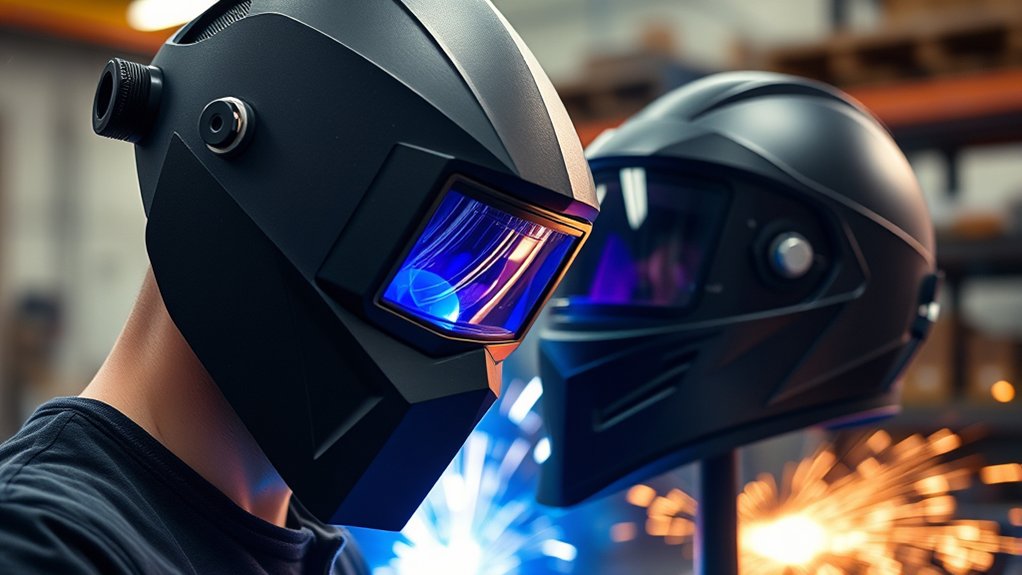
A “plasma-cutting helmet” is not always a completely separate type of helmet. Many suitable products are welding helmets whose instructions include a dedicated cutting mode or a filter range that covers plasma cutting. Other welding helmets cannot reach a suitable cutting shade or cannot detect the plasma arc reliably.
Do not decide by appearance or brand name. Check the exact model’s manual, markings, shade range, sensor instructions, and permitted applications.
Cut Mode, Weld Mode, and Grind Mode
On a compatible auto-darkening helmet, cut mode is designed to detect a cutting arc and may offer lighter shades than weld mode. For example, one Miller auto-darkening helmet manual lists shades 5–8 in cut mode and shades 8–13 in weld mode. That range is model-specific and must not be assumed for a different helmet.
Grind mode is not a plasma-cutting mode. Grind mode commonly locks the filter in a light state so the user can see while grinding. In the Miller manual above, grind mode is fixed at shade 3.
Warning: Never plasma cut with the helmet in grind mode. Confirm the operating mode before every cut, especially after switching between grinding and cutting.
Fixed-Shade Versus Auto-Darkening Helmets
| Helmet Type | Advantages | Limitations |
|---|---|---|
| Fixed shade | Simple, no arc sensor or switching battery, and reliable when the installed shade is correct. | May be too dark for positioning before the cut and cannot adapt when amperage changes. |
| Auto-darkening | Provides a light state for setup and darkens when the arc starts; compatible models may include cutting mode, sensitivity, and delay controls. | Can fail to trigger if the sensors are blocked, dirty, poorly adjusted, underpowered, or not designed for the arc. |
When a Welding Helmet Is Suitable
A welding helmet is a reasonable choice for plasma cutting only when all of the following are true:
- The manual lists plasma cutting, arc cutting, or an appropriate cutting mode.
- The available dark shade reaches the required value for the amperage and applicable rules.
- The helmet is marked or documented as meeting the eye- and face-protection standard required in your location or workplace.
- The shell, auto-darkening filter, inner lens, outer cover lens, sensors, batteries, and headgear are undamaged.
- The sensors can maintain a clear view of the arc throughout the intended cut.
- The helmet fits securely and provides adequate face and neck coverage for the direction of sparks and slag.
If the manual excludes cutting, the shade range is too limited, or the lens cannot stay dark reliably, use a different helmet.
Choosing the Right Shade for Plasma Cutting
The correct shade depends on the cutting current, the equipment instructions, and the safety rules that apply where you work. There is no single shade that is correct for every plasma cutter.
Two commonly encountered U.S. references do not give identical low-current values:
- Hypertherm’s 2023 safety manual reproduces an ANSI Z49.1:2012-derived table that lists shade 5 below 40 A, shade 6 from 41–60 A, and shade 8 from 61–80 A.
- The OSHA eye- and face-protection table lists shade 8 for light plasma arc cutting below 300 A when the actual arc is clearly visible.
Note: The values below show why a universal “shade 5 for plasma cutting” rule is unsafe. In a workplace, follow the employer’s hazard assessment and applicable OSHA requirements. In every setting, follow the current plasma-cutter and helmet manuals and never go below the strictest minimum that applies.
Products Worth Considering

Lens Technology- IR 5.0 Filter Green Lens are ANSI & CSA compliant, with 99% protection from UV rays to reduce eye fatigue and prevent damage.

【Professional Welding Safety Goggles】Made of high quality PC + ABS material, features anti-ultraviolet, infrared radiation, anti-glare, which can resist 99% of the harmful light to the eyes.

INTELLIGENT AUTO SHADE ADJUSTMENT - Automatically adjusts the lens shade, sensitivity, and delay based on the brightness of the welding arc. Shade and delay can be fine-tuned within ±9 levels, while sensitivity is fixed. When Smart Auto Adjustment is activated, you can choose one of three modes or enable all simultaneously, customizing the settings to your preference. This provides instant eye protection, reduces fatigue, and ensures consistent visibility and precision for every weld.
Plasma-Cutting Shade Comparison
| Arc Current | Hypertherm/ANSI-Derived Minimum | Hypertherm Suggested Comfort Shade | OSHA Plasma Arc Cutting Minimum |
|---|---|---|---|
| Less than 40 A | 5 | 5 | 8 when the arc is clearly visible |
| 41–60 A | 6 | 6 | 8 when the arc is clearly visible |
| 61–80 A | 8 | 8 | 8 when the arc is clearly visible |
| 81–125 A | 8 | 9 | 8 when the arc is clearly visible |
| 126–250 A | 8 | 9 | 8 when the arc is clearly visible |
| 251 A to less than 300 A | 8 | 9 | 8 when the arc is clearly visible |
| 300 A | 8 | 9 | 9 |
| 301–400 A | 9 | 12 | 9 |
| Above 400–800 A | 10 | 14 | 10 |
The table is a reference, not a replacement for the documentation supplied with your equipment. A model may have its own restrictions, and national or local requirements may differ.
How to Select the Shade Safely
- Check the plasma-cutter manual. Find its eye-protection or filter-shade table for the selected output current.
- Check the helmet manual. Confirm that cutting is allowed and that the required shade is available in the selected mode.
- Check applicable workplace or local requirements. Do not use a lighter shade than the required minimum.
- Begin darker when adjustment is allowed. Move to a lighter setting only when needed to see the cut and only while remaining at or above the applicable minimum.
- Test the complete setup on scrap. Make sure the lens darkens before you begin the main workpiece.
Do not lower the shade simply because the work line is difficult to see. Improve task lighting, clean or replace a scratched cover lens, mark the cut line more clearly, or use a suitable guide instead.
Shade Preferences Explained
Eyesight, lens clarity, ambient light, and the position of the arc can affect comfort, but personal preference does not override a minimum shade. The safest approach is to use the darkest compliant shade that still allows you to perform the work accurately.
A shade 10 lens can exceed the minimum for many lower-current operations, but it may make the workpiece too difficult to see. Poor visibility can create a separate risk by causing the torch to wander or the operator to move too close to the work.
Key Features to Consider in a Helmet for Plasma Cutting
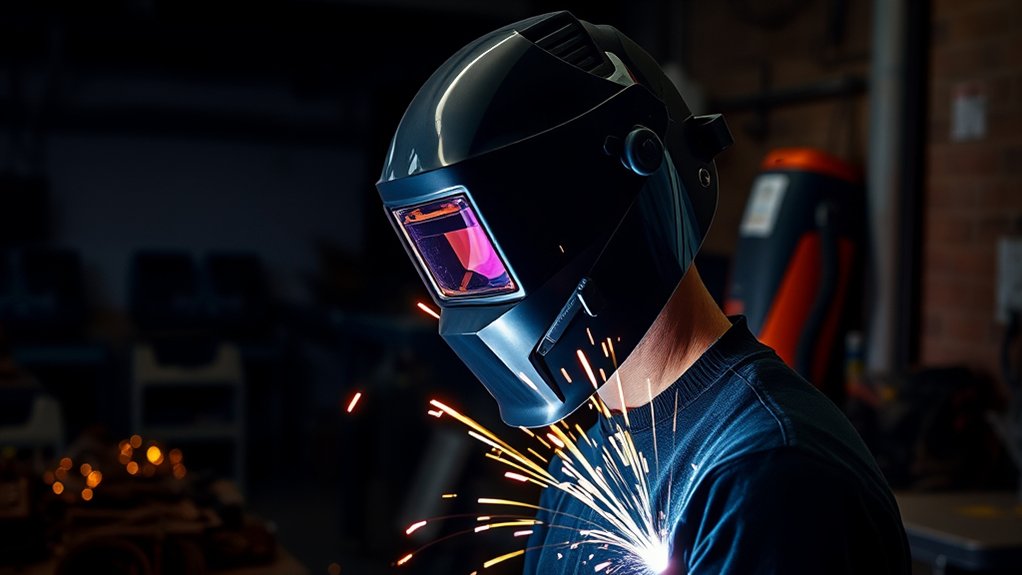
Choose a helmet for plasma cutting by its documented capabilities, not by color, graphics, or brand recognition. The following features have a direct effect on safety and usability.
- Documented cutting approval: The manual should list cutting, plasma cutting, or an appropriate arc-cutting application.
- Suitable shade range: The available dark shades must cover the minimum required for the current you will use.
- Recognized safety compliance: Verify the markings and documentation required in your country or workplace. OSHA’s current safety guidance references ANSI/ISEA Z87.1 requirements for occupational eye and face protection.
- Reliable arc sensors: Multiple well-positioned sensors may reduce the chance that the torch, hand, or workpiece blocks every sensor.
- Adjustable sensitivity: This helps the filter detect a lower-current cutting arc without being triggered constantly by unrelated light.
- Adjustable delay: Delay controls how long the filter remains dark after the arc stops. It does not compensate for an incorrect shade.
- Low-battery warning or replaceable battery: Weak batteries can affect operation on battery-assisted models.
- Replaceable inner and outer lenses: Scratched, cracked, pitted, or dirty lenses reduce visibility and may interfere with sensors.
- Stable headgear: The helmet should remain in position without excessive pressure or neck strain.
- Adequate coverage: The shell should protect the face and neck from the expected direction of sparks and slag.
Products Worth Considering
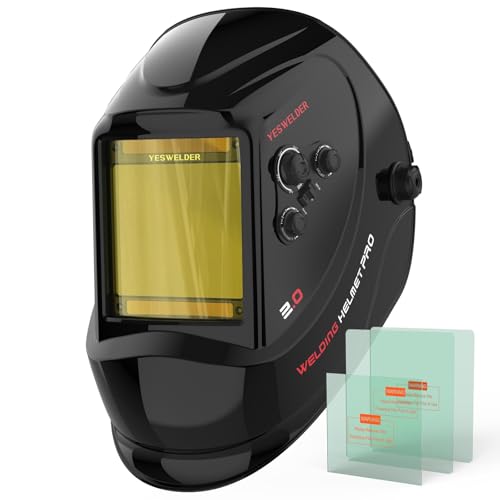
LARGE VIEW WITH TRUE COLOR CLARITY: See more of the weld puddle, joint edges, and work position through a wide 3.93" x 3.66" viewing area. The 1/1/1/1 true-color optical clarity provides a clearer, more natural view than traditional green-tinted lenses, helping support better visibility for detailed welding, fabrication, and garage projects.

0.1MS Auto Darkening for Eye Safety: The high-sensitivity auto-darkening filter instantly dims when it detects arc light, protecting your eyes from harmful UV/IR radiation, sparks and intense glare. It delivers clear vision before, during and after welding with no manual adjustment needed, so you can work efficiently and safely.

LED Lighting: Equipped with LED lights, so that you can get plenty of light when welding.
Pre-Cut Helmet Check
- Read the plasma-cutter and helmet instructions.
- Inspect the shell, headgear, filter, retainers, cover lenses, and sensors.
- Clean the sensor openings and cover lens with methods approved by the helmet manufacturer.
- Check the battery or low-battery indicator where fitted.
- Put on impact-rated safety glasses or goggles with side protection.
- Select cut mode or the manufacturer-approved mode.
- Set the required shade, sensitivity, and delay.
- Lower the helmet fully and make a short test cut on suitable scrap.
- Confirm that the filter darkens promptly and stays dark without flashing.
Pro Tip: Repeat the short test whenever you change amperage, torch position, workpiece geometry, lighting, helmet mode, sensitivity, delay, batteries, or lenses.
Safety Considerations and Additional Protective Gear
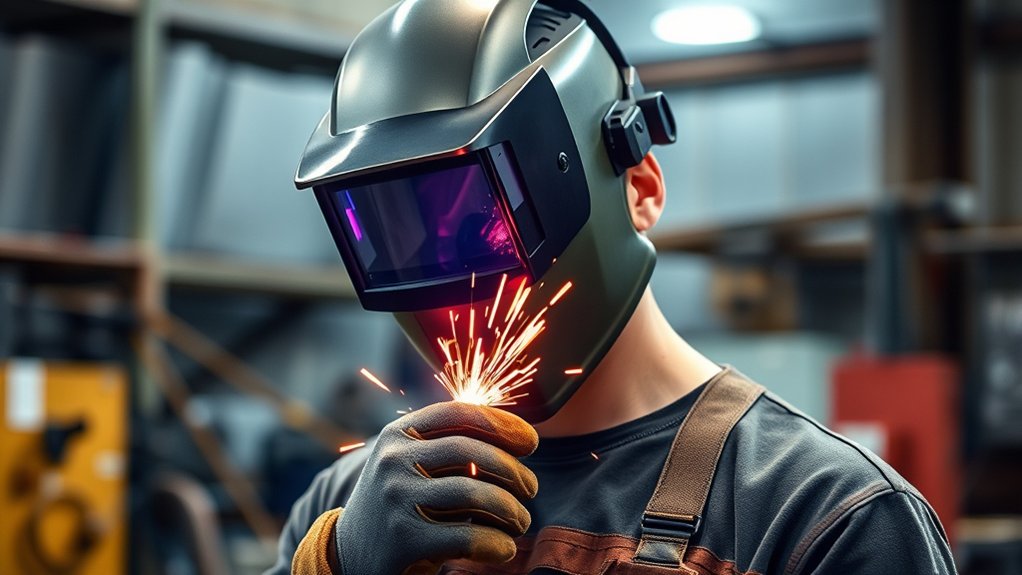
A helmet protects only part of your body. Plasma cutting can expose you and nearby people to hot metal, molten slag, radiation, noise, electrical current, fires, and airborne contaminants. Use a complete safety setup before energizing the torch.
Essential Protective Equipment
- Impact-rated safety glasses or goggles with side protection: Wear them beneath the helmet to protect against flying particles when the helmet is raised and to provide secondary protection during cutting.
- Correctly shaded helmet: Confirm the mode and shade before every cut.
- Flame-resistant clothing: Use oil-free leather, heavy cotton, wool, or other clothing approved for hot work. Cover all exposed skin.
- Gauntlet-style gloves: Use dry, undamaged gloves suitable for cutting and hot-metal handling.
- Cuffless trousers and protective footwear: Prevent sparks and slag from collecting in cuffs or entering shoes.
- Hearing protection: Use suitable earplugs or earmuffs when noise exposure has not been shown to be below the applicable limit.
- Respiratory protection when required: Use only equipment selected for the identified contaminants and conditions. Workplace use may require medical evaluation, fit testing, training, and a written respiratory-protection program.
Comprehensive Skin Coverage
Plasma arc radiation can injure uncovered skin even when sparks do not land directly on it. Wear long sleeves, long trousers, gloves, closed footwear, and suitable neck and head coverage. Keep clothing dry and free of oil, grease, solvents, and other flammable contamination.
Freshly cut metal and dropped sections can remain dangerously hot. Do not pick up a cut part with bare hands, and do not assume it has cooled because it no longer glows.
Fumes and Ventilation
According to the OSHA fact sheet on hazardous welding fumes and gases, plasma cutting melts metal and can generate airborne metal fume. Exposure depends on the base metal, coatings, cutting process, location, air movement, and ventilation controls.
Use local exhaust or another effective source-capture system whenever practical. Position the hood or extraction nozzle close enough to collect the plume without disturbing the cutting process. Keep your head out of the rising fume.
Outdoor work or an open garage door does not automatically prove that ventilation is adequate. Wind may push the plume through your breathing zone or toward another person.
Warning: Do not cut painted, plated, galvanized, solvent-contaminated, or otherwise coated metal until you identify the material and its hazards. Remove hazardous coatings using an appropriate method where required, provide effective ventilation, and follow the material’s safety data and workplace procedures. Never plasma cut in a confined space without the required ventilation, atmospheric controls, training, and rescue provisions.
Respirators are a backup when engineering and work-practice controls do not reduce exposure enough; they are not a substitute for identifying the contaminant. OSHA’s ventilation requirements for welding and cutting describe the use of general mechanical ventilation and local exhaust to keep fumes and smoke out of the breathing zone.
Fire, Electrical, and Bystander Safety
- Remove paper, cardboard, fuel, aerosols, solvents, oily rags, dust accumulations, and other combustibles from the cutting area.
- Check areas below, behind, and on the opposite side of the work because sparks and hot slag can travel through openings.
- Keep the work lead connected as instructed, with secure metal-to-metal contact.
- Do not use wet or damaged electrical equipment, leads, torches, or gloves.
- Remember that an instant-on torch may create an arc as soon as its trigger is activated.
- Never point the torch toward yourself or another person.
- Do not hold a loose workpiece near the intended cut path with your hand.
- Do not cut a tank, drum, pipe, or other container that may contain flammable, pressurized, or toxic residue unless it has been identified, emptied, cleaned, tested, and declared safe under an appropriate procedure.
- Use screens or barriers to protect nearby people from arc radiation, glare, sparks, and debris.
- Warn bystanders not to look at the arc, even from a distance.
Medical Implants and Hearing Aids
High cutting currents create electromagnetic fields. Hypertherm advises people with pacemakers, other medical implants, or hearing aids to consult a doctor before going near plasma cutting or gouging operations. Follow the implant manufacturer’s guidance and the recommendations of the treating clinician.
User Experiences and Recommendations for Helmet Use
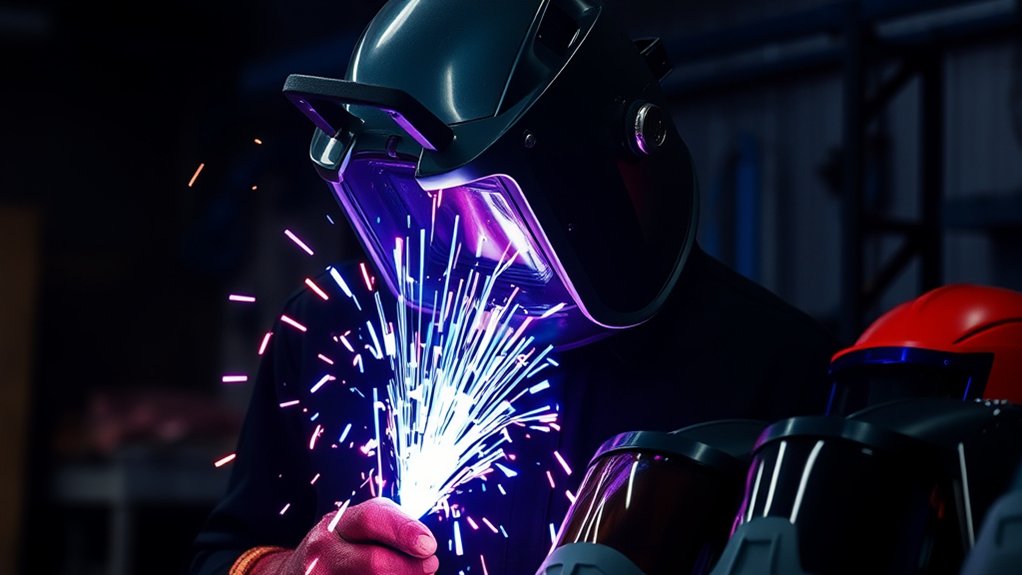
The most common complaint when a welding helmet is used for plasma cutting is an auto-darkening lens that flashes, flickers, darkens late, or returns to the light state during the cut. Treat these symptoms as a fault to correct, not as a normal inconvenience.
Helmet Flickering Challenges
Possible causes include:
- The helmet is still in grind mode.
- The selected operating mode does not support cutting.
- Sensitivity is too low for the arc.
- Sensitivity is so high that unrelated shop lighting causes false triggering.
- The torch, hand, straightedge, workpiece, or table blocks the sensors’ view.
- Smoke, dirt, spatter, or a scratched cover lens obscures a sensor.
- The batteries are weak, incorrectly installed, or making poor contact.
- The arc is intermittent because of poor work-lead contact, worn consumables, incorrect torch height, or another equipment problem.
- The auto-darkening filter or its controls are defective.
Performance Adjustment Tips
Use this sequence when the filter does not respond correctly:
- Stop cutting immediately. Do not try to finish the cut through repeated flashes.
- Move the torch to a safe position and release the trigger.
- Confirm the mode. Select cut mode or the mode specified by the helmet manual. Do not use grind mode.
- Confirm the shade. Set it to the required value for the amperage and applicable rules.
- Inspect and clean the sensors and lenses. Replace scratched, cracked, pitted, or heavily spattered lenses.
- Check the batteries and low-battery indicator. Replace batteries with the type specified by the manufacturer.
- Adjust sensitivity in small steps. Increase it if the arc is not detected; reduce it if unrelated light causes false triggering.
- Adjust delay only as needed. Delay controls the return to the light state after the arc stops; it does not fix missed arc detection.
- Change your position. Make sure at least one sensor has a clear view of the arc for the entire cut.
- Test again on scrap.
If the lens still flashes, remains light, or behaves unpredictably, remove the helmet from service. Use another properly rated helmet or have the unit inspected according to the manufacturer’s instructions. Do not tape an extra tinted lens over a malfunctioning auto-darkening filter or rely on an unapproved face shield as a workaround.
Frequently Asked Questions
Can Auto-Darkening Helmets Be Used for Plasma Cutting?
Yes, but only when the helmet manual permits cutting and the selected mode and shade meet the requirements for the amperage. Set the shade first, then adjust sensitivity and delay as directed. Wear safety glasses underneath and make a short test cut on scrap before beginning the main work.
How Does Helmet Weight Impact Plasma Cutting?
A heavy or poorly balanced helmet can increase neck strain and may shift while you follow a long cut. Choose headgear that holds the shell securely without painful pressure points, but do not trade away shade range, coverage, impact protection, or reliable arc detection merely to reduce weight.
Are There Specific Brands Recommended for Plasma Cutting Helmets?
No single brand is correct for every job. Select the exact model by its manual, approved applications, shade range, safety markings, sensor performance, replaceable lenses, battery system, coverage, and fit. A familiar brand name does not make a helmet suitable if its instructions exclude plasma cutting.
Is It Necessary to Use Ear Protection While Plasma Cutting?
Plasma cutting can create damaging noise, especially at high current, during gouging, or when cutting on a table that reflects sound. Wear suitable hearing protection unless a proper exposure assessment shows that it is not required. Ear protection can also help keep hot particles out of the ear canal when selected for the task.
What Maintenance Is Required for Plasma Cutting Helmets?
Before use, inspect the shell, headgear, filter, retainers, sensors, controls, batteries, inner lens, and outer cover lens. Clean them only as the manufacturer directs. Replace scratched, cracked, pitted, loose, or badly spattered parts, and do not use the helmet if the filter fails its operating check.
Can You Plasma Cut With a Shade 10 Welding Helmet?
Shade 10 meets or exceeds the listed minimum for many plasma-cutting currents, but the helmet must still be approved for cutting and provide suitable impact and face protection. On a low-current cut, shade 10 may be too dark to follow the line safely. Never change to a shade below the applicable minimum merely to improve visibility.
Why Does My Welding Helmet Flicker During Plasma Cutting?
Common causes include grind mode, low sensitivity, blocked or dirty sensors, a damaged cover lens, weak batteries, external light interference, intermittent arc conditions, or a defective filter. Stop cutting, correct the cause, and test on scrap. Remove the helmet from service if it cannot stay dark reliably.
Do You Need Safety Glasses Under a Welding Helmet?
Yes. Wear impact-rated safety glasses or goggles with side protection beneath the helmet. The helmet shields the face and filters arc radiation, but it should not be treated as the only protection against flying particles, especially while the helmet is raised or when slag breaks loose.
Can You Plasma Cut With the Helmet in Grind Mode?
No. Grind mode normally locks an auto-darkening filter in a light state intended for grinding visibility. It may prevent the lens from darkening when the plasma arc starts. Select the manufacturer-approved cutting mode and verify the shade before activating the torch.
Conclusion
A welding helmet can work for plasma cutting, but only after you verify the exact helmet, operating mode, shade range, and condition. Do not rely on a universal shade-5 rule, do not use grind mode, and do not continue when an auto-darkening filter flashes or flickers.
Wear impact-rated safety glasses with side shields beneath the helmet, cover exposed skin with flame-resistant clothing, protect your hands and hearing, control fumes at the source, and shield nearby people from the arc. When a machine manual, helmet manual, workplace rule, or local requirement gives a stricter instruction, follow the stricter requirement.
Sources
- OSHA 29 CFR 1910.133 — Eye and Face Protection — filter-shade requirements and recognized eye-protection standards.
- OSHA Safety and Health Management System Manual, Chapter 8 — safety glasses beneath helmets, filter selection, and current ANSI references.
- Hypertherm Safety and Compliance Manual, Revision 9 — plasma shade chart, eye and skin protection, noise, fumes, instant-on torch hazards, and medical implants.
- Miller Auto-Darkening Helmets Owner’s Manual — cut, weld, and grind modes; shade ranges; safety glasses; maintenance; and auto-darkening operation.
- OSHA Fact Sheet: Controlling Hazardous Fume and Gases During Welding — plasma-cutting fume, coatings, local exhaust, and respiratory protection.
- OSHA 29 CFR 1926.353 — Ventilation and Protection in Welding, Cutting, and Heating — general ventilation, local exhaust, and confined-space controls.