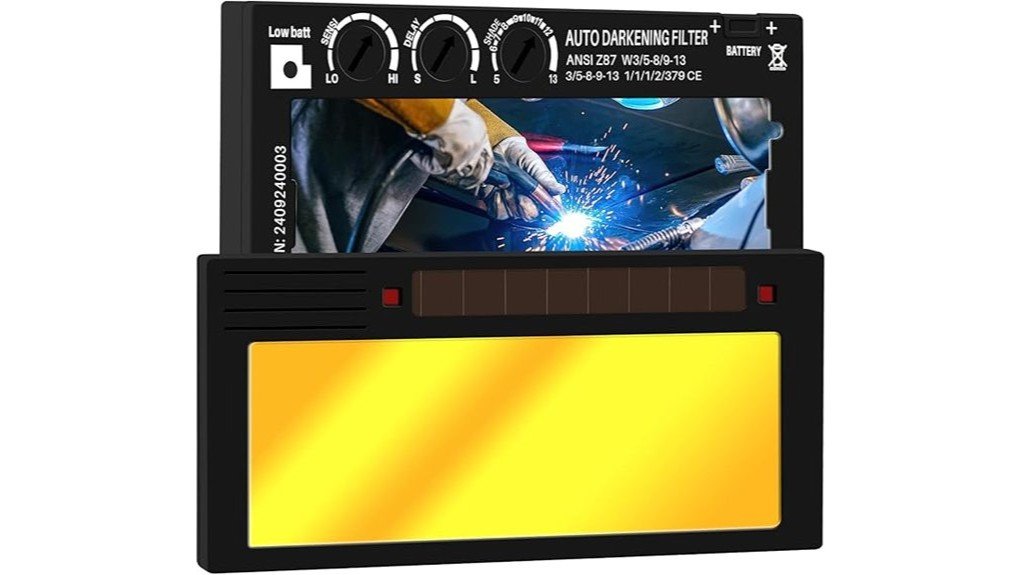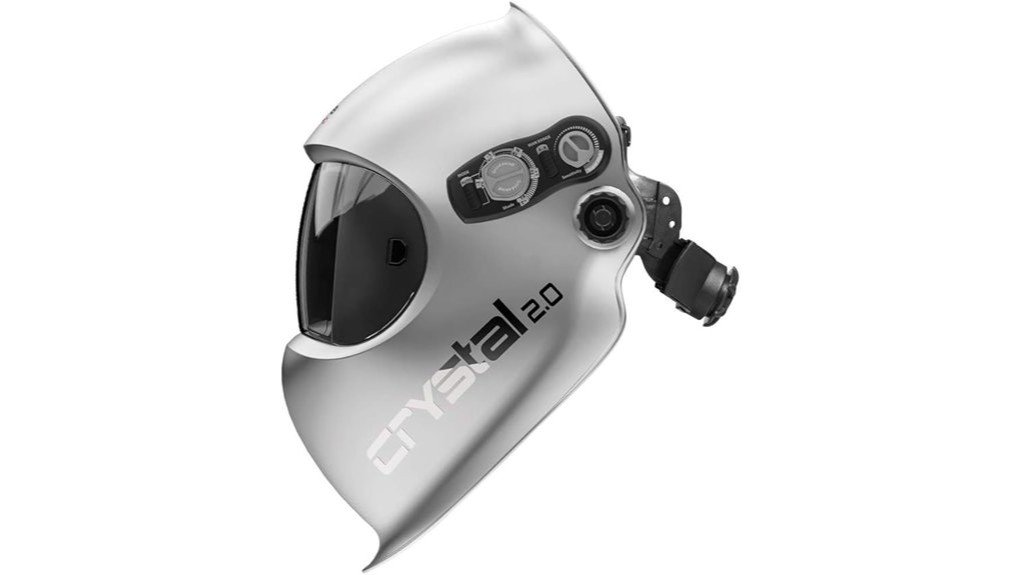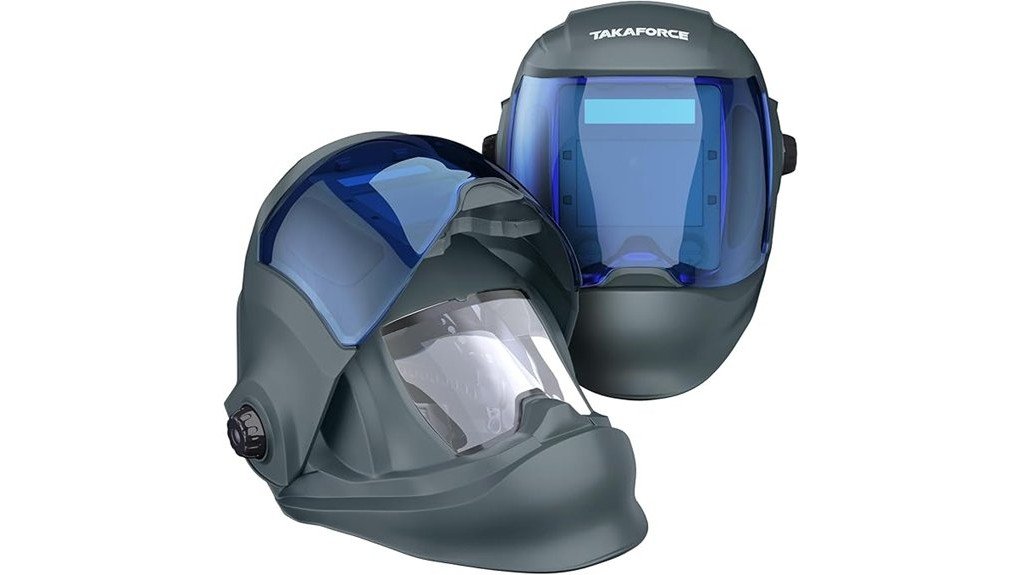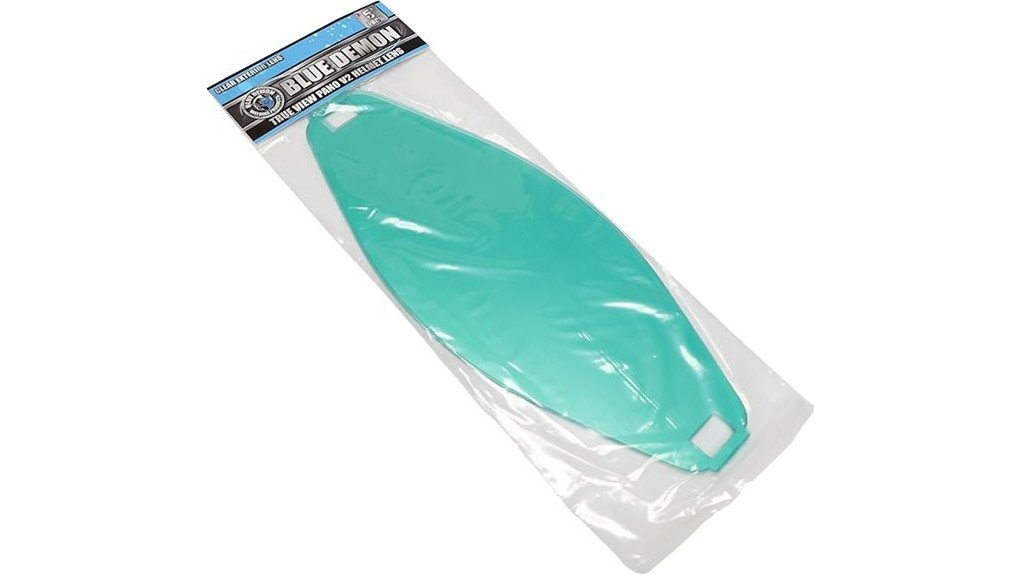
The Blue Demon Pano V2 is an auto-darkening welding helmet (sold as a hood) with an extra-large panoramic viewing area, seven arc sensors, and a 1/1/1/1 optical class. Retailer specs list a main lens that darkens from shade 4 to 13 and a weight of about 1.36 lb. It suits MIG, TIG, and stick welding in a shop or garage, and it is a better fit if you want a wide field of view than if you want the lightest possible helmet. The Blue Demon Pano V2 welding hood offers a panoramic view for wider visibility.
Blue Demon Pano V2 Specs
These figures come from retailer product pages. Check the Amazon listing for the exact variant you are buying.
| Item | Detail |
|---|---|
| Lens type | Auto-darkening, three filters |
| Main lens shades | Weld 8-13, cut 4-8, grind 3 (auto-darkens across 4-13) |
| Arc sensors | 7 |
| Optical class | 1/1/1/1 |
| Viewing area | Extra-large, panoramic (180 degree view stated by a retailer) |
| Switching speed | 0.06 to 1.0 ms stated by a retailer |
| Weight | About 1.36 lb (21.76 oz) per a retailer |
| Certification | CSA and ANSI stated by a retailer |
What Stands Out
- Wide view: the panoramic lens shows more of the joint and the area around it, which helps with positioning and seeing side fit-up.
- Seven arc sensors: more sensors reduce the chance that the lens fails to darken when the arc is blocked by the workpiece, a common issue when welding in awkward positions.
- 1/1/1/1 optical class: the top rating for clarity, distortion, light diffusion, and angle dependence.
- Grind mode: a shade 3 setting lets you grind without removing the helmet. Do not weld in grind mode.
Things to Check Before Buying
- Weight: at over 1.3 lb it is not a featherweight, so check the headgear fit if you wear a helmet all day.
- Variant: some listings bundle extra cover lenses. Confirm what is included.
- Power and warranty: read the manual for battery or solar details and the current warranty terms. Retailers list a lens warranty, but the terms can change.
- Your process: for low-amp TIG, test that the sensors pick up the arc, and set the sensitivity before you start.
Care and Maintenance
| Task | When |
|---|---|
| Wipe the outer cover lens with a soft cloth | After use |
| Replace scratched or pitted cover lenses | When vision gets cloudy |
| Check headgear and sensors | Regularly |
| Store in a cool, dry place away from heavy impact | Always |
Pros and Limitations
Pros
- Large panoramic view
- Seven arc sensors and 1/1/1/1 optical class
- Shade 4-13 range plus a grind mode
Limitations
- Heavier than many compact helmets
- Specs vary by variant and seller, so confirm them on the listing
- Always wear safety glasses under any helmet
Related guides: best welding helmets, how an auto-darkening helmet works, welding helmet shade guide, care for an auto-darkening helmet.
Frequently Asked Questions
What shade range does the Blue Demon Pano V2 have?
Retailers list a main lens that auto-darkens from shade 4 to 13, with weld shades 8-13, cut shades 4-8, and a grind shade of 3.
How many arc sensors does the Pano V2 have?
It has seven arc sensors, which helps the lens react even when part of the arc is hidden.
Is the Pano V2 good for TIG welding?
It can be. Seven sensors and a 1/1/1/1 optical class help, but test low-amp TIG on scrap and adjust the sensitivity so the lens reacts reliably.
Can I replace the cover lenses?
Yes. Cover lenses are consumables. Replace them when they are scratched or pitted. Check the listing for the right size.
Is it light enough for all-day use?
It weighs about 1.36 lb per a retailer, so it is not especially light. Adjust the headgear for balance and take breaks on long sessions.
Final Thoughts
The Blue Demon Pano V2 suits welders who value a wide, clear view and a 4-13 shade range. Check the variant, weight, and warranty on the listing before you buy.