Choosing plasma cutter amperage for steel is not as simple as adding a fixed number of amps for every increase in thickness. The correct setting depends on the cutter, torch, consumables, material, cut type, air supply, and travel speed. Use the manufacturer’s cut chart as your baseline, then confirm the result with a test cut on matching scrap.
Quick Answer
There is no reliable universal “amps per 1/8 inch” formula. Set the cutter to the amperage and consumable process listed in its cut chart for your material and thickness, then tune travel speed, torch height, and air supply. A 45-amp process, for example, can cover several thicknesses at different speeds.
Key Takeaways
- Use the cut chart for your exact machine, torch, consumables, material, and cut type.
- Treat amperage as a process selection, not the only control for thickness.
- Keep the nozzle or cartridge matched to the selected current and use clean, dry air at the required flow.
- Tune travel speed and torch height before making large amperage changes.
- Check rated cut, pierce, maximum, and severance capacity separately because they describe different results.
At a Glance
| Time Required | About 10 to 20 minutes for setup and test cuts |
| Difficulty | Moderate |
| Tools Needed | Plasma cutter, correct consumables, clean dry air, thickness gauge, matching scrap, straightedge, and proper PPE |
| Cost | Usually limited to electricity, compressed air, consumable wear, and scrap used for testing |
What’s in This Article
- Why Amperage Matters When Cutting Steel
- How to Read and Use an Amperage Vs Thickness Chart
- Recommended Amp Settings for Common Steel Thicknesses
- How to Balance Cut Speed, Amperage, and Quality
- Nozzle Orifice Size, Kerf Width, and Gas Pressure
- Standoff, Voltage, and Bevel Control
- Pierce Height, Pierce Delay, and Consumable Life
- Safety and Setup Best Practices
- Common Cut Quality Problems
- Frequently Asked Questions
- Conclusion
Why Amperage Matters When Cutting Steel
Amperage controls the electrical current delivered through the plasma arc, but it does not work alone. The nozzle or cartridge shapes the arc, the gas removes molten metal from the kerf, and travel speed controls how long heat stays in one area.
The most important correction is this: steel thickness does not map to one universal amperage. A manufacturer may use the same 45 A process across several thicknesses and change cut speed, pierce delay, and height instead. Hypertherm’s Powermax45 machine-torch chart, for example, lists a 45 A shielded-air process from sheet metal through much thicker plate, with slower speeds as thickness increases.
Amperage selects the cutting process. Travel speed, torch height, gas flow, and consumable condition determine whether that process produces a clean edge.
Too little process capacity for the job can cause incomplete separation, a heavily lagging arc, and excessive dross. Too much heat on thin sheet can widen the kerf, round the top edge, and increase distortion. The safest approach is to choose a supported process from the manual, then make small changes to speed and height.
Material also matters. Mild steel, stainless steel, and aluminum may use different gases, consumables, speeds, and quality expectations even at the same thickness. Rust, paint, mill scale, and poor work-clamp contact can also interfere with arc transfer and consistency.
How to Read and Use an Amperage Vs Thickness Chart
Your machine’s cut chart is the correct starting point because it ties several settings together. A complete chart may list material, thickness, consumable process, amperage, cut height, initial pierce height, pierce delay, travel speed, arc voltage, and estimated kerf width.
- Identify the material and true thickness. Measure the plate instead of relying only on a gauge label.
- Choose the correct cut type. Separate rated or recommended cutting, maximum cutting, mechanized piercing, and severance. A severance rating means slow cutting with more cleanup, not production-quality performance.
- Select the listed consumables and amperage. Do not mix a nozzle, electrode, shield, or cartridge from another process.
- Set the required air or gas supply. Confirm both pressure and flow while gas is moving through the torch.
- Enter the chart speed and height. For handheld work, use the chart as a pace and standoff guide. For CNC work, enter the cut height, pierce height, delay, speed, and target voltage.
- Make a test cut and inspect it. Change one variable at a time and record the result.
Note: A product’s maximum or severance thickness is not the same as its recommended production capacity. Expect slower travel and more cleanup near the upper limit.
For CNC work, use “best quality” values when edge finish matters and “production” values when throughput matters. Manufacturer charts often describe production speeds as a faster starting point that may not produce the best possible finish.
Recommended Amp Settings for Common Steel Thicknesses
Instead of using a fixed “10 amps per 1/8 inch” rule, use the following decision guide. It avoids false precision while still helping you choose the right process.
| Steel Thickness | Amperage Selection | Main Check |
|---|---|---|
| Thin sheet through about 1/8 in | Use the lowest supported cutting process or fine-cut consumables listed for your machine. | Avoid excess heat, top-edge rounding, and warping. |
| 3/16 to 1/4 in | Use the standard process shown in the chart. Do not assume the dial must rise with every thickness step. | Match speed, nozzle rating, air supply, and standoff. |
| 3/8 to 1/2 in | Confirm that the selected process supports both cutting and piercing at this thickness. | Use the listed pierce delay or start from an edge if the chart requires it. |
| Over 1/2 in | Check recommended, maximum, and severance capacity before choosing the process. | Expect slower speeds near the machine’s upper limit and do not exceed its pierce rating. |
The table below shows why a universal amperage formula fails. It uses one verified manufacturer example: Hypertherm’s 45 A shielded-air machine-torch process for mild steel. The amperage stays at 45 A while the best-quality speed drops as the plate gets thicker.
| Mild Steel Thickness | Process Amperage | Best-Quality Cut Speed |
|---|---|---|
| 3/16 in | 45 A | 85 in/min |
| 1/4 in | 45 A | 48 in/min |
| 3/8 in | 45 A | 33 in/min |
| 1/2 in | 45 A | 18 in/min |
Example only. These figures come from the Powermax45 Duramax machine-torch cut charts and apply to that specified 45 A air-shielded setup. Use the chart for your own cutter.
Pro Tip: Keep a cut log with the material, measured thickness, consumables, amperage, air setting, speed, height, dross pattern, bevel, and consumable condition.
Products Worth Considering

⚡【Precision Compatibility】 Exact fit for YESWELDER CUT 55DS Pro & 65DS (2019-2024 models). Replaces OEM# IPT40-55DS/65DS.

[Achieve Precise Cuts] PT31 Plasma Cutting Consumables – Your Essential Tool for Efficient Cutting! Whether you're working with sheet metal, steel, or any other material, superior cutting performance ensure clean, accurate, and smooth cuts.

Perfect Compatibility : Specifically designed for LTP5000D and LTPDC2000D plasma cutting machines, ensuring a seamless fit and optimal performance.
How to Balance Cut Speed, Amperage, and Quality
Once you choose a supported process, tune travel speed before making large amperage changes. The correct speed lets the plasma jet pass through the plate and remove molten metal without dwelling long enough to overheat the edge.
- Too slow: You may see a wide kerf, heavy rounded dross, top spatter, and extra heat distortion.
- Too fast: The arc may trail sharply, the cut may bevel, and a narrow hard bead of dross may form along the bottom.
- Near the correct speed: The arc exits through the bottom with a modest trailing angle, the kerf stays consistent, and any dross is light and easy to remove.
Do not chase every defect with the amperage knob. Similar symptoms can come from worn consumables, poor air flow, incorrect torch height, a loose work clamp, or plate movement. Hypertherm’s cut-quality guidance recommends checking consumables, torch squareness, direction, speed, and torch-to-work distance as a system.
Thin sheet is especially sensitive to heat. Use the lowest supported process, move steadily, minimize unnecessary pierces, and allow the plate to cool between closely spaced cuts when distortion matters.
Nozzle Orifice Size, Kerf Width, and Gas Pressure
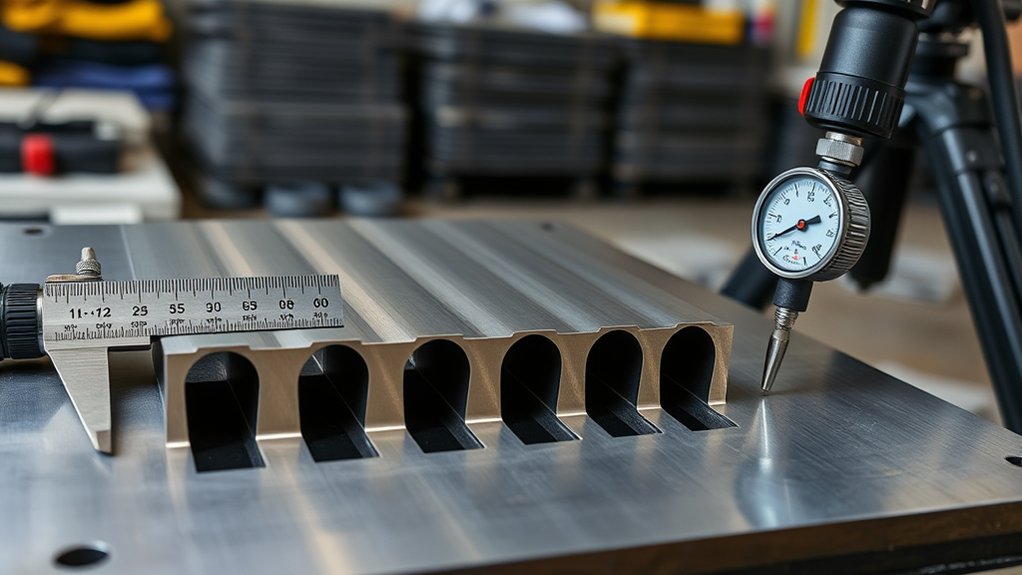
Nozzle orifice size is engineered for a specific amperage and torch process. A larger or smaller opening is not a general-purpose tuning shortcut. Installing a mismatched nozzle can produce an unstable arc, poor cut quality, or rapid consumable wear.
| Item | Correct Practice | What Goes Wrong |
|---|---|---|
| Nozzle or cartridge | Use the exact part and amperage process listed in the manual. | Wrong parts can cause arc instability, excess kerf, and short life. |
| Supply pressure and flow | Meet the model’s pressure and flow requirement while gas is flowing. | Low flow can reduce penetration and cooling. |
| Air quality | Supply clean, dry, oil-free air and drain the compressor tank. | Moisture and oil can damage consumables and hurt cut consistency. |
| Kerf compensation | Measure the actual kerf from a test cut and enter that value in the CNC software. | Assumed kerf values can make finished parts undersize or oversize. |
Do not copy a generic nozzle-diameter or pressure table from another brand. Some systems use manual regulators, while newer systems may set gas pressure automatically. Follow the torch manual and use the machine’s gas-test mode when available.
For air plasma, air quality is as important as air quantity. Hypertherm notes that particulate, oil mist, and moisture can reduce cut quality and consumable life. Its plasma gas guide also explains that clean shop air is a versatile, economical option for mild steel, stainless steel, and aluminum.
Products Worth Considering

Package Include: 10 Shield Cups, 50 Nozzles, 20 Swirl Baffle, and 30 Electrodes.

High-Quality Material:Made of high quality material to ensure a longer lifespan and superior performance.

10 pcs TIPS (Extended) /10 pcs ELECTRODE (Extended) /10 pcs SHIEDED-CUP/10 pcs GAS RING
Standoff, Voltage, and Bevel Control
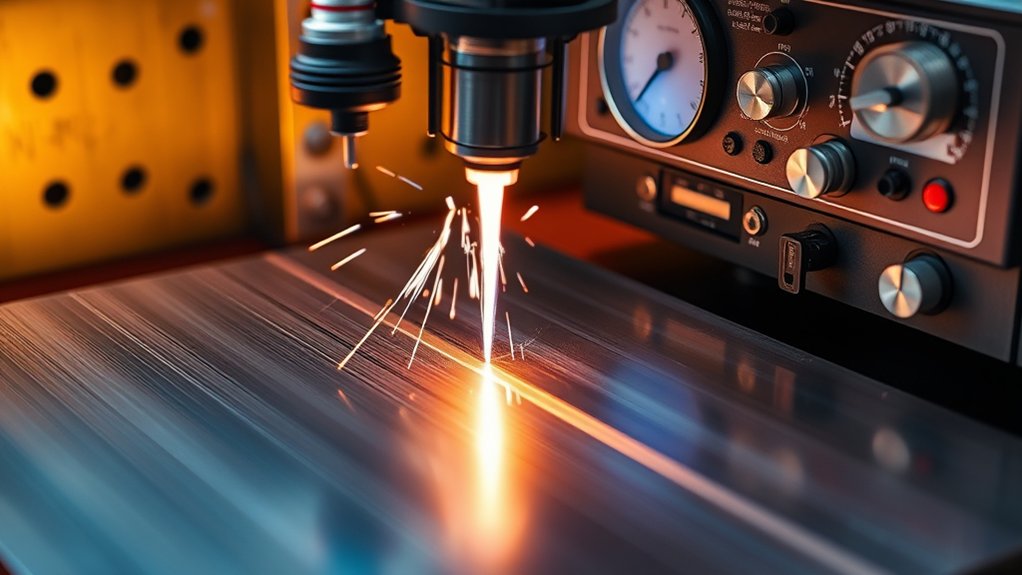
Torch-to-work distance changes the shape and energy density of the arc. On a handheld torch, use drag cutting only with a shield or consumable designed for it. Otherwise, hold the standoff listed in the manual. Do not let an unshielded nozzle touch the plate unless the manufacturer specifically allows it.
On a CNC table, torch-height control uses arc voltage as an indirect measure of torch distance. As the torch rises, arc voltage generally rises. The controller moves the torch up or down to hold the target voltage and maintain cut height.
- Torch too high: The edge can develop positive bevel and top rounding.
- Torch too low: The cut can develop negative bevel, shield contact, or excess bottom-edge removal.
- Worn consumables: The voltage needed to hold the same physical height can change, so inspect parts before correcting every height problem with voltage.
Keep the torch square to the plate. A tilted torch creates different bevel angles on opposite sides of the cut even when amperage and speed are correct.
Pierce Height, Pierce Delay, and Consumable Life
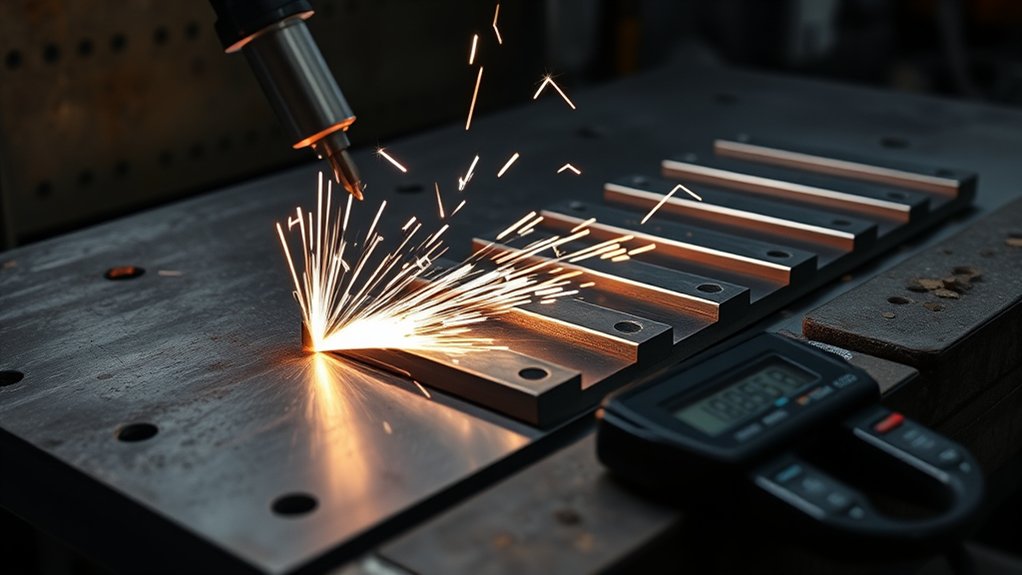
Piercing throws molten metal upward, so the torch normally starts higher than the cutting height. The correct ratio is machine-specific. Do not rely on a universal 1.5-to-2.0-times rule. In one Powermax45 machine-torch chart, the initial pierce height is listed as 250% of cut height for several mild-steel thicknesses.
Pierce delay gives the arc time to pass through the plate before X-Y motion begins. Too little delay can make the torch move before penetration is complete. Too much delay can enlarge the start crater, overheat the top edge, and expose the consumables to more blowback.
- Move to the chart’s initial pierce height.
- Fire the torch and wait for arc transfer.
- Hold for the listed pierce delay.
- Move to cutting height.
- Begin cutting motion at the listed speed.
Note: If the plate is thicker than the machine’s pierce rating but within its edge-start cutting capacity, start from the edge instead of piercing through the center.
Inspect the nozzle opening and electrode after poor starts. An oval nozzle, deep electrode pit, contamination, or repeated double-arcing can cause wandering cuts and shortened parts life.
Safety and Setup Best Practices for Thin to Thick Steel Cuts
Plasma cutting creates intense light, hot sparks, molten metal, noise, electrical hazards, and airborne fume. Read the cutter’s safety manual before use and follow local workplace rules.
Warning: Safety glasses alone are not enough when the arc is visible. Wear safety glasses with side protection under a suitable shaded face shield or helmet, plus flame-resistant clothing, dry gloves, hearing protection, and protective footwear. OSHA lists a minimum shade 8 for light plasma arc cutting below 300 A when the arc is clearly seen.
- Ventilate the work area. Plasma cutting melts metal and creates airborne fume. Use local exhaust when practical and keep your head out of the plume.
- Identify coatings first. Paint, zinc, chromium-containing alloys, lead, cadmium, and solvent residue can create hazardous exposures. Review the material’s safety data and use appropriate controls.
- Prevent fire. Remove combustibles, protect nearby people, keep an extinguisher ready, and watch for sparks that travel through openings.
- Secure the work. Support the plate and the drop so neither can move, fall, or trap the torch lead.
- Connect the work clamp correctly. Attach it to clean bare metal on the workpiece or cutting table, away from the section that will fall.
- Inspect power and air. Use the correct input circuit, undamaged leads, and the compressor capacity required by the manual.
- Do not cut sealed containers. Tanks, drums, pipes, and vessels can contain flammable or toxic residue even when they appear empty.
OSHA’s welding and cutting fume fact sheet explains that plasma cutting generates airborne metal fume and that ventilation, coating removal, positioning, and respiratory protection may be needed. OSHA’s eye and face protection table lists protective shade guidance for plasma arc cutting.
Before striking the arc, run the CNC path without cutting when possible. Check clamps, lead-ins, torch clearance, plate support, and the path of the drop pieces.
Common Cut Quality Problems and What They Mean
Cut defects rarely prove that amperage is wrong by themselves. Use the pattern below to narrow the cause, then change one setting at a time.
| Problem | Likely Causes | First Checks |
|---|---|---|
| Heavy rounded bottom dross | Travel too slow, excess heat, low air flow, or worn consumables | Increase speed slightly, verify gas flow, and inspect parts |
| Small hard bead of dross | Travel too fast or process near its capacity | Reduce speed slightly and confirm the chart process supports the thickness |
| Incomplete cut | Speed too high, insufficient process capacity, low gas flow, poor work connection, or damaged consumables | Stop and verify capacity, air, clamp contact, and consumables |
| Wide kerf or top-edge rounding | Travel too slow, torch too high, excessive heat, or wrong nozzle | Check speed, height, and consumable part numbers |
| Uneven bevel around a part | Torch not square, height variation, worn nozzle, or cutting direction | Square the torch, inspect the nozzle, and verify height control |
| Short consumable life | Wet or oily air, incorrect parts, excessive pierce blowback, or firing off the work | Service air filtration and review pierce height and timing |
Frequently Asked Questions
How Does Ambient Temperature or Humidity Affect Amperage Selection?
Do not compensate for humidity by guessing a different amperage. High humidity mainly increases the moisture load on the compressed-air system, which can hurt cut quality and consumable life. Drain the tank, maintain filters and dryers, and keep the manufacturer’s chart setting unless a test cut shows another documented adjustment is needed.
What Duty Cycle Considerations Impact Long Continuous Cuts?
Duty cycle describes how long the cutter can operate within a 10-minute period under stated conditions. A 50% rating generally means five minutes of cutting within ten minutes at the rated load. Ambient temperature, output, and plate thickness can affect actual operation, so follow the duty-cycle chart in the manual and allow the machine to cool after a thermal fault.
How Do Generator Power Variations Influence Cut Consistency?
A generator that cannot supply the cutter’s required input can cause weak starts, reduced output, or faults. Use the exact generator size, voltage, frequency, and current guidance in the cutter manual. Requirements vary by model, and some machines require reduced output when used with a smaller approved generator.
Are There Differences for Painted, Galvanized, or Rusted Steel Surfaces?
Yes. Remove rust, paint, oil, and coatings where the work clamp attaches. Coatings can also create hazardous fumes, so identify the material, review its safety data, remove coatings when safe, and use effective ventilation or respiratory protection as required. Do not assume a higher amperage will solve contamination.
How Do CNC Vs Handheld Torches Change Amperage Choices?
Both should begin with the manufacturer’s chart. CNC cutting can hold speed and height more consistently and may use machine-specific consumables, pierce delays, arc voltage, and kerf compensation. Handheld cutting depends more on operator pace and standoff, so use the handheld chart and do not copy CNC values without checking the manual.
What Is the Best Plasma Cutter Amperage for 1/4-Inch Steel?
There is no single best setting across all machines. Use the 1/4-inch row in your cutter’s chart and install the listed consumables. One verified Powermax45 machine-torch chart uses a 45 A process at 48 inches per minute for a best-quality 1/4-inch mild-steel cut, but another cutter may specify a different process.
Should You Turn the Amperage Down for Thin Steel?
Only when the manual supports a lower-amperage process with the correct nozzle or cartridge. Turning the current far below a nozzle’s designed range can destabilize the arc. For thin steel, select the machine’s fine-cut or low-current consumables, then use the listed speed and height.
How Can You Tell When Travel Speed Is Close to Correct?
Watch the arc and inspect the edge. A good starting speed produces full separation, a consistent kerf, limited bevel, and little dross. Heavy rounded dross often points to slow travel, while a hard narrow bead and a sharply trailing arc often point to excessive speed.
Conclusion
The best plasma cutter amperage for steel thickness comes from the machine’s cut chart, not a universal amps-per-thickness formula. Match the material, consumables, current, air supply, speed, cut height, and pierce settings as one process.
Before production, make a test cut on scrap from the same material. Inspect dross, bevel, kerf width, top-edge condition, and consumable wear. Record the combination that works so you can repeat it without starting from guesswork on the next job.
Sources
- Hypertherm Powermax45 Duramax Machine Torch Cut Charts – machine-specific amperage, speed, height, pierce delay, voltage, and kerf examples.
- Hypertherm: Basic Tips to Improve Plasma Cut Quality – troubleshooting speed, torch height, angularity, and consumables.
- Hypertherm Plasma Gas Selection Guide – gas choices and clean-air requirements for common metals.
- Hypertherm: What Is Duty Cycle? – duty-cycle meaning and operating factors.
- OSHA: Controlling Hazardous Fume and Gases During Welding – fume hazards and ventilation controls that also apply to plasma cutting.
- OSHA 1915.153 Eye and Face Protection – filter-shade guidance for plasma arc cutting.