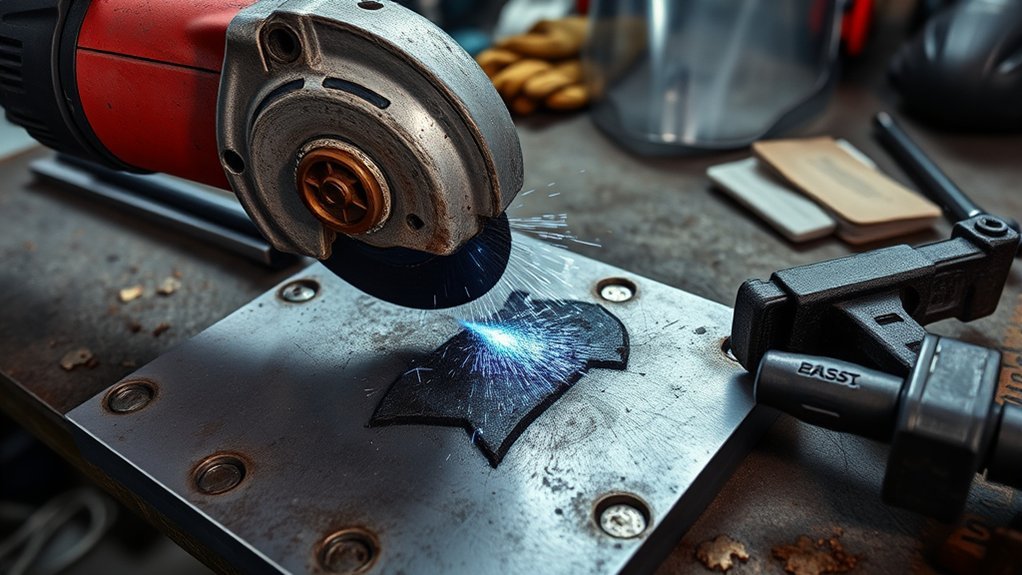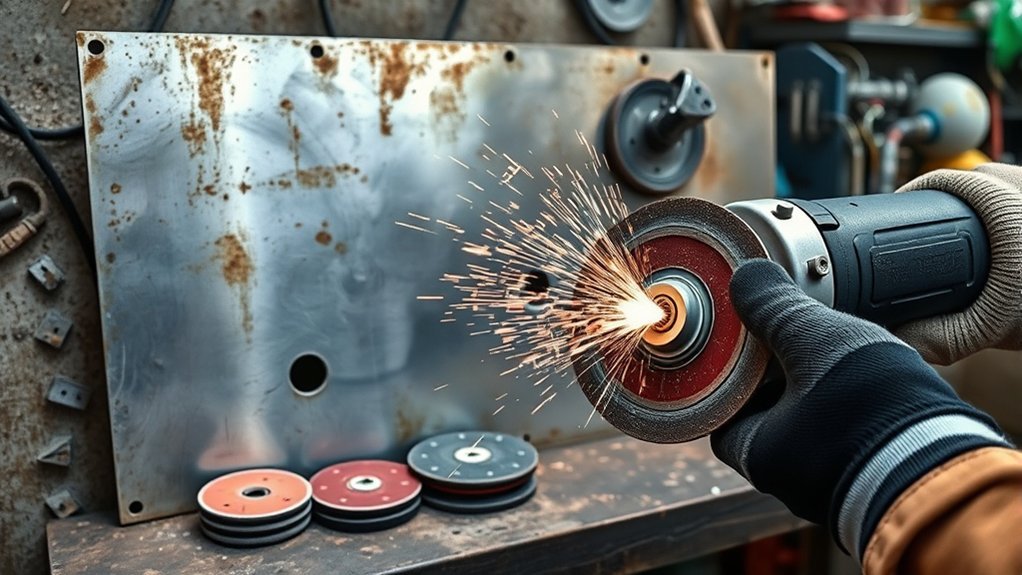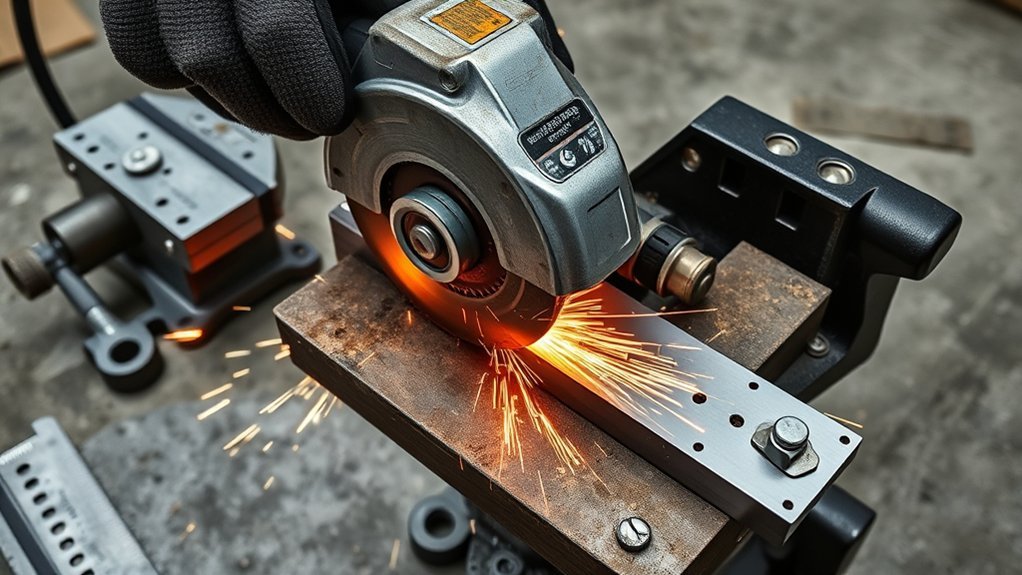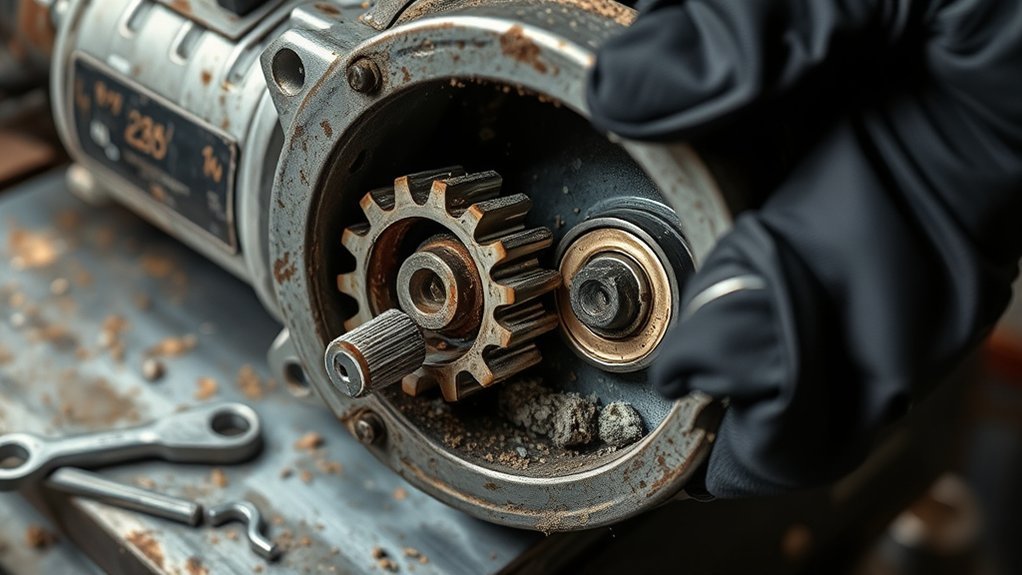
Angle grinder gear noise can mean anything from a dry gearbox to a worn bearing, loose wheel, damaged flange, or failing gear set. Before you keep cutting or grinding, slow down and identify the sound. A grinder that suddenly gets louder, hotter, rougher, or harder to control should be unplugged or have its battery removed before inspection.
Quick Answer
Angle grinder gear noise usually comes from low or contaminated gearbox grease, worn gears, bad bearings, debris in the gear housing, or a loose wheel/flange assembly. Stop using the grinder if the noise is sudden, metallic, paired with heat or vibration, or continues after the wheel and guard are checked.
Key Takeaways
- A smooth high-speed whir is normal; grinding, knocking, squealing, rumbling, or sudden vibration is not.
- Unplug a corded grinder or remove the battery before checking the wheel, guard, flange, spindle, brushes, or gearbox.
- Use only the lubricant or grease specified by the grinder manufacturer. Do not add automotive gear oil unless the manual calls for it.
- Many “gear noise” complaints are actually caused by a damaged wheel, loose flange, bad bearing, worn brush, or debris rubbing the fan or guard.
- If the gearbox is hot, leaking grease, smoking, sparking heavily inside the motor, or making a harsh metal-on-metal sound, stop using the tool and repair or replace it.
At a Glance
| Time Required | 10–30 minutes for basic checks; longer if the gearbox must be opened |
| Difficulty | Easy for wheel and guard checks; moderate for brush inspection; service-level for gearbox repair |
| Tools Needed | Grinder wrench, clean brush, flashlight, screwdriver, clean rag, PPE, and the owner’s manual |
| Cost | $0 for inspection; low to moderate for brushes, bearings, or grease; replacement may be smarter for low-cost grinders with gear damage |
Warning: Do not troubleshoot a plugged-in grinder. Remove the plug or battery first. Do not run the tool with the guard removed, a cracked wheel, a loose spindle, damaged wiring, smoke, burning smell, or a harsh metal-on-metal sound. Portable abrasive wheels should be used with safety guards, and the wheel speed rating must match the grinder speed.
Common Causes of Angle Grinder Gear Noise
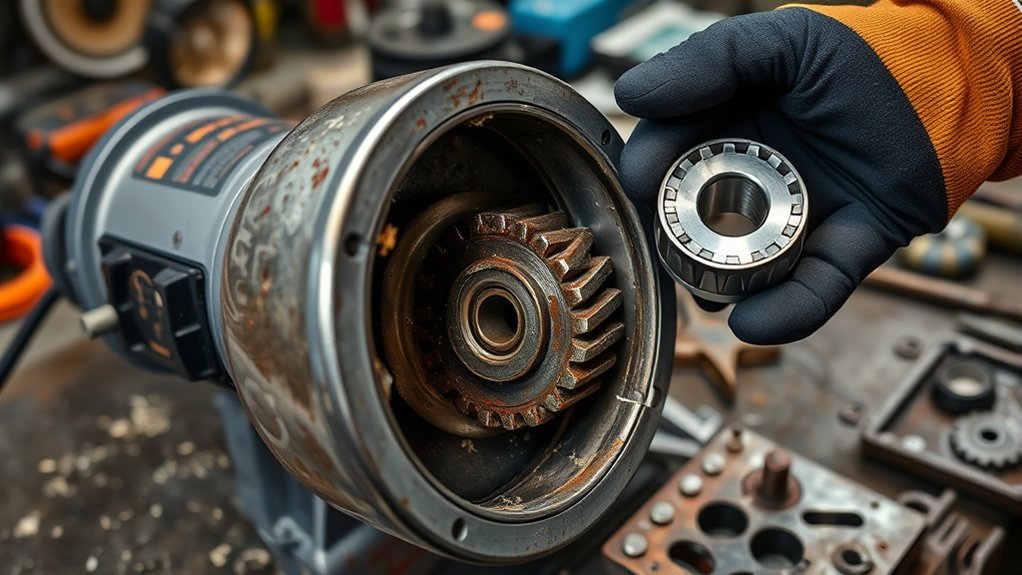
Gear noise usually starts in one of five places: the gearbox, the bearings, the spindle and flange, the wheel or disc, or the motor area. The sound can travel through the metal housing, so a bad bearing or loose wheel can sound like damaged gears even when the gear teeth are still usable.
The most common causes include:
- Low or dried gearbox grease: The gears run hotter and louder because the grease no longer cushions the gear teeth.
- Contaminated grease: Metal dust, grit, or old hardened grease can make the gearbox sound rough.
- Worn gear teeth: Chipped, pitted, or uneven teeth often create a harsh growl, click, or grinding sound.
- Bad bearings: A dry or damaged bearing can rumble, whine, or make the spindle feel rough when turned by hand.
- Loose wheel, nut, or flange: A loose or mismatched mounting setup can rattle, vibrate, and damage the wheel.
- Damaged wheel or accessory: A cracked disc, bent wire wheel, out-of-balance cup wheel, or wrong accessory can make the grinder shake and sound worse than it is.
- Debris touching the fan, guard, or wheel: Packed dust, a bent guard, or a trapped metal chip can create scraping or ticking noises.
- Overloading the grinder: Forcing the wheel into the work can strain the gears, bearings, motor, and wheel.
Before assuming the gears are ruined, remove the wheel and check the simple items first. A loose flange or damaged disc is faster and cheaper to fix than a gearbox.
Normal vs. Problem Angle Grinder Noise
A grinder is naturally loud. A steady whir from the motor and airflow is normal, especially at full speed. What matters is a change in sound. If the grinder suddenly gets rough, knocks, squeals, vibrates, or heats up faster than usual, treat it as a warning.
| Sound or Symptom | Likely Cause | What to Check First |
|---|---|---|
| Dry whining from the head | Low, old, or poorly distributed gearbox grease | Gearbox service instructions in the manual |
| Grinding or crunching | Damaged gears, bearing failure, or debris inside the head | Stop use; inspect spindle movement and gearbox |
| Clicking once per rotation | Chipped tooth, bent accessory, or debris contact | Remove wheel and rotate spindle by hand |
| Heavy vibration | Unbalanced wheel, loose flange, bad bearing, or wrong disc | Wheel, flange, locking nut, and spindle play |
| Squeal near the motor | Brush, bearing, armature, or fan issue | Brush wear, vents, and motor smell |
| Rattle at shutdown | Loose guard, flange, accessory, or worn bearing | Guard clamp, wheel nut, and accessory fit |
Safety Check Before Troubleshooting
Start with the basics before you open anything. Official grinder safety guidance stresses guards, correct discs, proper flanges, secure handles, and defect checks before use. The OSHA portable abrasive wheel standard requires abrasive wheels to be used on machines with safety guards, and SafeWork SA advises checking guards, handles, discs, flanges, and locking nuts before using an angle grinder.
- Disconnect power. Unplug the grinder or remove the battery.
- Let the wheel stop fully. Never set the tool down or touch the wheel while it is still spinning.
- Inspect the guard. Make sure it is tight, correctly positioned, and not rubbing the wheel.
- Check the wheel. Look for cracks, chips, warping, missing segments, or a wheel type that does not match the job.
- Check the flange and locking nut. Make sure the correct parts are installed and seated flat.
- Check the spindle. Look for wobble, roughness, side play, or a bent thread.
- Check vents and housing. Remove packed dust from outside vents with a dry brush or vacuum. Do not blow conductive metal dust deeper into the motor.
Note: If a grinding wheel has been dropped, cracked, soaked, or visibly damaged, do not test it on the grinder. Replace it. A damaged wheel can shatter at speed.
The Impact of Insufficient Lubrication on Gear Performance
Insufficient lubrication makes gears run hotter and louder. Inside the gearhead, grease helps separate the gear teeth, reduce friction, carry away heat, and protect the bearings near the spindle. When the grease dries out, gets pushed away from the gear mesh, or becomes contaminated with grit, the gearhead may whine, chatter, or feel rough.
Do not guess on lubricant type. Many angle grinders use a specific gear grease, and the correct amount matters. Too little grease can increase wear, while too much grease can churn, heat up, leak past seals, or migrate into places it does not belong. Use the grease and service method listed in your owner’s manual, parts diagram, or manufacturer service guidance.
Pro Tip: A small amount of grease spread on the gear teeth is not the same as a gearbox packed full of grease. If you open the gearhead and find dry teeth, metal flakes, broken teeth, or burnt-smelling grease, the problem is bigger than routine lubrication.
Key Maintenance Practices to Minimize Angle Grinder Noise
Good maintenance reduces noise, but it also keeps the grinder safer. Use the manual as the main authority for service intervals, because a small DIY grinder, a high-power corded grinder, and a cordless brushless grinder may need different care.
| Maintenance Practice | Purpose | When to Do It |
|---|---|---|
| Inspect wheel, guard, handle, flange, and nut | Prevents vibration, wheel damage, and loss of control | Before each use |
| Clean outside vents and housing | Helps cooling and reduces dust buildup | After dusty work |
| Check spindle by hand with power disconnected | Finds rough bearings, clicking, or gear damage | When noise changes |
| Inspect brushes if the model has replaceable brushes | Reduces sparking, power loss, and motor noise | When power drops or sparking increases |
| Service gearbox grease | Reduces gear heat, friction, and wear | Only as specified by the manual or service center |
| Store dry and clean | Prevents rust, dust buildup, and damaged accessories | Always |
Effective Troubleshooting Techniques for Gear Noise
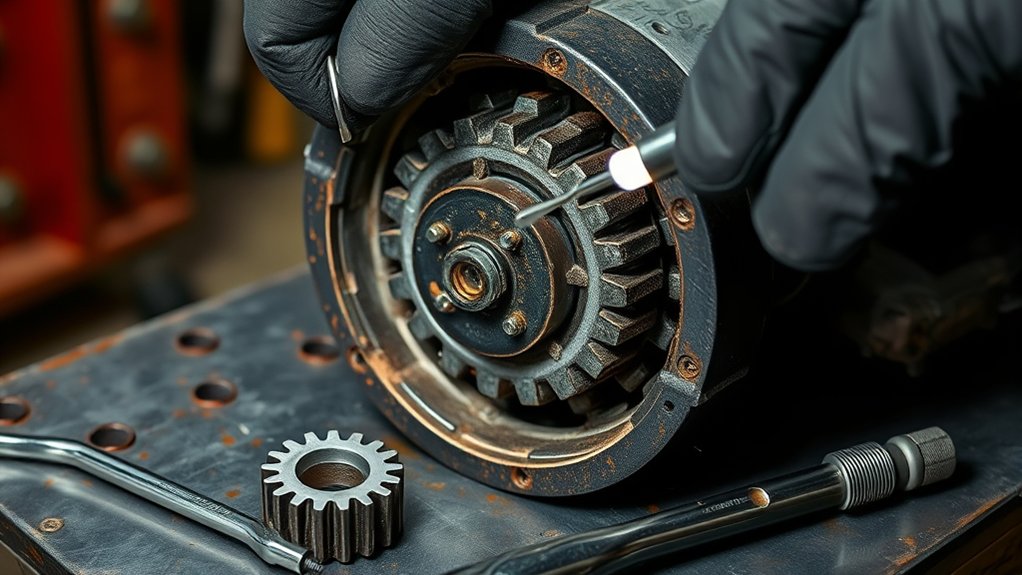
Use a step-by-step process so you do not mistake a cheap accessory problem for a failed gearbox. Keep the grinder disconnected from power until you are ready for a short test run.
Step 1: Remove the Wheel and Check the Accessory
Remove the wheel, brush, flap disc, cup wheel, or cutting disc. Look for cracks, missing material, bent hubs, uneven wear, or a wheel that does not match the grinder’s spindle and guard. OSHA says wheels should be inspected before mounting, and the grinder’s spindle speed should not exceed the maximum speed marked on the wheel.
Step 2: Check the Flange, Nut, and Spindle
Inspect the inner flange, outer flange, locking nut, and spindle threads. Contact surfaces should sit flat and be free of grit. A mismatched flange can pinch the wheel incorrectly, create wobble, or make the grinder sound like it has internal gear damage. OSHA’s abrasive wheel machinery standard also emphasizes proper flanges, balance, and wheel guarding.
Step 3: Rotate the Spindle by Hand
With the power disconnected and the wheel removed, rotate the spindle by hand. A smooth, even feel is a good sign. Clicking, tight spots, roughness, side-to-side play, or a gritty feel points toward a bearing, gear, or debris problem.
Step 4: Run a Short No-Load Test
Reinstall the correct wheel, guard, handle, flange, and nut. Stand clear of the wheel’s plane, hold the grinder with two hands, and run it briefly without load. If the noise appears only with one wheel, the wheel or mounting is likely the issue. If the noise remains with different correct accessories, the problem is probably inside the grinder.
Step 5: Check for Heat, Smell, and Leaks
A warm head after heavy work can be normal. A gear housing that becomes hot quickly, smells burnt, leaks grease, or gets louder under light load needs service. Do not keep using the grinder to “see if it clears up.” Damaged gears and bearings usually get worse.
How to Lubricate an Angle Grinder Gearbox Safely
Only lubricate the gearbox if your grinder’s manual allows it or the tool is designed for service access. Some grinders are not worth opening at home, and some should be serviced by a qualified repair shop.
- Disconnect power. Remove the plug or battery.
- Clean the outside first. Keep dust from falling into the gearhead.
- Open only the serviceable cover. Do not disturb wiring or parts you cannot reinstall correctly.
- Inspect the grease. Dry, gritty, metallic, burnt, or missing grease means the gearbox needs more than a quick wipe.
- Use the specified grease. Match the manual or manufacturer part recommendation. Do not substitute automotive differential oil or general-purpose grease unless approved.
- Use the correct amount. Overpacking can cause heat and leakage.
- Reassemble securely. Make sure the gear housing, guard, handle, flange, and wheel are correctly installed before testing.
Warning: If you see broken gear teeth, metal flakes, cracked housing, damaged bearings, stripped screws, or a loose spindle, do not rely on new grease as the repair. Replace the damaged parts or replace the grinder.
Products Worth Considering

▸Outstanding Heat Protection: Ensure your equipment's longevity in the most extreme heat environments with our angle grinder grease's unique high-temperature formula that provides remarkable lubrication, maintaining optimal performance at all times.

For differentials, transmissions and gearboxes with "00" grade lubricant requirements.

Angle Grinder Noise That Is Not the Gearbox
Not every noise near the head is caused by gear teeth. Check these common look-alikes before you buy parts:
- Worn carbon brushes: Brushed motors may spark more, lose power, or make a scratchy sound when brushes wear down.
- Bad motor bearing: A motor-side bearing can whine or rumble even if the gearbox is fine.
- Fan debris: Metal dust or broken plastic near the fan can make a ticking or scraping sound.
- Guard contact: A bent guard can lightly touch a wheel and sound like internal grinding.
- Wrong wheel for the task: Using a cutting disc for grinding or a grinding wheel for cutting increases risk and can make the tool grab or chatter.
- Overpressure: Pushing too hard can make the grinder bog down, heat up, vibrate, and sound rough.
SafeWork SA recommends using two hands, letting the grinder run up to speed before touching the work, and holding it with minimum pressure so the disc does not grab and kick back.
Hearing Protection and Noise Control
Fixing gear noise helps the tool, but it does not make grinding quiet. The CDC/NIOSH defines hazardous noise as 85 dBA or higher and lists 85 dBA averaged over an eight-hour workday as the NIOSH Recommended Exposure Limit. The NIOSH hearing loss prevention guide also says reducing noise below 85 dBA is the best way to prevent occupational hearing loss.
Wear ear plugs or ear muffs when grinding, especially during long sessions, indoor work, or metal cutting. If the grinder becomes noticeably louder than usual, treat that as both a tool problem and a hearing risk.
Should You Fix or Replace Your Angle Grinder?
Deciding whether to fix or replace your angle grinder depends on the tool’s value, the fault, and your ability to repair it safely. Simple problems such as a damaged wheel, loose guard, dirty vents, worn brushes, or a missing flange are usually worth fixing. Internal gear and bearing failures are different.
Repair may make sense when:
- The grinder is a quality model with available parts.
- The noise is traced to brushes, bearings, grease, or a replaceable gear set.
- The housing, spindle, switch, cord, and guard are still in good condition.
- The repair cost is clearly lower than replacing the tool with an equal model.
Replacement may be smarter when:
- The grinder is low-cost and parts cost nearly as much as a new tool.
- The gearbox has broken teeth, heavy metal flakes, or repeated overheating.
- The spindle is loose, bent, or damaged.
- The tool has electrical damage, a cracked housing, missing guard parts, or a history of repeated failures.
- You cannot identify the problem without running the tool in an unsafe condition.
For workplace tools, follow your safety program and have defects repaired by a competent person. SafeWork SA specifically advises that grinder defects should be repaired by a competent person.
Related guides: angle grinder gearbox grease, how to lubricate an angle grinder gearbox, diagnosing gearbox problems, and angle grinder grinding noise troubleshooting.
Products Worth Considering

[7PCS 5/8"-11 Angle Grinder Nut Wrench Replacement Kit] 1 piece angle grinder wrench and 6 angle grinder nuts (3 inner flange nuts, 3 outer flange nuts) for lock nut removal, wheel/disc replacement.Compatible with most arbor grinders and lock nuts, Perfect for home DIY, workshop projects, and professional grinder parts replacement
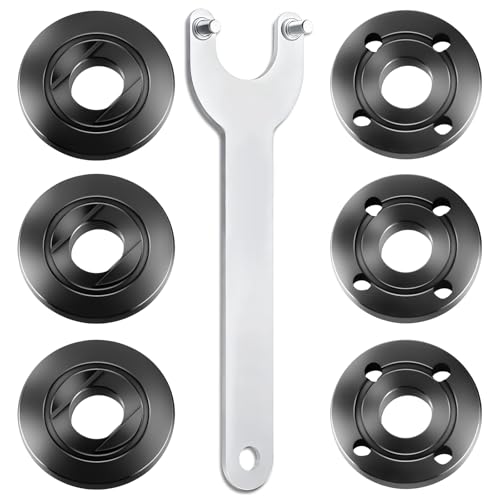
WHAT YOU GET: Includes 1 extended angle grinder wrench and 6 thickened-design flange nuts (3 inner nuts + 3 outer nuts), always have spare nuts to avoid downtime.

Outer Nut Size: 5/8"-11, Suit For All 4-1/2",5" And 7" Grinders That Have A 5/8"-11 Threaded Shaft ( Not Fit For Milwaukee 4-1/2'' )
Frequently Asked Questions
Why is my angle grinder gear making noise?
Your grinder gear may be noisy because the gearbox grease is low, dry, contaminated, or pushed away from the gear teeth. It can also happen when gear teeth are worn, bearings are rough, debris is trapped in the head, or the wheel/flange setup is loose.
Why is my grinder making noise even after I changed the disc?
If the sound remains with a different correct disc, check the flange, locking nut, spindle, guard, bearings, brushes, and gearbox. A bad bearing, dry gearhead, loose spindle, or debris near the fan can still make noise after a disc change.
How do I reduce angle grinder noise?
Use the correct wheel, mount it with the correct flange and nut, keep the guard clear, avoid forcing the tool, clean dust from the vents, and service the gearbox only according to the manual. Wear hearing protection because even a healthy grinder can produce hazardous noise.
Can I put gear oil in an angle grinder gearbox?
Do not add gear oil unless your grinder manual specifically says to use it. Many angle grinders use gear grease, not liquid gear oil. The wrong lubricant can leak, fail to stay on the gears, or cause heat and wear.
What does a grinding noise mean in an angle grinder?
A grinding noise can mean worn gears, a failed bearing, debris inside the gear housing, a loose wheel, a rubbing guard, or a damaged accessory. Stop using the tool if the noise is metallic, sudden, paired with vibration, or followed by heat or a burning smell.
Is it safe to keep using a noisy angle grinder?
It is not safe to keep using a grinder that suddenly becomes loud, vibrates, overheats, smells burnt, leaks grease, has a loose spindle, or has a damaged wheel or guard. Disconnect power, inspect it, and repair or replace it before using it again.
Conclusion
Angle grinder gear noise is a warning sign you should not ignore. Start with the safe checks: disconnect power, inspect the wheel, guard, flange, locking nut, spindle, and vents, then listen for roughness with the wheel removed. If the noise points to dry grease, worn bearings, broken gear teeth, or a loose spindle, fix the root cause instead of forcing the tool through another job. A smooth grinder is easier to control, safer to use, and less likely to fail under load.
Sources
- OSHA 1910.243: Guarding of portable powered tools — portable abrasive wheel guards, wheel inspection, and wheel speed checks.
- OSHA 1910.215: Abrasive wheel machinery — wheel flanges, blotters, balance, and guarding requirements.
- CDC/NIOSH: About Occupational Hearing Loss — hazardous noise threshold and NIOSH recommended exposure limit.
- CDC/NIOSH: Preventing Occupational Noise-Induced Hearing Loss — reducing noise exposure and hearing protection guidance.
- SafeWork SA: Angle grinders — angle grinder risk controls, pre-use checks, two-hand operation, PPE, and defect repair guidance.