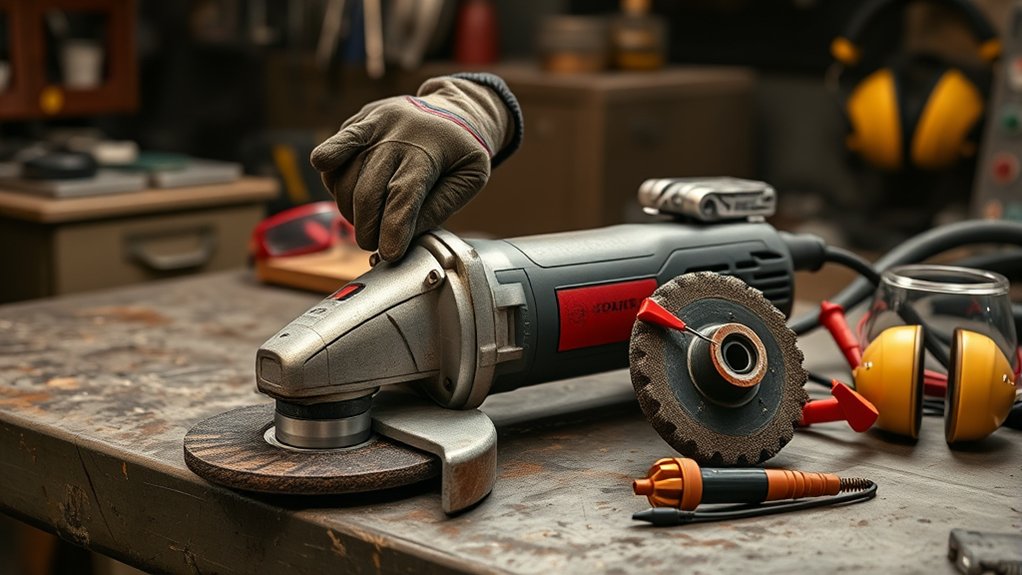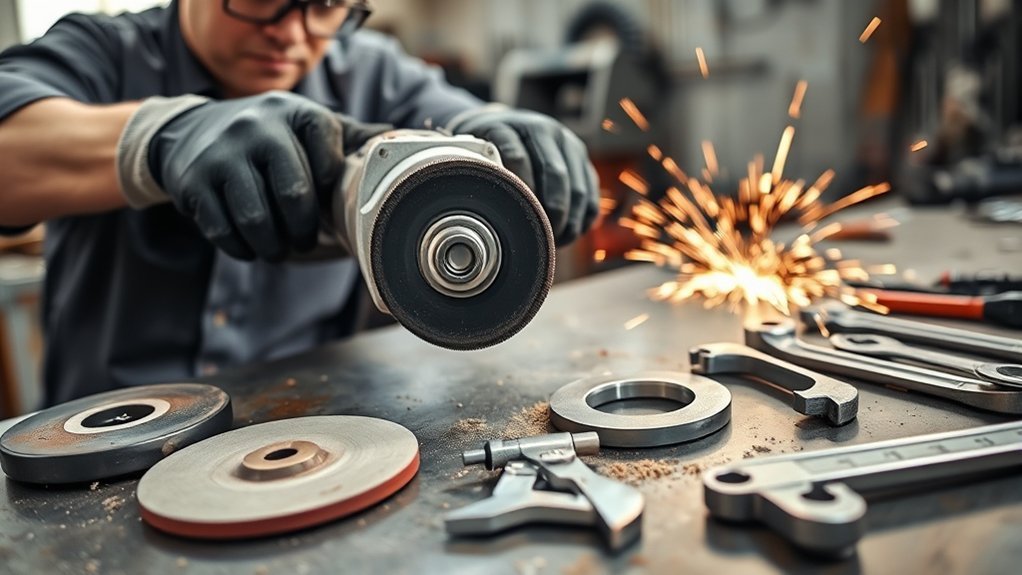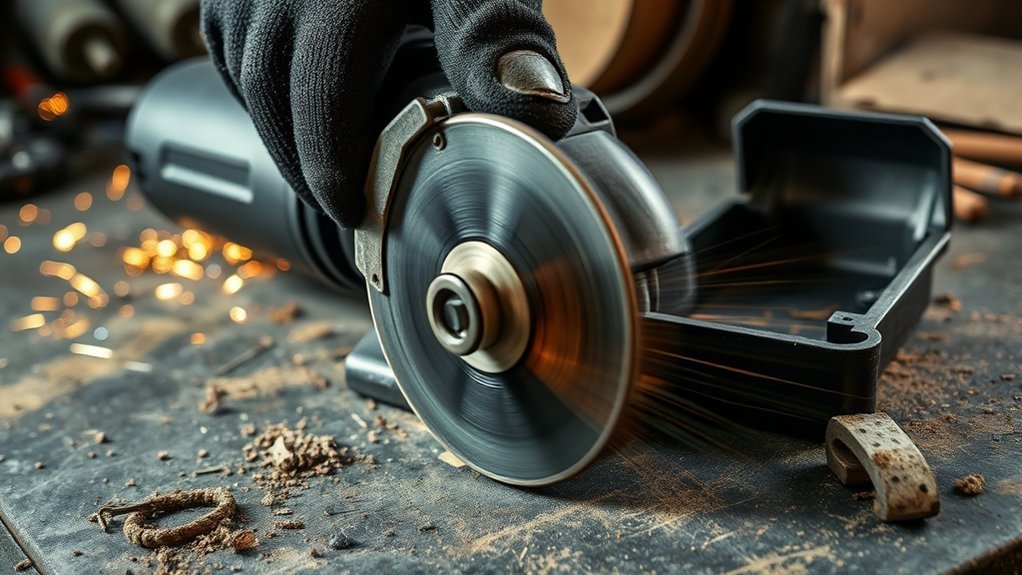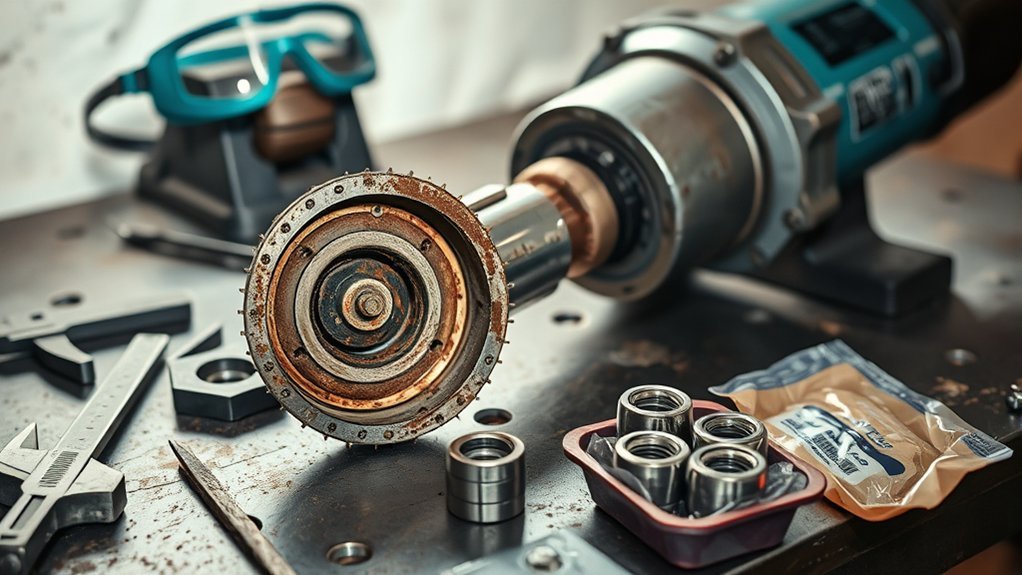
Angle grinder bearing failure usually shows up as new vibration, rumbling or grinding noise, heat near the gear head, spindle play, disc wobble, or a tool that feels rough when it runs. Stop using the grinder as soon as these symptoms appear. A damaged bearing can make the wheel run out of true, which raises the risk of kickback, wheel breakage, and loss of control.
Quick Answer
The most common signs of angle grinder bearing failure are excessive vibration, grinding or growling noise, abnormal heat, spindle wobble, rough rotation, and a burning smell. Unplug the grinder or remove the battery, check the disc and flanges first, then inspect spindle play. If the tool still runs rough, replace the bearing or get professional service. The bearing replacement guide covers the repair itself.
Key Takeaways
- Stop using the grinder if vibration, heat, wobble, or grinding noise suddenly increases.
- Rule out a cracked disc, loose flange, dirty spindle, wrong wheel, or worn brushes before blaming the bearing.
- Most small angle grinders use sealed bearings, so replacement is usually safer than trying to add grease.
- Always unplug a corded grinder or remove the battery before checking the wheel, spindle, or gear head.
- If the spindle has visible play or the tool still vibrates with a known good wheel, get the bearing replaced.
At a Glance
| Time Required | 10 to 20 minutes for basic checks; 30 to 90 minutes for bearing replacement if you have the correct tools and experience |
| Difficulty | Beginner for inspection; intermediate to advanced for bearing replacement |
| Tools Needed | Safety glasses or face shield, hearing protection, gloves, grinder wrench, clean rag, flashlight, infrared thermometer optional, replacement bearings and puller only if servicing |
| Cost | Basic inspection is usually free; replacement bearings often cost less than a new grinder, but shop labor may make replacement better for low-cost tools |
Warning: Do not keep using an angle grinder that has strong vibration, spindle wobble, grinding noise, smoke, or abnormal heat. Angle grinders can kick back, and discs can shatter. Keep the guard and side handle installed, use the correct wheel, and disconnect power before inspection.
Angle Grinder Bearing Failure: Signs and Troubleshooting
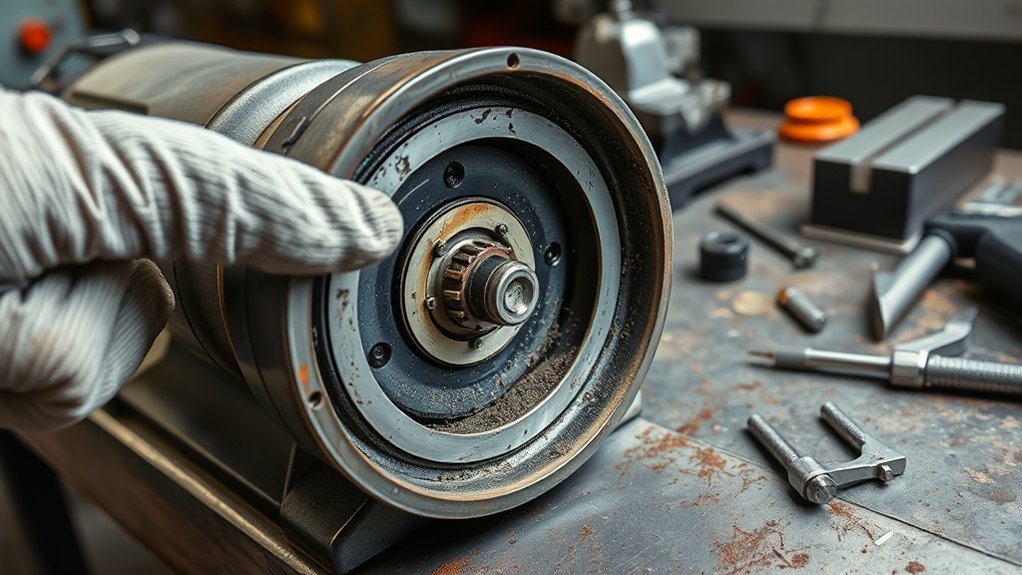
The early signs of angle grinder bearing failure are usually easy to feel or hear. The tool may vibrate more than normal, make a growling or grinding sound, run hotter than it used to, or feel rough when it spins down. You may also notice the disc wobbling, the spindle moving side to side, or the grinder losing speed under light pressure.
These symptoms can come from a bad bearing, but they can also come from a cracked disc, loose flange, damaged spindle thread, worn brushes, a dirty gear case, or the wrong accessory. That is why you should check the simple causes first before opening the tool.
| Symptom | Likely Cause | What to Do |
|---|---|---|
| New vibration | Unbalanced wheel, loose flange, or worn bearing | Remove the wheel, clean the spindle, test with a known good disc |
| Grinding or growling noise | Dry, worn, or damaged bearing | Stop using the tool and inspect or service it |
| Disc wobble | Bent disc, bad flange, spindle play, or bearing wear | Do not run the grinder until the cause is found |
| Abnormal heat | Friction, overloading, poor grease, or bearing damage | Let the tool cool, then inspect before reuse |
| Rough spin-down | Bearing wear or gearbox damage | Service the grinder before the damage spreads |
Check These Simple Causes Before Blaming the Bearing
Before you decide the bearing has failed, rule out the common problems that feel similar. A damaged cutting wheel, flap disc, wire cup, or grinding disc can make the grinder shake even when the bearing is fine. A loose flange nut can also create wobble and noise.
- Unplug the grinder or remove the battery. Never inspect the spindle, wheel, or gear head with power connected.
- Remove the disc. Look for cracks, missing abrasive, bent centers, or a wheel that does not sit flat.
- Clean the spindle and flanges. Metal dust or grit trapped behind the wheel can throw it off balance.
- Check the correct wheel size and type. Never use a cutting disc for grinding or a grinding disc for cutting.
- Inspect the flange and locking nut. Replace damaged parts that do not clamp the wheel evenly.
- Check brushes and vents. Worn carbon brushes, blocked vents, or a dragging motor can mimic bearing trouble.
Pro Tip: With power disconnected and the wheel removed, spin the spindle by hand. If it still feels rough, gritty, or loose, the problem is inside the tool, not the disc.
Safe Inspection Steps for a Suspected Bad Bearing
Use a simple inspection sequence before taking the grinder apart. This helps you avoid unnecessary repairs and reduces the chance of missing a dangerous wheel or spindle issue.
- Disconnect power. Unplug a corded grinder or remove the battery from a cordless grinder.
- Let the grinder cool. Do not touch a hot gear case or motor housing with bare skin.
- Remove the wheel and flanges. Clean away dust, grit, and metal chips.
- Spin the spindle by hand. A healthy spindle should feel smooth. Roughness, clicking, or tight spots suggest internal wear.
- Check for spindle play. Try to move the spindle side to side and in and out. Noticeable looseness is a strong warning sign.
- Listen during spin-down. A growl, rumble, scrape, or squeal after the trigger is released points to bearing or gearbox trouble. Our grinding noise troubleshooting guide covers other noises.
- Check heat after light use. If the grinder gets unusually hot during a short, light job, stop and inspect further.
- Compare with a known good wheel. If vibration remains with a balanced, undamaged wheel, the bearing or spindle assembly needs service.
Why You Should Keep an Eye on Bearing Temperatures
Heat is one of the clearest warnings that something inside the grinder is creating too much friction. A grinder can run warm during heavy work, but it should not quickly become too hot near the gear head, smell burned, smoke, or keep getting hotter during light use.
A fixed temperature number, such as 82 °C (180 °F), should not be treated as a universal pass or fail point for every angle grinder. Different models, loads, bearings, grease types, and housings run at different temperatures. Use the owner’s manual or service data when available. If you use an infrared thermometer, focus on sudden changes from the tool’s normal temperature rather than a single number.
Abnormal heat plus new vibration or grinding noise is a strong sign to stop using the grinder and inspect it before the damage spreads.
Understanding How Vibration Levels Signal Bearing Problems
Vibration is one of the first symptoms many users notice. A failing bearing may make the grinder feel harsh, uneven, or harder to control. The vibration may also get worse as speed increases or as the tool warms up.
For everyday troubleshooting, you do not need a lab standard. Start with practical checks: use a known good wheel, clean the flanges, confirm the wheel sits flat, and check the spindle for play. If the grinder still shakes, the bearing, spindle, armature, or gearbox may be worn.
Professional shops may use vibration analysis to identify bearing faults in rotating machinery. For other causes of shaking, see our angle grinder vibration causes and fixes. For a home or small-shop angle grinder, the safe decision is simpler: if vibration changes suddenly and does not go away after wheel and flange checks, stop using the tool until it is serviced.
Why Lubrication Is Crucial for Bearings
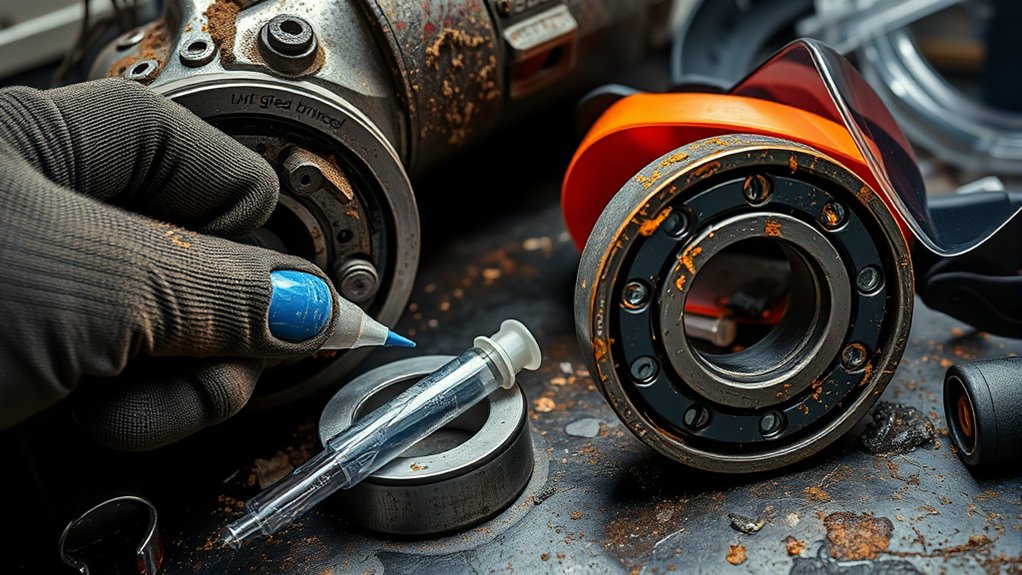
Lubrication reduces friction, heat, and wear, but angle grinder lubrication needs to be handled correctly. Many small angle grinders use sealed ball bearings (see our gearbox grease guide for the gear case). These bearings are not meant to be opened and packed with grease during normal maintenance. When a sealed bearing becomes noisy, loose, or rough, replacement is usually the correct fix.
Lubricant Type Matters
The gear head may use grease, but it needs the correct type and amount. Too little grease can increase wear. Too much grease or the wrong grease can create drag, heat, and leakage. Always follow the grinder manufacturer’s service instructions when adding gear grease.
- Use approved grease only. Random grease can break down, separate, or run too hot.
- Do not force grease into sealed bearings. Replace worn sealed bearings instead.
- Keep grease clean. Dirt or metal dust in grease turns into an abrasive paste.
- Do not overfill the gear case. Excess grease can raise drag and heat.
Regular Lubrication Schedule
Most users do not need a weekly bearing lubrication schedule. A better plan is to inspect the grinder regularly, clean dust from vents, watch for grease leaks, and service the gear case only when the manual recommends it or when the tool is opened for repair.
| Maintenance Action | Frequency | Purpose |
|---|---|---|
| Check vibration and noise | Before each job | Catch bearing or wheel problems early |
| Clean vents and exterior dust | After dusty work | Reduce heat and contamination |
| Inspect flanges and spindle threads | When changing wheels | Prevent wobble and poor wheel clamping |
| Check gear grease | Only when servicing or per manual | Avoid dry gears or over-greasing |
| Replace rough sealed bearings | As needed | Restore smooth spindle and motor operation |
Identifying Contamination and Its Impact on Bearings
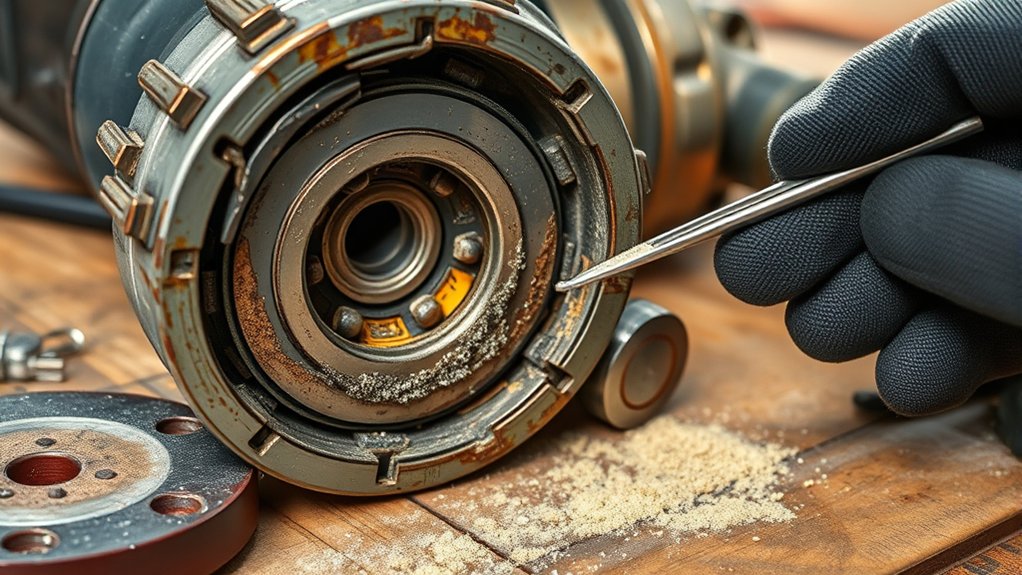
Contamination is a major cause of bearing and gear wear in angle grinders. Metal dust, masonry dust, abrasive grit, moisture, and dirty grease can all shorten tool life. Dusty jobs, such as grinding welds, cutting concrete, or using wire wheels, create fine debris that can enter vents and seals over time.
Types of Contaminants
- Metal dust: Common during grinding and cutting, and it can collect around vents and the gear head.
- Abrasive grit: Grinding-wheel debris and masonry dust can act like sand inside moving parts.
- Moisture: Water can cause corrosion and break down lubrication.
- Dirty grease: Contaminated grease increases friction instead of reducing it.
- Cleaning residue: Harsh solvents can damage seals and wash lubricant away.
Effects on Bearing Life
Contaminants can make bearings noisy, rough, and hot. Even a small amount of grit can scratch bearing surfaces, increase friction, and create more wear particles. Once that cycle starts, the bearing often gets louder and hotter until it fails.
| Sign of Contamination | Impact on Bearings |
|---|---|
| Black or gritty grease | Abrasive wear inside the gear head |
| Dust packed around vents | Higher motor temperature and shorter tool life |
| Rust marks near spindle or housing | Possible moisture entry and bearing corrosion |
| Grinding noise after dusty work | Possible bearing or gear contamination |
Prevention Strategies for Contamination
- Keep vents clear. Brush away dust after use, especially after masonry or metal grinding.
- Avoid blasting air directly into bearings. Compressed air can push grit deeper into the tool if used carelessly.
- Store the grinder dry. Moisture encourages corrosion and can damage electrical parts.
- Use the correct guard and shroud. A guard helps direct debris away from you and the tool.
- Service dusty tools sooner. Grinders used on concrete, rust, or heavy weld cleanup need more frequent inspection.
Recognizing Noises as Warning Signs of Bearing Failure
Your angle grinder has a normal sound. Once you know that sound, changes are easier to catch. A failing bearing often starts as a faint rumble, whine, or dry growl. As damage gets worse, the sound may turn into grinding, squealing, or clicking.
| Noise Type | Possible Cause | Action Required |
|---|---|---|
| Low rumble or growl | Bearing wear or dry bearing | Inspect spindle and stop if it gets worse |
| Grinding noise | Damaged bearing, gear wear, or debris | Stop using and service the grinder |
| High-pitched squeal | Friction, dry bearing, or motor issue | Check heat, brushes, and bearings |
| Clicking or ticking | Damaged bearing race, gear chip, or loose part | Do not run until inspected |
| Sudden volume increase | Fast-developing internal damage | Disconnect power and inspect immediately |
Safety Tips for Maintaining Angle Grinder Bearings
Angle grinder maintenance is not only about tool life. It is also about control. A rough bearing can make the disc wobble, and a wobbling disc can grab the workpiece or break. Follow basic grinder safety every time you inspect or use the tool.
- Disconnect power before checks. Unplug corded grinders and remove batteries from cordless grinders.
- Keep the guard installed. The guard should be positioned between the disc and your body whenever possible.
- Use the side handle. Two-handed control helps you manage vibration and kickback.
- Wear eye and face protection. Use safety glasses or goggles, and add a face shield for grinding and cutting.
- Use hearing protection. Angle grinders are loud enough to damage hearing during repeated use.
- Use the right disc. Match the disc type, diameter, speed rating, and material to the job.
- Do not force the tool. Heavy pressure increases heat and can shorten bearing, gear, and motor life.
For broader grinder safety, SafeWork SA recommends secure guards and handles, correct discs, training, regular checks for defects, and disconnecting power before disc changes. Their angle grinder safety guidance is a useful reference for shop procedures.
Best Maintenance Practices to Prevent Bearing Issues
Good grinder habits can prevent many bearing problems. Bearings fail faster when the tool is overloaded, overheated, contaminated, dropped, or run with unbalanced accessories. A few simple checks before and after use can save the grinder from major damage.
- Let the disc reach full speed before cutting or grinding. Starting under load can strain the tool.
- Use light, steady pressure. Let the wheel do the work instead of forcing the grinder.
- Replace damaged wheels immediately. A cracked or unbalanced wheel can damage bearings and create a serious safety hazard.
- Keep the spindle clean. Grit behind the wheel can create wobble.
- Let the grinder cool during heavy work. Heat breaks down grease and stresses bearings.
- Store it in a dry place. Moisture can corrode bearings and electrical parts.
- Do not ignore early noise. A small rumble can become a seized bearing or damaged gear set.
Products Worth Considering

The replacement part number is 227541-3 227542-1 227471-8 Angle Grinder Spiral Bevel Gear
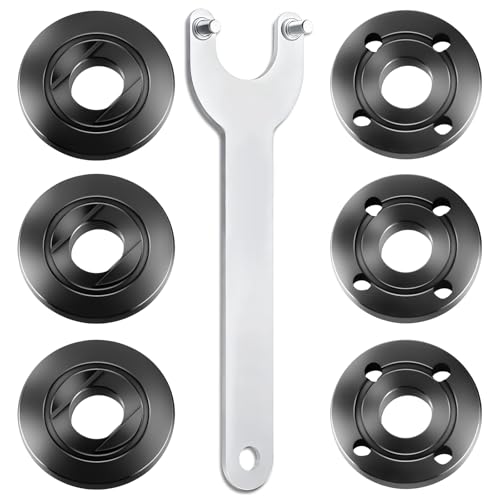
WHAT YOU GET: Includes 1 extended angle grinder wrench and 6 thickened-design flange nuts (3 inner nuts + 3 outer nuts), always have spare nuts to avoid downtime.

Effective Solutions for Bearing Problems
The right fix depends on what you find during inspection. Not every vibration problem requires a bearing replacement, but a rough or loose bearing should not be ignored.
| Problem Found | Best Solution |
|---|---|
| Cracked, bent, or unbalanced disc | Replace the disc and retest safely |
| Dirty spindle or flanges | Clean parts and reinstall the wheel correctly |
| Loose or damaged flange nut | Replace the flange or nut before use |
| Rough spindle rotation | Replace the spindle-side bearing or service the gear head |
| Motor-end growl or brush sparking | Inspect brushes, armature, and motor bearing |
| Grease full of grit or metal flakes | Clean and service the gear case; inspect gears and bearings |
| Low-cost grinder with major bearing and gear damage | Replace the grinder if repair costs exceed tool value |
Note: If the grinder is under warranty, do not open the housing unless the manual allows it. Contact the manufacturer or an authorized service center first.
Products Worth Considering


[Type & Size]: This is a 607-2RS deep groove ball bearings, 7mm inner diameter, 19mm outer diameter, and 6mm thickness.

Angle Grinder Set - 7-Piece Kit Includes 1 precision wrench and 6 flange nuts (3 inner/3 outer) for complete grinder maintenance.
When to Get Professional Help for Bearing Replacement
Get professional help if the grinder has visible spindle play, strong vibration with a known good wheel, a hot gear head during light work, smoke, burning smell, or grinding noise that remains after the wheel is removed. Bearing replacement can require pullers, presses, snap-ring pliers, correct bearing numbers, and safe reassembly.
You should also use a professional if the grinder is cordless and the fault may involve electronics, if the armature or gearbox is damaged, or if the tool has a safety clutch or brake system that must be assembled correctly.
| Sign | Recommended Action |
|---|---|
| Spindle moves side to side | Stop using and replace the bearing or spindle assembly |
| Disc still wobbles with a new wheel and clean flanges | Have the spindle, flange, and bearings checked |
| Growling noise with the wheel removed | Service internal bearings or gearbox |
| Burning smell, smoke, or heavy sparking | Stop immediately and inspect motor, brushes, and bearings |
| Repair cost is close to tool price | Replace the grinder instead of rebuilding it |
Frequently Asked Questions
How do you identify angle grinder bearing failure?
Look for new vibration, growling or grinding noise, rough spin-down, abnormal heat, disc wobble, or spindle play. First remove the wheel and inspect the disc, flanges, and spindle. If the tool still sounds rough or vibrates with the wheel removed, the bearing or gearbox likely needs service.
What are signs my grinder needs repair?
Your grinder needs repair if it vibrates heavily, makes a grinding or squealing noise, gets unusually hot, smells burned, sparks heavily at the brushes, loses speed under light pressure, or has a spindle that moves side to side. Stop using it until the problem is fixed.
What happens when an angle grinder bearing fails?
A failing bearing increases friction, heat, and vibration. If you keep using the grinder, the bearing can damage the spindle, gears, armature, or housing. In severe cases, the wheel can wobble or grab the workpiece, which raises the risk of kickback and injury.
What causes an angle grinder to stop working?
Common causes include worn carbon brushes, a failed switch, damaged cord or battery, overheated motor, seized bearing, damaged gears, or an overloaded tool. If the motor hums, smells burned, or stops after heavy vibration, disconnect power and inspect it before trying again.
Can you lubricate angle grinder bearings?
Usually, no. Many angle grinders use sealed bearings that are replaced when they become rough or noisy. The gear case may use grease, but only add the correct grease and amount listed by the manufacturer. Over-greasing can cause drag, leakage, and heat.
Is it safe to use a grinder with a noisy bearing?
No. A noisy bearing can quickly become a loose or seized bearing. That can make the wheel wobble, damage the spindle, or cause loss of control. Stop using the grinder, check the wheel and flanges, and repair or replace the tool before using it again.
Conclusion
Angle grinder bearing failure is not something to ignore. New vibration, growling noise, abnormal heat, rough spin-down, or spindle play means you should stop and inspect the tool before using it again. Start with the simple checks: wheel, flanges, spindle cleanliness, brushes, and vents. If the grinder still runs rough, the bearing or gearbox needs service. Regular cleaning, correct discs, light pressure, and safe storage help prevent bearing damage and keep the grinder safer to control.
Sources
- SafeWork SA: Angle grinders — supports guard, handle, PPE, correct disc, kickback, and power-disconnection safety guidance.
- OSHA 29 CFR 1910.243: Guarding of portable powered tools — supports general U.S. workplace requirements for portable powered tools and abrasive wheels.
- NIOSH Power Tools Sound and Vibration Database — supports noise and vibration awareness for powered hand tools.