Getting clean, accurate circle cuts with a plasma cutter comes down to proper setup and technique. Start by marking the circle’s exact center with a center punch, or drill a small hole for a centering pin and lock it in place with a thumb screw. Slow your cutting speed to roughly 60% of your normal rate for better control. For smaller holes, skip the Torch Height Control to avoid depth errors.
Quick Answer
- Mark the circle center with a center punch or drill a small pilot hole for a centering pin.
- Use a plasma cutter circle guide (like the Eastwood guide) to keep your torch on track instead of cutting freehand.
- Reduce your cutting speed to about 60% of normal for tighter accuracy on curves.
- Turn off Torch Height Control (THC) when cutting small holes, since the speed change can fool the THC into driving the torch into the workpiece.
- Check for backlash in your X and Y axes using a dial indicator, and fix any free play before cutting.
- Use software like Fusion 360 or Vectric to smooth node transitions before sending designs to the cutter.
Understanding Plasma Cutting Basics
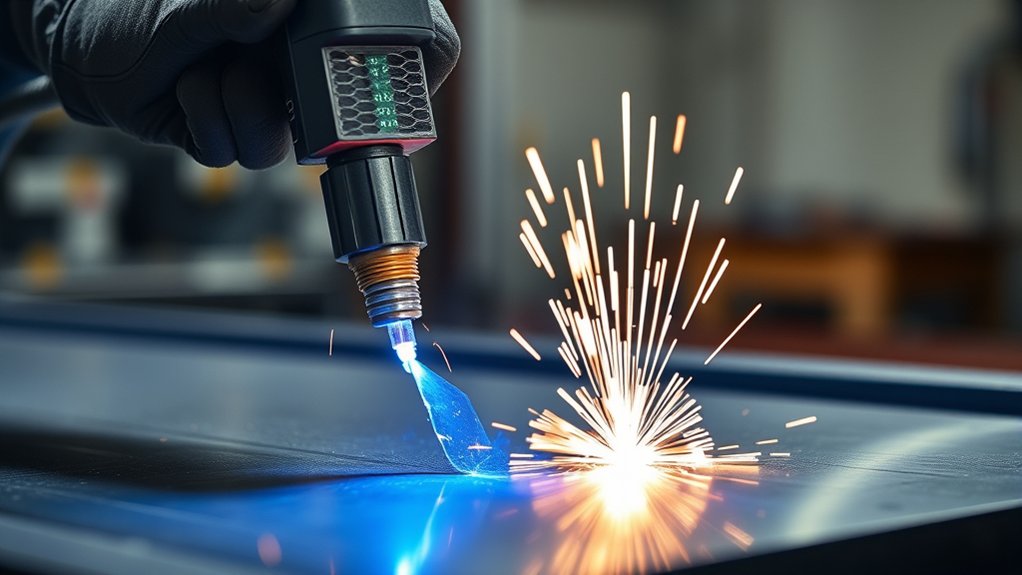
Plasma cutting uses ionized gas to slice through electrically conductive materials with speed and precision. The plasma stream is made up of free electrons and positively charged ions, which conduct electricity and generate enough heat to melt through metal quickly.
This means you can achieve clean cuts at high cutting speeds, making it practical for a wide range of shop projects. For the best results, pay attention to the consistency of your ionized gas flow and the arc’s stability. Both directly affect how clean your cut edges turn out and how fast you can move the torch.
Why You Need a Plasma Cutter Guide
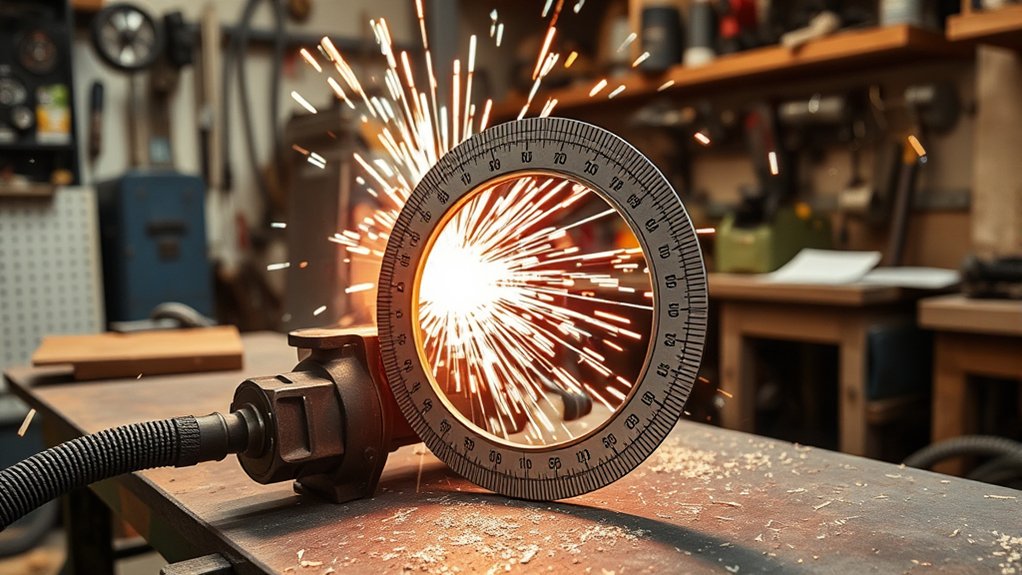
A plasma cutter guide dramatically improves your cutting precision by adding stability and control. Attaching a guide like the Eastwood Plasma Cutter Guide to your torch lets you trace shapes and patterns smoothly with guide wheels, rather than fighting to keep a freehand cut consistent.
For perfect circles, use a centering rod and pin. Most guides let you adjust circle diameters between 3.75 and 17 inches. The centering pin holds the torch at a fixed radius from your center point. You can seat it with its pointed end for fast cuts, or use a thumb screw for a more secure hold.
Techniques for Centering and Stability
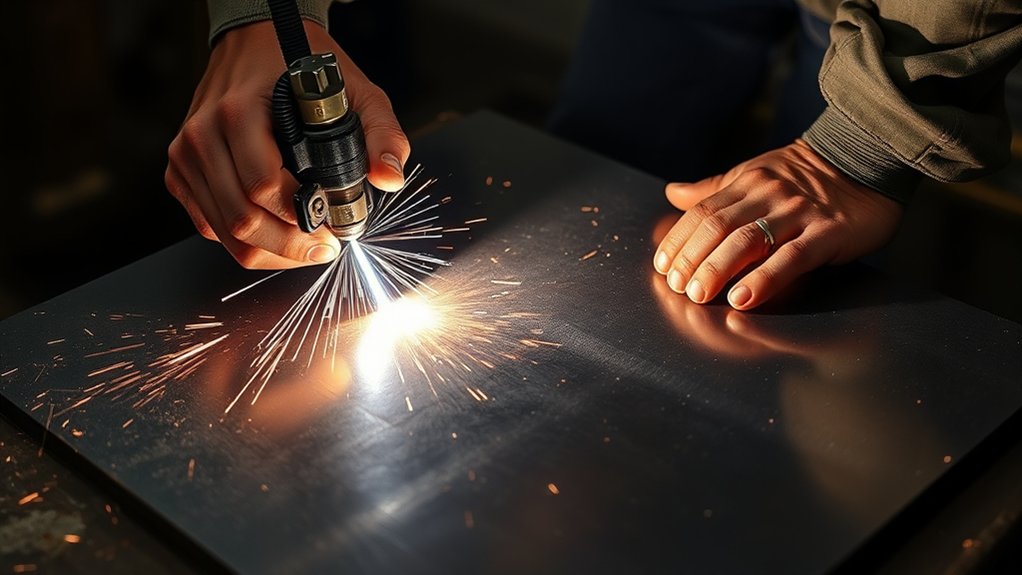
To get precise circle cuts, start by locating the exact center with a center punch, or drill a small hole for the centering pin.
Secure the centering pin using either its pointed end (for quick cuts) or the thumb screw method (for extra stability). Check and adjust your setup regularly to maintain consistent cutting quality.
Centering Pin Techniques
Accurate circles start with solid centering pin placement. Find the circle’s center with a center punch or by drilling a small pilot hole for the pin.
The pointed end method works well for quick jobs. For a more secure attachment, try the thumb screw method, which requires a drilled hole in your material. Once the pin is seated, adjust it to match your desired diameter (anywhere from 3.75 to 17 inches with most guides).
This pin setup gives you repeatability and precision, cutting down on the errors that come with freehand work. The result is cleaner, more consistent circles every time.
Stability Attachment Methods
Good centering is half the battle. Keeping everything stable during the actual cut is what takes your accuracy to the next level.
For maximum hold, use the thumb screw method. Drill a hole in your panel and anchor the centering pin through it. This minimizes any chance of slippage.
If you need a faster setup, the pointed end method works too. Just press a small indent into the metal to seat the pin. Keep in mind that it may allow slight movement compared to the thumb screw approach.
Make sure your plasma cutter guide is threaded correctly on the centering rod, and confirm the pin distance matches your target diameter (3.75 to 17 inches). A secure attachment significantly reduces post-cut grinding and cleanup.
Setting Up for Accurate Cuts
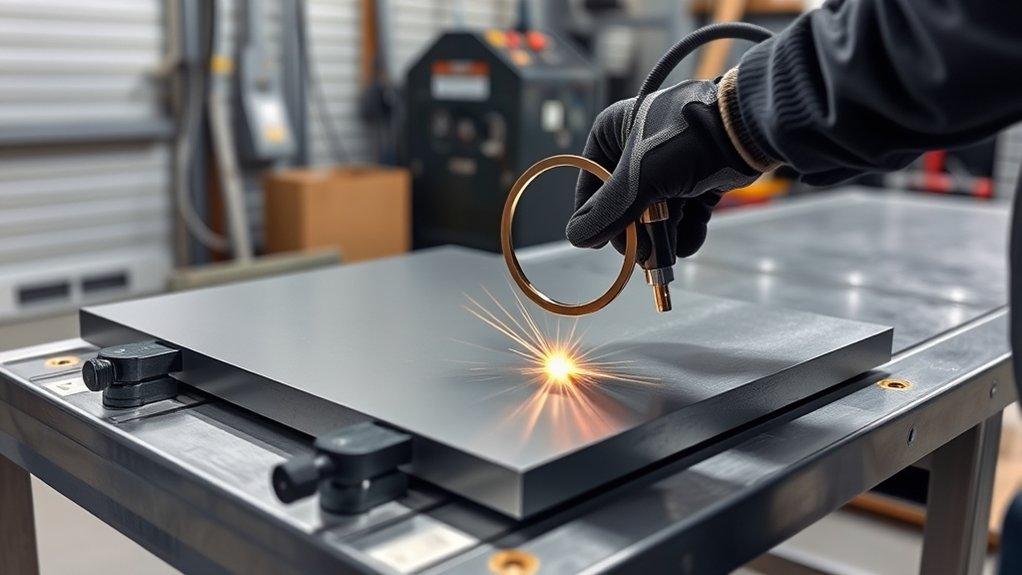
Before you start cutting, double-check that all components (guide, circle cutter, centering rod) are firmly attached to the nozzle. A loose connection here will ruin your precision.
Use the centering rod and pin to locate the circle’s center. Adjust the rod to set your desired diameter, anywhere from 3.75 to 17 inches. Choose between the pointed end for quicker cuts, or the thumb screw method for a rock-solid hold (the thumb screw requires a pre-drilled hole).
Keep your cutting speed consistent at the rate recommended by the plasma cutter manufacturer. Erratic speed leads to distortion and rough edges.
Finally, use a dial indicator to check and correct tool alignment and backlash on both the X and Y axes. These small adjustments make a big difference in the roundness of your finished circle.
Overcoming Backlash Challenges
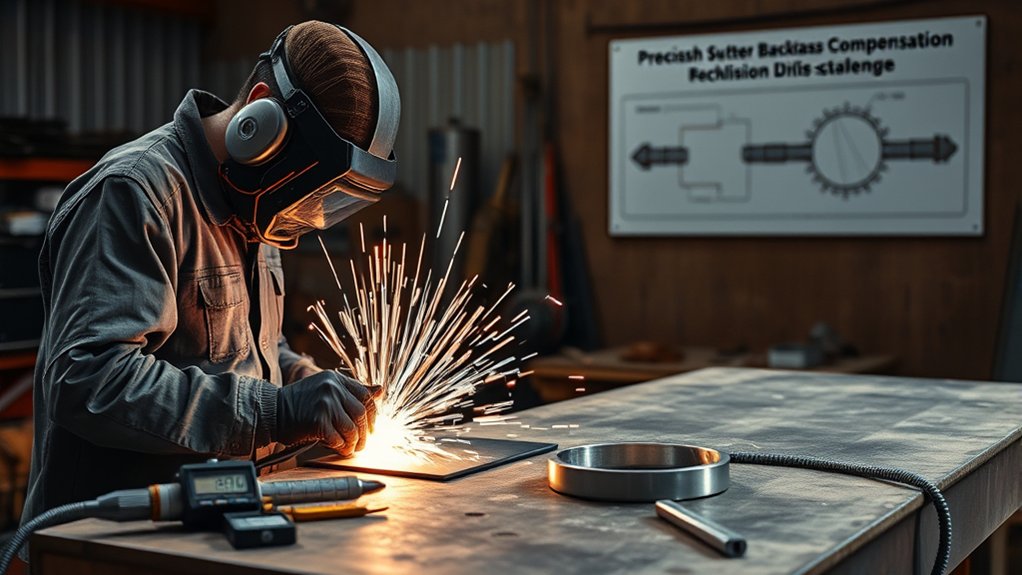
Backlash is one of the most common reasons CNC plasma circle cuts come out slightly oval or wobbly. Start by measuring backlash with a dial indicator. Jog the torch back and forth and note any lag or play in the movement. This tells you exactly where the problem is.
The usual culprit is free play in the drive system, especially in lead screws or drivetrains. Upgrading to ball screws with preloaded recirculating ball nuts can eliminate backlash entirely when adjusted correctly.
Another option is switching to direct drive motors, which reduce mechanical slack compared to belt-driven or gear-driven setups.
Regular maintenance matters too. Inspect and adjust belts, screws, and other moving parts often to catch backlash before it shows up in your cuts.
Operational Adjustments for Precision

Several operational tweaks can sharpen the quality of your circle cuts. Start with a backlash calibration on both the X and Y axes. This step alone can eliminate the distortion that turns circles into ovals.
Reduce your cutting speed by about 60% for circles. Slower travel gives the arc more time to make clean transitions around curves and prevents overshooting.
Skip Torch Height Control (THC) for small holes. When the torch slows down on tight curves, the arc voltage drops, and the THC can misread that as the torch being too close. It then drives the torch down into the workpiece, damaging both the cut and your consumables. Hypertherm’s guide to torch height control explains this voltage-distance relationship in detail.
Also keep your power supply voltage stable and make sure your motors are properly sized. On larger materials, watch for thermal expansion, which can introduce subtle inaccuracies as the metal heats up during cutting.
Design and Build Considerations
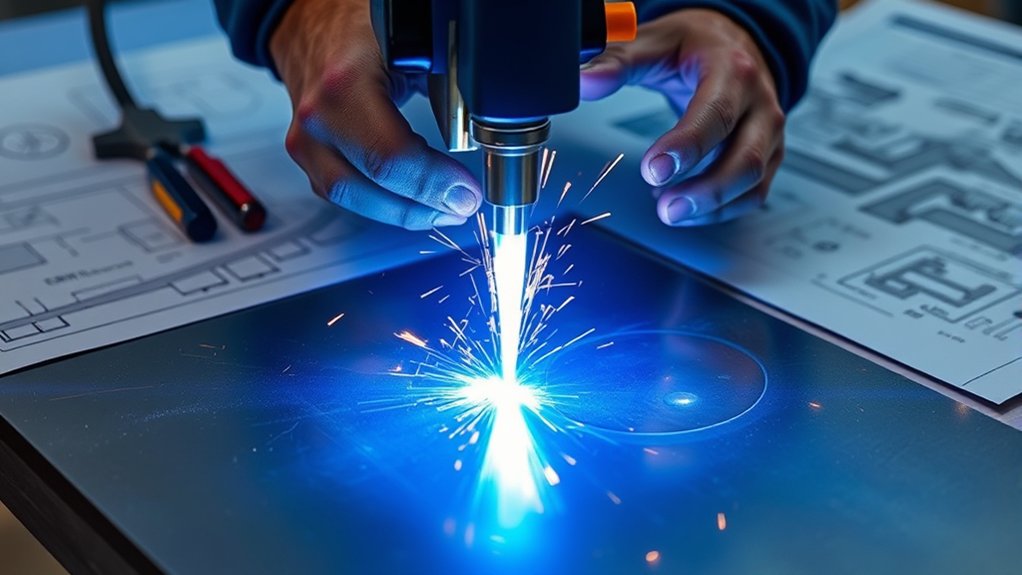
How your CNC machine is built has a direct impact on circle cut quality. Focus on minimizing backlash with direct drive motors, and make sure the frame is rigid enough to prevent flex during cutting.
Regularly inspect components like ball screws and belts. Any free play in these parts will show up as wobbly or inconsistent cuts.
Minimize Backlash Effects
Choosing direct drive motors for your CNC system is one of the best ways to cut down on mechanical slack. Pair that with regular maintenance checks on ball screws and belts to catch any developing play.
Preloaded recirculating ball nuts can achieve zero backlash when the preload force stays within spec. If you’re having persistent accuracy issues, consulting with CNC plasma table builders about design improvements can lead to meaningful gains.
Enhance Machine Rigidity
A rigid machine frame is just as important as backlash control. Use heavy-duty steel in your build to minimize vibrations and keep cutting paths steady.
Direct drive motors help here too, since they eliminate the slack that belt and gear systems introduce. Regularly tighten all mechanical components to prevent free play from creeping in over time. A well-built machine not only cuts better but also lasts longer.
Common Mistakes When Cutting Plasma Circles
Even with the right tools, a few common errors can ruin your circle cuts. Here are the ones to watch for:
Cutting too fast. Full-speed cuts work fine on straight lines, but circles need a slower feed rate. Rushing through curves produces rough, jagged edges and can throw your shape off-round.
Leaving THC on for small holes. As the torch decelerates around a tight radius, the arc voltage drops. The THC interprets this as the torch being too close and pushes it down into the plate. Turn THC off for any hole smaller than about 1.5 times the material thickness.
Skipping the center pin. Freehand circles rarely come out round. A centering pin and guide rod take a few extra seconds to set up but save significant grinding time.
Ignoring consumable wear. A worn nozzle or electrode throws off the plasma arc’s focus. Swap consumables before they degrade to the point of affecting cut quality.
Not grounding properly. The plasma stream tends to angle toward the work clamp. Place your ground clamp so the arc pulls evenly across the cut, not to one side.
Software Solutions for Smoother Cuts

The right software can make a noticeable difference in circle cut quality. Vectric software lets you clean up nodes in your artwork, which leads to smoother transitions when the design reaches the cutter.
Fusion 360 is another strong option. Using polylines instead of splines reduces visible imperfections in the final cut.
If you’re using SheetCAM, try setting your import detail to 0.01 to minimize drawing complexity and reduce tiny imperfections. Note that the MASSO controller does not include built-in node smoothing, so getting the artwork right in your design software is especially important.
Make a habit of reviewing and optimizing your software settings before each job. Small tweaks at the design stage can save a lot of grinding afterward.
Maintenance and Community Engagement
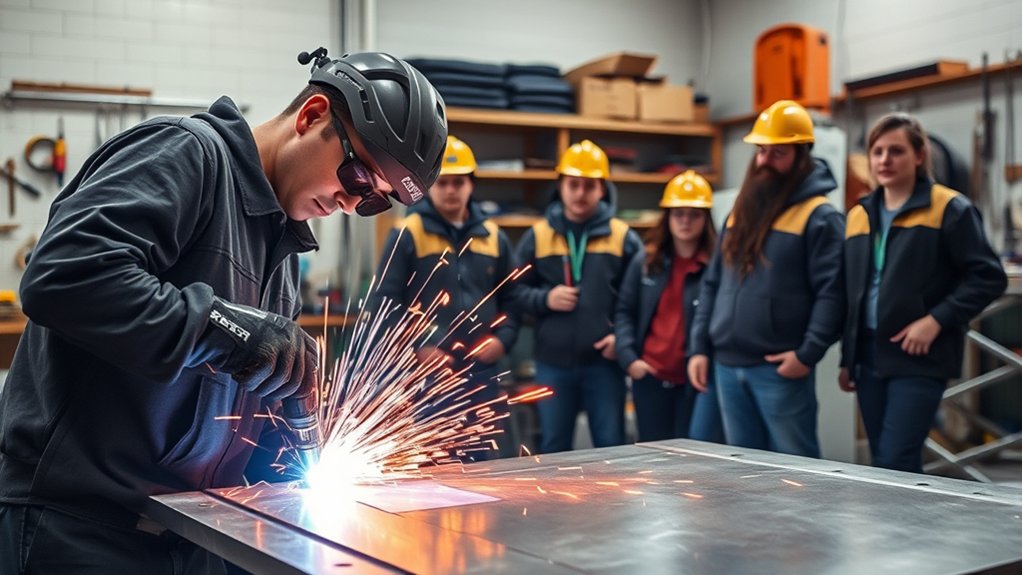
Regular maintenance keeps your plasma cutter performing at its best. Focus on these critical components:
- Inspect Belts: Look for wear and looseness that could cause slippage and reduce cut accuracy.
- Examine Ball Screws: Make sure they are lubricated and aligned to prevent binding.
- Clean Cutting Nozzles: A clogged or dirty nozzle creates an inconsistent plasma arc.
- Check Connections: Tighten all electrical connections to prevent power drops during cutting.
Community forums are also a great resource for picking up tips and troubleshooting issues. Engaging with other plasma cutter users through online groups and workshops can help you discover practical solutions you might not find in a manual.
Frequently Asked Questions
What Materials Can Be Cut Using a Plasma Cutter?
You can cut a variety of conductive metals with a plasma cutter, including aluminum, stainless steel, mild steel, copper, and brass. Adjust your settings for different thicknesses to get the cleanest results.
How Do I Choose the Right Plasma Cutter for My Needs?
Look at amperage, cutting capacity, and duty cycle. Compare well-known brands for durability and reliability, and pick a model that matches the material thicknesses and project types you work with most.
Are Plasma Cutters Safe for Indoor Use?
They can be, as long as you have proper ventilation and take fire precautions. Keep combustible materials well away from the work area, use a fire-resistant surface, and maintain adequate airflow to clear fumes.
Can Plasma Cutters Be Used for Engraving?
Yes. By lowering the amperage and adjusting your travel speed, you can engrave designs onto metal surfaces. It takes some practice, but plasma engraving opens up creative options for detailed metalwork.
What Protective Gear Is Needed When Using a Plasma Cutter?
At minimum, wear protective gloves, a face shield or welding helmet with the correct shade lens, and flame-resistant clothing. Proper gear protects against UV radiation, sparks, and hot metal.
Wrapping Up
With the right setup and regular maintenance, clean and accurate circle cuts are well within reach. Reducing your cutting speed to 60%, securing a centering pin, and checking for backlash are the biggest levers you can pull for better results. Pair those habits with good design software and a rigid machine, and you’ll consistently produce professional-quality circles that need minimal cleanup.