When precision meets frustration, poor plasma cuts often come from a mix of technical issues and equipment problems. Everything from low air input on your compressor to damaged nozzles can ruin cutting quality. Understanding these problems helps you maintain good performance. Effective fixes are available, so you can tackle the challenges head-on. Curious about how to fix these common issues?
Quick Answer
Poor plasma cuts usually come from air supply or pressure problems, electrical interference, worn parts, or simple technique errors. Start by checking your air system and consumables. Good grounding and the right cutting speed also make a big difference. Regular checks keep your cuts clean and precise.
- Ensure clean, dry air at the right pressure (at least 0.45 MPa).
- Inspect and replace nozzles or electrodes when they show wear.
- Secure grounding and keep equipment away from electrical interference.
- Use the correct cutting speed, torch height, and grip.
Insufficient Air Input From the Compressor
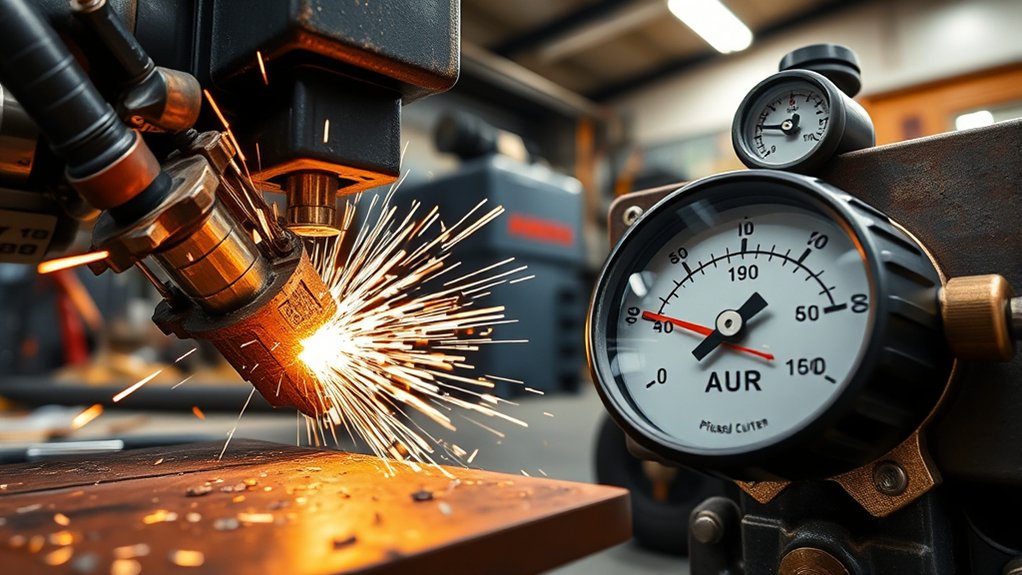
If you have been having trouble with your plasma cutter, low air input from the compressor could be the reason.
Start with air filter maintenance. A clogged filter restricts airflow and causes an unstable arc plus inconsistent kerf width. Clean the air filter regularly so it stays clear.
Inspect and clean your air filter regularly to ensure a stable arc and consistent kerf width.
Next, check your compressor capacity. Your system needs at least 0.45 Mpa for best results. Anything lower reduces cutting power and creates extra dross plus rough edges.
Confirm that the compressor delivers the required pressure. Upgrade the unit if it falls short.
Finally, make sure the air supply stays clean and dry. Dirty air disrupts the plasma arc.
These steps improve cut quality and help you get precise, professional results every time.
Low Pressure Regulation From the Air Valve
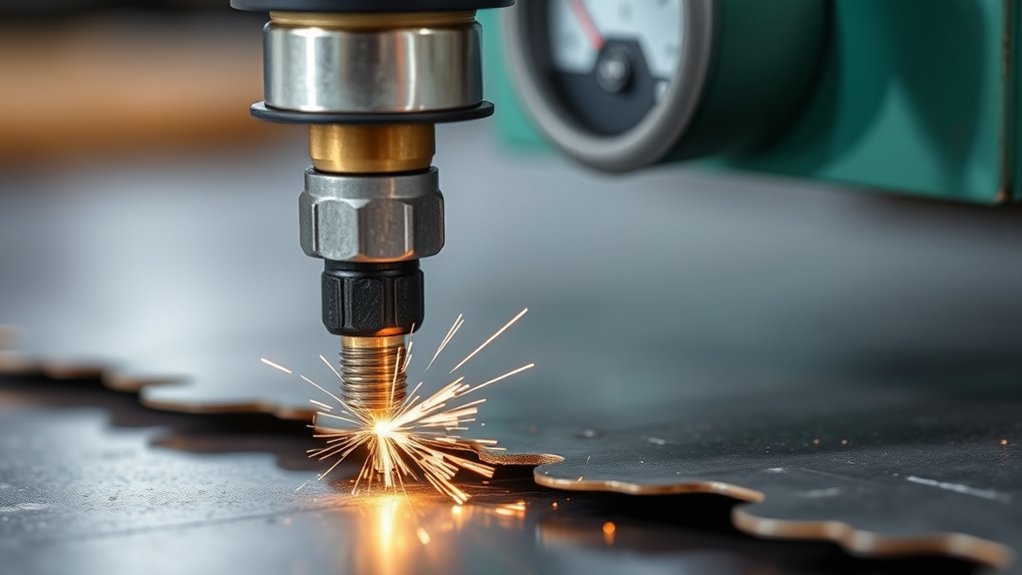
Low pressure from the air valve happens when airflow drops. This creates a weak plasma arc and poor cut quality.
Keep the air pressure inside the range your manufacturer recommends. That prevents unstable cuts and extra dross.
Check the air valve often and adjust it. Also look for contaminants in the air supply. These actions maintain steady pressure and boost your plasma cutter’s performance.
Causes of Low Pressure
When the air valve’s pressure regulation fails, you get insufficient air supply. This hurts the plasma cutting process and leads to poor cut quality.
Good air quality and pressure monitoring matter. If pressure falls below 0.45 MPa, the plasma arc becomes unstable and cuts turn erratic.
Inspect the air pressure regulating valve regularly. Make sure it works properly and that no clogged filters block the air path.
Clean air supply components on a schedule. Always monitor input pressure to meet manufacturer specs.
Adjusting Air Valve
Adjusting the air valve is key to fixing low pressure regulation. Poor maintenance here reduces airflow and hurts cut quality plus arc stability.
Check that air pressure calibration stays precise. Aim for around 0.45 Mpa or higher.
- Inspect and clean the air valve often to stop blockages and keep the air path open.
- Watch for pressure swings that signal a faulty valve. These can cause uneven cuts or extra dross.
- Follow manufacturer specs when you check and set air pressure for top performance.
- Hold steady pressure to keep the arc stable and produce cleaner cuts.
Take care of your equipment and you will get smooth plasma cutting results.
Electrical Interference From Nearby Equipment
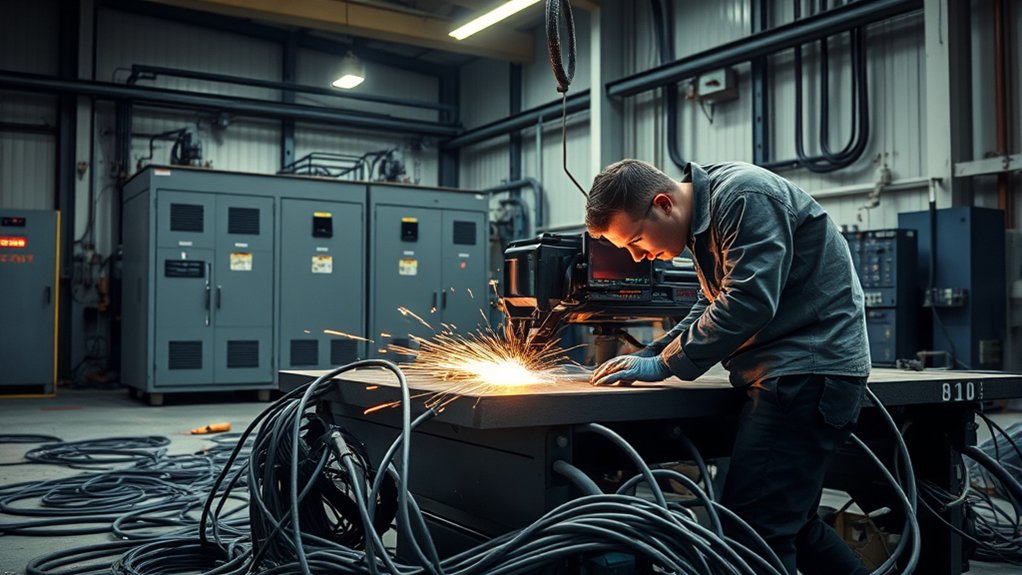
Position your equipment away from large electrical devices. This step reduces electromagnetic interference.
Watch voltage fluctuations closely. Nearby machines can cause drops that make the arc unstable and lower cut quality.
Use solid shielding and grounding methods. They cut electrical noise and keep operations steady.
Equipment Location and Setup
Placing your plasma cutter correctly matters, especially when electrical interference is possible.
Keep the cutter away from large electrical machines to limit interference. Add electromagnetic shielding to protect against unstable arcs that cause inconsistent cuts and wear out consumables faster.
Consider these tips:
- Ensure adequate distance: Keep your plasma cutter away from transformers and large motors.
- Implement shielding: Use electromagnetic barriers to block interference sources.
- Regular inspections: Check power supply and nearby equipment for potential interference.
- Optimize placement: Strategically position your cutter to enhance performance.
Voltage Fluctuation Impact
Voltage fluctuations often come from weak power grid capacity or nearby large electrical equipment.
These swings hurt voltage stability and create electric arc instability plus inconsistent cuts. Place your plasma cutter away from heavy machinery to avoid spikes or drops.
Use a strong power supply and the right size power cords to cut voltage drop. Check voltage levels before you start cutting so they match manufacturer specs.
Shielding and Grounding Solutions
Fixing voltage fluctuations helps, but you also need to handle electrical interference from nearby equipment.
Apply good grounding techniques to reduce electrical noise. Ground both the plasma cutter and the workpiece properly.
Use dedicated circuits so other devices do not cause voltage drops. Shielding materials and metal enclosures further limit electromagnetic interference.
Check grounding connections often because they keep electrical performance reliable.
Here’s a quick guide:
- Proper grounding: Important for minimizing electrical noise.
- Dedicated circuits: Prevents voltage drops from shared devices.
- Shielding techniques: Reduces electromagnetic interference.
- Regular inspections: Makes certain reliable grounding connections.
Voltage Drop Affecting Performance
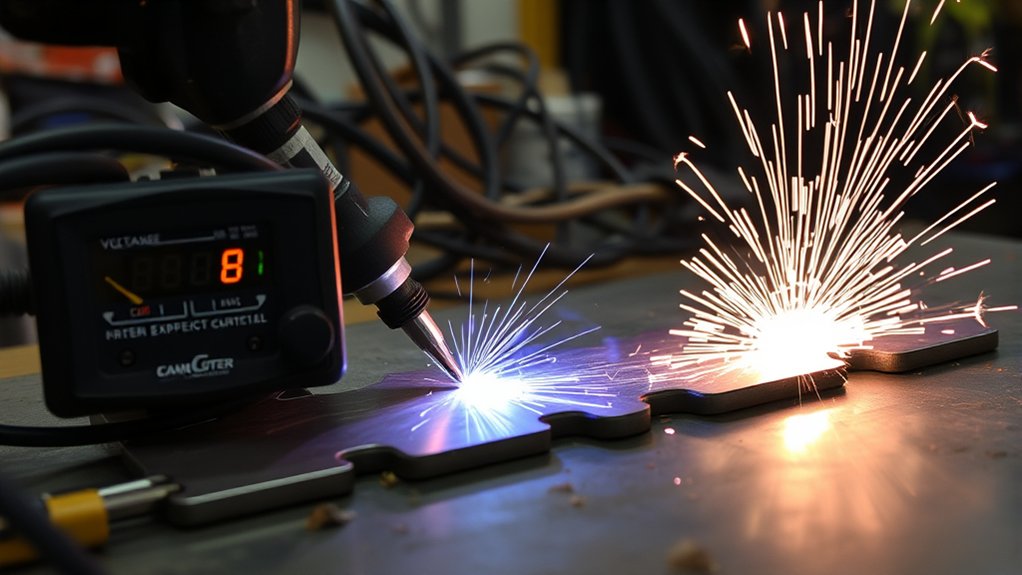
Voltage drop hurts plasma cutter performance. Common causes include weak power grid capacity and long power cords with the wrong wire gauge. These issues lower cutting efficiency and create arc instability.
Nearby electrical equipment can add electromagnetic interference and make the problem worse. A drop over 10 percent from the nominal input voltage hurts cut quality and speed.
To solve it, confirm your power grid can support the cutter’s needs. Use shorter cords with the proper gauge. Measure input voltage before every job. Keep the cutter away from large electrical devices.
These actions maintain peak performance and let your plasma cutter work at full potential.
Damaged Nozzle or Electrode
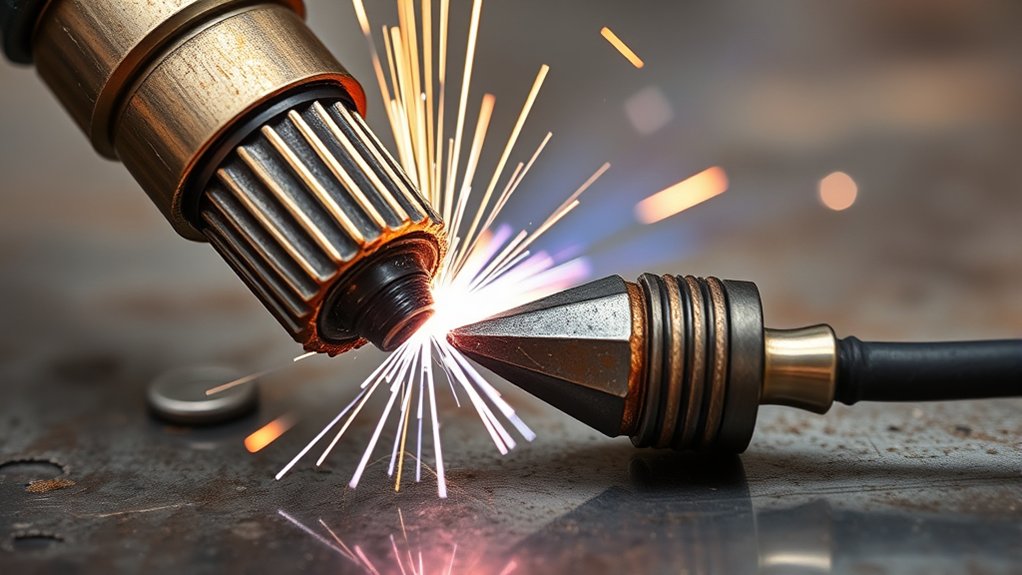
You will see signs of wear on the nozzle or electrode, such as an unstable arc or wider kerf. These problems lower cut quality.
Follow replacement guidelines. Swap electrodes when pitting exceeds approximately 0.040 inches (1 mm) for oxygen/air setups, or follow your manufacturer’s specs. Replace nozzles at the first sign of damage.
Keep proper alignment and do regular maintenance checks to stay at peak performance.
Signs of Wear
A damaged nozzle or electrode is one of the first signs of wear. It hurts cutting efficiency and quality.
Inspect the nozzle often. An enlarged or deformed orifice ruins kerf precision and causes inconsistent cuts. Check the electrode for pitting or erosion beyond approximately 0.040 inches (1 mm) for oxygen/air (or manufacturer limits). Address wear early through a maintenance schedule so you avoid:
- Inconsistent arc stability resulting in poor cut quality.
- Increased dross formation on edges, impacting finish.
- Excessive bevel angles and irregular cuts, reducing precision.
- Costly downtime by identifying wear early through a maintenance schedule.
Fix these signs quickly to keep your cutting process strong.
Replacement Guidelines
Replace damaged nozzles and electrodes as soon as you see signs of wear. This keeps peak cutting performance and quality.
Inspect parts regularly. Change them when pitting exceeds approximately 0.040 inches (1 mm) for oxygen/air electrodes, or follow manufacturer guidelines for your usage and conditions.
Use compatible parts that match the amperage and gas type. This gives maximum performance and cut quality.
Inconsistent cuts or extra dross mean replace right away.
Handle parts cleanly with clean rags and avoid dirty surfaces. These habits extend component life and keep everything working well.
Impact on Performance
If plasma cutter performance drops, a damaged nozzle or electrode is often the cause. Damage creates inconsistent plasma flow or arc instability.
The result is poor cut quality, uneven kerf widths, extra dross, and irregular bevel angles. Regular consumable maintenance is essential. Inspect nozzles and electrodes for pitting beyond approximately 0.040 inches (1 mm) for oxygen/air setups.
- Amperage levels: Avoid operating above 95% of the nozzle’s rated capacity.
- Consumable alignment: Verify proper alignment to maintain ideal flow.
- Contamination control: Keep consumables clean to prevent obstructed gas flow.
- Timely replacement: Swap damaged parts promptly to prevent premature failures.
Stay on top of maintenance and your cutting capabilities stay strong.
Open Circuit in Cutting Torch Cable
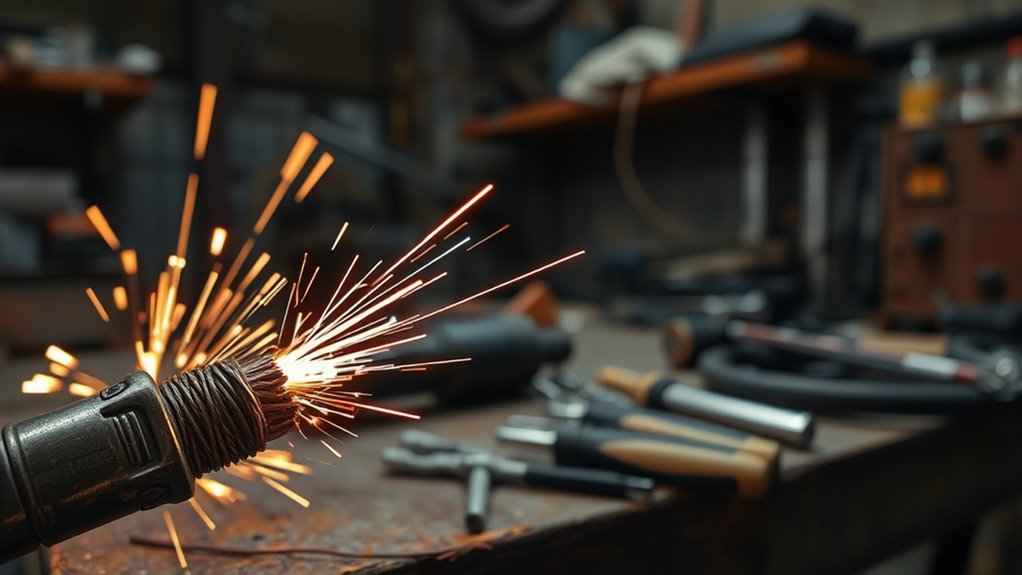
Torch cable continuity matters for good plasma cutting performance. Regular torch maintenance and cable checks prevent open circuits that stop the plasma arc from starting. Inspect the full length of the cable for fraying or breaks. Use a multimeter to test continuity. Any break needs immediate repair.
| Common Causes | Solutions |
|---|---|
| Damaged cables | Replace or repair damaged sections |
| Loose connections | Tighten all connections |
| Faulty components | Replace faulty components |
Incorrect Cutting Speed and Torch Grip
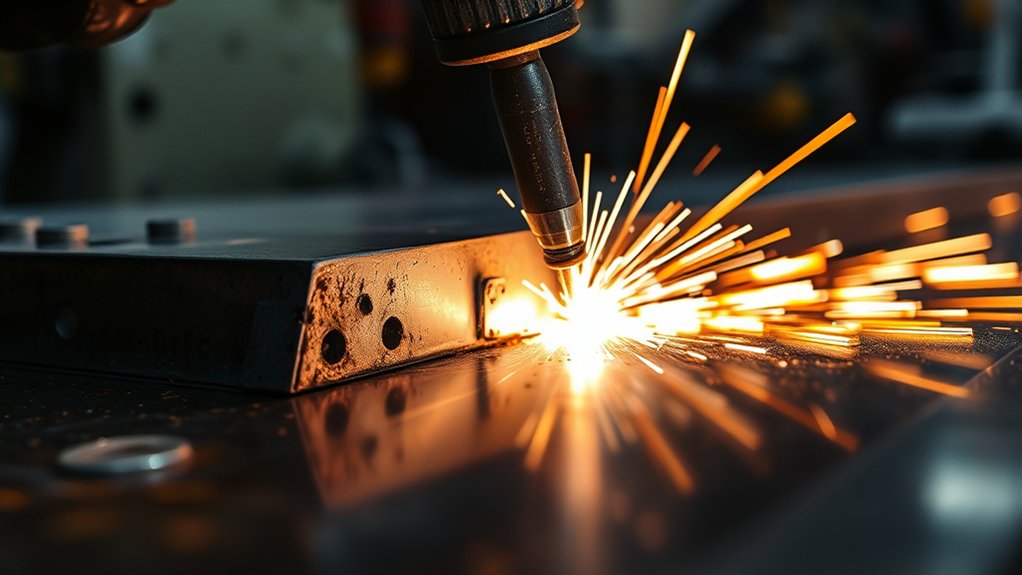
Good plasma cutting results depend on proper cutting speed and torch grip. Wrong speed often creates excessive dross. Slow speeds let molten metal build up, while fast speeds leave hard-to-remove high-speed dross.
Correctly managing cutting speed and torch grip is crucial to avoid excessive dross in plasma cutting.
Adjust speed in 10 percent steps until you find the sweet spot where kerf width stays even. Hold the torch grip vertically so cuts stay straight and dimensionally accurate.
Consider these tips for best results:
- Adjust speed to match material thickness, slowing down for thicker metals.
- Maintain a vertical grip to avoid angle-induced distortions.
- Regularly monitor and adjust the standoff height, keeping it twice the nozzle size.
- Continuously refine your cutting techniques by observing cut quality and making incremental speed changes.
Master these basics and you will get flawless plasma cuts.
Poor Contact Between Ground Wire and Workpiece
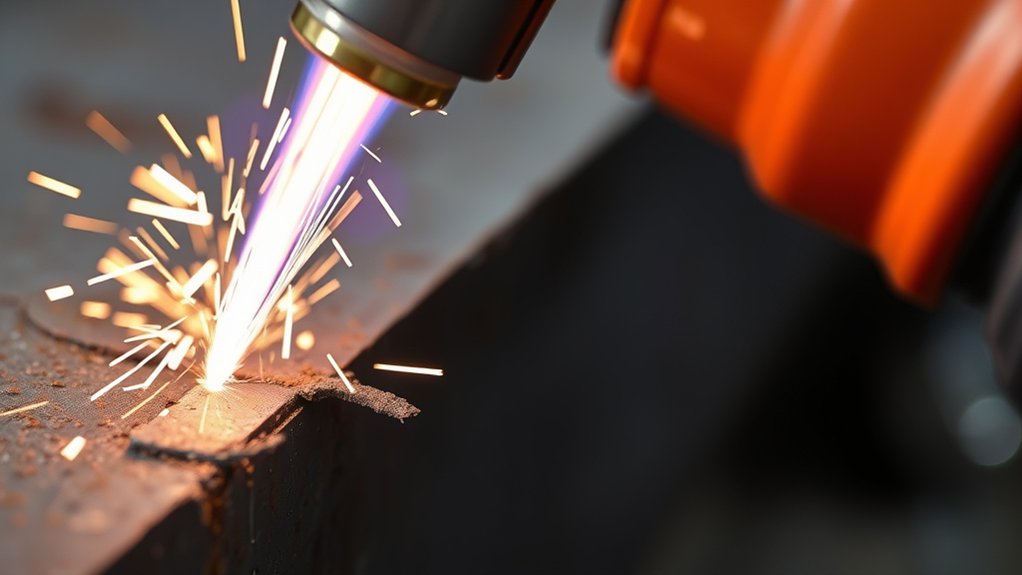
A solid ground connection between the wire and workpiece keeps the plasma arc stable. Poor contact causes arc instability, inconsistent cuts, and dross. Paint, rust, or other insulation blocks conductivity.
Inspect the ground wire often for age or damage. Resistance in the circuit hurts performance. Use clamps or conductive pads to improve contact and ensure solid grounding.
| Issue | Cause | Solution |
|---|---|---|
| Inconsistent Cuts | Poor Ground Contact | Enhance contact area with conductive pads |
| Increased Dross | Insulation on Workpiece | Clean surface to improve conductivity |
| Arc Instability | Damaged Ground Wire | Regularly inspect and maintain ground wire |
| Electrical Resistance | Aged Grounding Connections | Replace or repair damaged wires |
| Compromised Performance | Ineffective Grounding Tools | Use specialized clamps for better contact |
Improper Cutting Distance From the Nozzle

Correct cutting distance from the nozzle is another key to peak performance. Staying off the right distance leads to subpar cut quality and excessive dross buildup.
Achieving peak plasma cutting performance hinges on maintaining the correct cutting distance from the nozzle.
Most applications work best with a 1/16 to 1/8 inch range—check your machine manual. Deviating causes problems:
- Excessive Distance: Results in a wider kerf and inconsistent edges due to a weakened arc.
- Too Close: Causes excessive heat, risking burn-through or warping.
- Nozzle Adjustment: Regularly adjust to maintain ideal distance.
- Perforating Holes: Double the cutting distance for better arc stability and quality.
Fan Malfunction or Airflow Issues
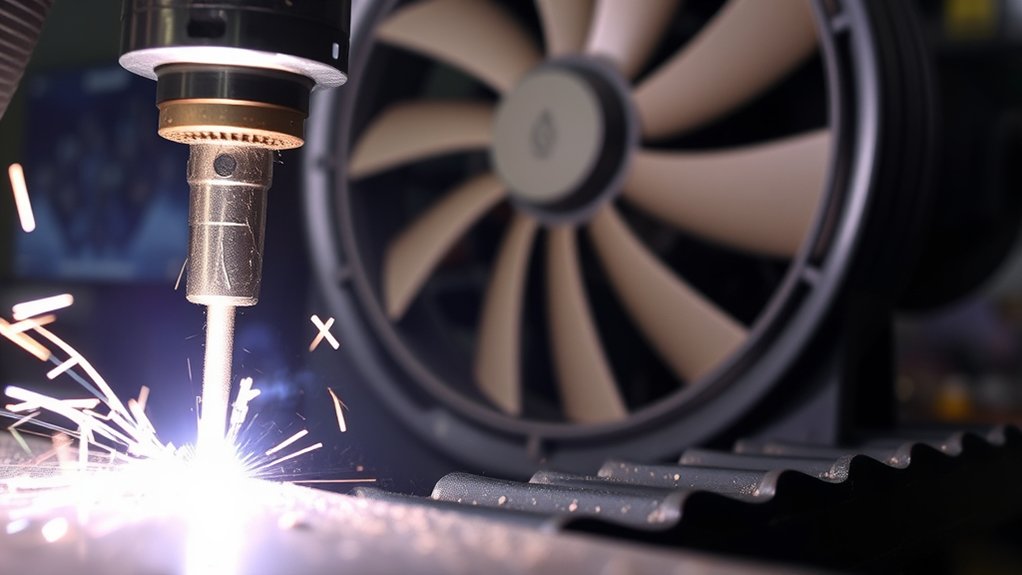
A malfunctioning fan or airflow problem affects cut quality. Reduced airflow causes overheating and hurts precision.
Inspect the fan closely and clear any obstructions like debris on the blades. This keeps cooling efficient.
Check all fan power connections. Loose plugs or damaged leads reduce airflow and create inconsistent cuts. Fix them quickly.
Do daily checks at startup to confirm airflow. Make fan operation part of your routine.
Clean fan components regularly as part of airflow maintenance. Good fan health prevents overheating and delivers precise, reliable cuts.
Air Path Obstruction or Pollution
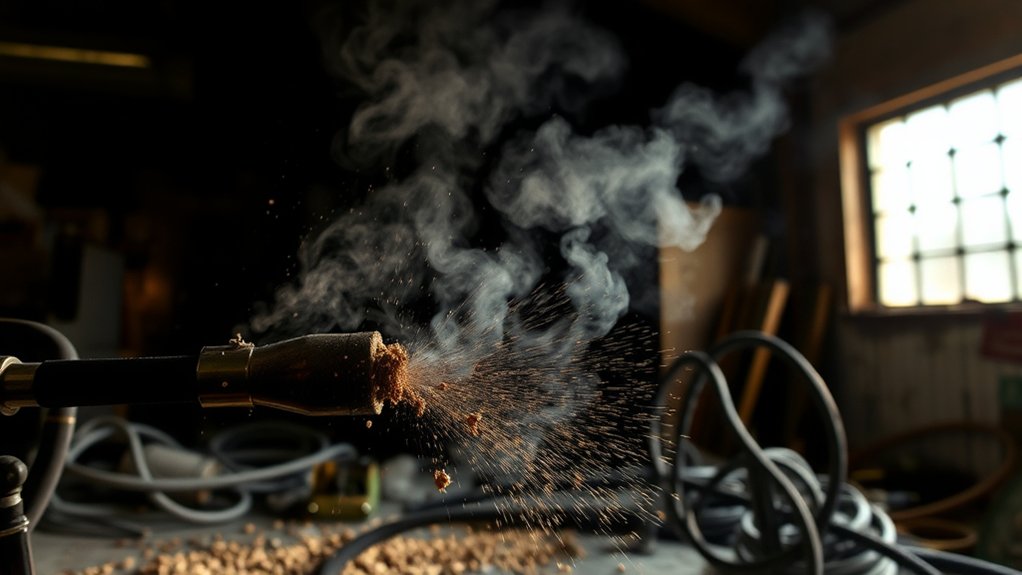
Air path obstruction occurs when debris clogs supply lines. Restricted airflow lowers plasma cut quality.
Oil pollution inside the solenoid valve also disrupts gas flow and arc stability.
Inspect the air filter pressure regulator often. Clear every connection and pipeline. Confirm the compressor supplies enough air.
Causes of Obstruction
Obstructions in the air path hurt plasma cutting effectiveness.
Clean air quality stabilizes the plasma arc. Regular filter maintenance is your first defense. Dirt, debris, and moisture in supply lines cause inconsistent cuts and extra dross.
Take these actions:
- Inspect air filters: Regularly check and replace to prevent contaminants.
- Clean supply lines: Remove any dirt or moisture build-up obstructing airflow.
- Adjust air pressure: Confirm the air regulating valve is set correctly for ideal flow.
- Service solenoid valves: Keep them well-maintained to avoid oil pollution obstructing the air path.
These practices keep your cutting efficient.
Pollution Impact on Performance
Pollution affects plasma cutting performance. Dirt and debris block the air path and lower air quality plus cutting efficiency. Oil in the solenoid valve drops air pressure and destabilizes the arc.
Perform regular maintenance on air filters and supply lines. Keep the compressor delivering enough input air. Monitor and adjust air pressure settings. These steps remove contamination sources and deliver peak air quality with better performance.
Weakened Cutting Strength of Plasma Arc
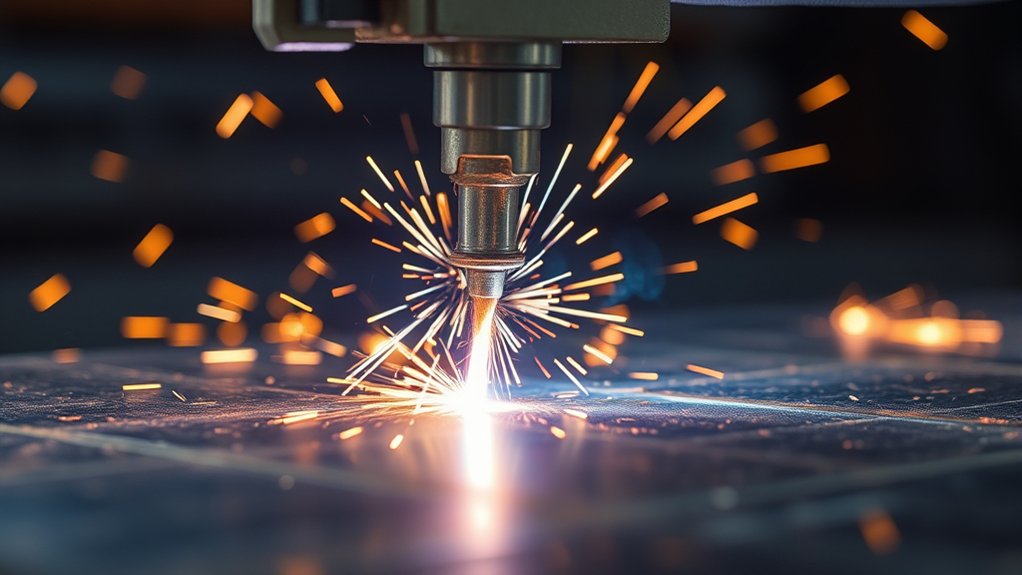
Weakened plasma arc strength has clear causes. Focus on them to restore performance. Good plasma efficiency and arc stability deliver clean cuts.
Excessive airflow spreads the arc column’s energy and reduces cutting power. Keep the right air pressure. Too little from the compressor or a wrong air regulating valve setting weakens the arc. An over-adjusted filter pressure valve creates fluctuations. Oil contamination in the solenoid valve also hurts results.
Maintaining optimal air pressure is vital; excessive airflow or oil contamination can diminish arc strength and cut quality.
To improve your plasma cutting results, try these steps:
- Monitor and adjust air pressure settings regularly to maintain peak plasma arc strength.
- Ensure the compressor provides adequate air input to support a stable arc.
- Check for and remove oil contamination in the solenoid valve.
- Avoid excessive airflow that could disperse the arc’s energy.
Address these core issues and your cutting potential returns.
Overloading the Nozzle Beyond Capacity
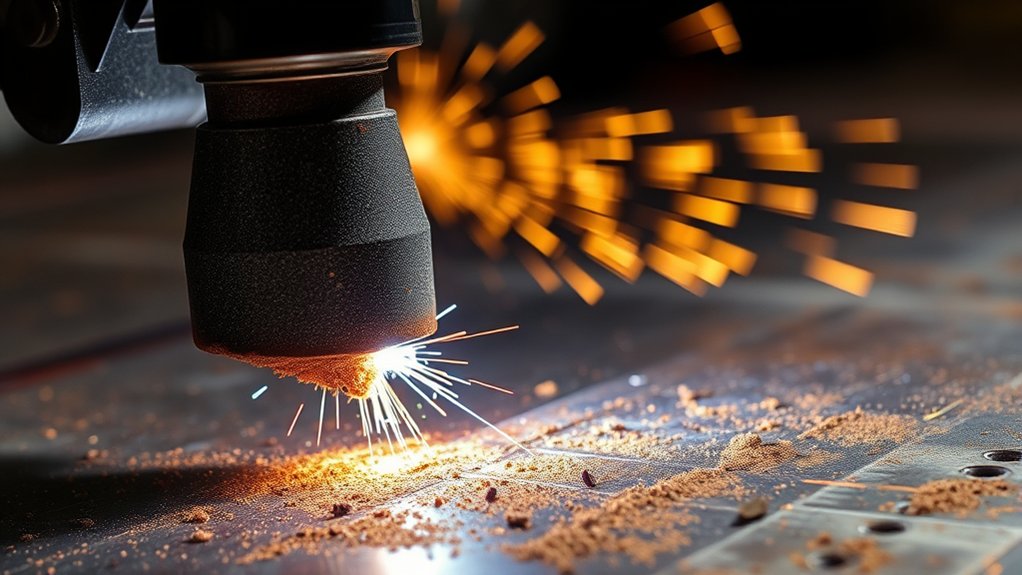
Overloading the nozzle past its rated amperage shortens its life and creates poor cut quality. Running a 100 A nozzle above 95 A risks overheating, failures, and inconsistent cuts.
Monitor amperage to avoid extra dross and kerf width problems. Regular nozzle maintenance and correct consumables keep performance high. Here is a quick guide:
| Key Factor | Impact |
|---|---|
| Amperage Monitoring | Prevents overheating |
| Nozzle Maintenance | Extends nozzle lifespan |
| Proper Consumables | Enhances cutting efficiency |
Keep amperage below 95 percent of nozzle capacity. This avoids downtime and delivers precision cuts.
Non-Contact Cutting and Fuse Issues
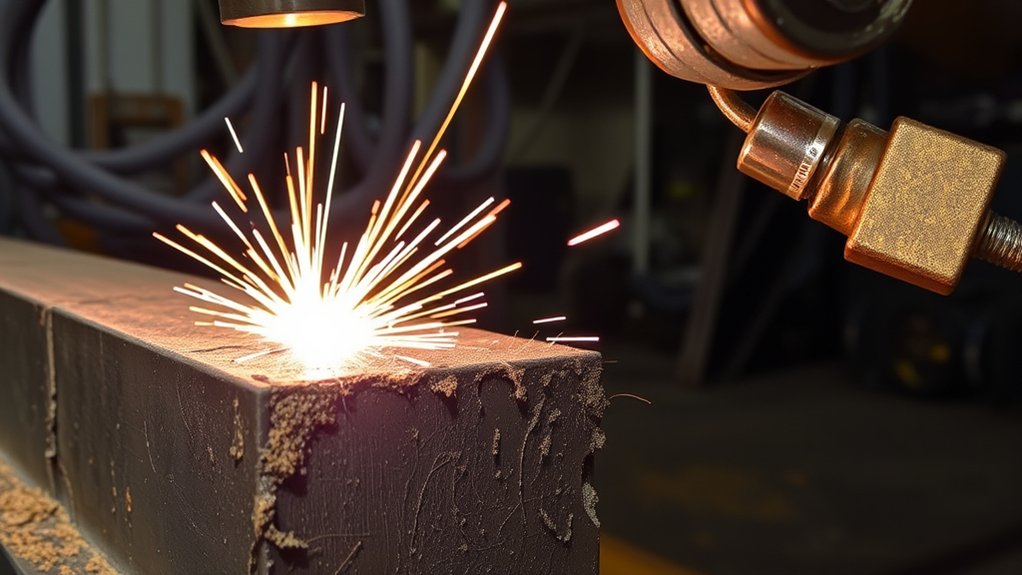
Problems with non-contact cutting often trace to a bad 15 A fuse. This open circuit stops the plasma cutter. Replace the fuse quickly to restore performance.
Use this checklist:
- Fuse Replacement: Start by examining the 15A fuse. If it’s compromised, replace it immediately to restore cutting efficiency.
- Torch Inspection: Regularly scrutinize your cutting torch for moisture and damage. A damp torch can cripple operations, so verify it’s dry before use.
- Pilot Arc Interface: Inspect the pilot arc interface wire for any wear or faults. A damaged wire disrupts the plasma arc, degrading cut quality.
- Wear and Tear: Consistent checks for wear on your torch components are crucial. Addressing these issues promptly confirms effective non-contact cutting.
Keep the cutter in top shape and you avoid frustrating downtime.
Air Supply and Pressure Regulator Imbalance
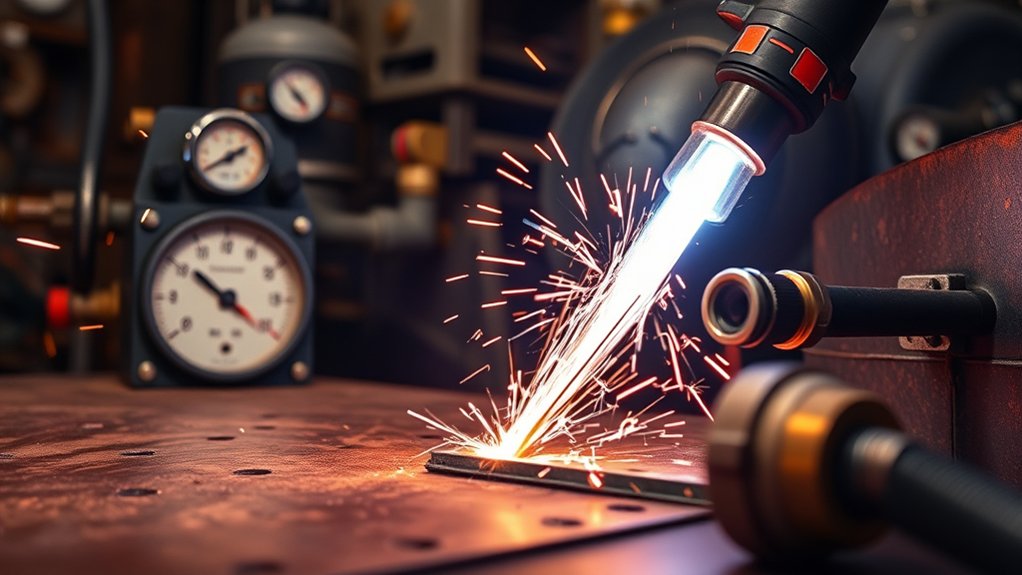
Without steady air supply, the plasma cutter cannot work well. You get subpar cut quality and extra dross. Low compressor air means low cutting pressure and a weak plasma arc.
Inspect the air filter pressure regulator often. Imbalance here causes pressure swings that destabilize the arc.
Maintain the regulator so dirt does not block airflow. Keep air pressure above 0.45 Mpa for consistent high-quality cuts.
Clean the air path regularly to clear obstructions. A clean system free of contaminants delivers precise and clean results.
Frequently Asked Questions
How Does Torch Alignment Affect Plasma Cutting Quality?
Torch alignment affects plasma cutting quality by keeping ideal torch height and arc stability. Misalignment causes inconsistent cuts and dross. Align the torch precisely for cleaner, more accurate results.
What Role Does Cooling Play in Preventing Material Warp During Cuts?
Cooling techniques dissipate heat effectively and prevent material warp. Understand material properties to choose the best methods and keep precision high with minimal deformation.
How Can Worn Consumables Lead to Interrupted Cuts?
Worn electrodes and nozzles can turn your plasma cutter into a chaotic spark-spraying tool that ruins cuts. Inspect and replace these components regularly to keep precision.
Why Does High Speed Impact Hole Quality in Plasma Cutting?
High cut speed reduces quality by forming dross and bevels. Slow the speed, match amperage and torch height, and you get smoother edges.
How Important Is Regular Maintenance for Achieving Optimal Plasma Cuts?
Regular maintenance is vital for ideal plasma cuts. Inspect equipment and set a maintenance schedule. This ensures longevity and consistent cut quality with precision and efficiency.
Conclusion
You have now covered the main causes of poor plasma cuts—insufficient air, low pressure, and electrical interference. Still, worn nozzles or voltage drop can sneak up on you. Do not overlook grounding or airflow obstructions. Cutting performance depends on these details. Stay alert, do regular maintenance, and stick to specifications. That is how you reach the best plasma cutting precision. Ready to handle these challenges?