A burnt MIG tip usually means the wire is melting back into the contact tip before it can feed smoothly into the weld puddle. The most common causes are a worn or wrong-size contact tip, slow or uneven wire feed, too little stick-out, a dirty liner, poor ground contact, wrong polarity, or shielding gas problems. Start with safety, then check one setting or part at a time so you can find the real cause instead of replacing tips over and over.
Quick Answer
To fix a burnt MIG tip, turn the welder off, let the gun cool, remove the nozzle, and replace any melted or clogged contact tip with one that matches your wire diameter. Then clean the nozzle and liner, set stick-out near 3/8 to 1/2 inch for typical short-circuit MIG, adjust wire-feed speed, and clamp the ground to clean bare metal.
Key Takeaways
- Use a contact tip that matches the wire size exactly, such as a .030-inch tip for .030-inch wire.
- Slow wire feed, too much drive-roll pressure, a dirty liner, or rusty wire can make the wire hesitate and burn back.
- Keep a steady stick-out and avoid crowding the puddle, because a tip held too close overheats quickly.
- Clamp the ground to clean, unpainted metal and check the cable for loose or corroded connections.
- For gas MIG, confirm shielding gas flow and nozzle condition; for flux core, confirm polarity and use the right nozzle setup.
At a Glance
| Time Required | 10–30 minutes for basic inspection, cleaning, and tip replacement |
| Difficulty | Beginner to intermediate |
| Tools Needed | Replacement contact tips, nozzle pliers, wire brush, side cutters, compressed air, clean rag, multimeter if checking ground continuity |
| Cost | Usually low; most fixes involve contact tips, cleaning, or setup adjustments |
Warning: Turn the welder off before touching the gun, nozzle, contact tip, drive rolls, or liner. Let hot parts cool, wear welding gloves and eye protection, keep combustibles away, and weld only with adequate ventilation. OSHA welding guidance notes that welding, cutting, and brazing can involve serious fire, fume, and eye hazards.
Why MIG Tips Burn Back
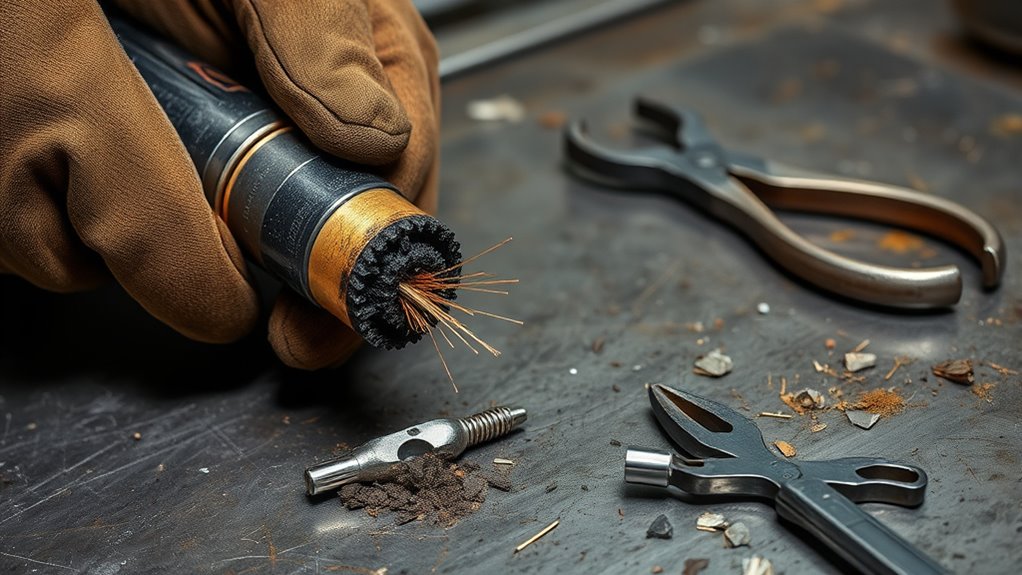
MIG tips burn back when the wire melts faster than it feeds. Instead of leaving the contact tip and forming a steady arc at the weld puddle, the wire fuses to the tip or melts inside the tip opening.
The root cause is usually one of three things: the wire is not feeding smoothly, the arc heat is too close to the contact tip, or the electrical path is unstable. A worn contact tip, wrong tip size, dirty liner, rusty wire, weak ground clamp, wrong polarity, or incorrect wire-feed speed can all create the same symptom.
A burnt MIG tip is a symptom, not the whole problem. Replace the damaged tip, then find out why the wire stopped feeding smoothly or why the tip overheated.
Too little stick-out can also overheat the tip. For many short-circuit MIG setups, a 3/8 to 1/2 inch contact-tip-to-work distance is a good starting range, but your machine chart and wire manufacturer settings should always come first.
If you want a broader troubleshooting path for arc problems, this related guide on MIG welding problems and solutions can help you compare burnback with porosity, spatter, and poor starts.
Quick Diagnosis for a Burnt MIG Tip
Use the symptoms below to narrow the problem before changing settings at random.
| Symptom | Likely Cause | First Fix |
|---|---|---|
| Wire melts into the tip right after arc start | Wire-feed speed too slow or tip held too close | Increase wire-feed speed slightly and reset stick-out |
| Wire stutters, then burns back | Dirty liner, crushed wire, worn tip, or drive-roll issue | Clean liner, check drive rolls, and replace the tip |
| Tip burns after several minutes | Long duty cycle, wrong tip recess, poor gas coverage, or overheated gun | Let the gun cool and check nozzle, diffuser, and tip recess |
| Arc pops, sputters, or wanders | Weak ground, wrong polarity, dirty metal, or gas problem | Clamp to bare metal, verify polarity, and check gas flow |
Inspect the Burned Contact Tip
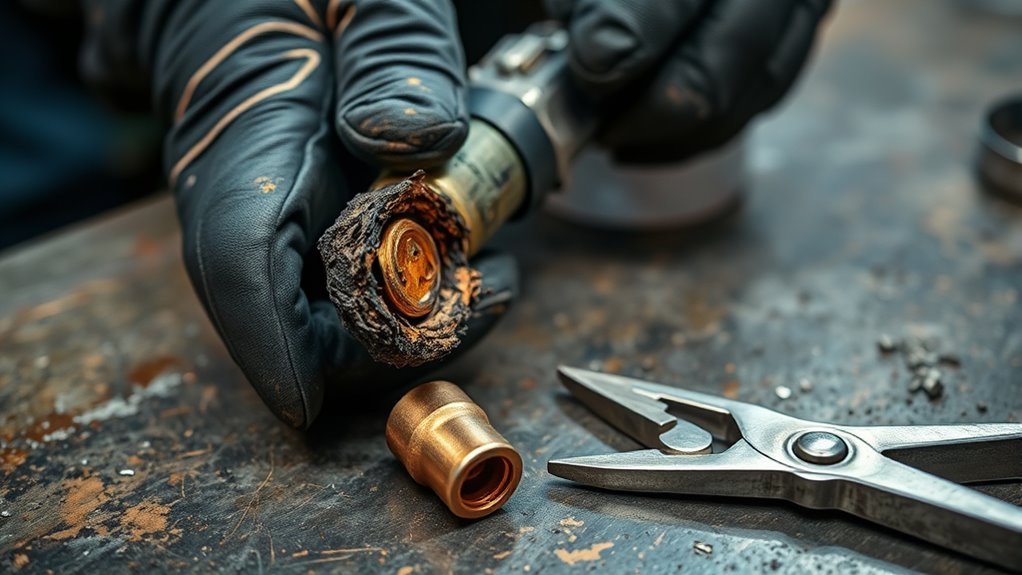
Start by removing the nozzle and inspecting the contact tip. Look for melted edges, pitting, spatter packed around the opening, a rough bore, or wire fused inside the tip.
A lightly dirty tip can sometimes be cleaned, but a tip with a distorted opening should be replaced. Once the bore is no longer round, the wire may drag, arc starts become inconsistent, and burnback becomes more likely.
- Look for rough, cratered, or melted surfaces.
- Check whether spatter is blocking the tip opening.
- Confirm the tip is tight but not overtightened.
- Check whether the tip matches the wire diameter.
- Inspect the diffuser and nozzle while the gun is apart.
If the tip is badly worn, replace it before adjusting the machine. A damaged tip cannot deliver steady current or smooth wire feed, even if every other setting is correct.
Replace the Contact Tip With the Right Size
If cleaning does not fix the problem, replace the contact tip with one that matches your wire diameter exactly. Use a .030-inch contact tip with .030-inch wire, a .035-inch tip with .035-inch wire, and so on.
A tip that is too tight can drag the wire and cause feed hesitation. A tip that is too loose can create poor current transfer, extra arcing inside the tip, and unstable starts.
Turn the welder off first. Let the gun cool, remove the nozzle, unscrew the old tip, and install the new tip firmly. Do not overtighten it, because damaged threads can make the next tip hard to remove.
Pro Tip: Keep a small pack of contact tips in the wire sizes you actually use. If you switch between .030 and .035 wire, store the tips separately so you do not install the wrong size by accident.
After the new tip is installed, run a short test bead on scrap metal. If the arc starts cleanly and the wire feeds without stuttering, the old tip was likely part of the problem. If burnback returns, continue down the feed path.
Products Worth Considering

Package list: 30 pieces of 0.030 inch mig welder tips.

20Pcs Contact Tip .023'' Ø0.6mm

【25-Pack High-Precision Contact for Miller Mig Tips】You will get 25 pieces of premium. 035" (0.9mm) MIG welding contact for Miller tips in one pack, for miller gun tips sufficient quantity to meet your daily welding replacement needs and avoid the trouble of frequent purchases for miller mig tip
Check Wire Feed Speed and Tension
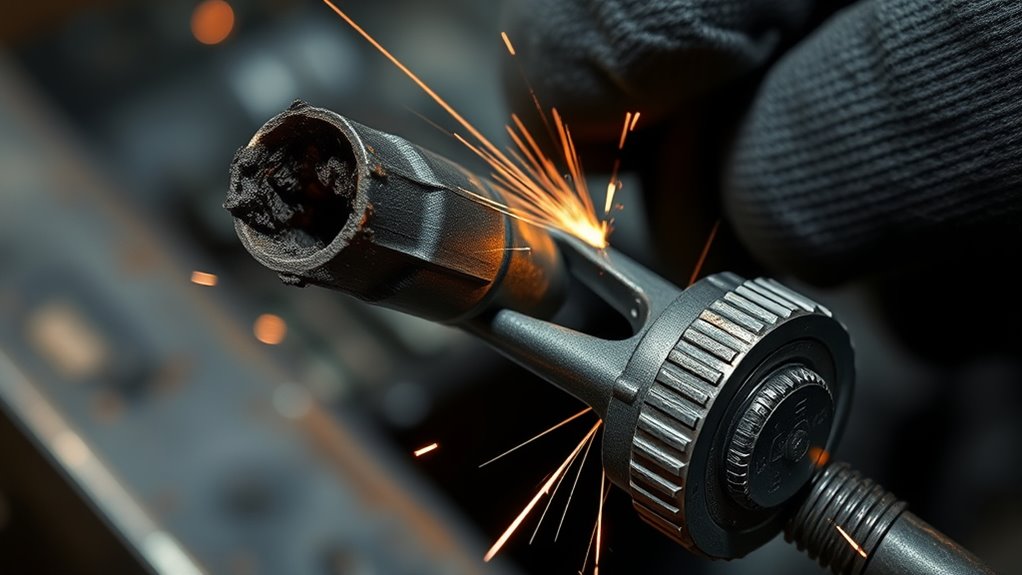
Check the wire-feed speed next. A slow setting can let the wire melt back into the contact tip before fresh wire reaches the puddle. Set wire feed to match the wire size, metal thickness, voltage, and welding process, then make a short test weld.
If the arc pops and the wire keeps burning back, increase wire-feed speed in small steps. If the wire pushes into the puddle, stubs, or makes the gun kick, the speed may be too high for the voltage.
Drive-roll tension matters too. Too little tension lets the rolls slip. Too much tension can crush the wire, especially softer wire, and make it drag inside the liner.
- Use the drive-roll groove that matches the wire size.
- Use V-groove rolls for most solid MIG wire.
- Use knurled rolls only where your flux-core wire setup calls for them.
- Set tension just high enough to feed without slipping.
- Recheck the setting after changing wire diameter.
If the machine still feeds poorly, read this guide on why a welder is not feeding wire and inspect the whole wire path from spool to contact tip.
Clean the Liner and Nozzle
Remove the nozzle and inspect it for spatter or buildup that could block shielding gas or crowd the contact tip. Clean the nozzle with nozzle pliers or a dedicated reamer, then wipe away loose debris.
Next, clean the liner. A dirty liner creates drag, and drag creates the stop-start feeding that causes burnback. Blow compressed air through the liner from the gun end toward the feeder if your welder manual allows it. Keep your face away from the wire path because dust and metal particles may come out quickly.
| Check | Action |
|---|---|
| Nozzle | Remove spatter and confirm the opening is not packed with debris |
| Diffuser | Check gas holes and threads for spatter or damage |
| Liner | Blow out with clean, dry compressed air or replace if kinked or worn |
| Contact tip | Clean light spatter or replace if the bore is melted, oval, or packed |
| Liner length | Confirm it seats correctly and is not cut too short or too long |
If cleaning does not restore smooth feeding, replace the liner, nozzle, and contact tip as needed. Worn parts can keep causing burnback even after you adjust wire speed.
Set the Correct Stick-Out and Tip Recess
Set your stick-out so the wire has enough distance between the contact tip and the weld puddle. For many short-circuit MIG welds, 3/8 to 1/2 inch is a practical starting point. Flux-core wire often uses a longer stick-out, so follow the wire label and your welder chart.
Do not bury the nozzle into the joint. Crowding the puddle puts heat into the contact tip, packs the nozzle with spatter, and makes burnback more likely.
Proper Stick-Out Length
A proper stick-out helps keep the arc stable and the contact tip cooler. Before each pass, snip the wire cleanly and check the distance from the contact tip to the end of the wire.
- Use about 3/8 to 1/2 inch for many short-circuit MIG welds.
- Use the setting chart on your welder door as the first reference.
- Keep the gun angle steady so stick-out does not drift during travel.
- Reset stick-out after every burnback or wire snip.
Tip Recess Adjustment
Tip recess is how far the contact tip sits back inside the nozzle. A recessed tip can help protect the contact tip at higher heat settings, while a flush or slightly protruding tip can help access tight joints on lower settings.
Use the nozzle and tip style recommended for your gun. If you change nozzle style, diffuser style, or process, recheck the final stick-out instead of assuming the old setting still applies.
Balance Heat and Reach
The goal is simple: keep the arc at the weld puddle, not inside the contact tip. If you hold the gun too close, heat builds at the tip. If you hold it too far away, the arc can become erratic and gas coverage may weaken.
- Check stick-out before every pass.
- Increase recess only when the setup calls for it.
- Tune wire speed after changing stick-out.
- Retest after changing joint position or material thickness.
Fix the Grounding Connection
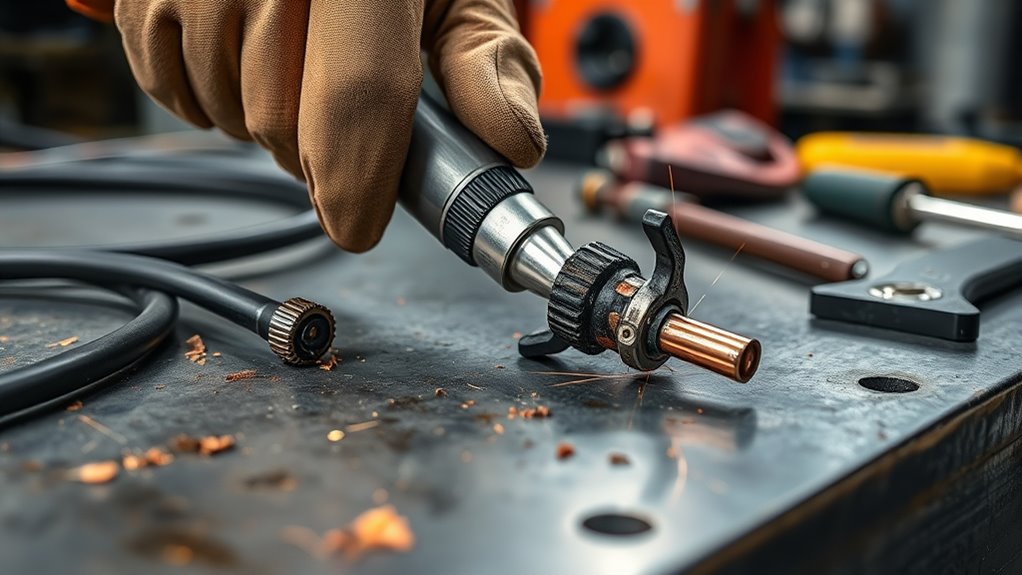
A weak ground can make the arc unstable, which may look like a wire-feed problem. Check that the ground clamp is tight on clean, bare metal and firmly attached to the workpiece or welding table.
Paint, rust, mill scale, spatter, and oil all increase resistance. Grind or brush a small clean spot before clamping. If the arc still stutters, move the clamp closer to the weld zone and test again.
Check Ground Clamp
- Tighten the ground clamp until it bites into bare metal.
- Remove paint, rust, and spatter where the clamp grips.
- Inspect the clamp jaws for wear, heat damage, or corrosion.
- Move the clamp closer to the weld if the arc sounds unstable.
If your machine has other symptoms besides burnback, this guide on a MIG welder not working may help you separate power, ground, and feed problems.
Inspect Cable Connection
Inspect the grounding cable and connection points for looseness, broken strands, corrosion, or heat damage. Check the clamp, lugs, plug, and machine connection.
If you have a multimeter, verify continuity through the ground path. A clean, low-resistance path helps the arc stay steady and protects the contact tip from erratic heating.
Replace damaged conductors or an undersized ground lead. If the cable gets hot during normal use, stop welding and inspect the full return path before continuing.
Clean or Replace Rusty Wire
Rusty wire can drag through the liner, contaminate the weld, and create uneven feeding. Before feeding wire through the gun, inspect the spool for rust, dirt, kinks, or moisture damage.
Light surface contamination on the first few inches may be cut off. If corrosion runs deep into the spool or the wire looks pitted, replace the spool instead of forcing it through the liner.
- Check the wire before each job.
- Cut off dirty or kinked wire from the gun end.
- Replace heavily rusted or pitted wire.
- Store spools in a dry cabinet or sealed bag.
- Keep the wire covered when the welder sits unused.
Clean wire feeds smoothly, maintains better electrical contact, and helps produce a more stable arc. Rusty wire can make a new contact tip fail quickly.
Match the Nozzle to MIG or Flux Core
If the wire is clean but the tip still burns out, check that the nozzle and gun setup match the process you are running.
For gas MIG, use the correct MIG nozzle, diffuser, and gas setup so shielding gas reaches the puddle evenly. The nozzle does not match wire diameter the way a contact tip does. Instead, choose the nozzle by joint access, shielding coverage, amperage, and gun style.
For flux core without shielding gas, many welders use a gasless nozzle or a flux-core nozzle that protects the diffuser threads and improves visibility. When you switch between solid MIG wire and flux-core wire, check the nozzle, contact tip, polarity, and drive-roll setup together.
This related guide on flux-core welding tips for beginners can help if you are switching between gas MIG and gasless flux-core wire.
Note: Contact tips match wire diameter. Nozzles match the welding process, gas coverage needs, gun style, and joint access.
Products Worth Considering

Gel eliminates erratic operation with a film that will not clog orifices and threads on MIG nozzles and contact tips

Package Including 10pcs x 0.035" Contact Tip, 2pcs x Gas Nozzle, 2pcs x Gas Diffuser.

For MIG Welding Gun Torch & Lincoln Magnum 100L and Tweco Mini/#1
Check Shielding Gas and Polarity
Gas and polarity problems can make the arc harsh, unstable, or spattery, which can lead you to blame the contact tip when the setup is wrong.
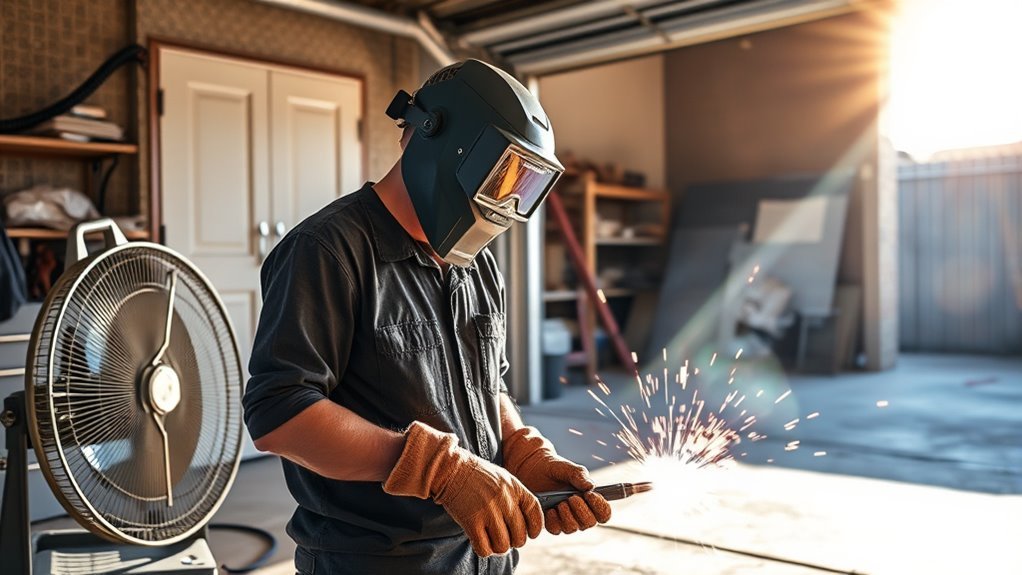
For gas MIG with solid wire, confirm that the gas cylinder is open, the flowmeter is set to the range recommended for your job, the hose is not leaking, and the nozzle is not blocked. Drafts from fans, open doors, or outdoor wind can push shielding gas away from the puddle.
For flux-core wire, check the wire label and your welder manual for polarity. Many self-shielded flux-core wires run DC electrode negative, while many solid MIG wires run DC electrode positive. Using the wrong polarity can make the arc unstable and spattery.
- Check gas flow with the trigger or purge control before welding.
- Clean the nozzle and diffuser gas holes.
- Block drafts when using shielding gas.
- Confirm polarity after changing wire type.
- Use the wire manufacturer’s setup chart when available.
If you need a settings reference, this flux-core MIG welding settings chart and this MIG welding wire speed and voltage chart can help you compare starting points.
Prevent Burnback With Better Setup
Once the welder is feeding smoothly, set up a simple prevention routine. Burnback is easier to prevent than to fix after wire fuses inside the tip.
- Replace worn, clogged, or wrong-size contact tips before they fail.
- Keep the liner clean and replace it when wire drag keeps returning.
- Set drive-roll tension just tight enough to feed without slipping.
- Use clean wire and store spools away from moisture.
- Clamp the ground to bare metal near the weld zone.
- Keep stick-out steady and avoid pushing the nozzle into the puddle.
- Check shielding gas flow or flux-core polarity before welding.
- Make one adjustment at a time and test on scrap metal.
When burnback keeps returning after a new contact tip, clean liner, correct wire speed, and solid ground, inspect the gun neck, diffuser, liner seat, and feeder. A hidden kink, worn diffuser, damaged cable, or bad feeder alignment can keep creating the same problem.
Frequently Asked Questions
How do you fix a welding tip?
Turn the welder off, let the gun cool, remove the nozzle, and inspect the contact tip. Clean light spatter, but replace the tip if the opening is melted, oval, clogged, or pitted. Install a tip that matches your wire size, then test wire feed and stick-out before welding again.
Why does my MIG welder keep burning back to the tip?
Your wire may be feeding too slowly, dragging in the liner, slipping at the drive rolls, or melting too close to the contact tip. A worn tip, weak ground, wrong polarity, dirty wire, blocked nozzle, or poor gas coverage can also cause repeated burnback.
How do you unclog a MIG welder tip?
Turn off the welder and remove the hot-end parts only after they cool. Brush away loose spatter and use nozzle pliers or a proper cleaning tool. If wire is fused inside the tip or the bore is damaged, replace the tip instead of forcing it open.
What contact tip size should I use?
Match the contact tip to the wire diameter. Use a .030-inch contact tip for .030-inch wire, a .035-inch tip for .035-inch wire, and a .045-inch tip for .045-inch wire. Do not choose the gas nozzle by wire diameter; choose it by process, coverage, and access.
Can wrong polarity cause burnback?
Wrong polarity can make the arc unstable, harsh, and spattery, which can contribute to tip overheating and poor feeding symptoms. Check polarity whenever you switch between solid MIG wire and flux-core wire because the required setup can change by wire type.
What is the best welder brand?
Lincoln Electric, Miller, Hobart, ESAB, and Everlast all make capable welders. The best choice depends on your budget, material thickness, duty cycle, service support, and whether you need MIG, flux-core, stick, TIG, or multi-process welding.
Conclusion
To fix a burnt MIG tip, replace the damaged contact tip first, then correct the cause. Match the tip to the wire size, clean the nozzle and liner, set proper stick-out, tune wire-feed speed, and clamp the ground to clean bare metal. If burnback continues, check drive-roll tension, rusty wire, shielding gas, polarity, diffuser condition, and liner fit. A clean feed path and stable arc will protect the contact tip and give you more consistent welds.
Sources
- OSHA Welding, Cutting, and Brazing — backs up welding safety hazards and general OSHA guidance.
- OSHA 1910.252 General Requirements — backs up fire prevention, PPE, ventilation, and welding fume safety requirements.
- OSHA 1910.133 Eye and Face Protection — backs up eye and face protection requirements for welding and cutting.
- Miller Electric Guidelines for Gas Metal Arc Welding — backs up GMAW setup fundamentals, wire-feed, contact tip, nozzle, and shielding gas concepts.
- Lincoln Electric Gas Metal Arc Welding Guidelines — backs up GMAW process setup and wire-feed fundamentals.